Habit tracking sounds simple in theory: check off a task each day, watch your streak grow, repeat. But knowing where to start, what habits to pick, and how to stay motivated is another story. DailyPulse is built for this exact moment—when you're ready to build better habits but unsure how to begin. This guide walks you through your first week, explains what the app does, and shows you the most effective way to get started.
What Is DailyPulse, Really?
DailyPulse is a habit tracker that helps you build consistency one day at a time. Instead of overwhelming you with complicated goals, it focuses on a simple idea: check in daily on the habits that matter to you. The app tracks how many days in a row you've completed each habit (your streak), shows you visual progress over time, and lets you challenge friends to stay accountable. It's not about perfection—it's about showing up.
Your First Week: What to Expect
Days 1-2: Setup and Your First Habits
You'll start by choosing up to 3 habits to track (the free version caps you here; more on that later). Pick habits you already do or want to start—something like drinking water, exercising, or reading. The temptation is to add too many, but start small. Three focused habits are better than ten you'll abandon by Wednesday. Once you've created them, you'll get a reminder notification to check in each day.
The best habit to track is one you can actually complete every day—at least at first.
Days 3-4: Your First Streak Forms
After just three or four days, you'll notice something: the number next to each habit keeps climbing. That's your streak. By day four, you have a 4-day streak. This is where the psychology of habit tracking kicks in. You don't want to break a 4-day streak, so you check in on day five almost without thinking about it. That's the mechanism working. You'll start seeing your completion ring fill up in the today view.
Days 5-7: Understanding Your Stats
By the end of your first week, DailyPulse will show you basic statistics. You can see which habits you've completed most and which ones are lagging. Don't get discouraged if one habit is at 7 days and another is at 5—you'll likely miss a day here and there. That's normal. What matters is the pattern: are you mostly completing your habits? If yes, you're building momentum.
Core Features You'll Use Right Away
- Daily Check-in: Open the app, tap each habit you've completed. Takes 10 seconds.
- Streak Tracking: See how many days in a row you've completed each habit.
- Smart Reminders: Get notifications to remind you to check in (customize the time in settings).
- Progress Stats: View completion rates and weekly insights as your data builds up.
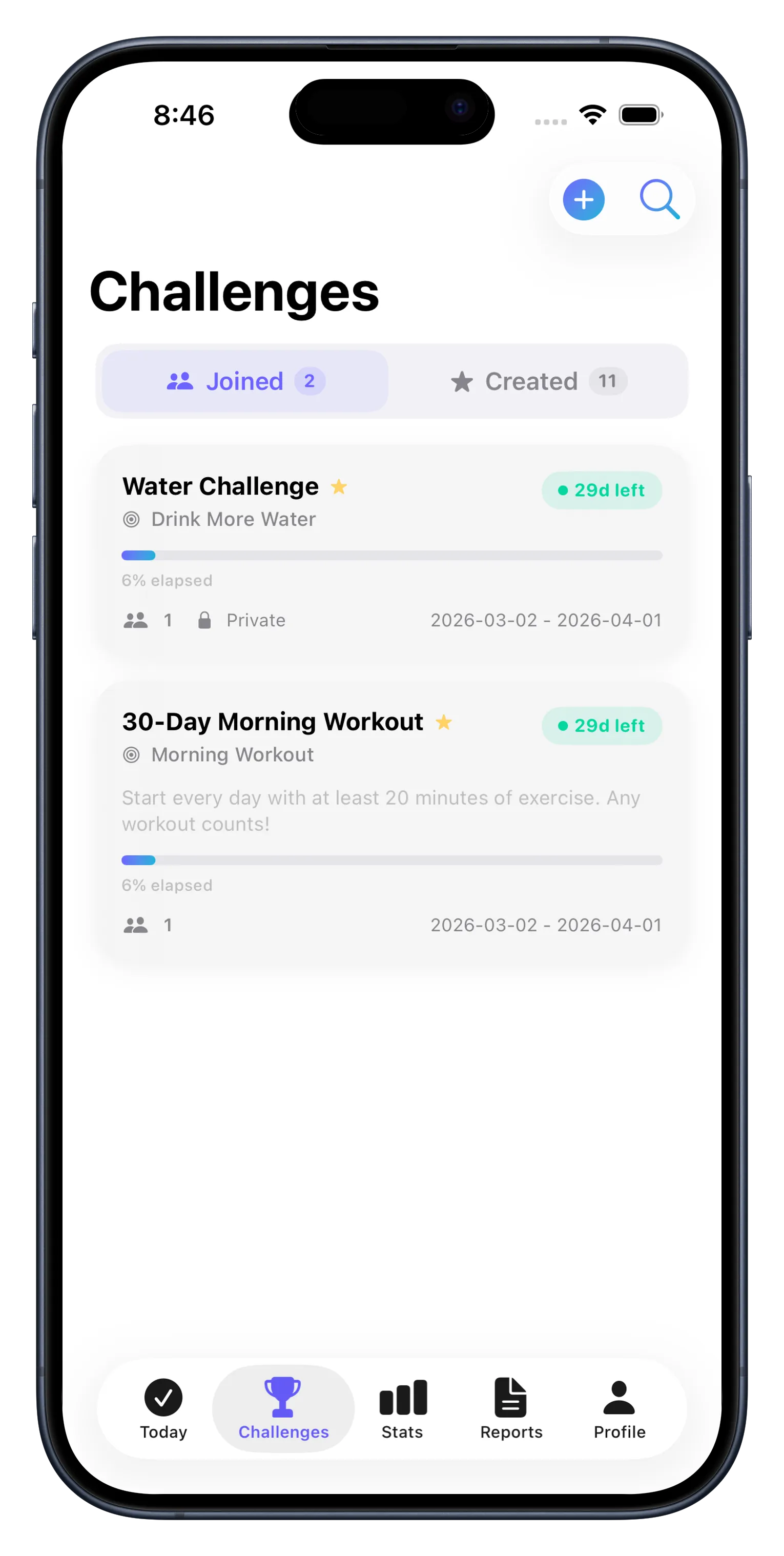
Later, you can explore advanced features like competing with friends in 30-day challenges or diving into detailed progress reports. But in week one, these four features are all you need. Once you've mastered the daily check-in rhythm, everything else becomes optional layers on top.
How to Choose Your First Three Habits
This is the hardest part. Too ambitious and you'll quit. Too easy and you won't feel progress. Here's the framework: choose one habit you already do most days, one you want to start, and one that matters to you personally. For example: drink water daily (easy win), go for a 15-minute walk (starter habit), and read 10 pages (personal goal). The mix keeps it balanced.
- Habit Type
- Example
- Health
- Drink 8 glasses of water
- Fitness
- 10-minute walk or stretch
- Learning
- Read 10 pages or practice language
- Mindfulness
- 5-minute meditation or journaling
Free vs. Paid: What You Get Starting Out
DailyPulse is free to start. You get full streak tracking, reminders, and basic stats for up to 3 habits. That's plenty to learn if habit tracking works for you. Later, if you want unlimited habits, a heatmap view, PDF exports, streak freeze (a feature that saves your streak if you miss a day), or iCloud sync across devices, you can upgrade. But you don't need to decide that in week one. Focus on the 3-habit free experience first. Learn more about getting the most from your setup with our DailyPulse Habit Tracker Checklist.
Your Concrete First Steps
- Download DailyPulse from the App Store and create your account.
- Choose 3 habits you want to track. Start small—don't overthink it.
- Set a daily reminder time (morning works well for most people).
- Open the app and check in on your habits each day. Make it a routine.
- After 7 days, review your stats. Celebrate the wins, don't worry about the misses.
- If you want to dive deeper, read our guide on building better habits with DailyPulse for more strategies.
A habit tracked is a habit that compounds. Small daily actions become big results over weeks and months.
Common Questions in Week One
Do I have to check in at the same time every day? No, but consistency helps. Pick a time (like morning or after dinner) and try to stick to it. That's when your reminder will hit.
What if I miss a day? Your streak resets to zero. It's okay. Most people miss days. The key is getting back on track the next day. With the paid upgrade, you get a streak freeze feature that saves your streak once per month if you miss a day.
Can I change my habits after I start? Yes, anytime. If a habit isn't working, delete it and try something else. This is your experiment.
This article was drafted with AI assistance and reviewed by a human editor before publishing.