01
Timeline + calendar in one view
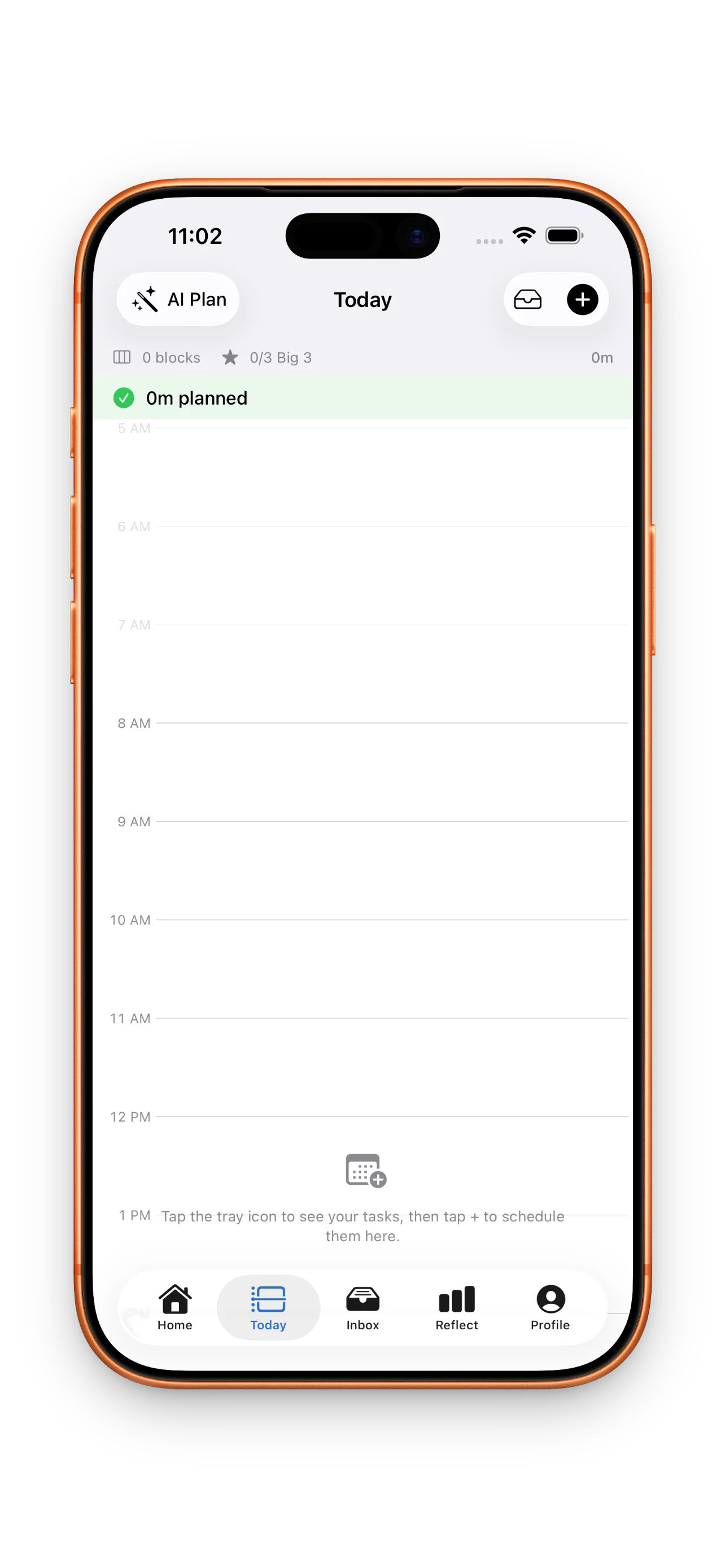
Plan around real commitments. Drop tasks into time blocks on a vertical day view so you can see what fits before you overpromise.
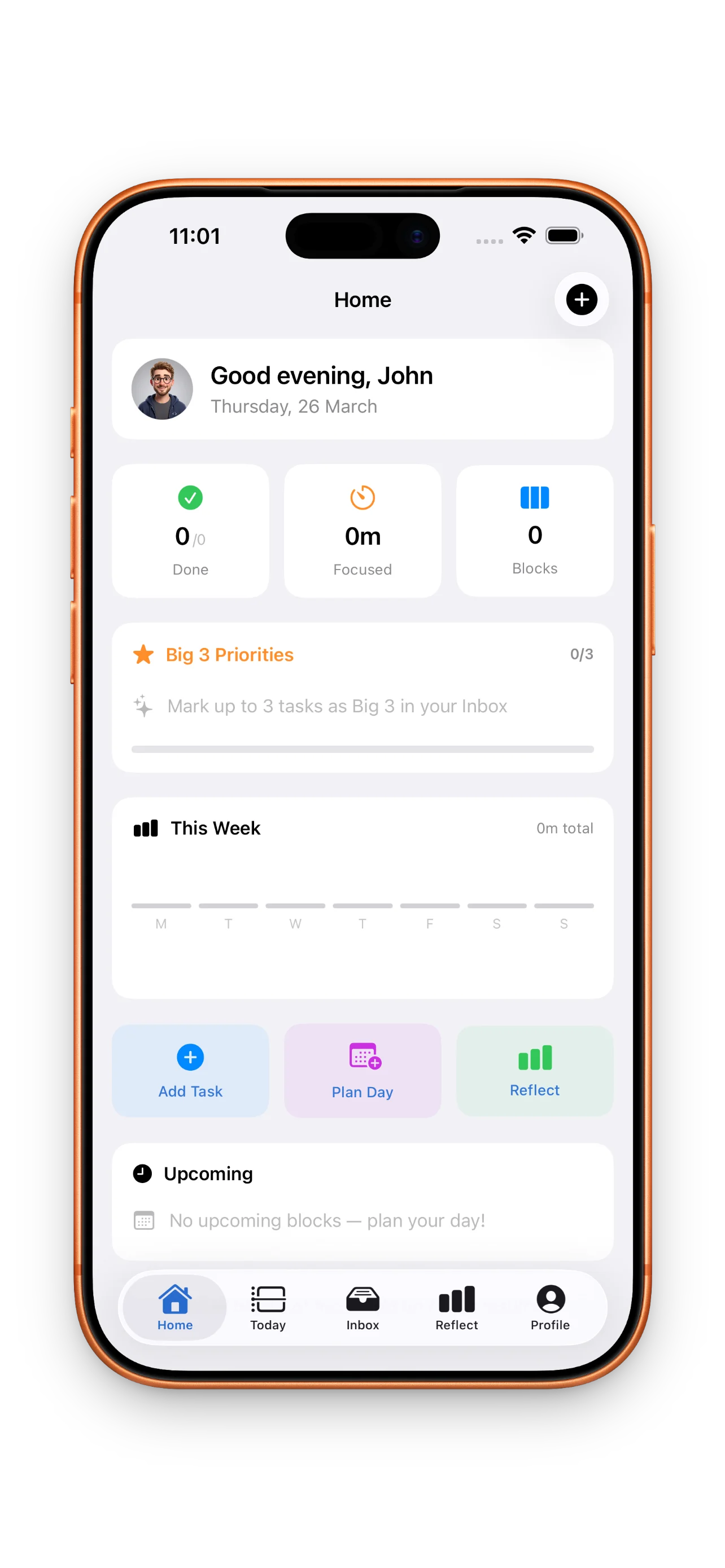
DayBox turns scattered tasks into a single timeline: capture an inbox, mark your Big 3, drag work into time blocks beside calendar events, and start a focus timer for each block. When the day ends, see planned vs. actual focus time and roll what is left into tomorrow.
DayBox is for people whose day is a mix of meetings, messages, and deep work. Instead of an endless task list, you see hours on a timeline, what is pinned for focus, and a timer that keeps one block honest at a time. When priorities shift, drag blocks—no guilt, just a plan that matches reality.
New: Time Insights — see where your time really goes, your best focus hours, and export your time log to CSV. Plus checklists inside every task. Plan, focus, finish.
Plan around real commitments. Drop tasks into time blocks on a vertical day view so you can see what fits before you overpromise.
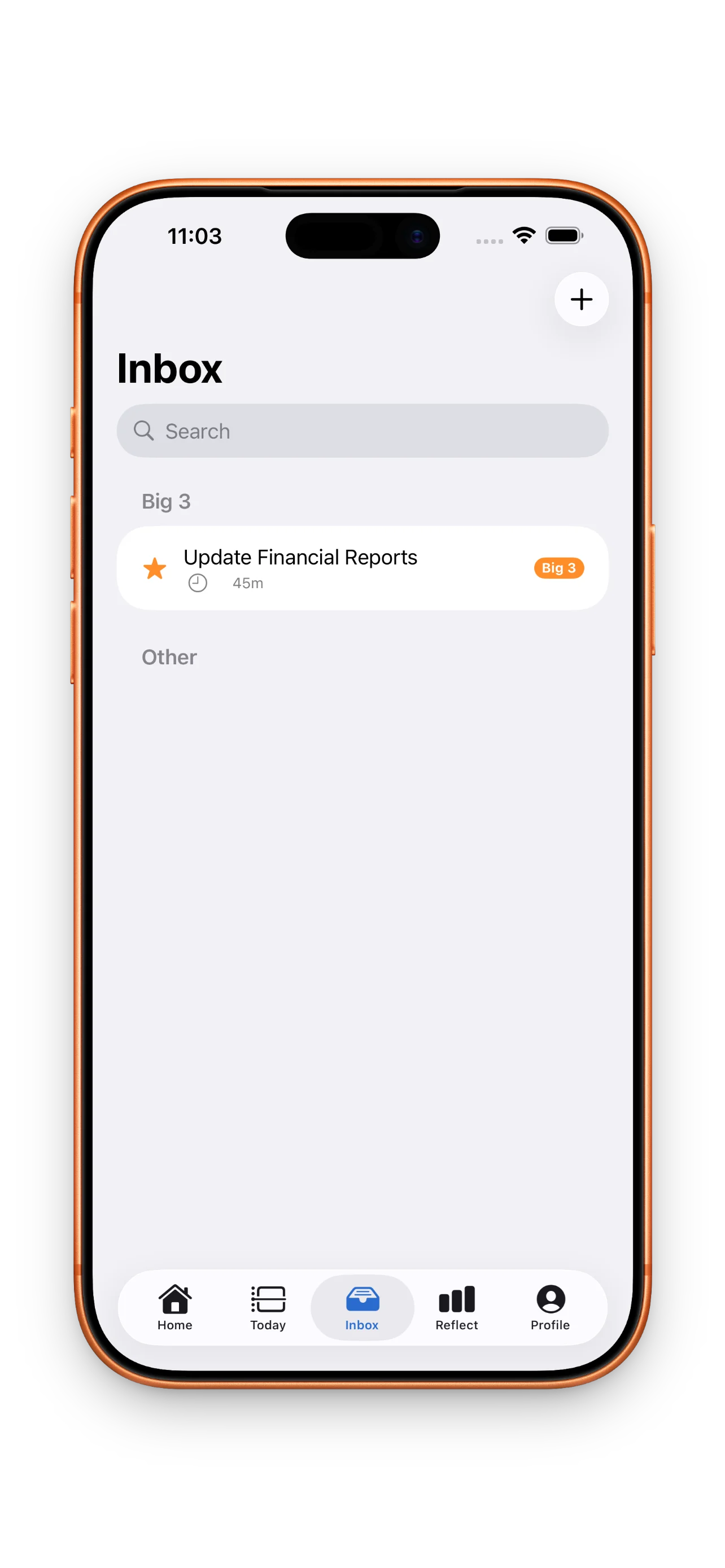
Capture ideas fast, then mark up to three must-dos so the important work is obvious when the day gets noisy.
Start a session from a timebox, see the remaining time at a glance, and pause or adjust when meetings run long.
Move blocks when the day changes. Push unfinished work to tomorrow in a tap so you start fresh, not from zero.
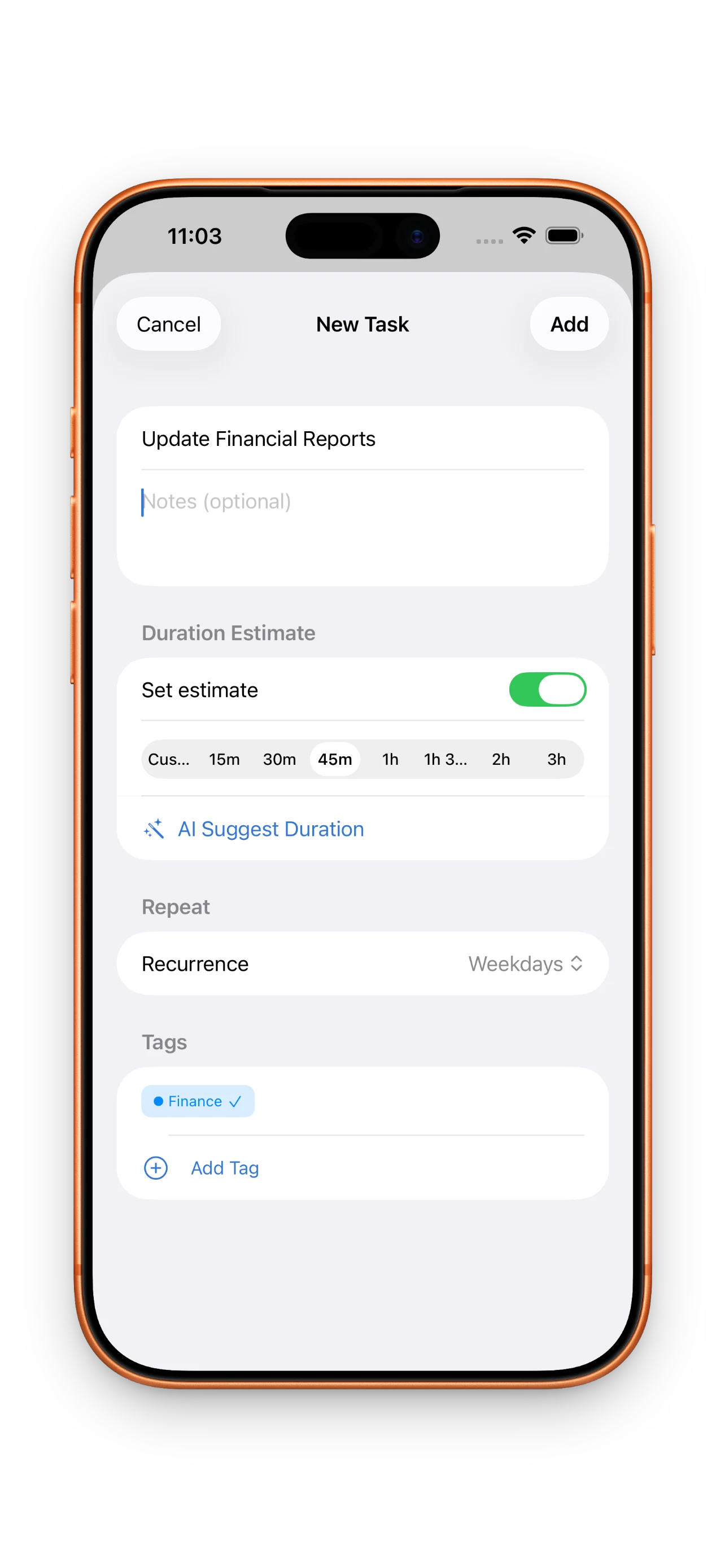
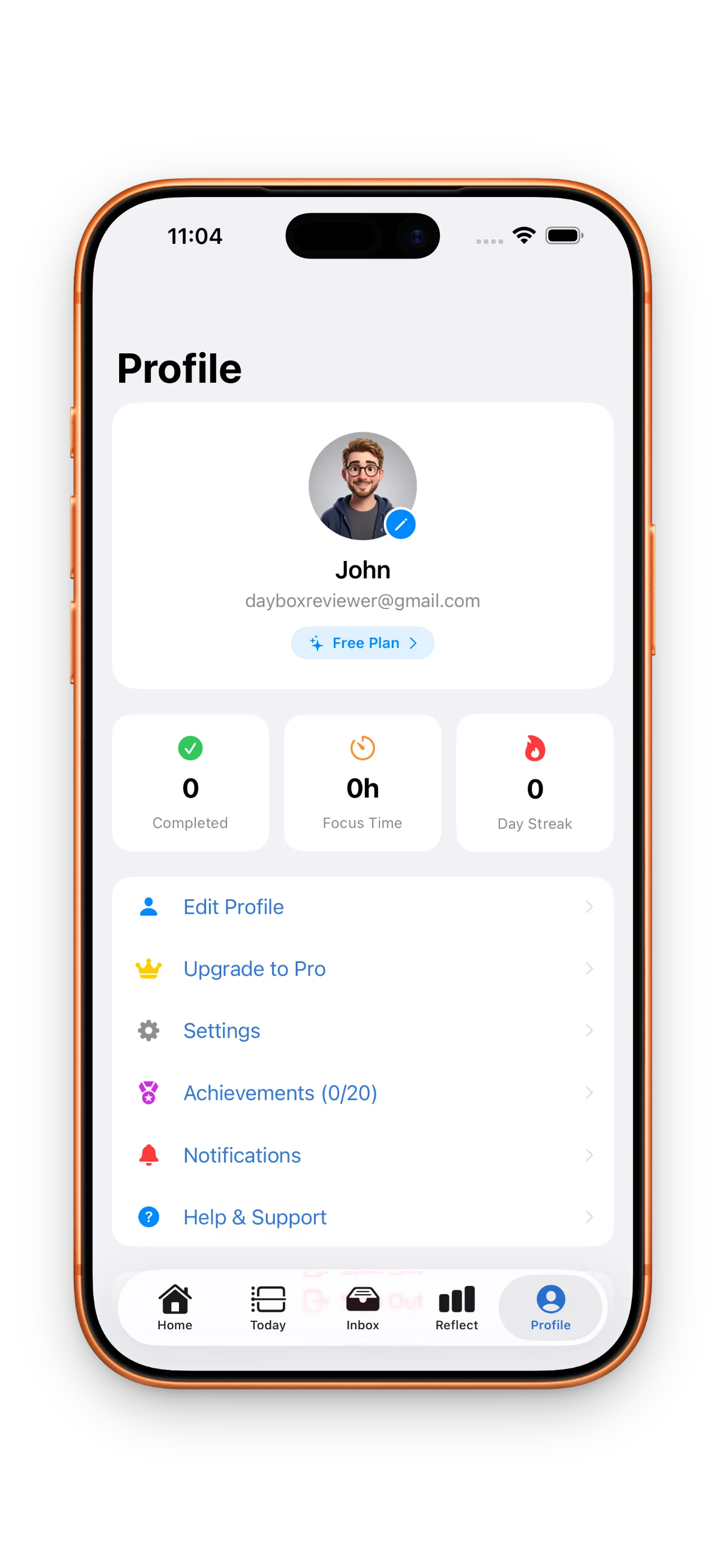
Close the loop with lightweight stats: how much focus you planned, how much you logged, and whether the Big 3 landed.
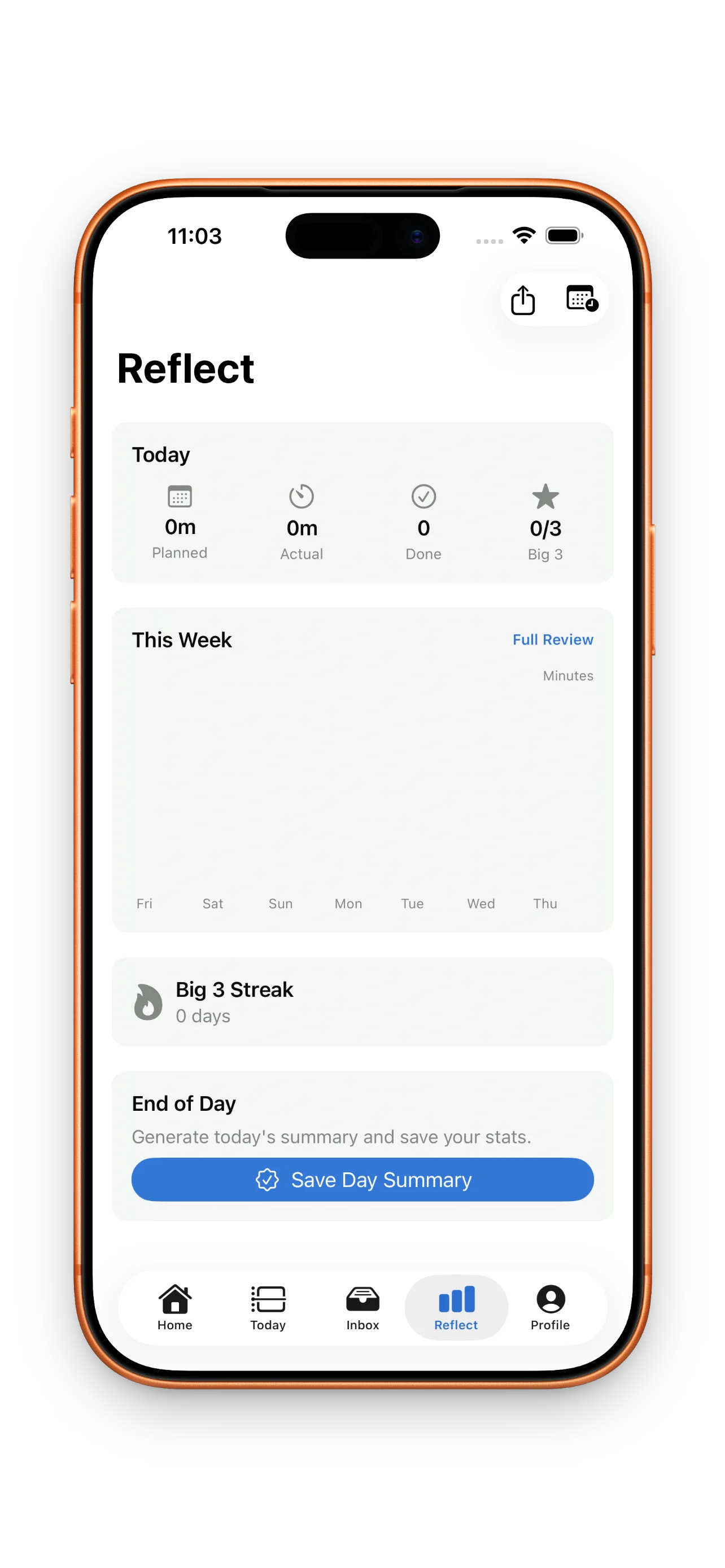
Light, dark, and system appearance with accent choices so the app feels calm during deep work.
Released on the App Store
NEW: Time Insights — see where your time really goes. Planned vs. actual by tag, your best focus hours, and your personal estimation accuracy. (Pro)
• Export your time log to CSV — task, tags, planned and actual minutes per block. Perfect for invoicing and timesheets. (Pro)
• Checklists in every task — break work into small steps and tick them off, free for everyone.
• Focus screen checklist — your task's steps are right there during the session, so "what was I doing?" never breaks a block.
• Checklist progress shows in your Inbox, and your checklists sync across devices.
Sandwich deep work between meetings with blocks you can slide when stand-ups run long.
Keep client work, sales follow-ups, and admin in one inbox, then timebox only what fits today.
Replace a vague to-do list with a visible plan you can execute and review in minutes.
Live prices synced from the DayBox: Time Blocking Planner App Store listing.
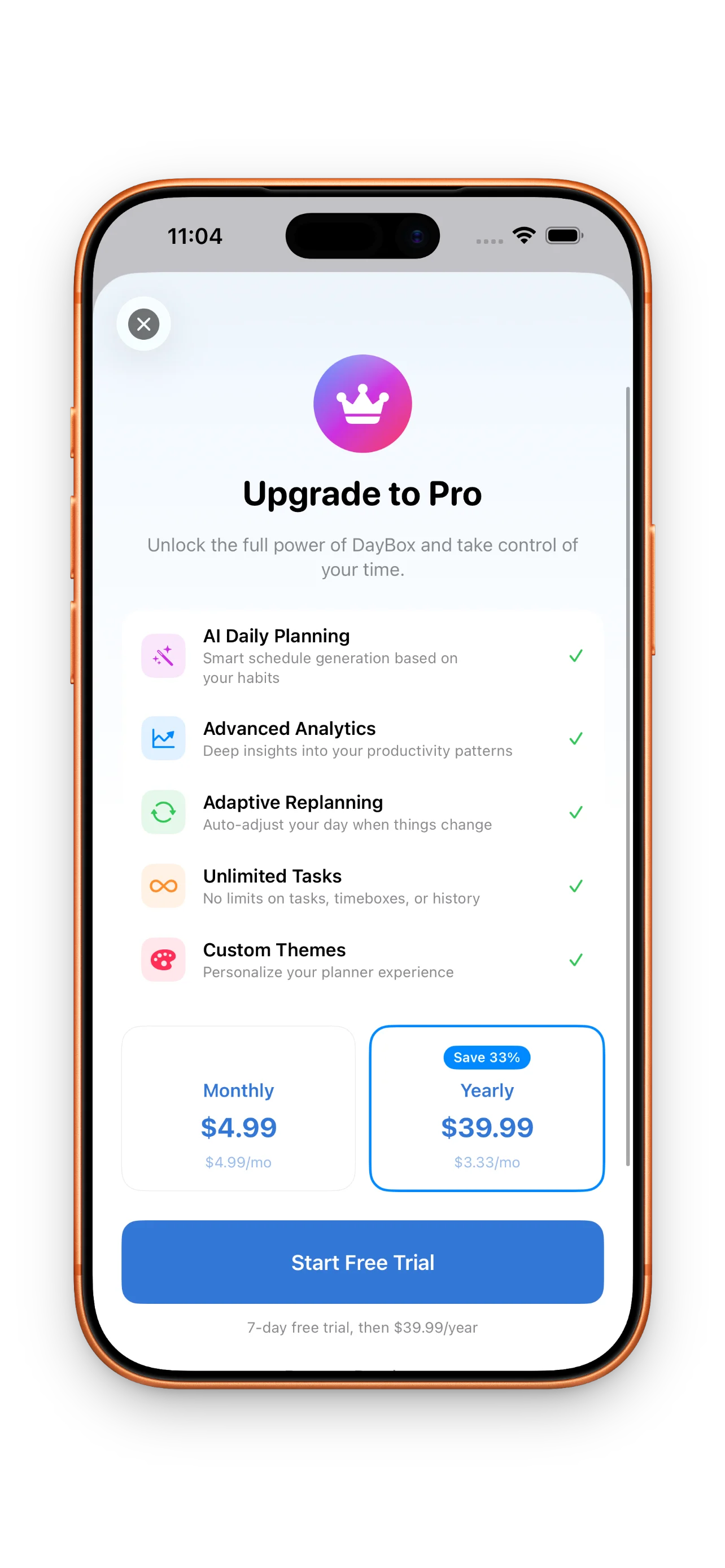
$4.99 per month
Auto-renewing subscription$39.99 per year
Auto-renewing subscriptionPrices shown from the US App Store. Local pricing may vary.
Step-by-step answers to the questions people ask most about DayBox: Time Blocking Planner.
Timeboxing means assigning a fixed window on your timeline to a task. DayBox lets you drag tasks into those windows and start focus timers so execution matches the plan.
Yes. You can mark up to three priorities for the day so the timeline stays anchored to what matters most.
The reflect view summarizes planned vs. actual focus time, completed tasks, and Big 3 progress so you can adjust tomorrow.
Core planning, timeboxing, timers, and reflection are designed to work without a subscription. Pro adds advanced features such as deeper analytics when available.
Available now — your data stays private, with a clear public policy.