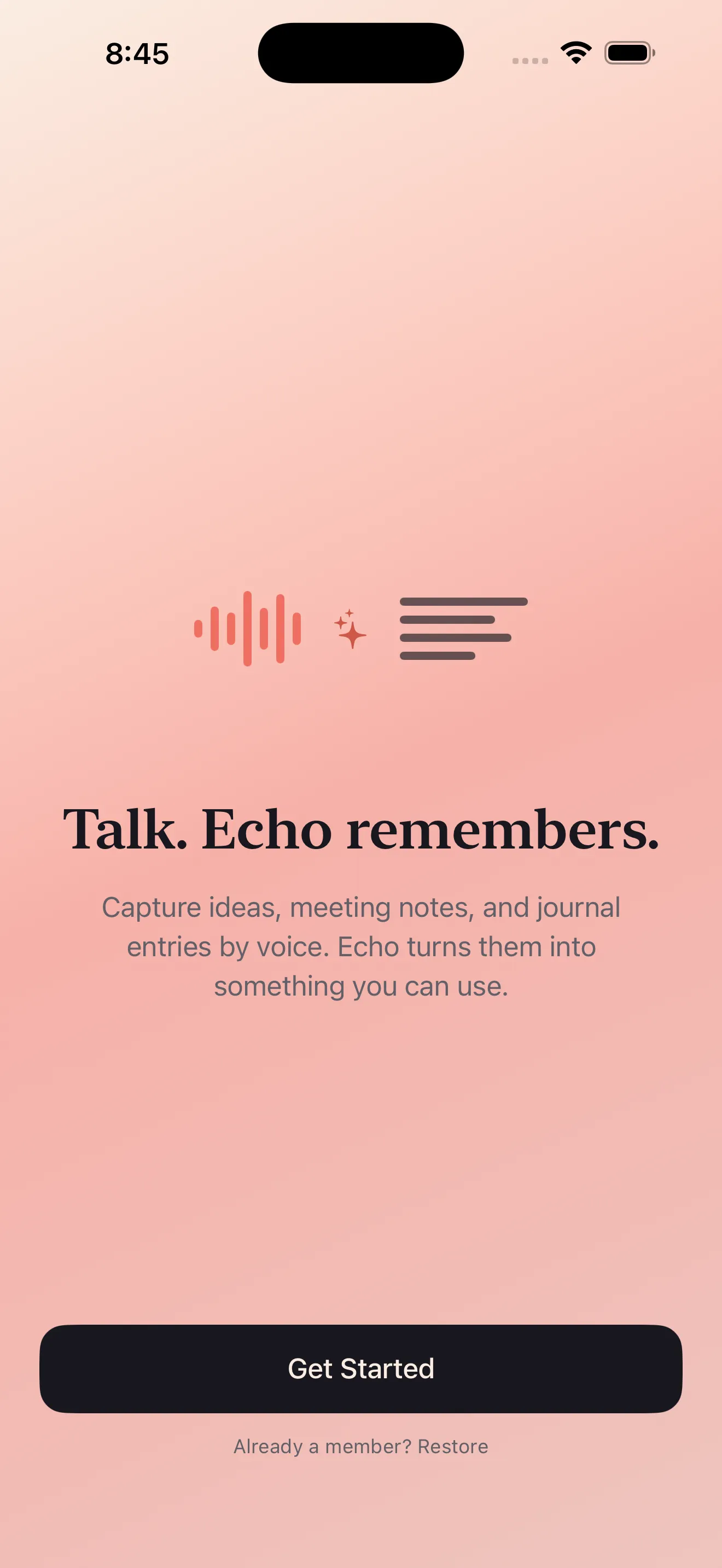
Echo solves a problem most voice notes apps ignore: what happens after you hit record. You get a transcript, sure. But then what? Your thought sits there, unsearchable and disconnected from the rest of your life. Echo catches your spoken ideas and immediately turns them into something useful—a summary, a list of action items, a reminder, or even a calendar event. It's built for people who think out loud, capture everything, and need their notes to actually work for them.
Who this is for
Echo is built for voice-first thinkers. If you're the type who jots down ideas while walking, driving, or doing dishes—and you're tired of forgetting what you said by the time you sit down to write it out—this app is made for you. It's also genuinely useful for bilingual speakers who mix English and Arabic. Instead of fighting with transcription that fumbles between languages, Echo handles code-switching naturally. And if privacy matters to you (as it should), Echo processes audio on your device, not on some server farm.
What Echo does uniquely well
Instant capture, no friction
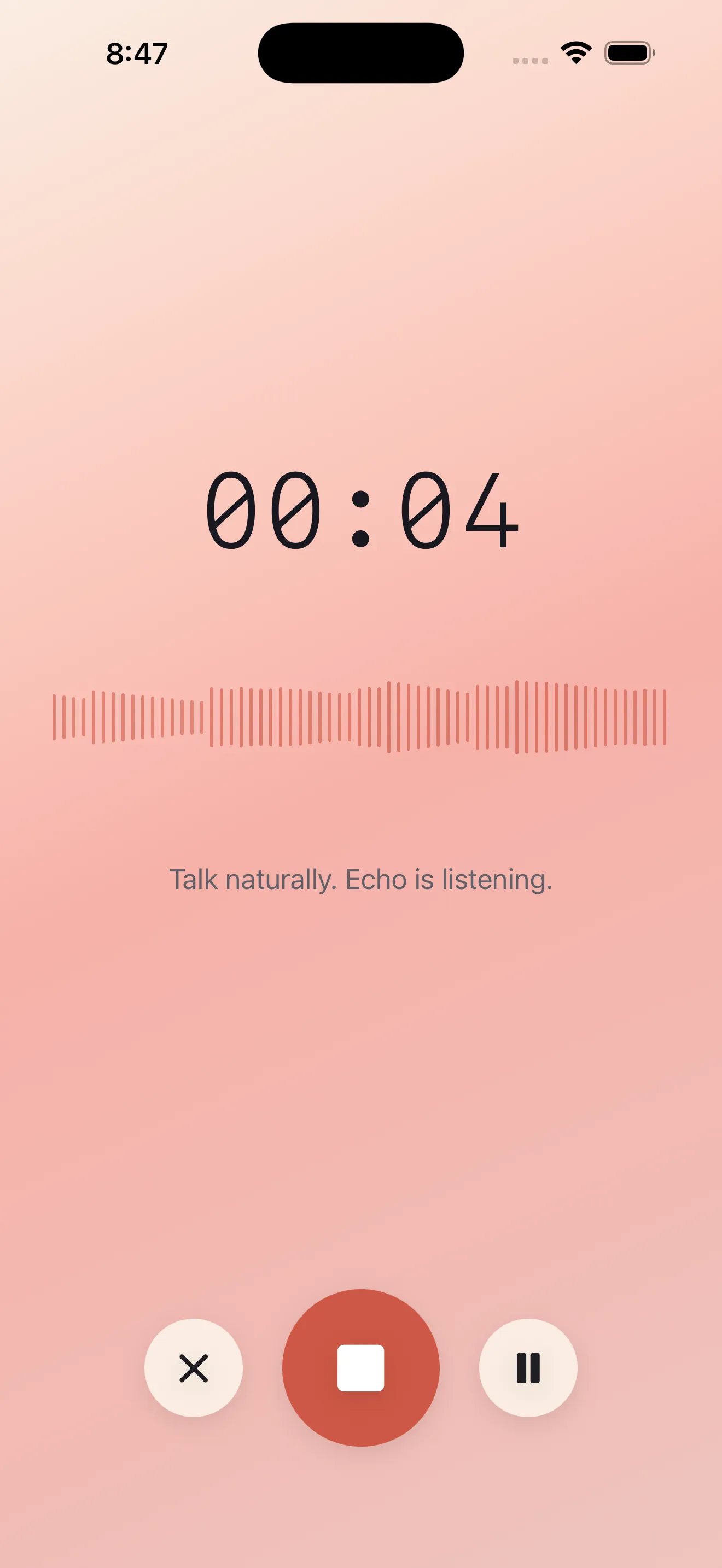
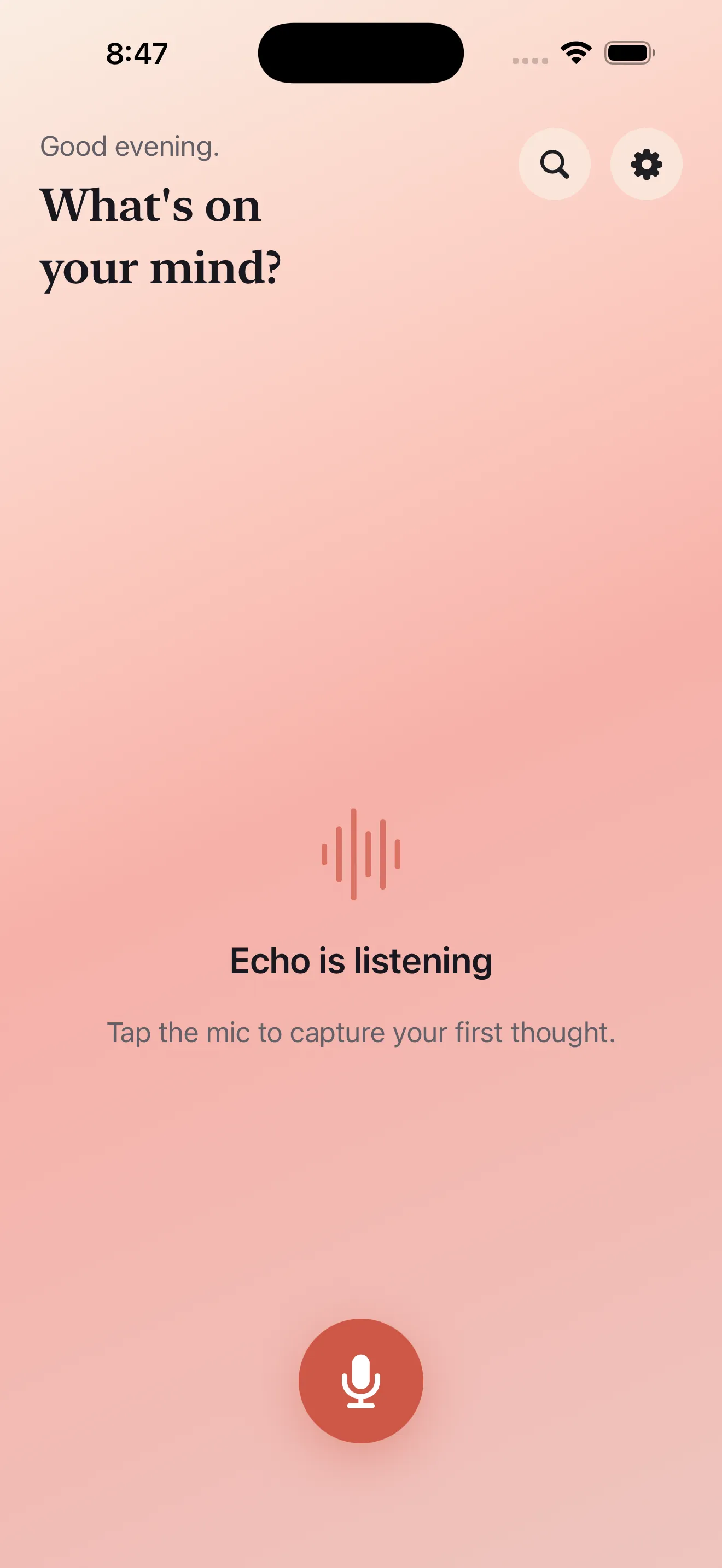
The mic button starts recording immediately. No confirmation screens, no settings dialogs, no permission popups every time. One tap and you're speaking. This matters more than it sounds. The gap between idea and capture is where most voice notes die. Echo closes that gap.
Transcripts that become actionable
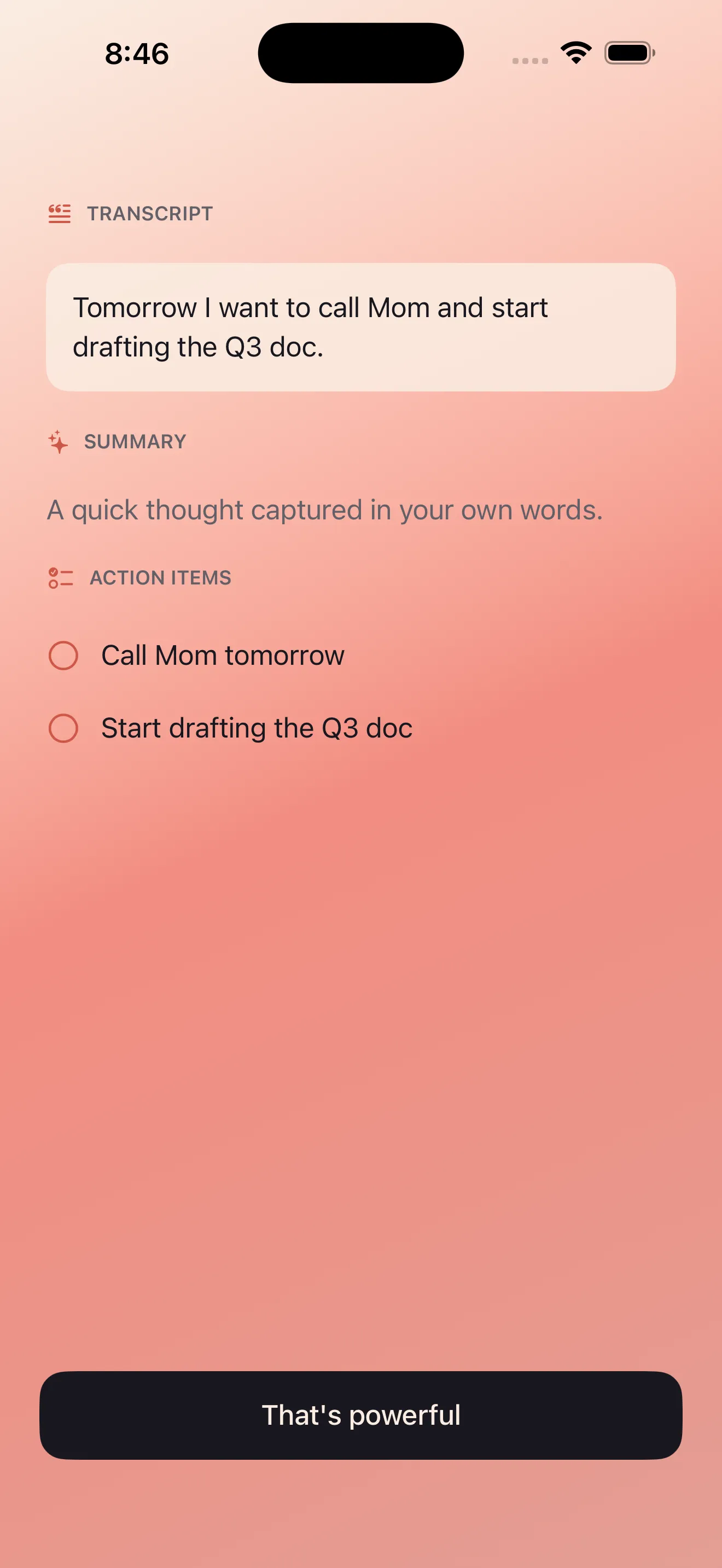
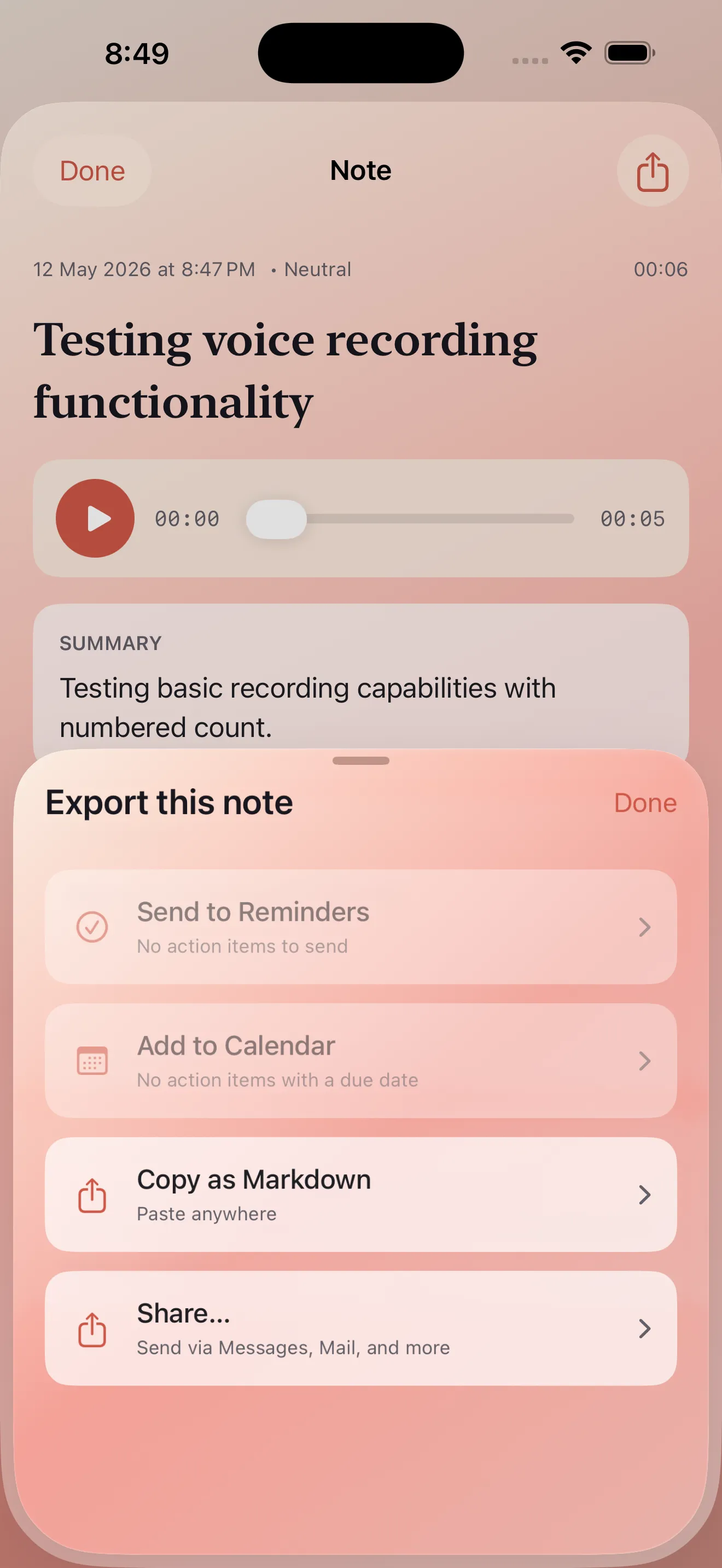
Once you stop recording, Echo gives you three things: a full transcript, a summary, and extracted action items. That last part is the real win. Instead of re-reading your rambling thoughts to find what you actually need to do, Echo surfaces the tasks automatically. You can convert those items into reminders or calendar events without leaving the app.
Echo closes the gap between idea and capture. One tap and you're speaking.
Bilingual done right
Echo treats English and Arabic as first-class citizens, not afterthoughts. You can mix both languages in a single recording and Echo will transcribe and summarize both correctly. The interface also fully supports RTL (right-to-left) rendering for Arabic text. For bilingual users, this isn't a nice-to-have feature—it's a fundamental fix to a problem most apps completely bungle.
Privacy-first architecture
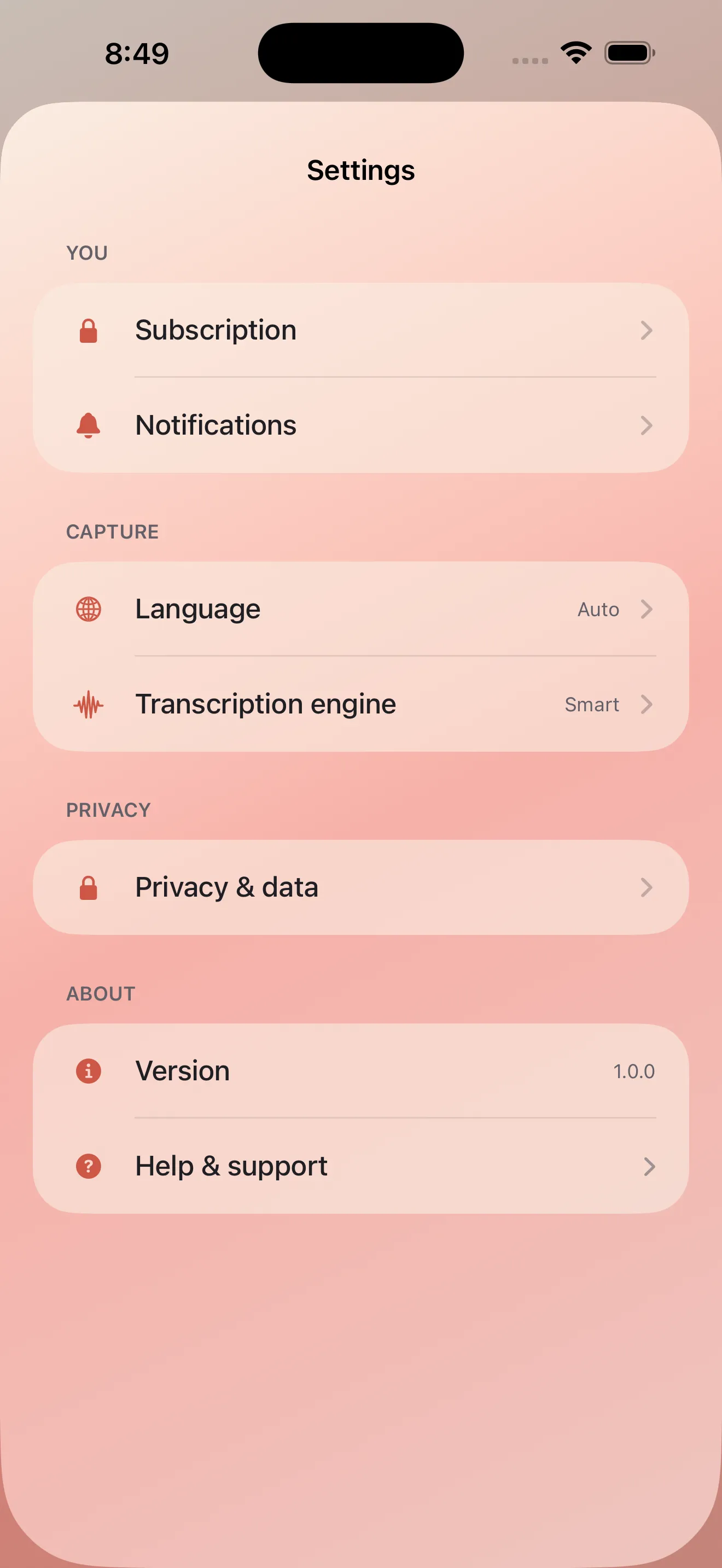
Audio processing happens on your device. Echo doesn't send your voice recordings to the cloud for transcription or analysis. If you're recording voice notes about personal matters, health concerns, or anything you'd rather keep private, this design choice matters.
What to watch for
Echo is lean and focused, which is mostly a strength. But it also means some common voice notes workflows aren't built in. You can't organize notes into folders or tags within the app itself—instead, Echo is designed to send notes elsewhere (to Notes, Reminders, Calendar, or third-party tools via share sheets). This is intentional: Echo captures and processes, then gets out of the way. But if you want everything to live in one system with deep organization, you'll be doing some manual file management.
Transcription accuracy depends on audio quality and background noise. Speak clearly and you'll get clean transcripts. Dictate from a loud coffee shop and expect some fumbles. This is true of every transcription system, but it's worth noting. Also, the action item extraction is smart but not perfect—on complex or rambling recordings, you might spot items it missed or overgeneralizations. Think of it as a helpful first pass, not gospel.
How Echo fits into your workflow
Echo works best as the front end of your thinking. You speak your thoughts. Echo processes them into a transcript, summary, and action items. Then you decide where they live: a task manager, calendar, email, or notes app. The shared interface makes this seamless. You're not building a knowledge base inside Echo; you're using Echo to quickly convert raw thoughts into structured data that goes into your existing tools. If that matches how you think, Echo is a perfect fit. For details on how to make the most of this workflow, our guide on turning voice notes into actionable tasks walks through practical patterns.
The verdict
Echo doesn't reinvent voice notes. It just fixes what actually matters: capturing ideas without friction, turning them into something useful, and respecting your privacy while doing it. The bilingual support and action item extraction push it ahead of most competitors. It's not perfect—transcription fumbles exist, and you'll need other apps to organize notes long-term—but for the specific job of turning spoken thoughts into actionable next steps, it's excellent. If you're tired of voice memos that go nowhere, Echo's tips guide and this app are worth your attention.
This article was drafted with AI assistance and reviewed by a human editor before publishing.