Networking should feel effortless, not like data entry. MeetStack turns every business card you collect into an organized, actionable contact. Whether you're working a trade show floor, meeting prospects one-on-one, or running a team event, the app handles the busywork—extracting names, titles, emails, and LinkedIn profiles instantly—so you can focus on relationships. This walkthrough shows you exactly how to get from first open to your first meaningful follow-up.
Getting Started: Sign In and Set Your Digital Card
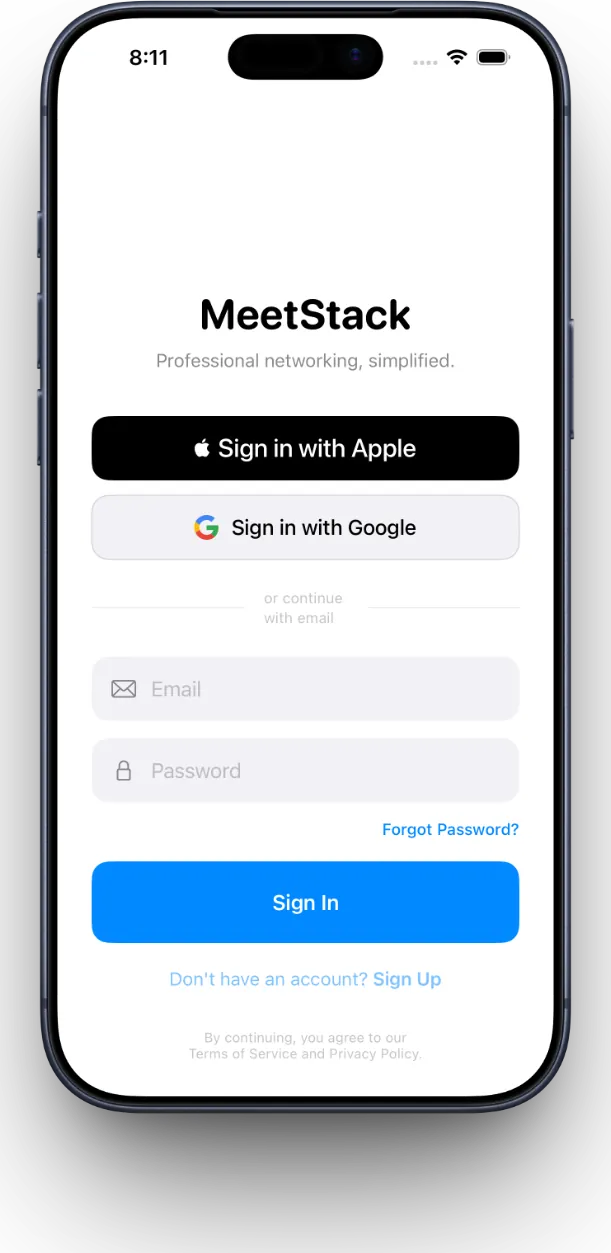
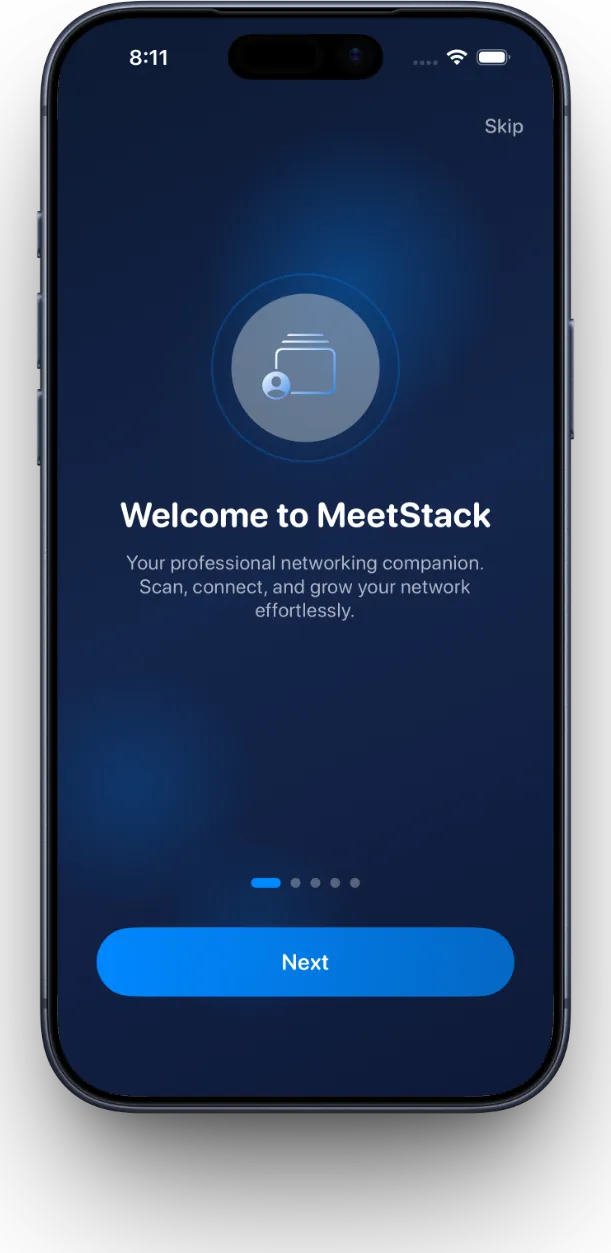
Open MeetStack and you'll be prompted to sign in with Apple or Google. This takes seconds and keeps your contact data secure from day one. Once you're in, the app walks you through a quick onboarding that covers the essentials.
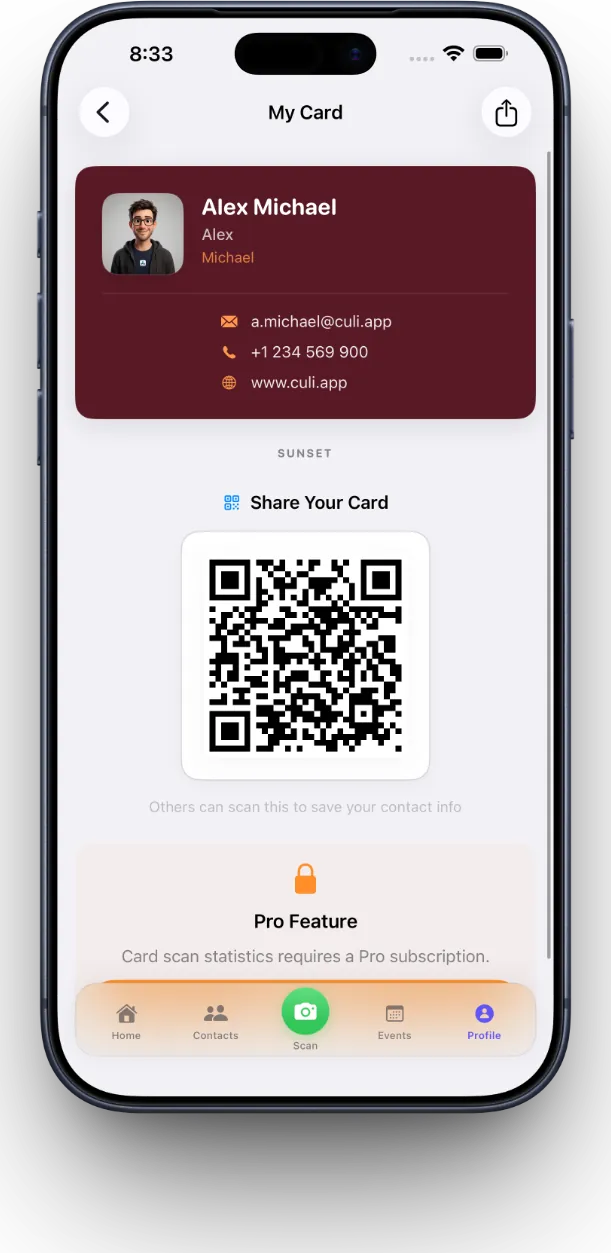
The first real step is creating your digital business card. Choose from six premium themes—Classic, Midnight, Ocean, Sunset, Forest, and Slate—and enter your name, title, company, email, and phone number. Your card gets a unique QR code that you can share in one tap, making it just as easy for others to add you to their contact list.
Scanning Your First Business Card
From the home screen, tap the camera icon to start scanning. Hold a business card in front of your camera—the app uses on-device OCR to instantly extract the name, title, company, email, phone number, and even LinkedIn profile. No manual typing. No delay.
The magic happens in that moment between opening the camera and seeing your contact fully populated. You're not hunting for your phone; you're already moving to the next conversation.
Once the scan completes, you can review the extracted data and make any quick edits. Add notes about where you met, what you discussed, or next steps. Then save. That contact is now part of your organized list and ready for follow-up.
Organizing Your Contacts
Every contact you scan lands in your main contacts view—searchable, filterable, and grouped however you like. View all your professional connections in one place, or search by name, company, or role to find exactly who you need.
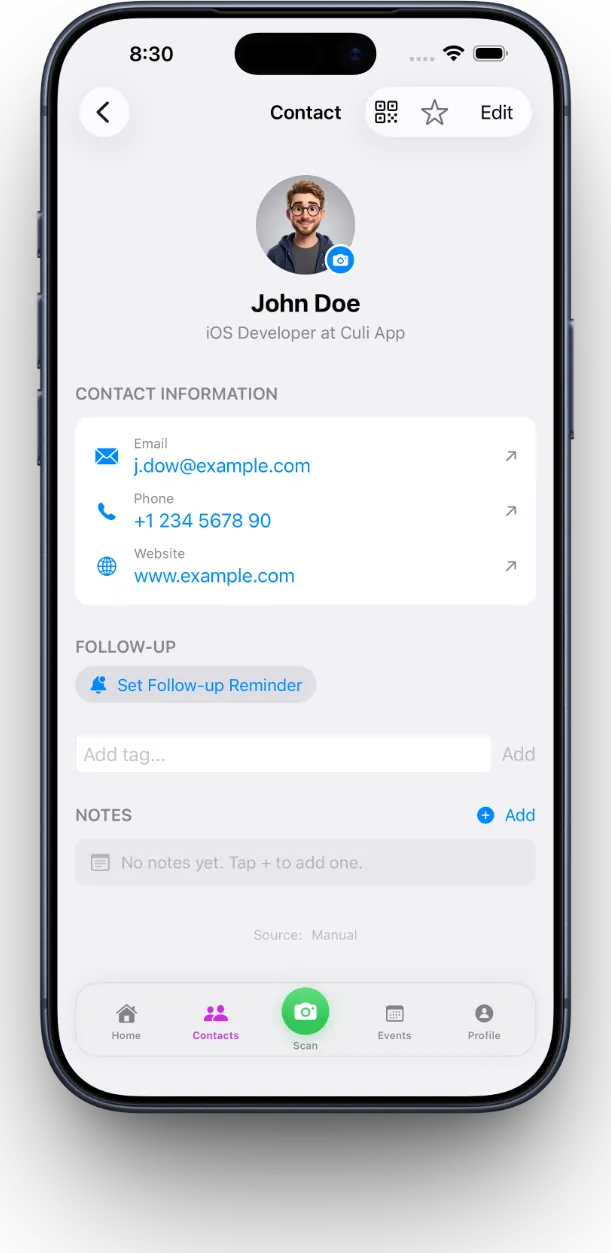
The real power comes when you start using tags and notes to segment your network. Mark a contact as a priority lead, add them to a campaign folder, or flag them for a specific event. This makes it simple to pull together the exact list you need when you're ready to reach out.
Setting Up Smart Follow-Up Reminders
The best contact list in the world doesn't matter if you forget to follow up. MeetStack sends you timely reminders so nothing falls through the cracks. For each contact, you can set when you want to be reminded to reach out—whether that's tomorrow, next week, or after a campaign launch.
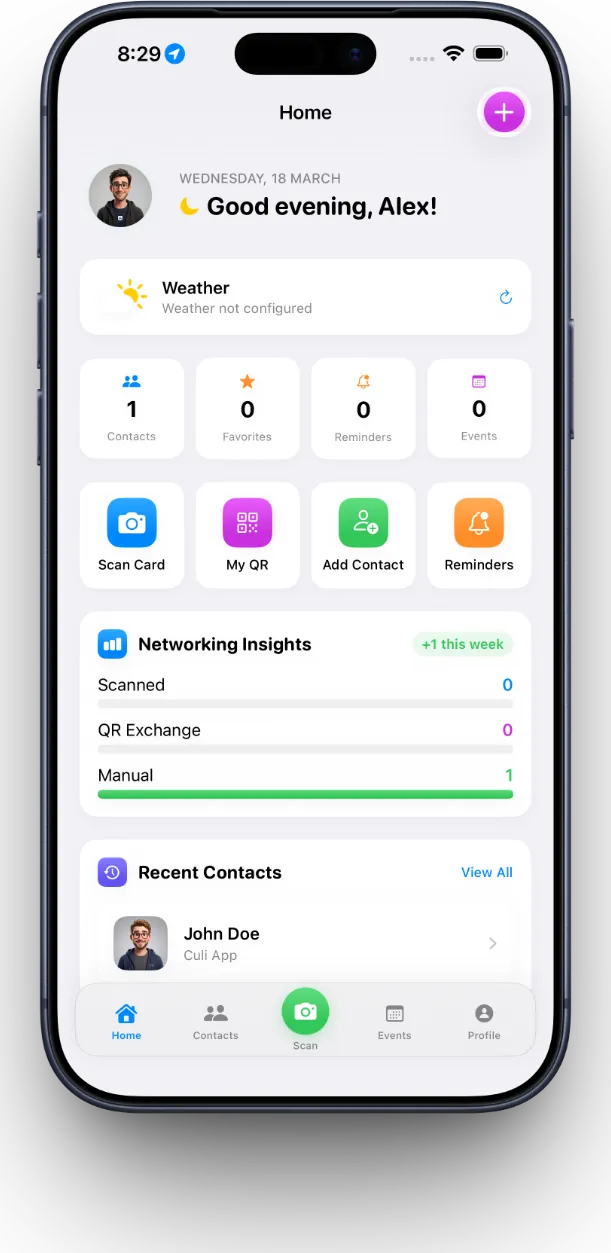
Check your home dashboard anytime to see upcoming reminders and quick stats on your networking activity. See how many new contacts you've added, which events have been most productive, and what follow-ups are coming up this week.
Running Events and Team Collaboration
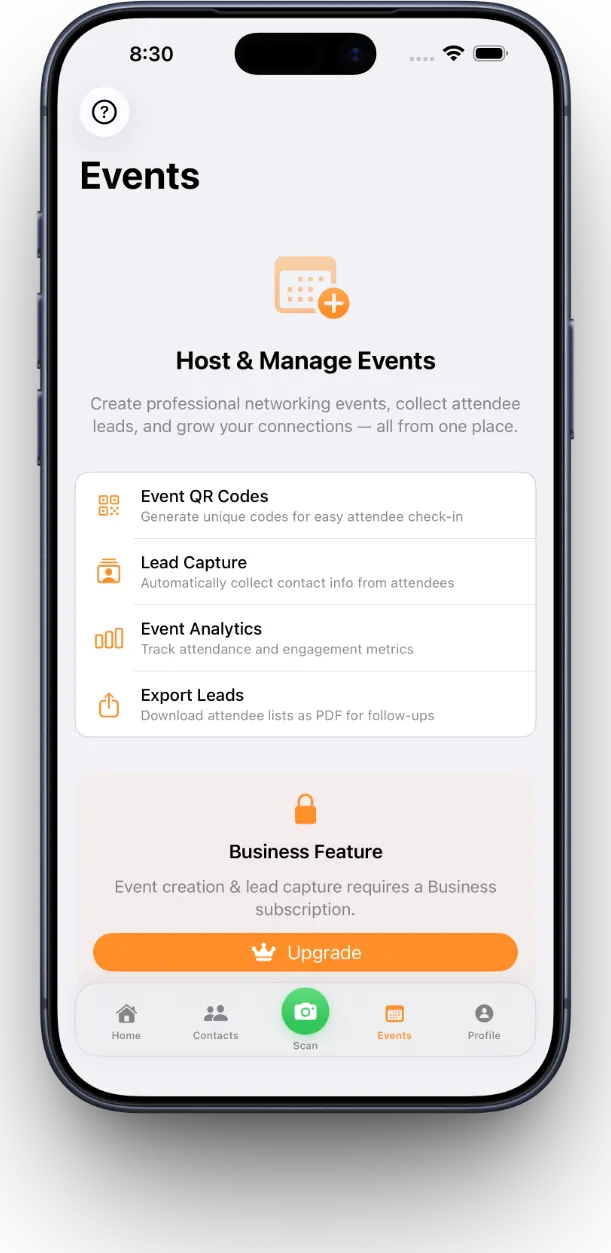
If you're running a conference, trade show, or large networking event, MeetStack's Business plan lets you create dedicated events and collect leads with built-in consent tracking. Your team can scan and collaborate in real time, and you can export all leads for follow-up campaigns without any manual work.
If you want to dive deeper into how MeetStack compares to other card scanners and what makes it stand out for serious networkers, read our full MeetStack review. You'll find details on features, pricing, and how it fits into different networking workflows.
Choosing the Right Plan for Your Needs
MeetStack offers three tiers. The Free plan covers basic scanning and contact storage—perfect for occasional networkers. Pro is built for power users who want unlimited scans, priority support, and advanced filtering. Business includes everything Pro has, plus event management, team collaboration, analytics, and lead export for organizations running campaigns.
- Free: Unlimited scans, basic contact organization, digital card sharing
- Pro: All of Free, plus advanced search, priority follow-up reminders, and premium card themes
- Business: All of Pro, plus event creation, team scanning, lead consent tracking, and export tools
Your networking effort shouldn't disappear into a pile of cards or a forgotten email folder. MeetStack makes sure every handshake turns into a real relationship.
This article was drafted with AI assistance and reviewed by a human editor before publishing.