Timeline + calendar in one view
Plan around real commitments. Drop tasks into time blocks on a vertical day view so you can see what fits before you overpromise.

DayBox turns scattered tasks into a single timeline: capture an inbox, mark your Big 3, drag work into time blocks beside calendar events, and start a focus timer for each block. When the day ends, see planned vs. actual focus time and roll what is left into tomorrow.
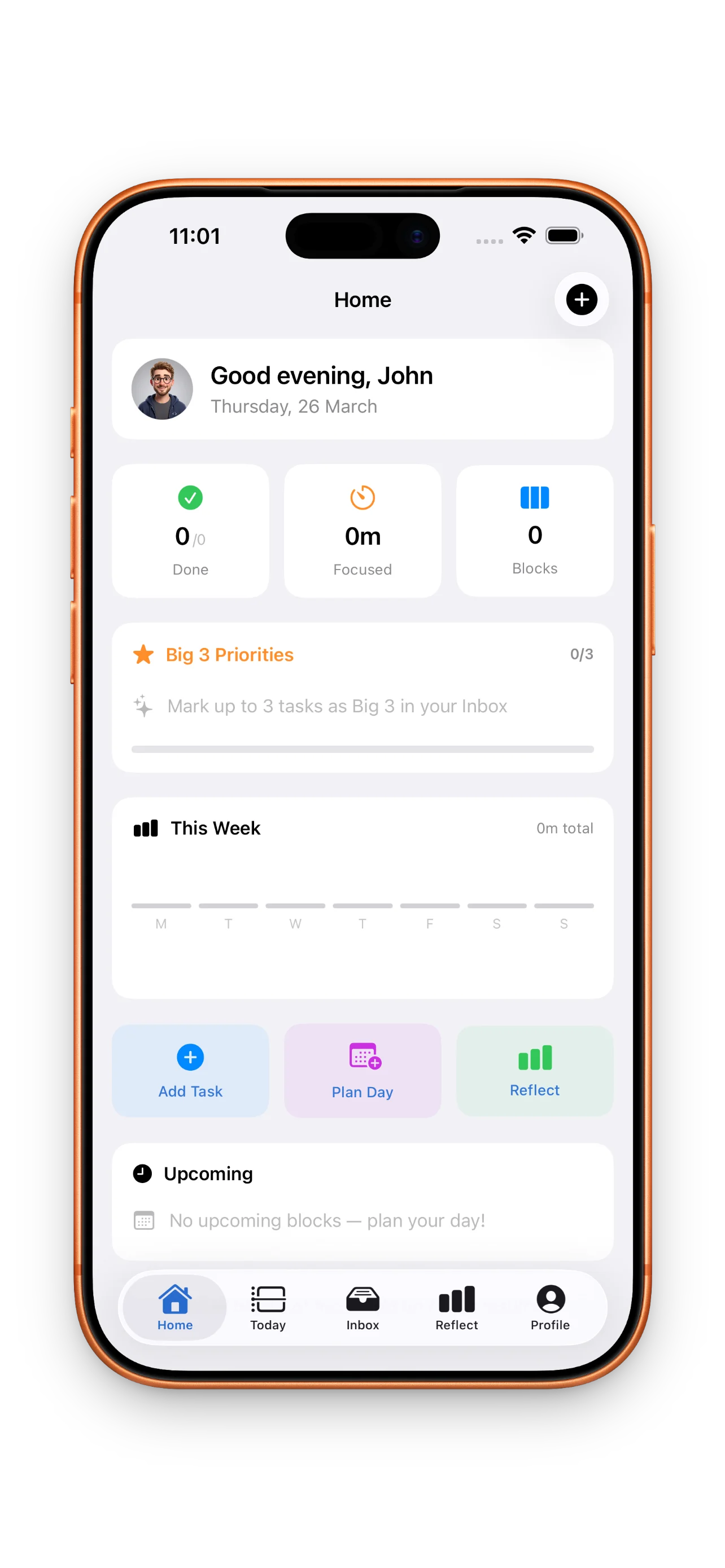
DayBox is for people whose day is a mix of meetings, messages, and deep work. Instead of an endless task list, you see hours on a timeline, what is pinned for focus, and a timer that keeps one block honest at a time. When priorities shift, drag blocks—no guilt, just a plan that matches reality.
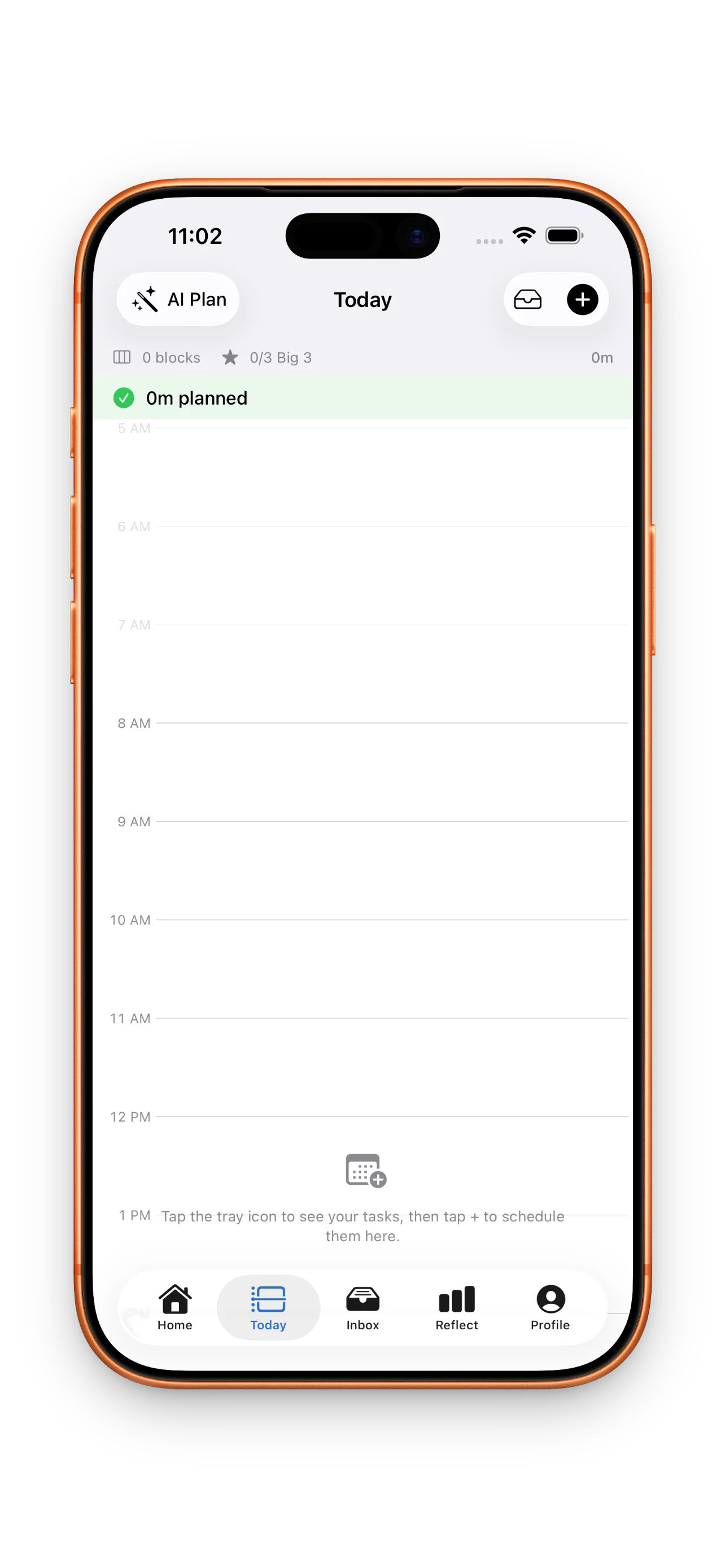
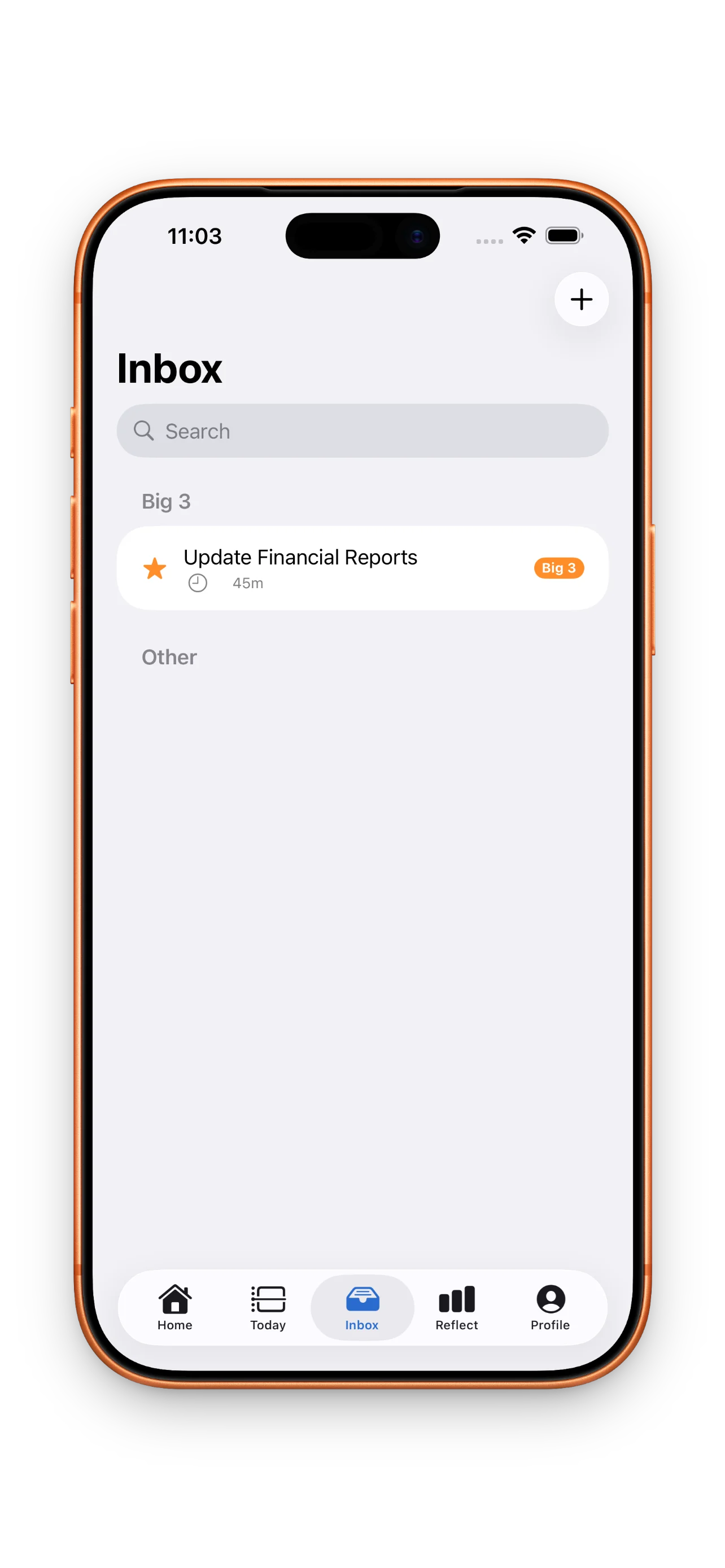
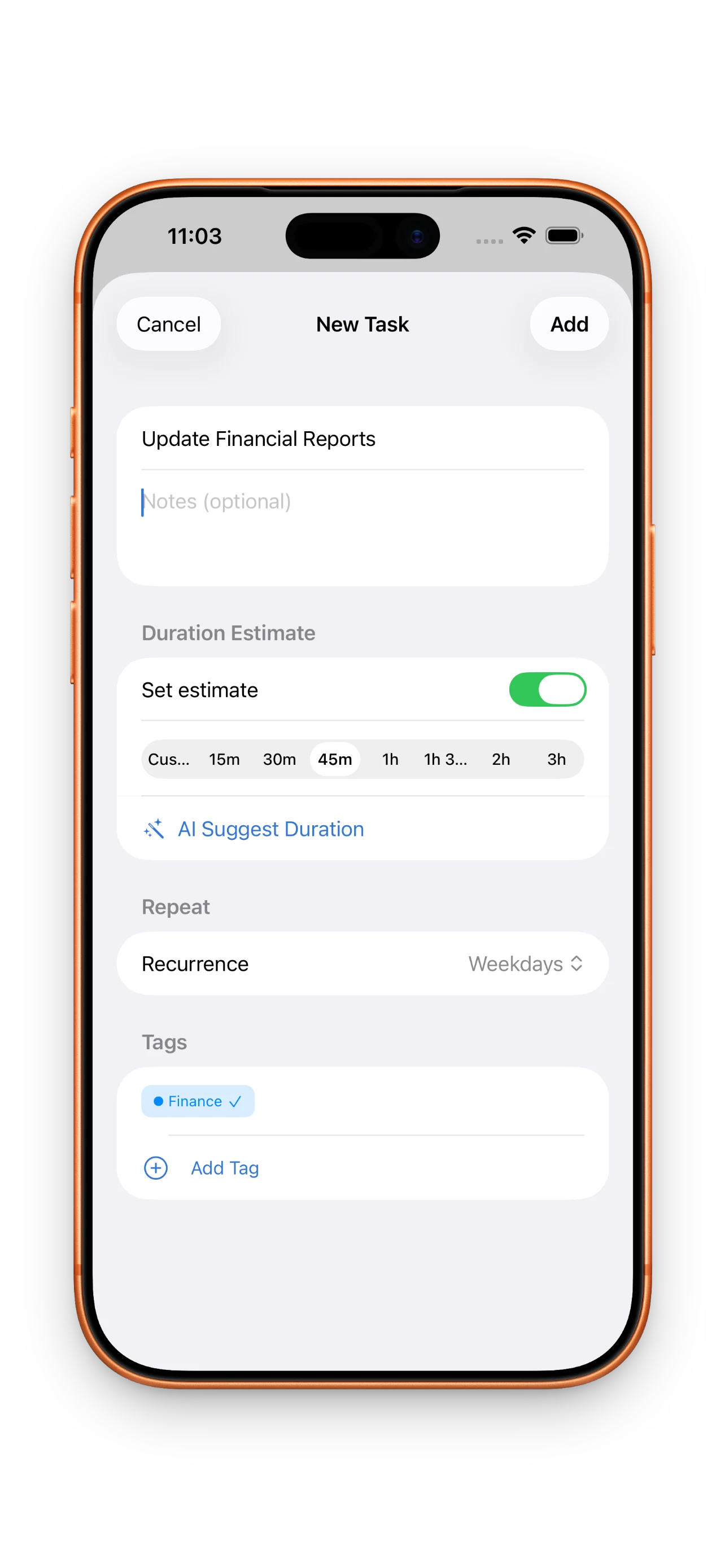
Plan around real commitments. Drop tasks into time blocks on a vertical day view so you can see what fits before you overpromise.
Capture ideas fast, then mark up to three must-dos so the important work is obvious when the day gets noisy.
Start a session from a timebox, see the remaining time at a glance, and pause or adjust when meetings run long.
Move blocks when the day changes. Push unfinished work to tomorrow in a tap so you start fresh, not from zero.
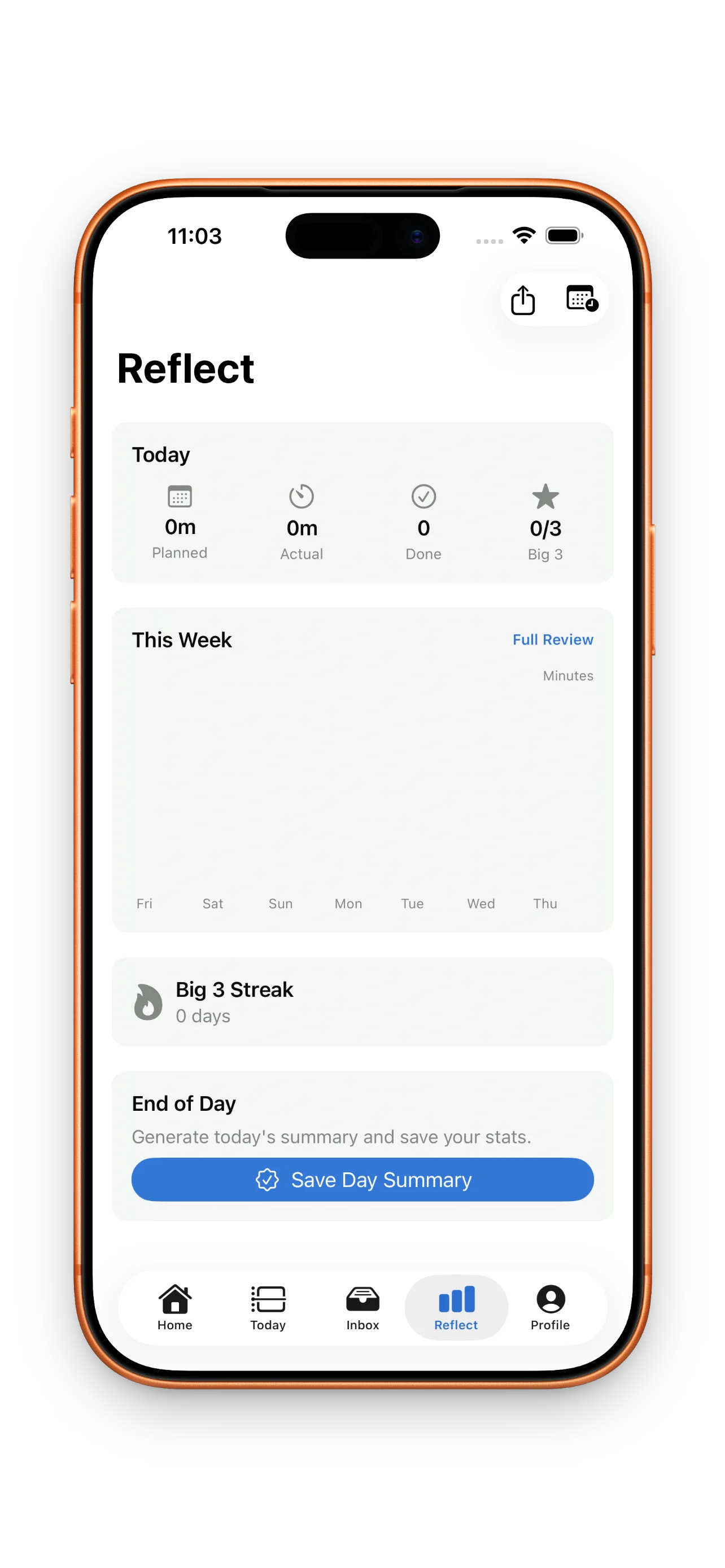
Close the loop with lightweight stats: how much focus you planned, how much you logged, and whether the Big 3 landed.
Light, dark, and system appearance with accent choices so the app feels calm during deep work.
Sandwich deep work between meetings with blocks you can slide when stand-ups run long.
Keep client work, sales follow-ups, and admin in one inbox, then timebox only what fits today.
Replace a vague to-do list with a visible plan you can execute and review in minutes.
Timeboxing means assigning a fixed window on your timeline to a task. DayBox lets you drag tasks into those windows and start focus timers so execution matches the plan.
Yes. You can mark up to three priorities for the day so the timeline stays anchored to what matters most.
The reflect view summarizes planned vs. actual focus time, completed tasks, and Big 3 progress so you can adjust tomorrow.
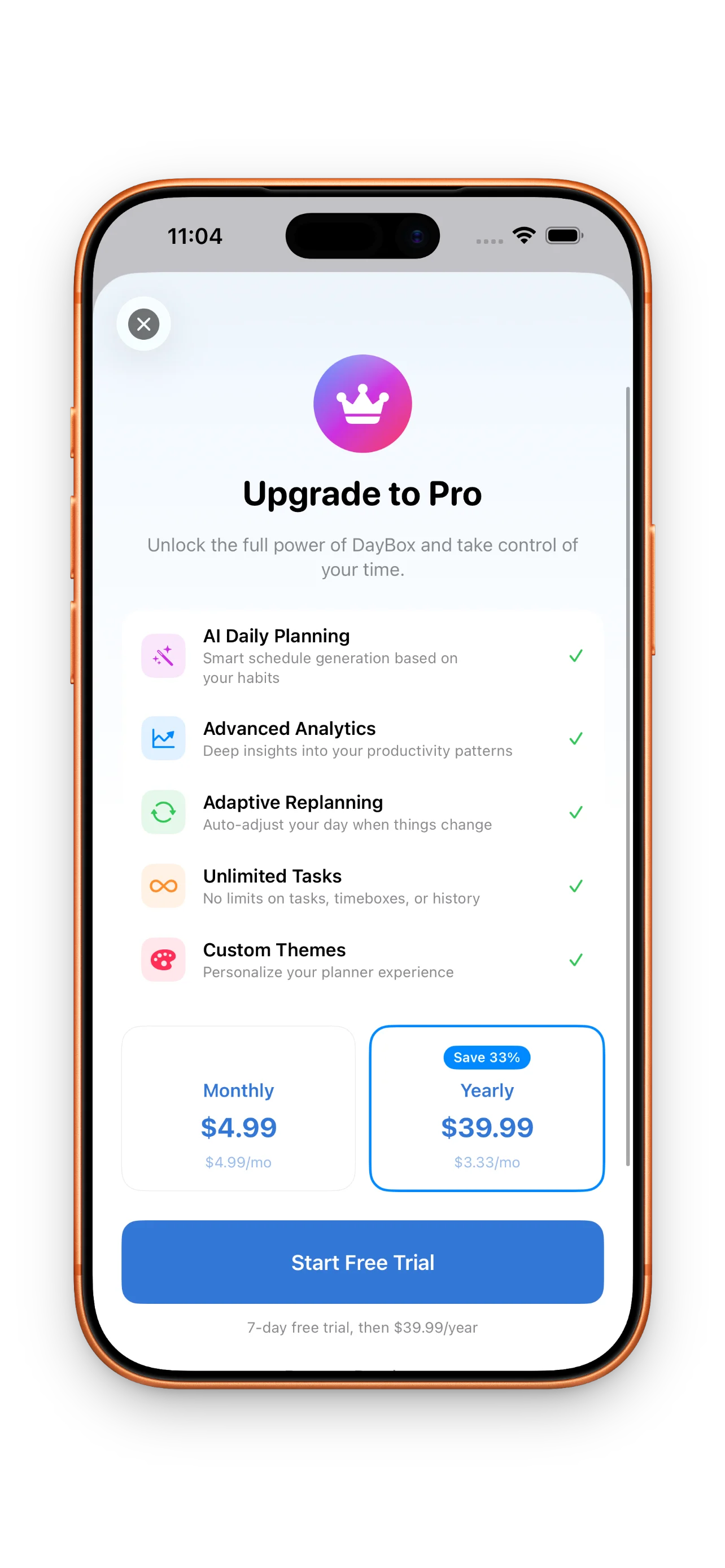
Core planning, timeboxing, timers, and reflection are designed to work without a subscription. Pro adds advanced features such as deeper analytics when available.
We believe in transparency. Every app ships with a clear, public privacy policy so you know exactly how your data is handled.
Open privacy policy