Phlash turns camera-roll cleanup from a dreaded chore into something you actually look forward to. The key isn't trying to clean everything at once—it's working in short, focused sessions where you swipe to keep or delete what matters. We've put together practical tips to help you make the most of Phlash's on-device smarts, from OCR-powered screenshot detection to perceptual-hash duplicate finding, all without uploading a single photo.
Build a Daily Cleanup Rhythm
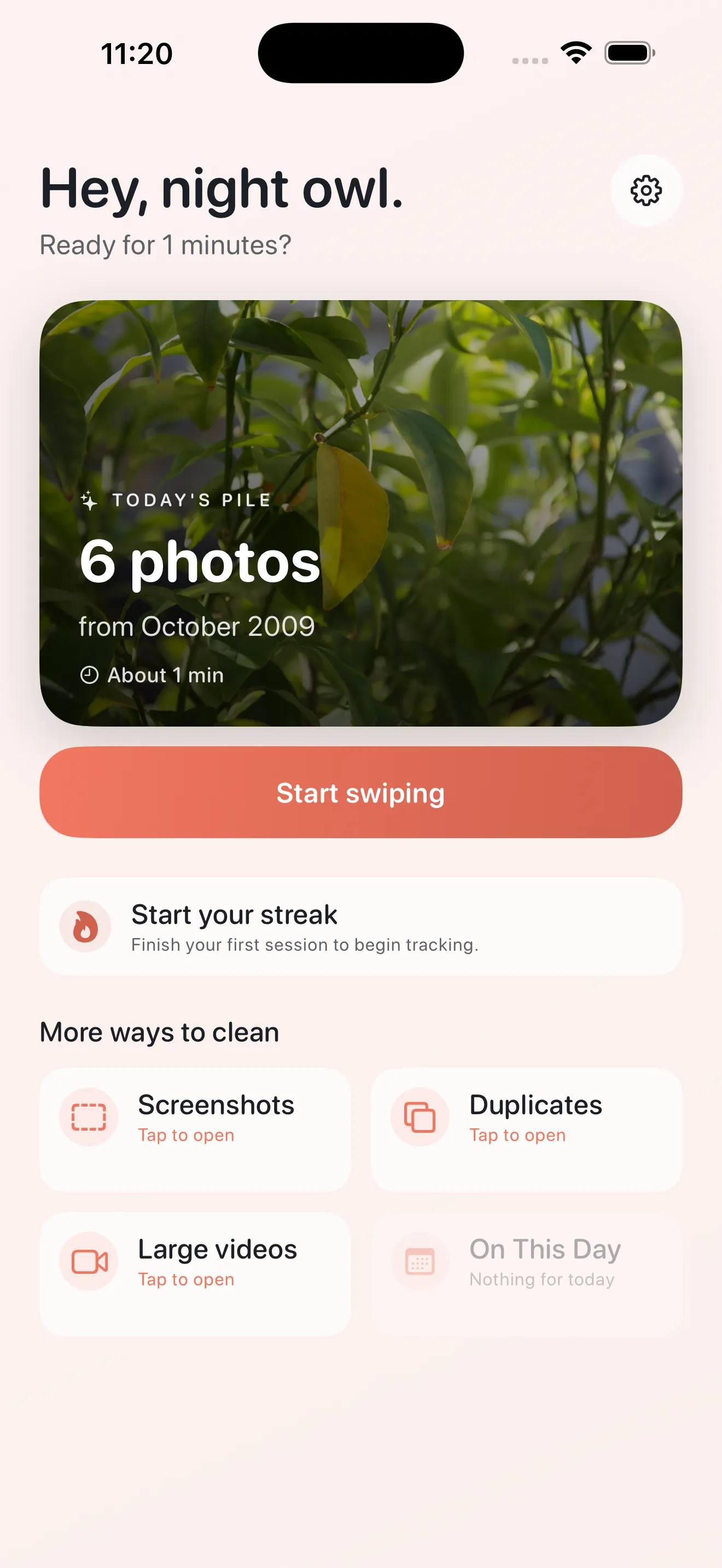
The secret to staying on top of your photos isn't one giant cleanup session—it's five-minute bursts. Phlash's "Today" pile is designed to surface a curated stack of photos from the past day or two. Open the app while you're waiting for coffee, between tasks, or winding down in the evening. Each swipe takes a second. Finish in five minutes. Done. By making cleanup a daily habit rather than a quarterly emergency, you prevent the backlog from ever getting overwhelming. The pile shrinks incrementally, and you don't burn out.
Use Focused Modes to Target Problem Areas
Rather than swiping blindly through thousands of photos, Phlash lets you pick a mode and focus. Screenshots pile up fast and rarely deserve permanent storage. Large videos are the real storage hogs. Duplicates clutter your library without adding value. Phlash's focused modes surface exactly what you need to address, one category at a time. Start with "Screenshots"—you'll usually find dozens to delete in under three minutes. Then hit "Large Videos" when you have a few more minutes. This targeted approach means you're always making progress on the photos that matter most.
Working in focused modes means you're always making progress on the photos that actually matter.
Trust the Duplicate Detection
Duplicate photos are the sneaky clutter that's hard to spot manually. Phlash's perceptual-hash detection finds near-identical shots—the almost-perfect takes, the accidental presses, the slight variations of the same moment. The system runs on-device, meaning it's fast and your photos never leave your phone. When the "Duplicates" mode surfaces a set, you see them side-by-side. Keep the sharpest one, delete the rest. Trust the sorting; it's built to find what you'd catch if you had the time to compare every frame.
Rediscover Photos with On This Day
"On This Day" does something different—it surfaces photos from years past, on the same calendar date. This mode isn't about cleanup; it's about reconnecting with memories you've forgotten. Tap it when you want a lighter session, or when you need a moment to revisit. Some photos you'll want to keep forever. Others you might realize can finally go. It's a gentler way to move through your library and a reminder that cleaning up can also mean appreciating what you've saved.
Swipe Intentionally, Use Skip When Uncertain
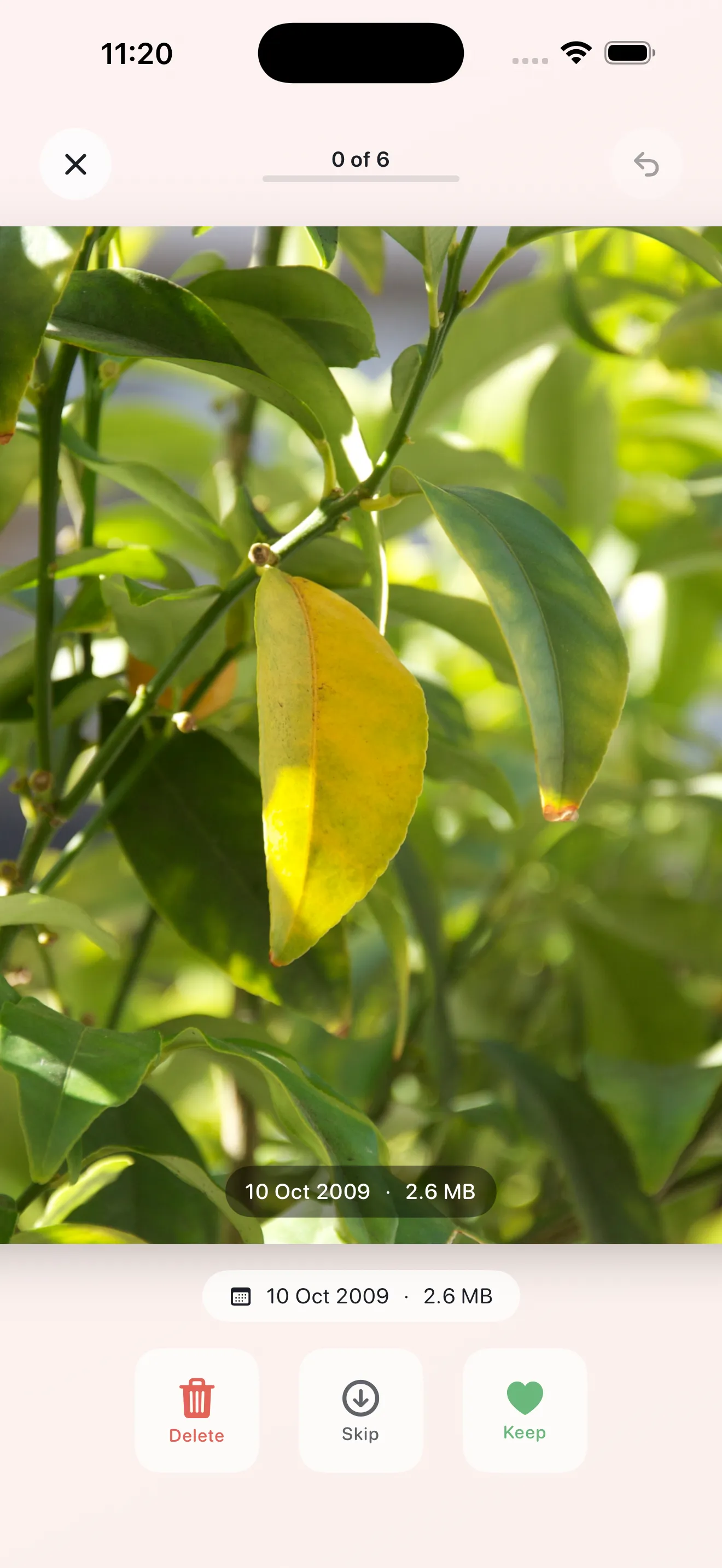
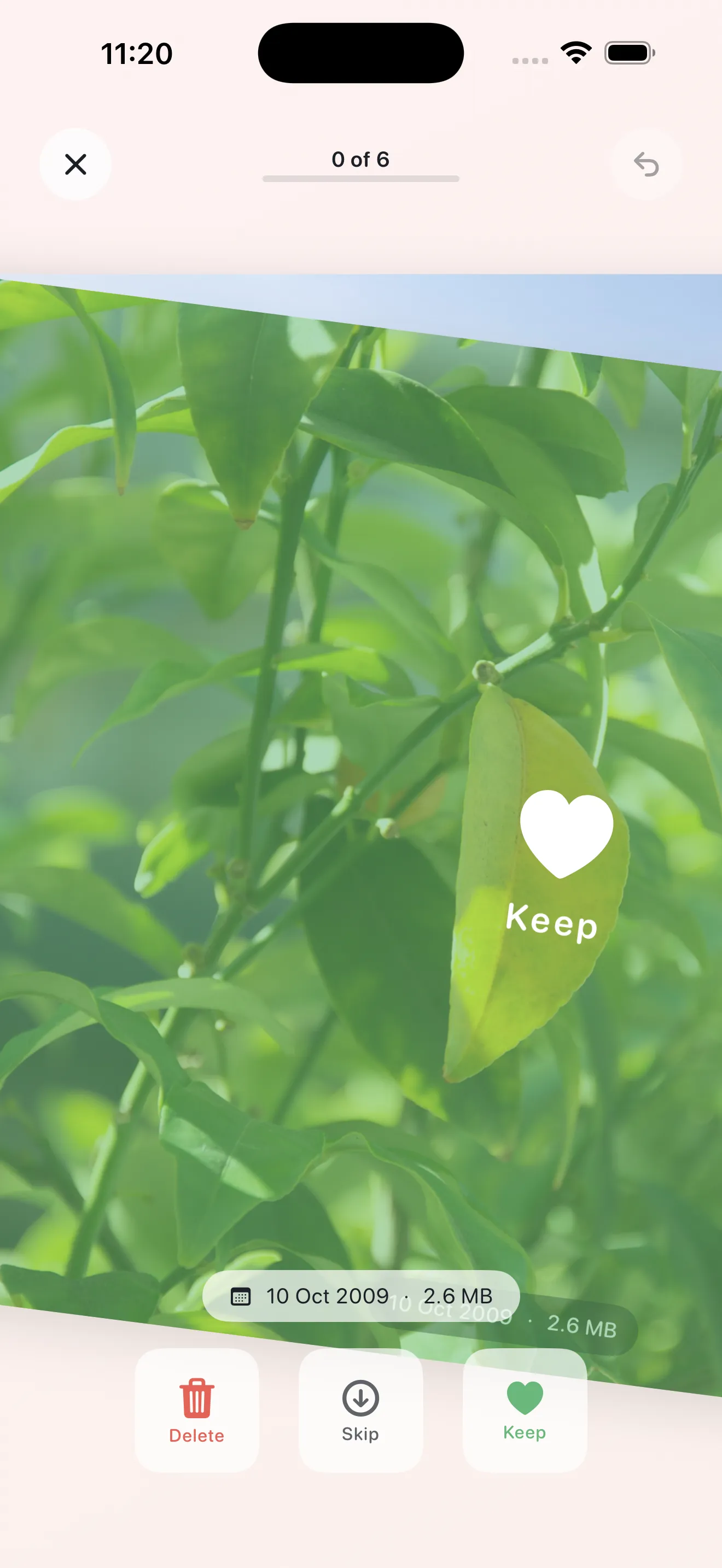
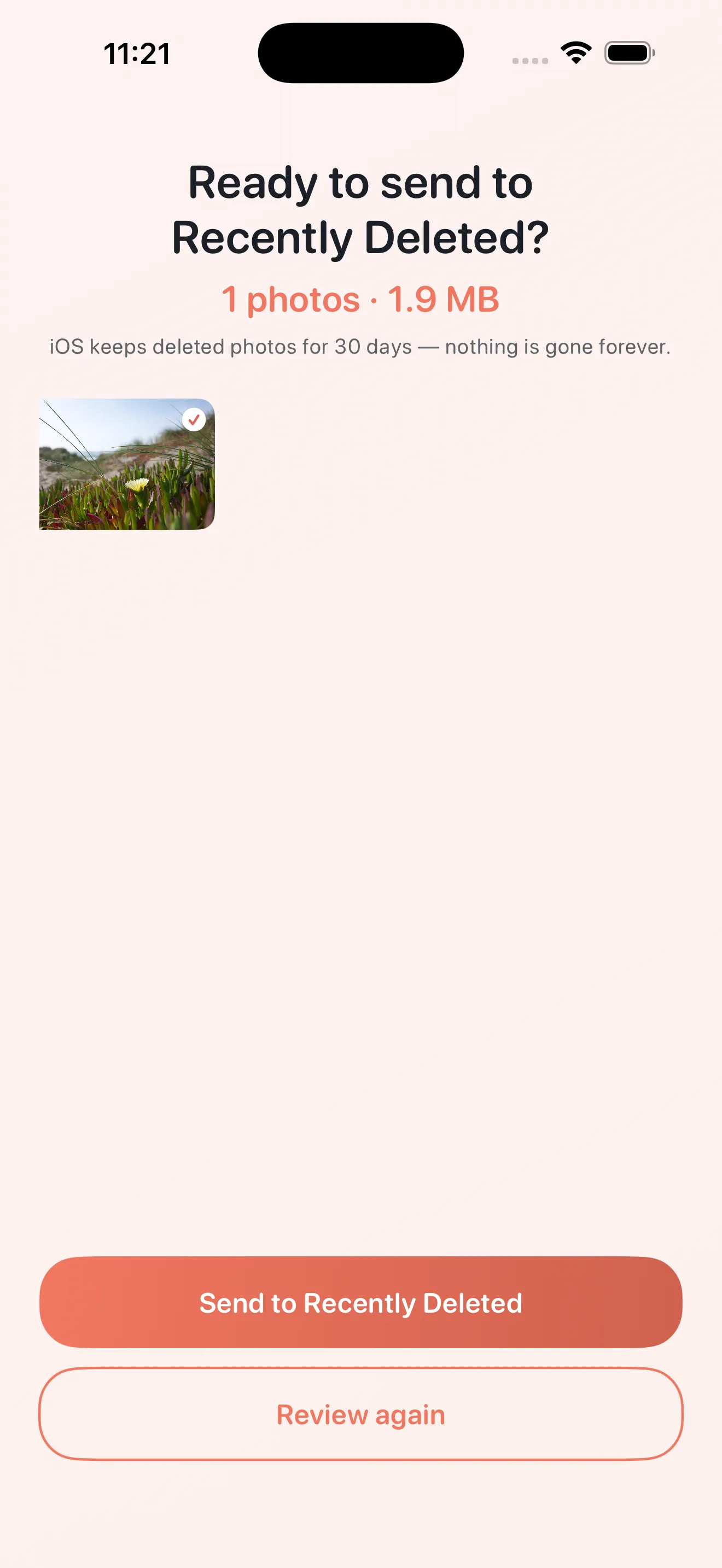
The swipe interface is simple, but intention matters. Right swipe to keep, left to delete, or skip if you're not sure. Don't swipe reflexively. A glance or two is fine—you're looking at a photo for a second or two anyway. If you genuinely can't decide, skip it. The pile will cycle and you'll see it again another day. You might feel differently tomorrow. Phlash won't rush you, and you don't need to make every decision stick the first time. The app even includes a safety net: deleted photos are recoverable for a few days before they're truly gone.
Leverage OCR to Find Screenshot Text
Phlash's on-device OCR reads the text in screenshots. This matters because screenshots often cluster together—you screenshot something important once, then two more times by accident. The OCR helps identify these duplicates and clusters, making it easier to keep the one you need and delete the rest. You're not uploading anything to analyze; all the scanning happens locally on your phone. It's another reason Phlash's screenshot cleanup is so effective: it understands what you've captured.
If you're curious about how Phlash compares to other approaches, check out our guide on photo cleaning apps. For deeper strategy, read our full Phlash tips and tricks article.
This article was drafted with AI assistance and reviewed by a human editor before publishing.