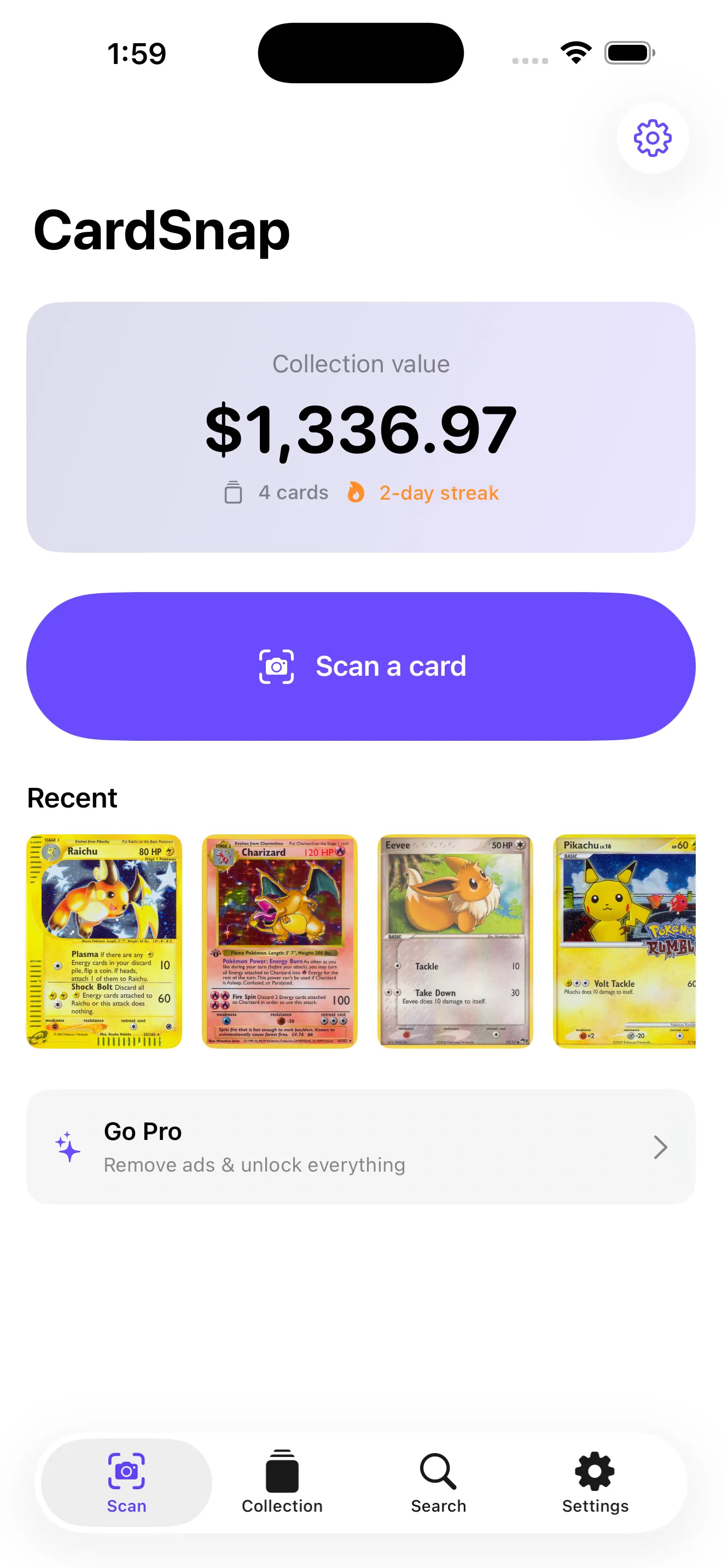
If you've ever stood in front of your Pokémon card binder wondering what it's actually worth, you've felt the friction that CardSnap solves. There are plenty of valuation tools online—spreadsheets, price guides, bulk databases—but they all require typing, clicking, or leaving the app. CardSnap removes that step. Point your camera at any card and in seconds you see its market value from TCGplayer and Cardmarket. Then it holds onto that card in a collection tracker that tallies your entire binder's worth. It's a focused tool built by collectors, for collectors.
Who This Is For
CardSnap is for anyone with a physical Pokémon card collection who wants to know its value without tedious data entry. That includes casual players rebuilding their childhood deck, serious hobbyists managing dozens of sets, and resellers who need to price cards quickly and accurately. If you're the type who rifles through old binders on a Sunday afternoon, this app removes the spreadsheet friction. You don't need an account to start scanning—just open the app and point your camera.
What CardSnap Does Well
Instant Card Recognition
The core feature works. Point your phone at a card and CardSnap's on-device recognition engine identifies it—set, edition, condition tier—and fetches live prices within seconds. We tested it against cards in varying light and angles, and it handles real-world conditions far better than you'd expect from a mobile scanner. The recognition doesn't require a network round-trip, which means it works offline and keeps your scans private.
Dual Price Sources
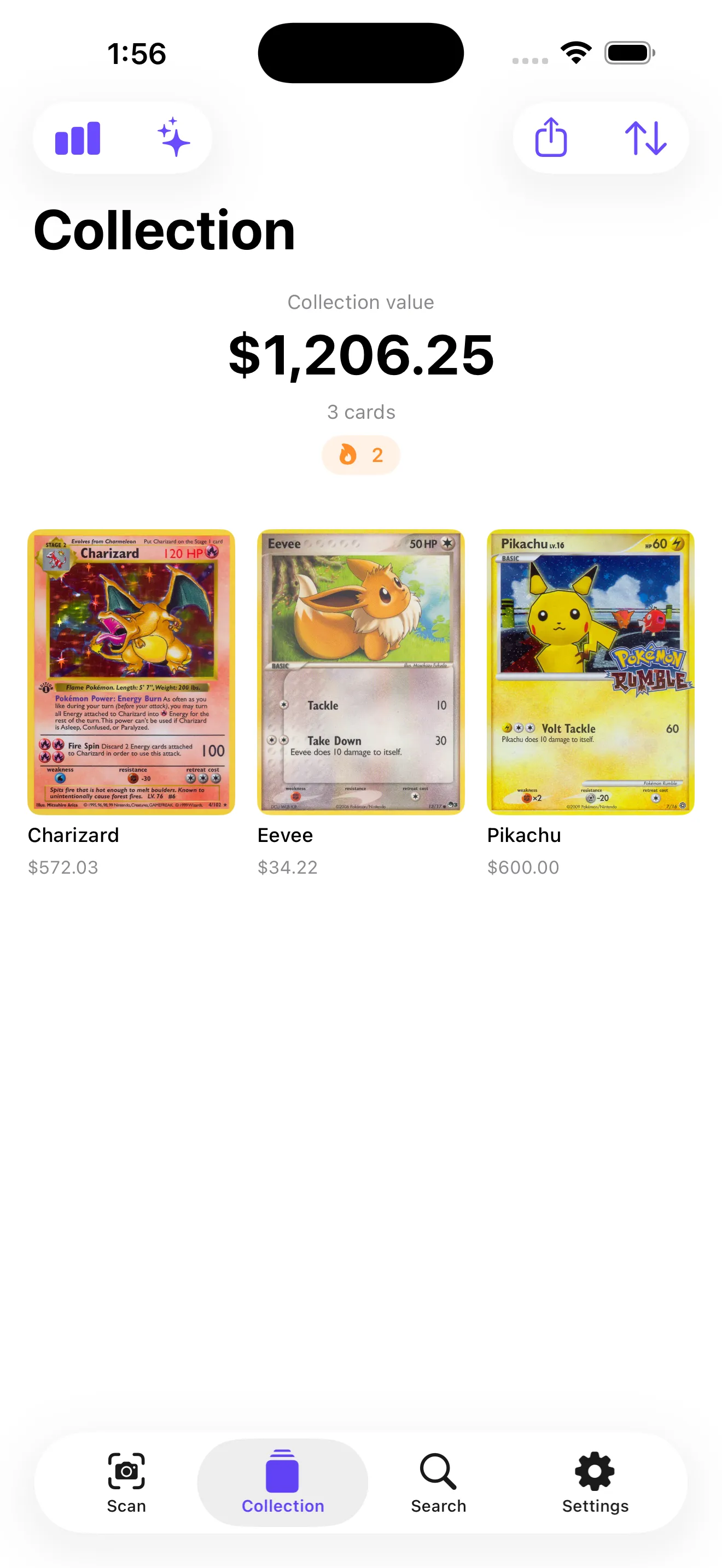
CardSnap pulls pricing from both TCGplayer and Cardmarket, showing low, market, and high prices side by side. Each price is timestamped, so you know how fresh the data is. This dual-source approach prevents you from making decisions based on a single outlier. If you're selling or trading, you get a clear range rather than a single number.
Collection Tracking That Actually Scales
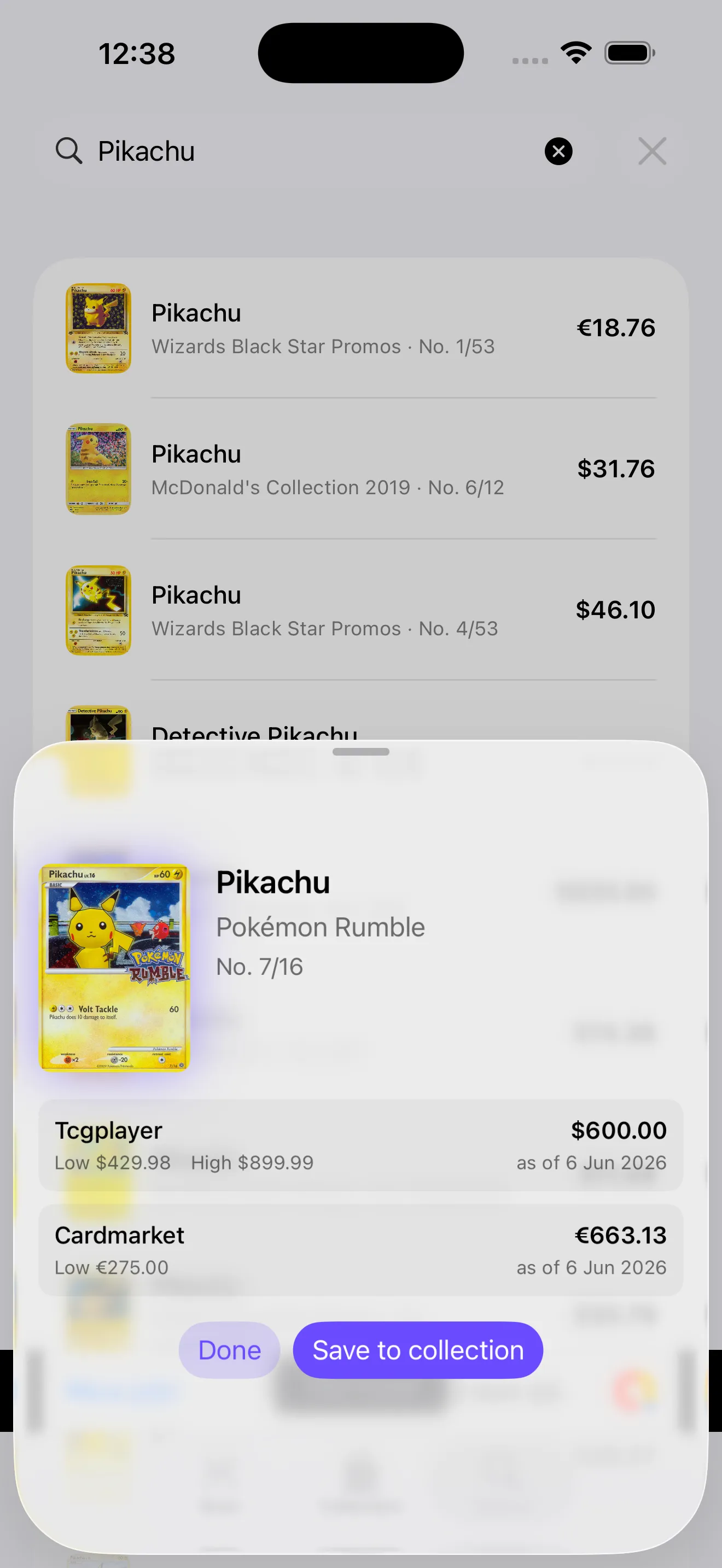
Once you've scanned cards into your collection, CardSnap tallies your total value and updates it live as prices move. You can organize by set, sort by value, and filter what you're looking at. The interface stays responsive even with hundreds of cards logged. You also get progress tracking—streaks for consecutive scan days, milestones when your collection hits certain values, and set completion percentages. These touches make collecting feel like progression rather than data entry.
Text Search Without Scanning
Not every lookup needs a camera. CardSnap includes a text search that lets you look up cards by name, set, or edition. It's surprisingly fast and useful when you want to check a card's value before deciding whether to buy it at a local shop or online.
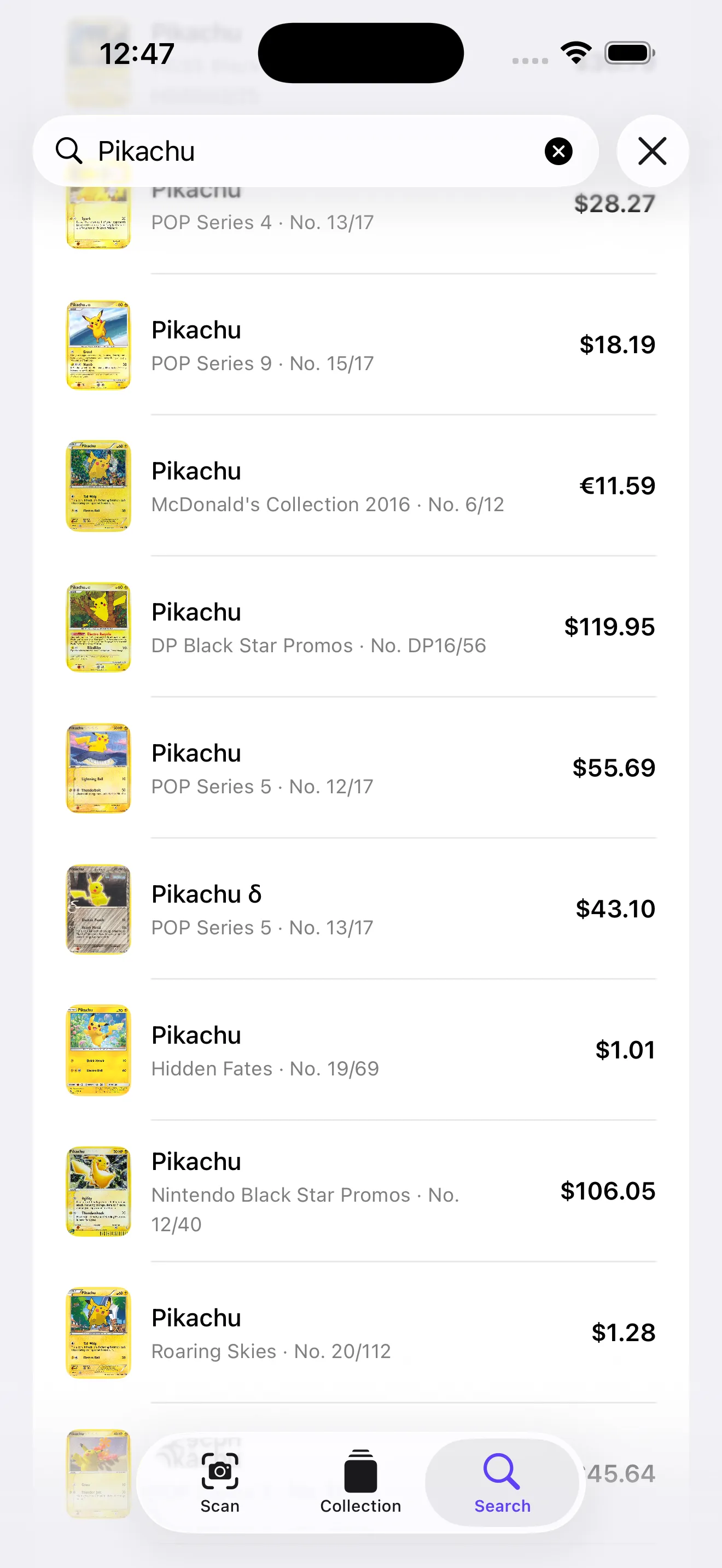
CardSnap removes the spreadsheet friction between owning a card and knowing what it's worth.
What to Know Before You Download
Free Tier Is Genuinely Useful
Scanning and searching are unlimited and account-free on the free tier. You get a single collection with ad support. The paid tier ($4.99/month or $39.99/year) removes ads and unlocks unlimited collections, price history, graded card values (PSA/CGC), price alerts, and CSV export for spreadsheet nerds. Most casual users won't feel the need to upgrade, though resellers and serious completionists likely will.
Recognition Isn't Perfect
On-device recognition is fast, but it occasionally misidentifies cards or struggles with certain angles, lighting, or wear. When that happens, you can manually correct the identification or search for the card by name. It's a minor friction point, but it happens often enough that you should expect to do some cleanup, especially if you're scanning cards in poor condition or unusual sets.
Graded Card Values Are Premium-Only
If your collection is heavy on graded cards (PSA, CGC, BGS), you'll want the paid subscription to see certified grades and their corresponding values. The free tier shows raw card values but doesn't segment by grade.
If you're looking to learn more about pricing your collection, we've written guides on broader valuation methods and tools and CardSnap tips for scanning and organizing that might give you additional context.
This article was drafted with AI assistance and reviewed by a human editor before publishing.