A to-do list doesn't care if you have three hours or three minutes to do it. DayBox does. Instead of a flat list of tasks, you build a timeline—dragging each task into a time block that fits reality, next to meetings and breaks. Then you run a focus timer for each block, and at the end of the day, you see what you planned versus what actually happened. It's the fastest way to stop saying yes to everything and start shipping what matters.
Capture everything first, prioritize second
Before you schedule anything, get it out of your head. DayBox's inbox is a quick landing pad for tasks, ideas, and commitments. Hit the plus button, type what you're thinking about, and it's captured. No friction, no decision fatigue yet.
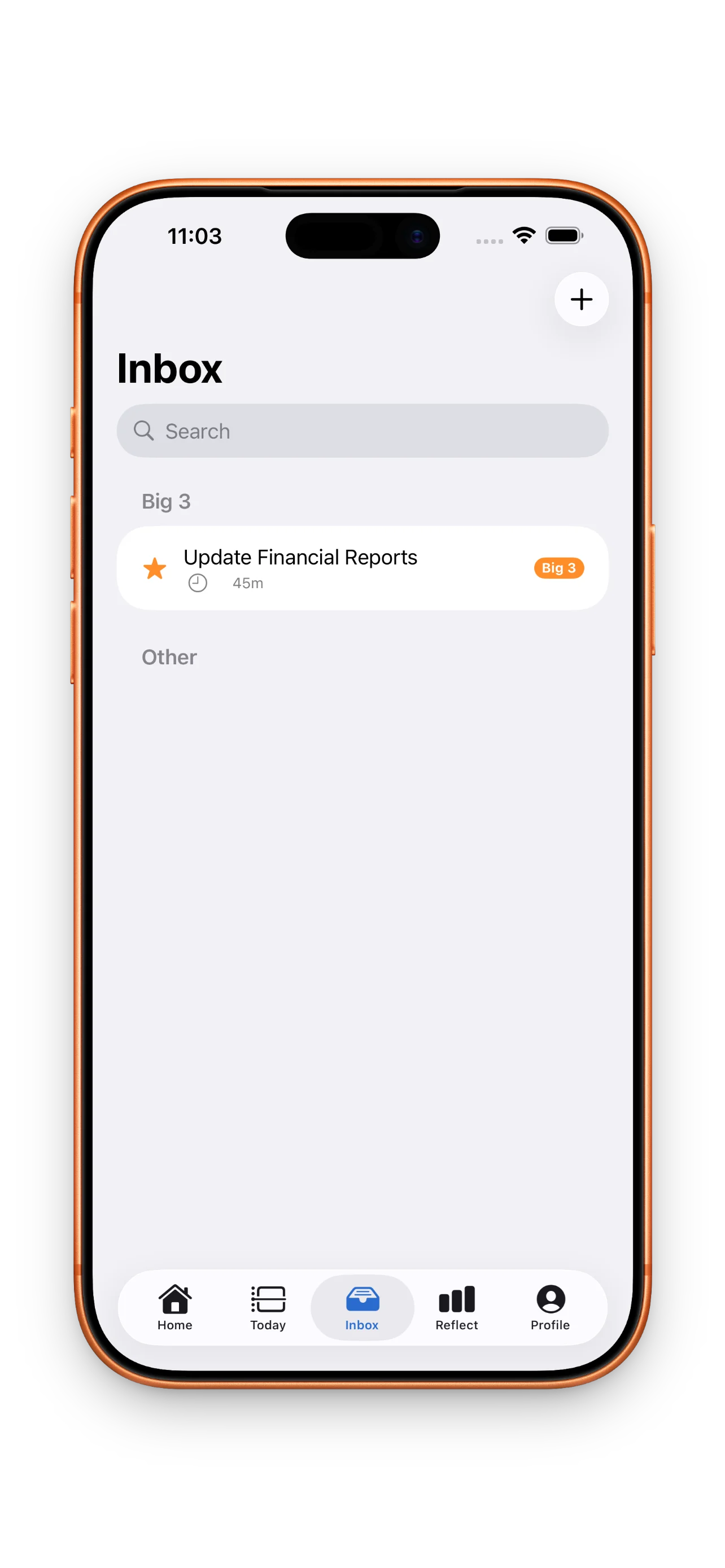
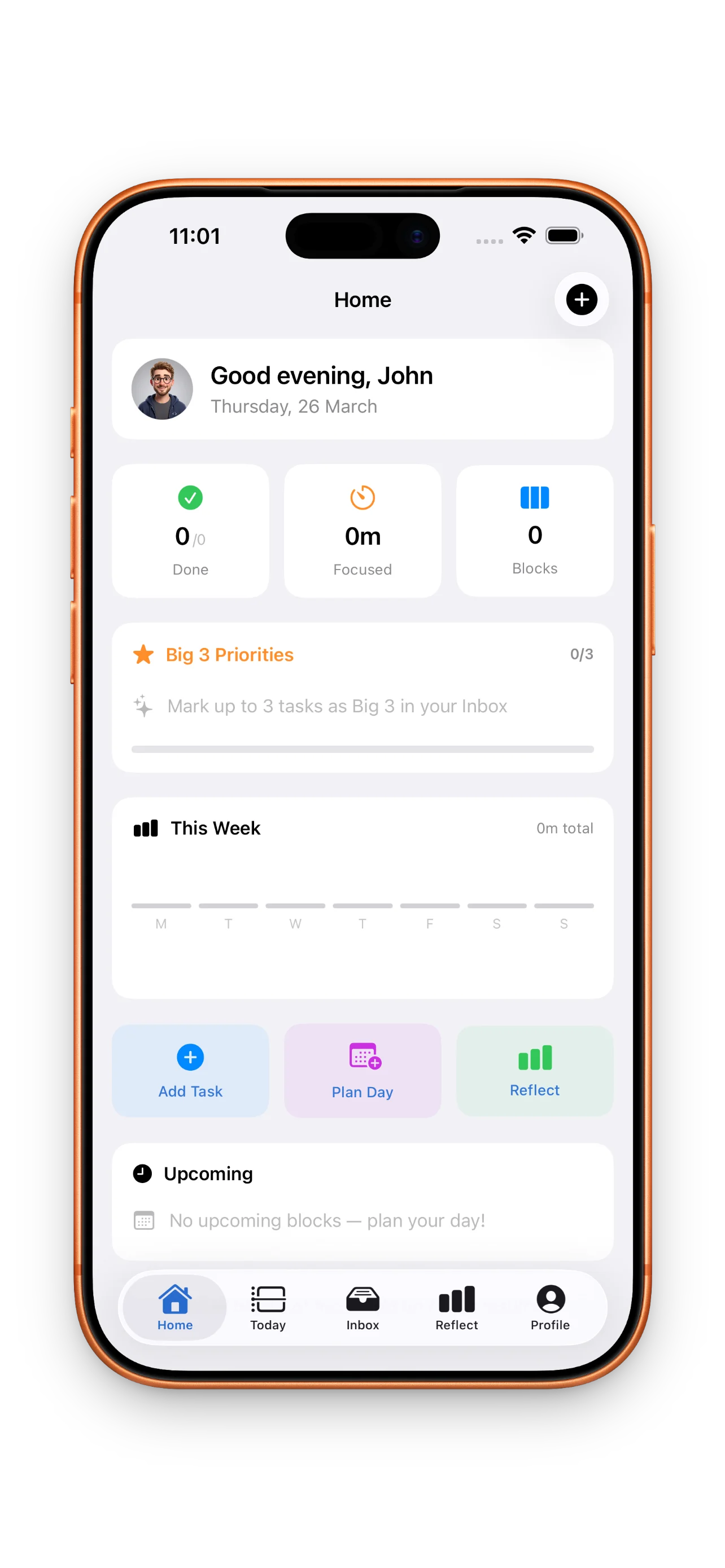
Once your inbox has a few items, it's time to pick your Big 3—the three things that would make today feel successful. These aren't all your tasks; they're the ones that matter most. Promoting a task to your Big 3 signals intent without cramming your timeline. If you're new to this rhythm, check out your first day with DayBox: Plan, focus, reflect for a full walkthrough.
Drag tasks onto your timeline with time estimates
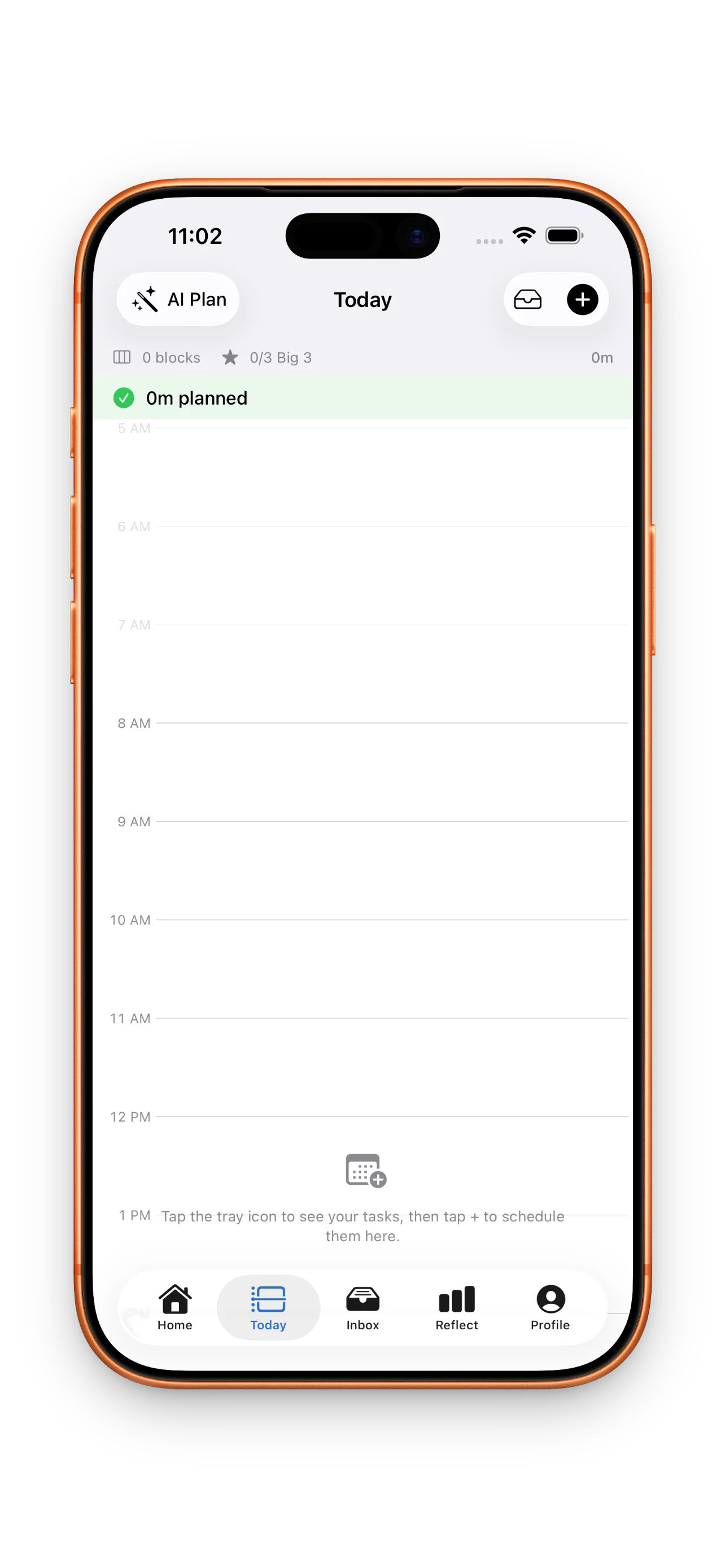
Now comes the magic. In DayBox, your calendar and timeline live in one view. You see your meetings, your free blocks, and your tasks all at once. When you create a task, you give it a time estimate—not a deadline, but how long you actually think it will take.
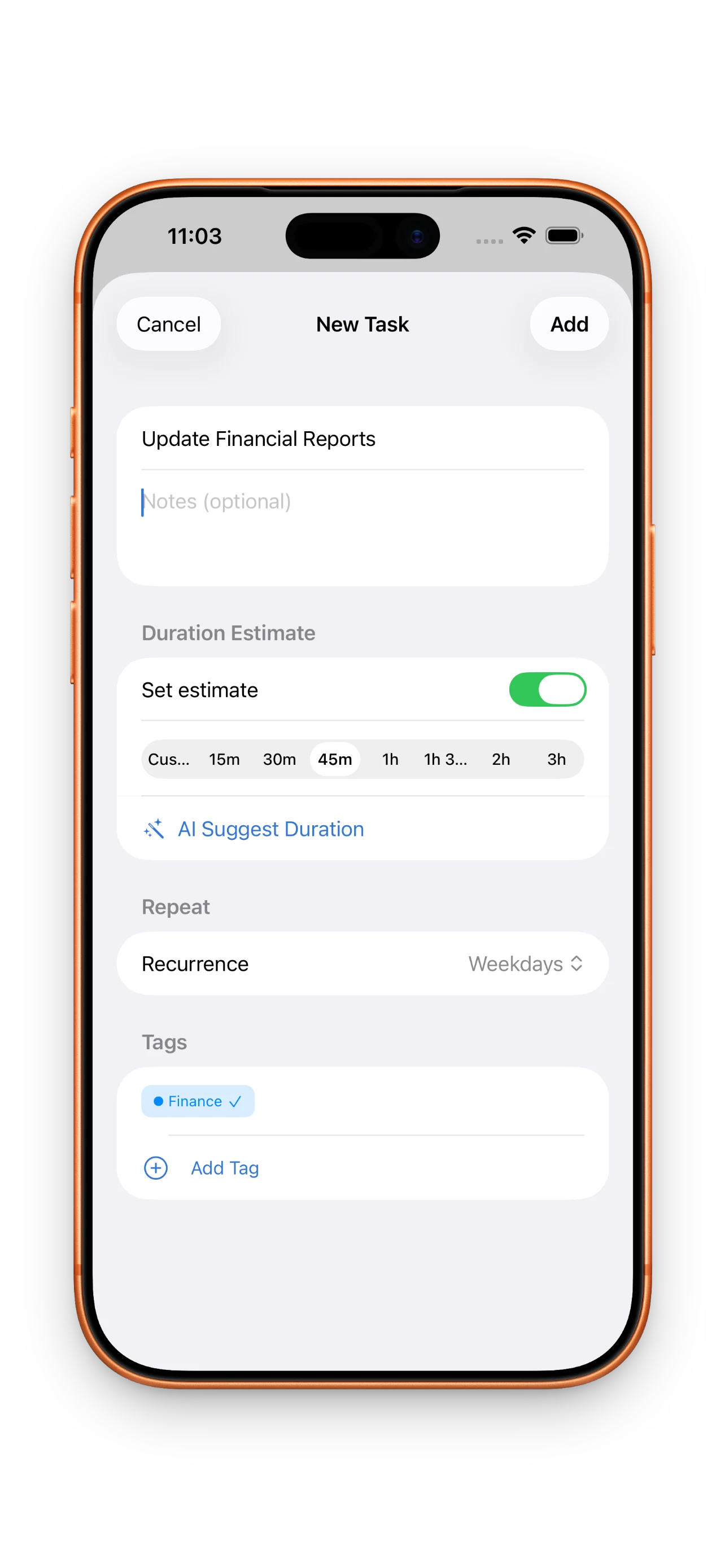
- Tap a task and add an estimate (15 min, 1 hour, 90 min—whatever's honest)
- Drag it onto an empty block in your timeline
- DayBox shows you if you're overbooked; if you are, the day turns red
- Move tasks around until your day is realistic, not aspirational
The timeline forces you to be honest about capacity. You can't schedule 12 hours of work into 8 hours and pretend it'll happen.
Run a focus timer for each block
When your plan is locked in, your day begins. Tap a time block on your timeline and DayBox starts a focus timer. You work, the timer counts down, and you stay in one task until the block ends. No context-switching, no checking Slack—just deep work.
If a block finishes early, great. If it runs over, you can extend it or let it roll into the next one. The timer is strict enough to keep you honest and flexible enough to handle real life.
Reflect on planned vs. actual time
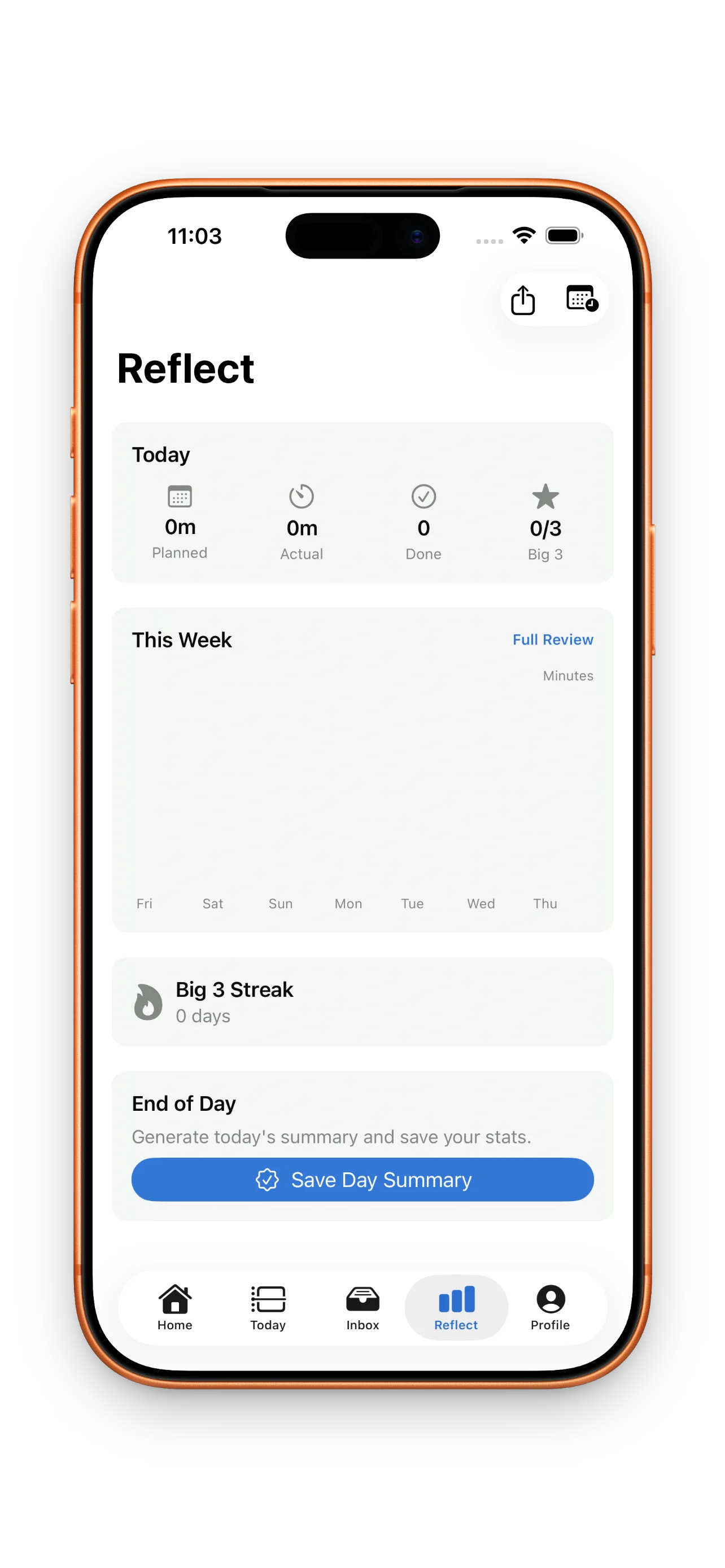
At the end of the day (or right after a focus session), DayBox shows you a side-by-side comparison: what you planned to spend on each block and what you actually spent. This is where the learning happens. Over weeks, you'll notice which estimates are too optimistic, which tasks always spill over, and where your calendar has slack.
Build momentum with streaks and milestones
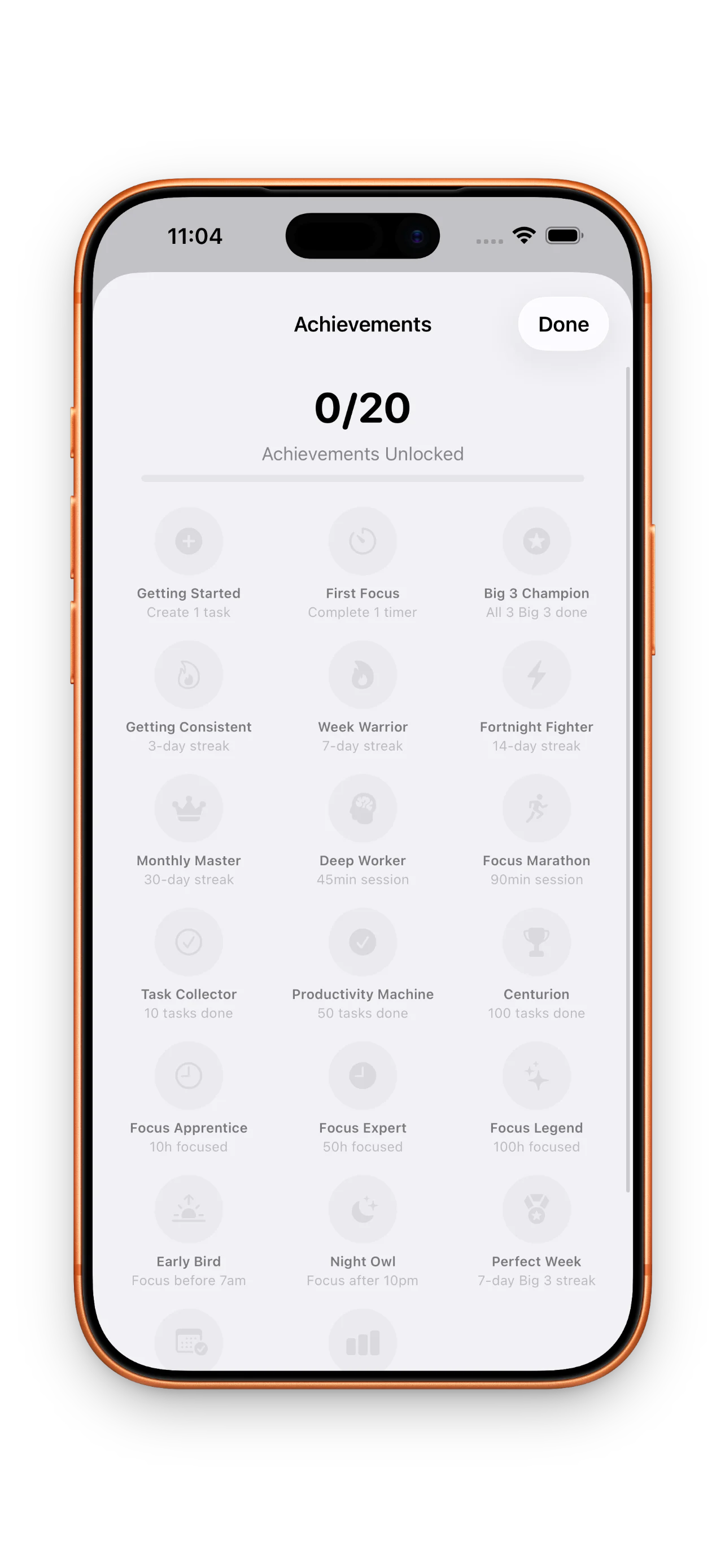
DayBox tracks three streaks: planning (showing up each day), Big 3 completion (finishing your top three), and focus sessions (hitting your timers). As you build these habits, you unlock achievement milestones—small badges that compound into real confidence. You're not just checking boxes; you're building a daily rhythm that sticks. For deeper strategies, see how DayBox fits your calendar.
Get started in five minutes
- Open DayBox and sign in (or skip, if you prefer offline)
- Dump three to five tasks into your inbox
- Pick your Big 3 for today
- Drag them onto your timeline with honest time estimates
- Start your first focus timer
This article was drafted with AI assistance and reviewed by a human editor before publishing.