When you live or work with other people, shared responsibility is inevitable. Someone needs to buy groceries. Dishes pile up. Bills come due. For decades, families and roommates handled this with notes on the fridge, group chats that spiral into chaos, or one person quietly managing everything. Task management apps promised to fix this, but most treat groups like they're just scaled-up individuals. Loopd takes a different approach—one that treats coordination itself as something worth doing well.
The Landscape of Shared Task Management
There are broadly three schools of thought when it comes to shared task management. The first is the productivity-first model: apps built around personal task management that happen to support sharing. These work fine if everyone is already a productivity enthusiast. The second is the minimal-friction approach: basic checklists and lists shared via cloud sync, no frills. These work until someone forgets, nothing gets done, and you're back to nagging. The third—increasingly common—is the behavioral-design model: apps that use reminders, progress visualization, and social feedback to make coordination feel less like a chore.
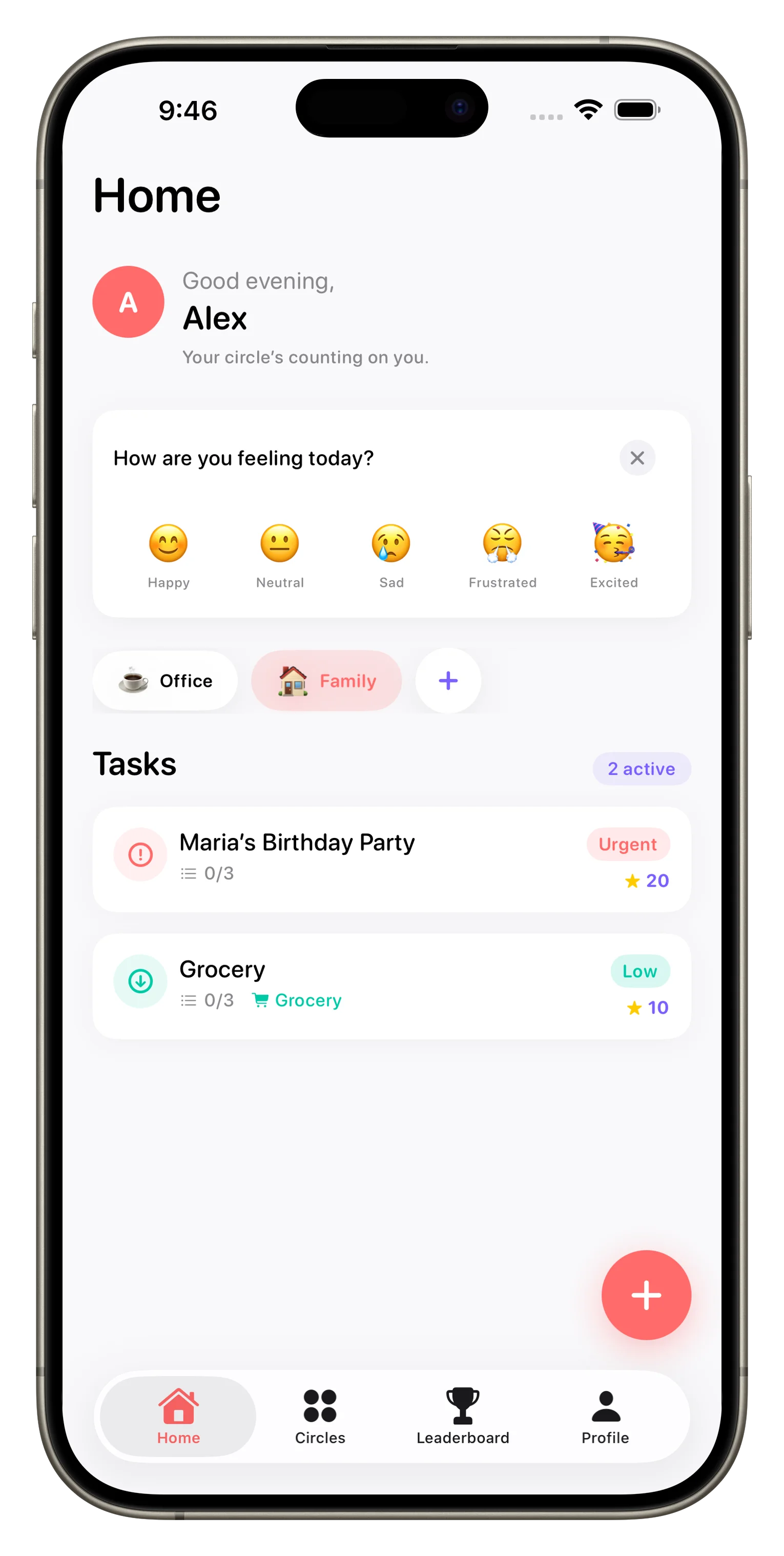
What Productivity Apps Miss
Traditional task managers—even the ones with sharing features—optimize for individual throughput. They're good at helping you stay on top of your own work. But family coordination isn't about individual productivity. It's about visibility, accountability, and follow-through on shared commitments. A grocery list doesn't need a complex project structure. What it needs is for someone to actually buy the milk.
A grocery list doesn't need a complex project structure. What it needs is for someone to actually buy the milk.
Most productivity apps also assume asynchronous work. You assign a task, the person does it, you mark it done. Family tasks often need real-time coordination. Someone starts cooking and realizes you're out of onions. The kids finish their chores early and want to know what else needs doing. Parents need to see at a glance who's handling what. That difference is subtle but crucial.
The Gamification Factor
The newer category of family coordination apps uses elements borrowed from games: points, streaks, leaderboards, achievements. This might sound gimmicky, but there's real psychology here. For kids especially, a visible progress bar and the chance to level up can shift tasks from "I have to" to "I want to." For mixed-age households, it creates a shared language around effort and accomplishment.
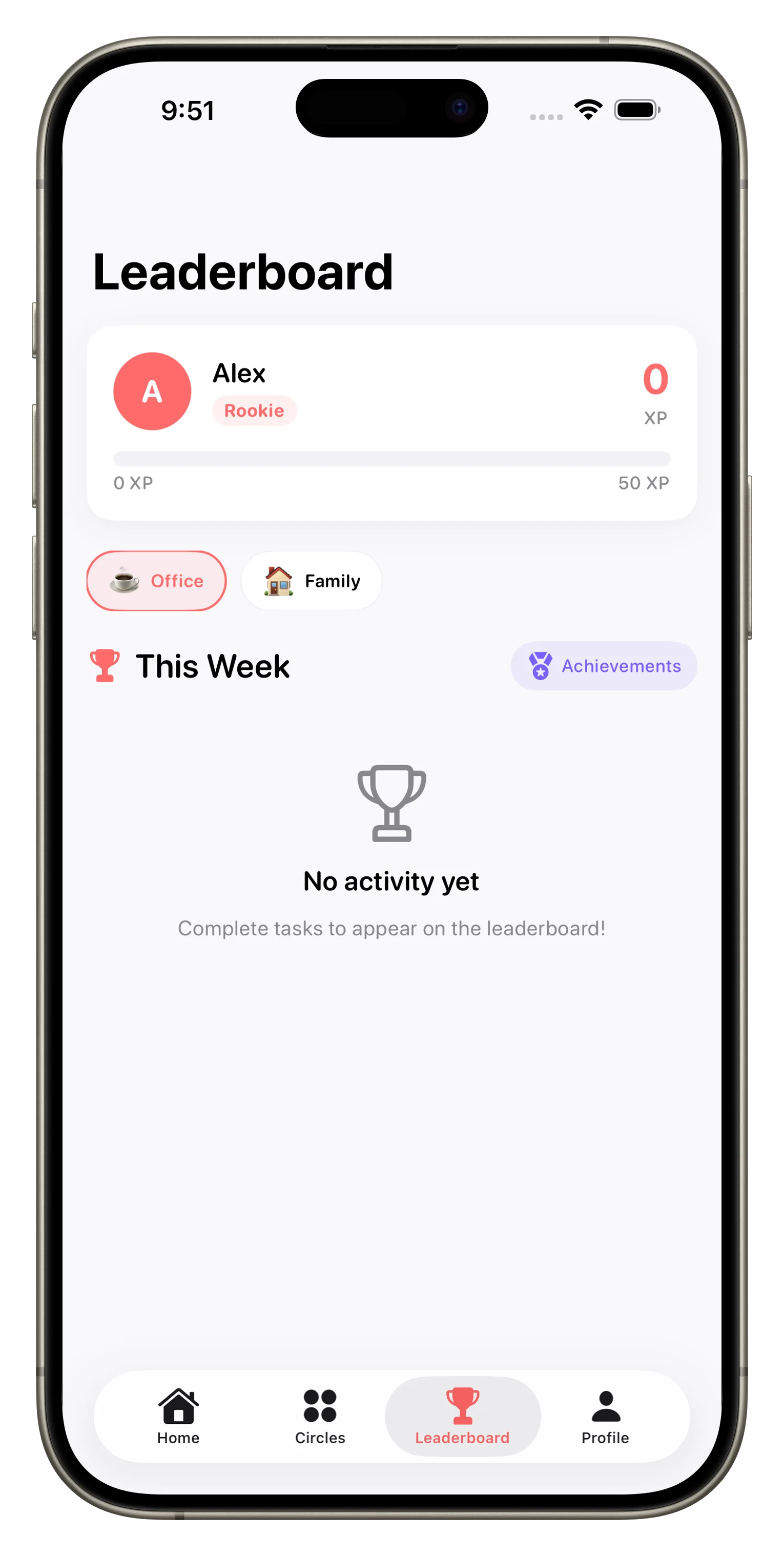
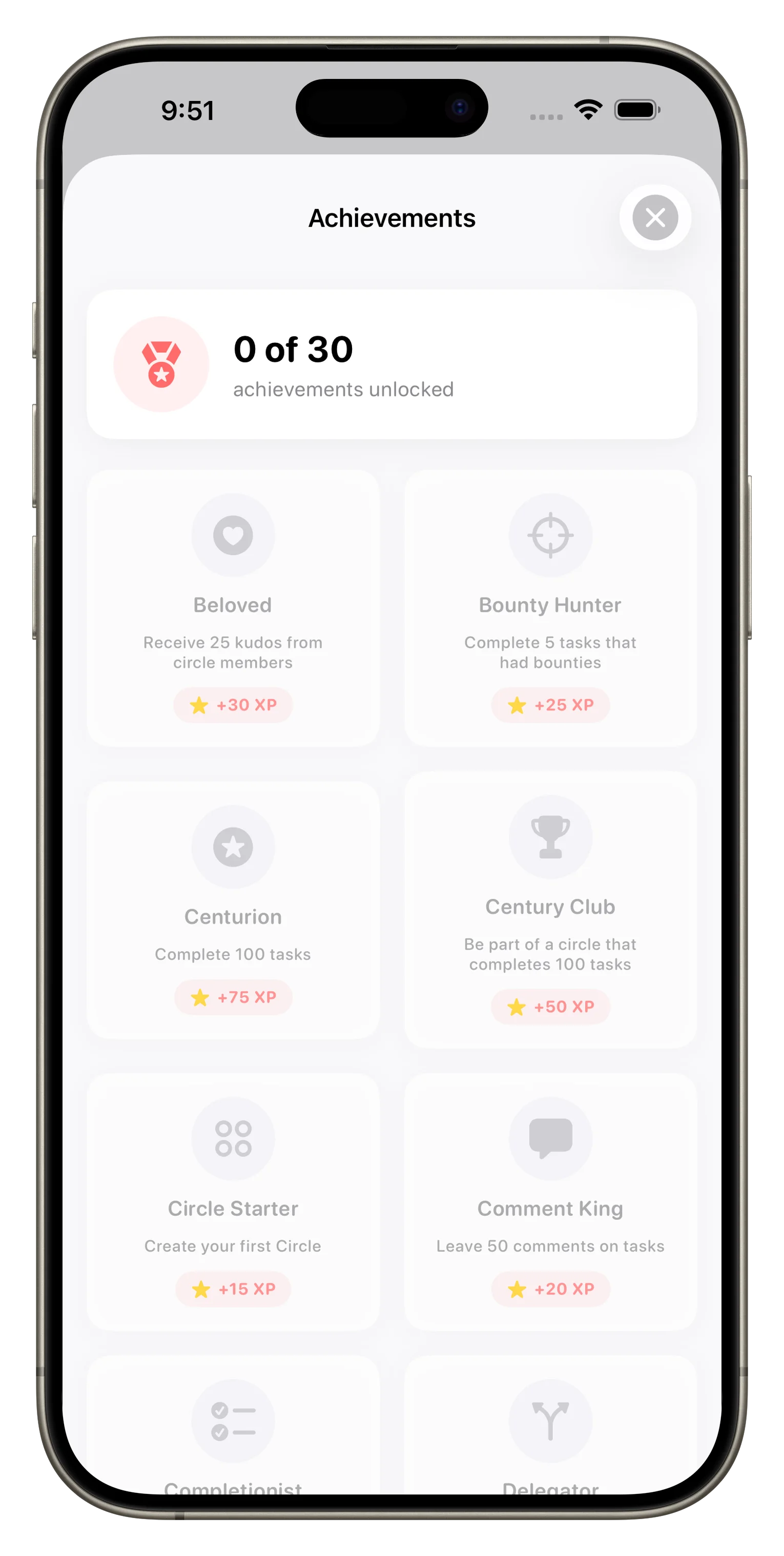
The key is restraint. Gamification can feel patronizing if it's heavy-handed. The better implementations keep it light—rewarding consistency more than perfection, celebrating streaks instead of obsessing over leaderboard rank. Loopd uses XP, streaks, and achievements, but they're structured around habits and completion, not competition. You're earning points for showing up, not for beating your roommate.
Communication Matters More Than You'd Think
A shared task list only works if people actually communicate about what needs to happen. Is the task urgent? Did something change? Did you hit a snag? Simple list apps punt this to text messages. That's where context gets lost and notifications pile up. Apps built for groups embed communication—comments, photo attachments, mentions—right into the task itself.
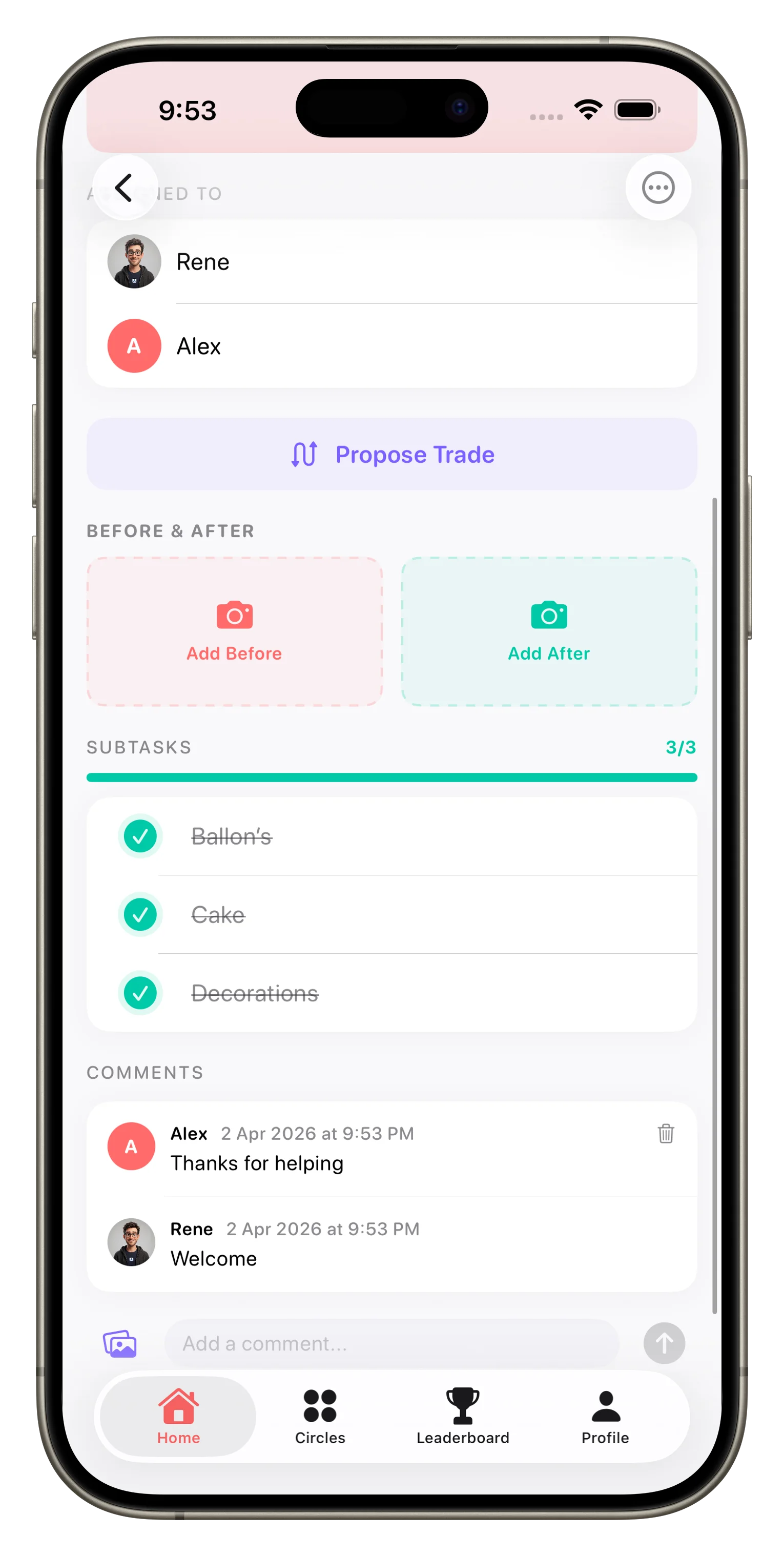
This is especially important for families. A kid can take a photo of a broken fence to show a parent. A partner can comment that they've already bought milk, so you don't need to add it to the list. Decisions get made in context, not scattered across different apps. We've written before about how Loopd uses in-context communication to reduce friction, and that's not incidental—it's core to why shared task management works at all.
Circles vs. One-Off Sharing
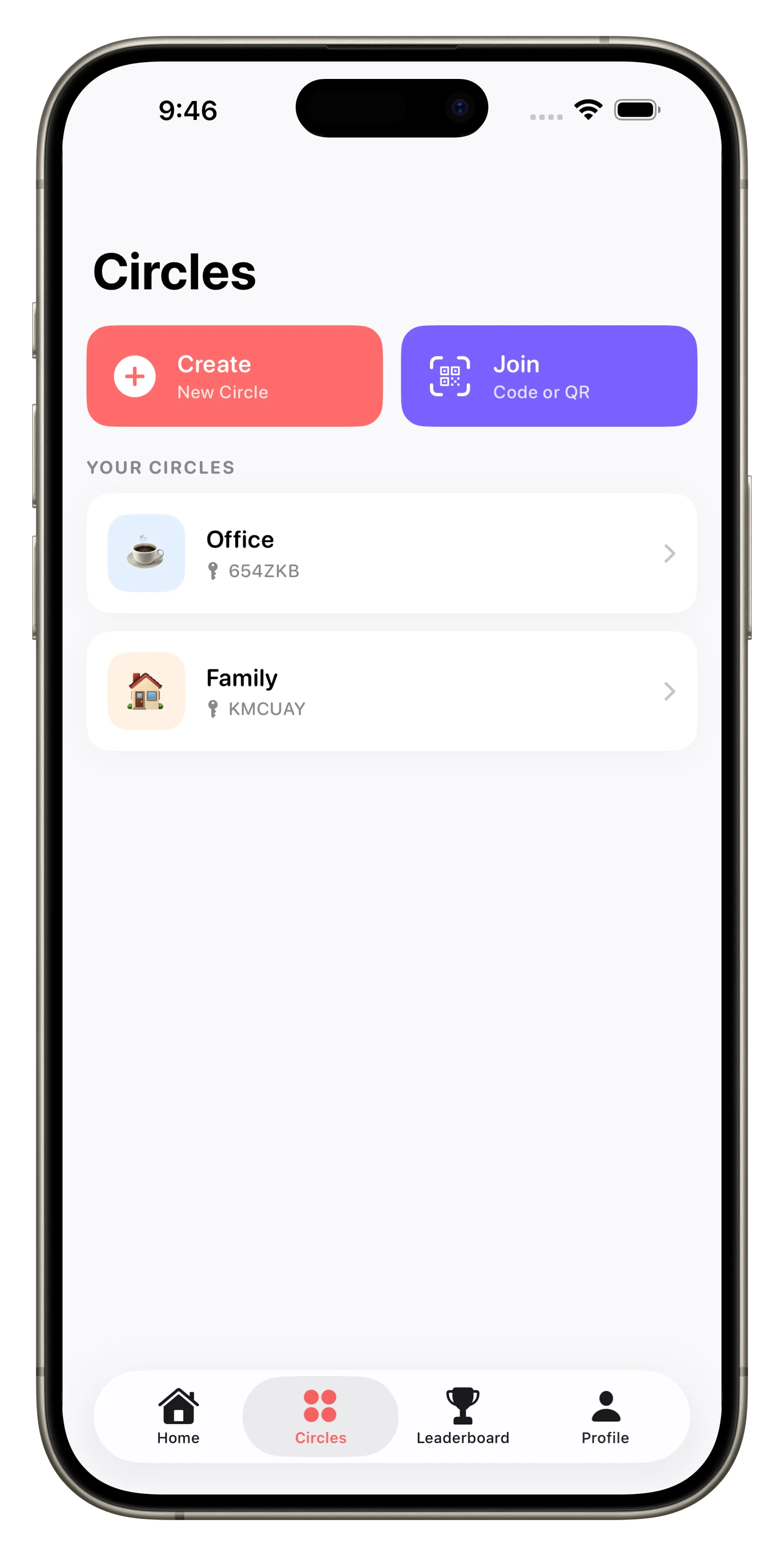
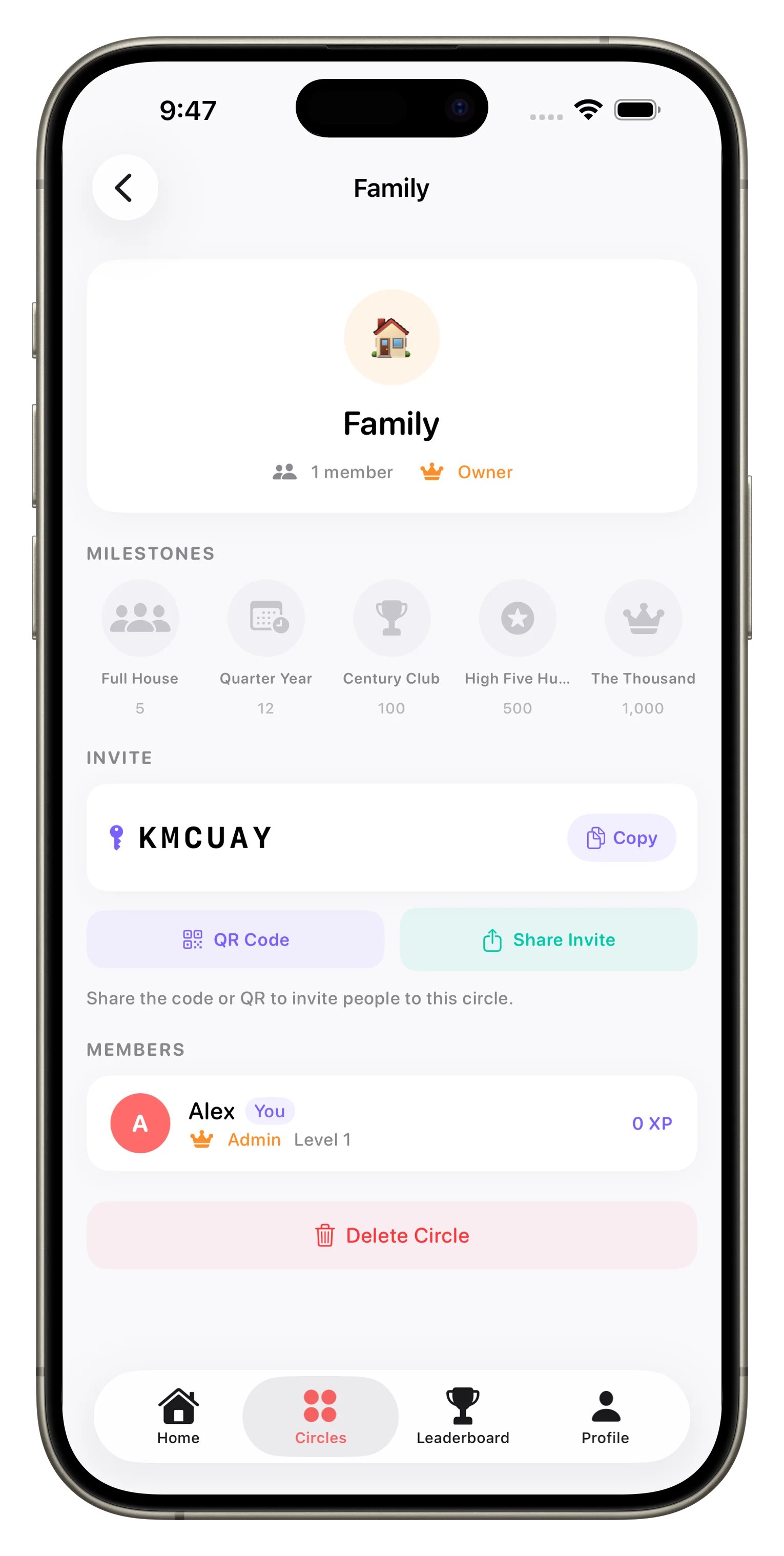
Some task apps let you share lists with specific people. That's practical for occasional collaboration. But if you're in a household, a friend group, or a couples' situation, you have ongoing relationships with defined groups of people. You need separate spaces for separate commitments—one Circle for your family, another for your roommates, maybe another for your book club. The Circle model treats each group as a distinct entity with its own tasks, members, and history.
Where Loopd Fits
Loopd is built for groups where you share ongoing responsibility: families, couples, roommates, close friend groups. It's not designed for workplace projects or managing contractors. The gamification, the simplified task creation, the in-context communication, the Circle structure—all of it assumes you care about the people on the list and want to make coordination feel like something you're doing together, not something you're forced to do.
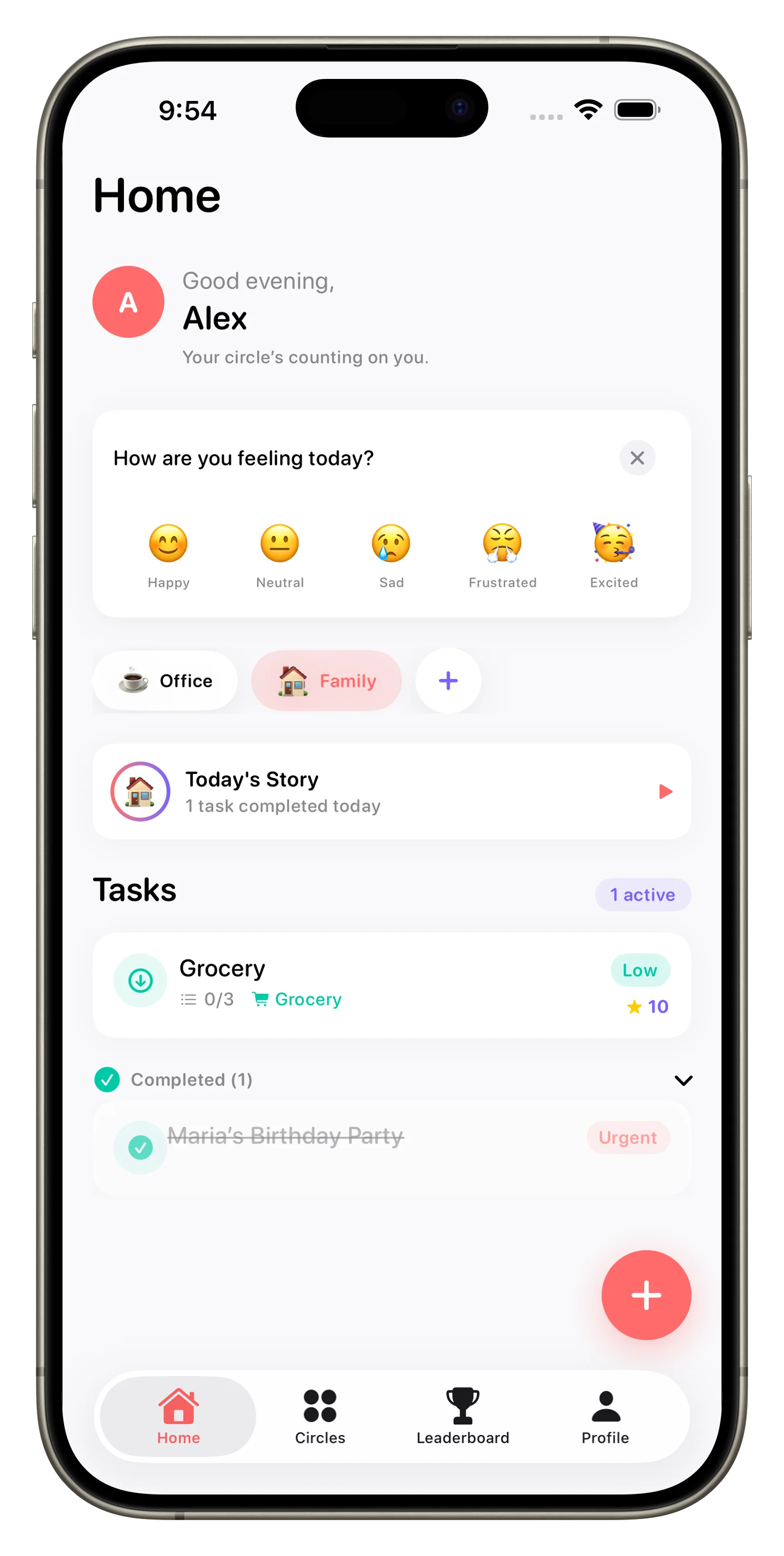
If you're looking for basic list-sharing, a simpler app might do. If you're managing a team's project management, you'll want something purpose-built for work. But if you're trying to keep a household running smoothly, or to make sure a friend group actually follows through on shared commitments, Loopd's approach is worth trying. We've found that most families get value from setting up their first Circle and seeing how it changes their rhythm within a week.
Modern family coordination isn't about perfect task management. It's about making sure everyone knows what's happening and cares enough to follow through.
This article was drafted with AI assistance and reviewed by a human editor before publishing.