You have an idea. You pull out your phone, find the notes app, wait for it to load, tap record, and finally speak. By then, half the thought is gone. Even if you capture it, you're left with an audio file or raw transcript—not something you can act on. Most voice note apps treat capture as the finish line. Echo starts there.
The voice notes landscape
Voice note options fall into a few clear camps. There are the bare-bones recorders—quick, minimal, but they dump you back at square one with an audio file. There are the transcription-first tools that excel at accuracy but treat summaries and action extraction as afterthoughts. And there are the sprawling productivity suites where voice capture is just one tiny feature among dozens you'll never use. Each approach solves one problem and ignores the rest.
The capture problem
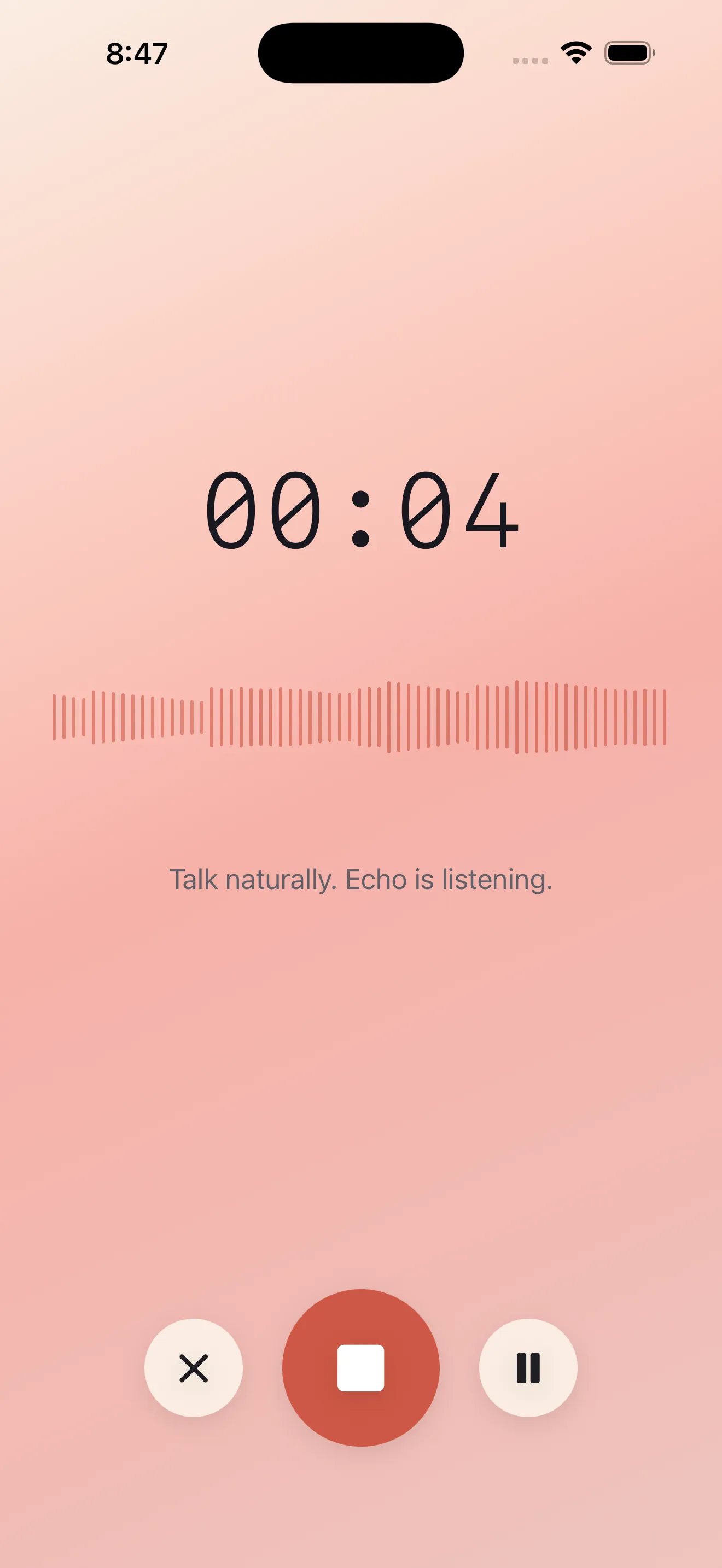
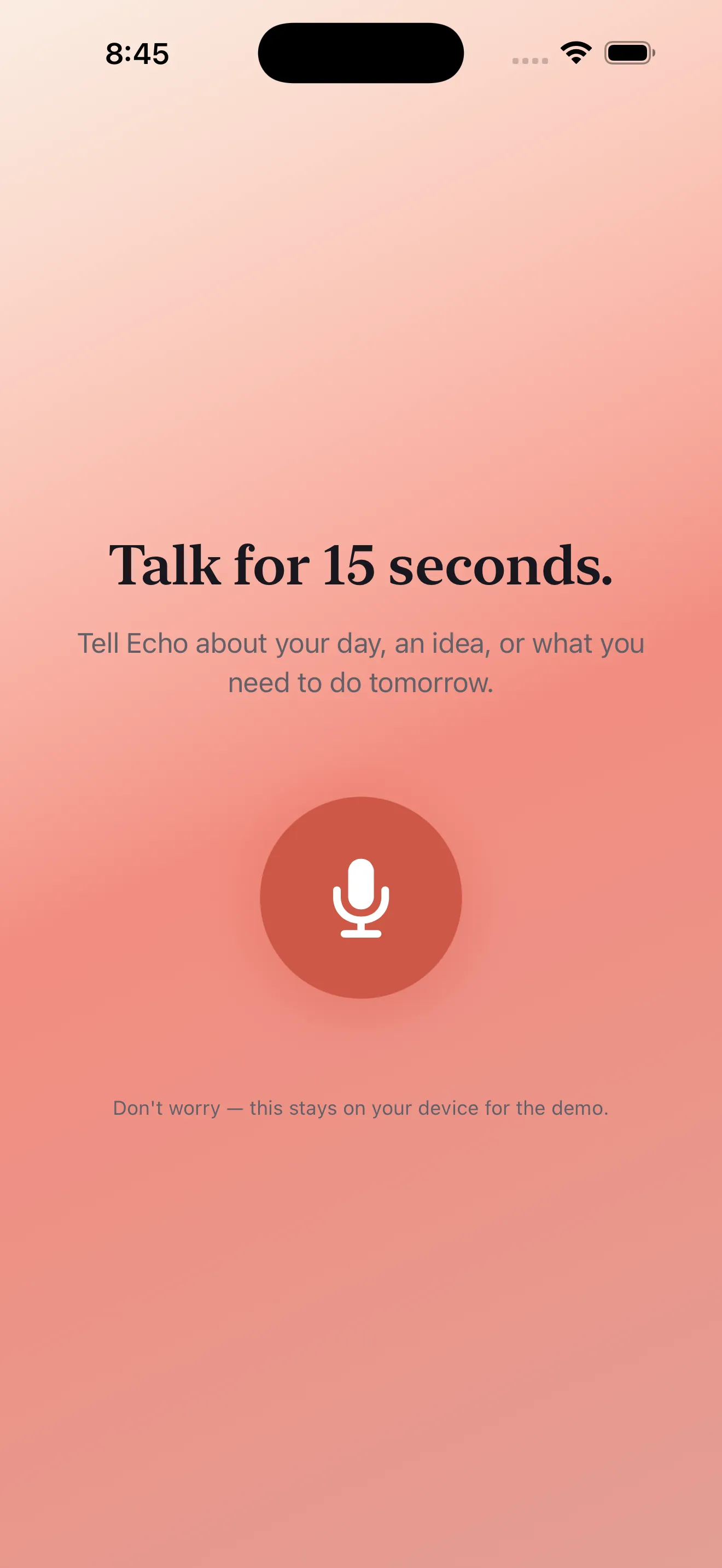
Ideas vanish the moment they arrive. The fastest voice note app is still slower than just thinking, because setup friction costs you. Echo's single tap opens the mic immediately—no splash screens, no permissions dialogs on repeat, no navigation. The button is ready before you hit unlock. If inspiration comes while your screen is off, keep talking; Echo captures in the background with the screen locked. It's not about being 0.5 seconds faster. It's about protecting the fragile moment when a thought exists but hasn't solidified into words yet.
Capture doesn't matter if you lose the idea while reaching for your phone.
Transcription is table stakes
By now, every voice note app transcribes. The differentiation isn't accuracy—it's what happens next. Echo handles English and Arabic as genuine first-class languages. Code-switching between them in a single recording works. RTL text renders properly. Bilingual capture isn't bolted on; it's built into the core from the start, because spoken thought doesn't respect language boundaries.
Where Echo diverges: summaries and actions
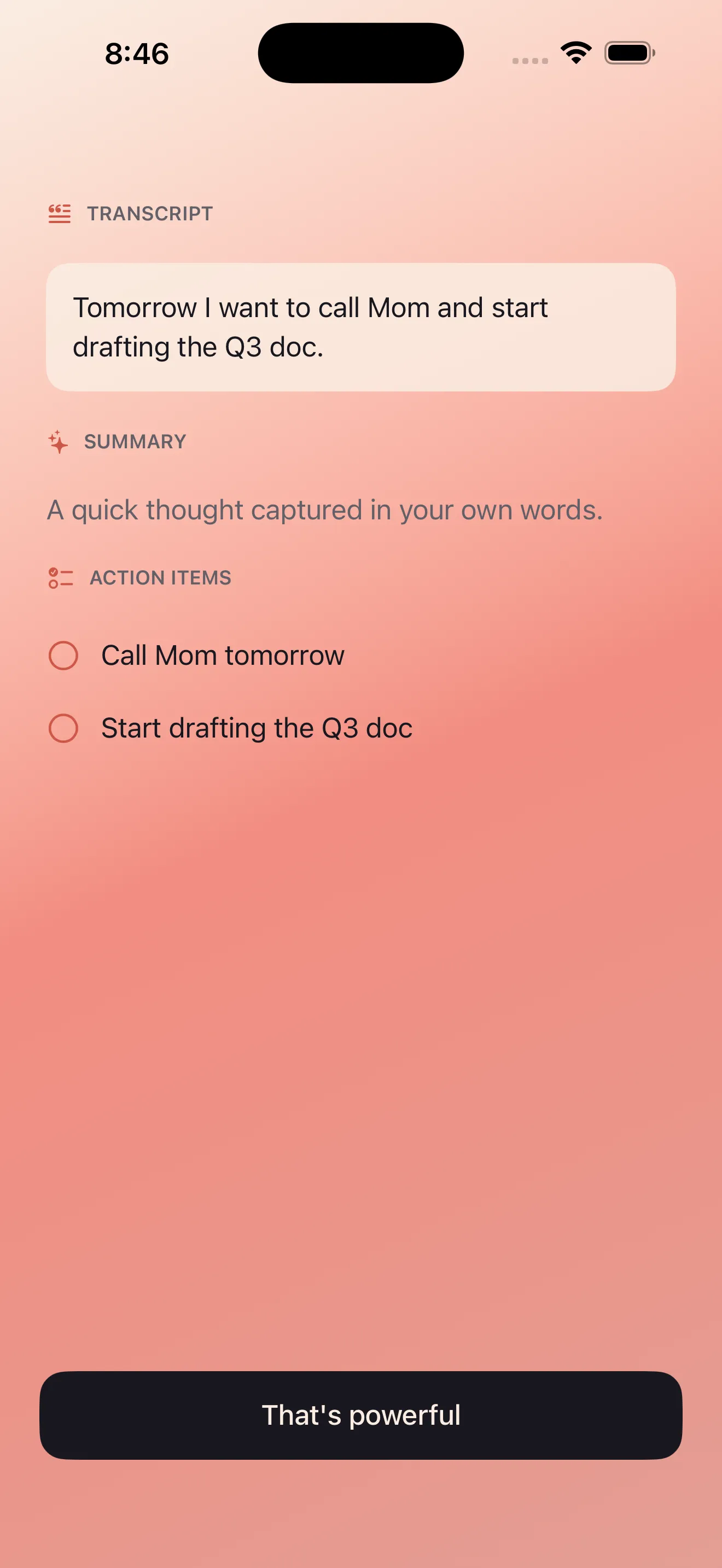
After transcription, most voice note apps stop. You get text. Now what? You have to read it, decide what matters, extract the action, maybe turn it into a task. Echo does that work for you. Every recording generates a summary and pulls out action items automatically. It recognizes what's a next step, what's a reference note, what can become a reminder or calendar event. The output isn't just a transcript; it's actionable intelligence that slots straight into how you actually work.
Privacy and on-device processing
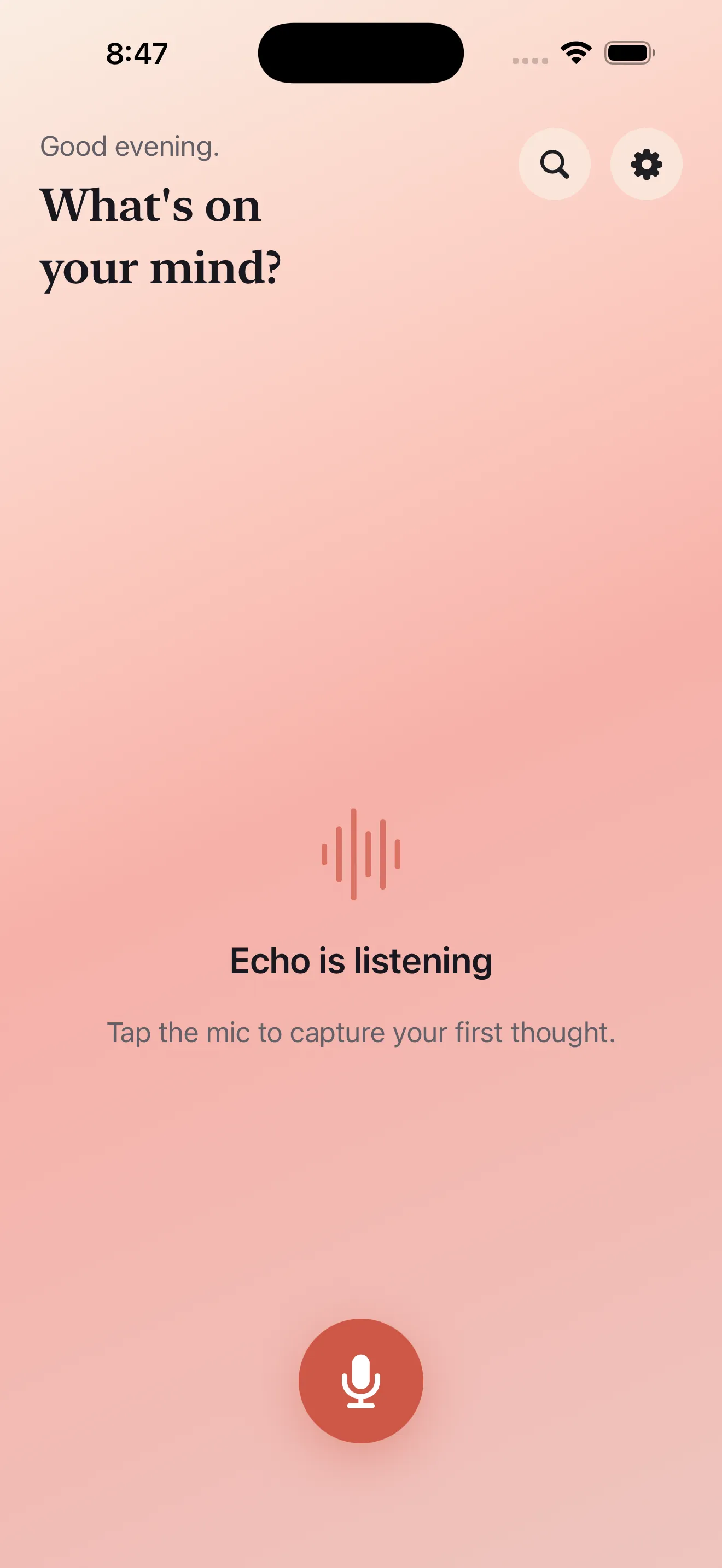
Voice is intimate. Every app that processes it should earn your trust. Echo runs transcription and summarization on your device by default—not as a marketing claim, but as the only way we ship. Your words never leave your phone unless you choose to share them. No audio stored on servers. No training data harvesting. The privacy model is clear and non-negotiable. If you want more processing power, you can opt into cloud features, but local-first is the assumption.
Integration, not replacement
Echo doesn't want to be your entire productivity system. It wants to be the fastest way to capture and turn spoken thought into something useful—then hand it off. Export to Notes, create reminders, add events to Calendar, share via Mail or any app on your phone. See how to turn voice notes into actionable tasks. We're obsessed with how notes and summaries move downstream, not with keeping them locked inside Echo. If you prefer a different notes app, calendar, or task manager, Echo works there too.
- Quick capture
- Single tap, immediate mic access, background recording
- Transcription
- English and Arabic as first-class, code-switching supported
- Auto-generated output
- Summaries and action items in every recording
- Processing location
- On-device by default, opt-in cloud available
- Output destinations
- Notes, reminders, calendar events, direct sharing
For a deeper dive into how to get the most from voice notes, explore Echo tips for capturing ideas better with voice notes. The work of turning thoughts into action is simpler than most people think—as long as the tool gets out of the way first.
When Echo makes sense
- You speak faster than you type and lose thoughts mid-capture
- You work across English and Arabic or use both in conversation
- You need summaries and action items, not just transcripts
- You care about privacy and prefer on-device processing
- Your notes live in standard apps, not custom platforms
- You want capture to be frictionless enough that you actually use it
This article was drafted with AI assistance and reviewed by a human editor before publishing.