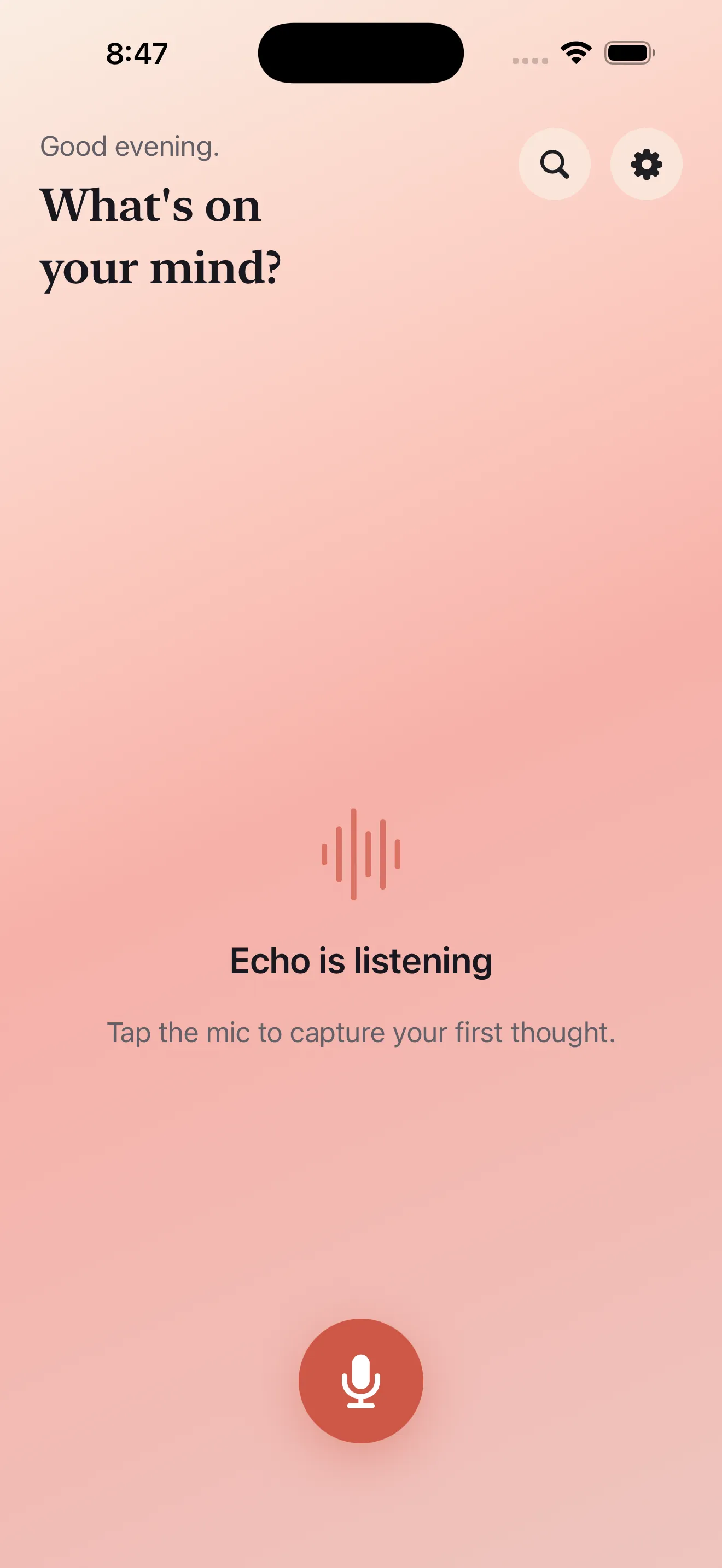
Voice note apps exist on a spectrum. Some treat recording as an afterthought—extra steps, permission dialogs, and distracting UI between you and the mic button. Others focus heavily on transcription but leave you with raw text that still needs work to become actionable. And some ignore the reality that many people live between languages. Echo starts from a different premise: the fastest way to capture a thought should also produce the most useful output, and that output should work in English, Arabic, or both without compromise.
The voice capture spectrum
Most voice note tools fall into one of three camps. The simplest ones are little more than audio recorders—they get sound into your phone, maybe transcribe it, and that's it. You're left with a long transcript you still need to parse. The second approach adds some AI: transcription plus basic summaries or keyword extraction. They're more useful, but they still treat voice recording as a secondary concern. Setup matters less than what happens after. The third approach is where you find thinking tools that happen to support voice input—calendar apps, project managers, note systems—where voice is grafted on top of an existing text-first design.
The speed of capture should never be sacrificed for setup, settings, or UI choreography.
Echo rejects the tradeoff entirely. We designed backward from the moment you have an idea. That means the mic button is genuinely one tap—no modals, no permission screens on repeat, no app-switching. Once you start speaking, the app gets out of the way. The transcript, summary, and action items arrive as a single useful packet, ready to send to your calendar, task list, or notes app without retyping.
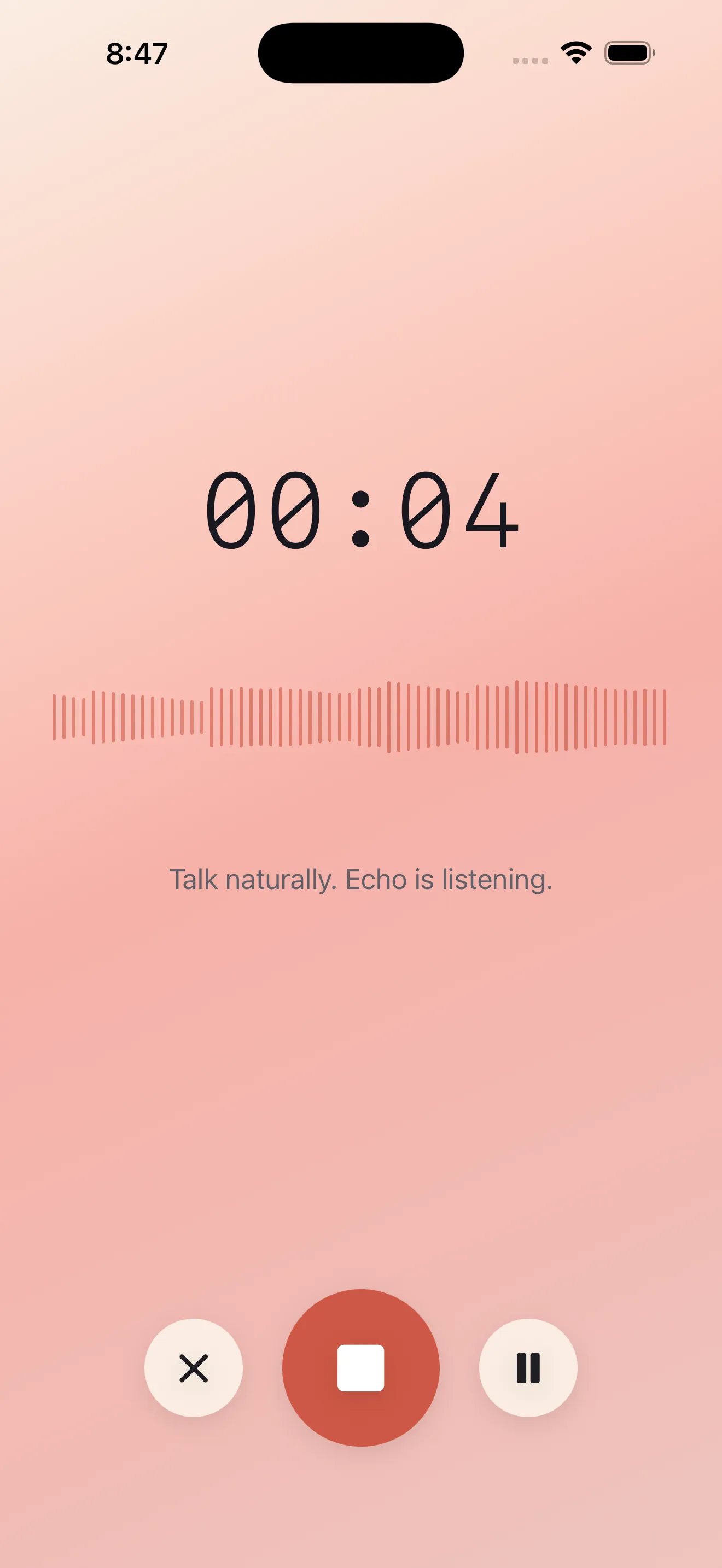
What happens after you stop talking
Once the recording ends, most voice tools give you one of two options: a transcript, or a transcript plus a few auto-generated bullet points. Echo gives you three things simultaneously. A full, searchable transcript. A natural summary that captures the core idea without the verbal filler. And a list of action items extracted from what you said—because most voice notes contain something you actually need to do.
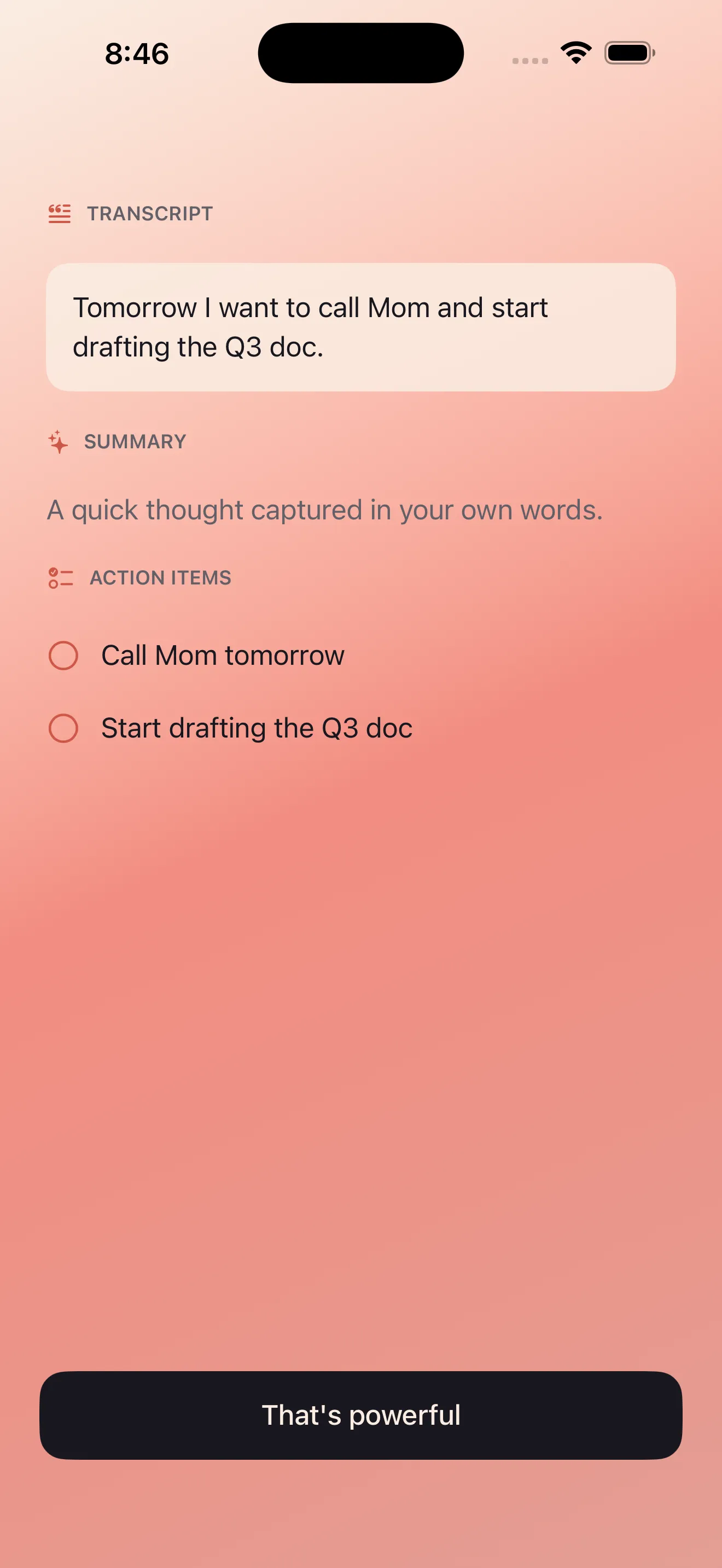
This is where Echo differs from generic transcription-plus-summary tools. The action items aren't padding. They're parsed from the meaning of what you said, not just keyword-flagged text. And all three—transcript, summary, actions—can flow directly to your calendar, task manager, or notes system. You're not copy-pasting. You're not reformatting. The voice note becomes immediately useful in the systems where you actually work.
English and Arabic, equally
If you've used voice note apps while switching between English and Arabic, you know the pattern: transcription works well in one language, poorly in the other. Or the app forces you to pick a language upfront. Or the RTL rendering breaks, leaving you with text that reads backward. Echo treats English and Arabic as genuinely first-class languages. Both transcribe accurately from mixed-language speech. Summaries and actions work across language boundaries. The interface itself respects RTL reading—no hacks, no compromises.
This isn't a feature add-on. It's baked into the core design. If you live in both languages, you shouldn't have to choose which one to use for your voice notes. For more on how Echo helps you capture better, see Echo Tips: Capture Ideas Better with Voice Notes.
Privacy where it matters
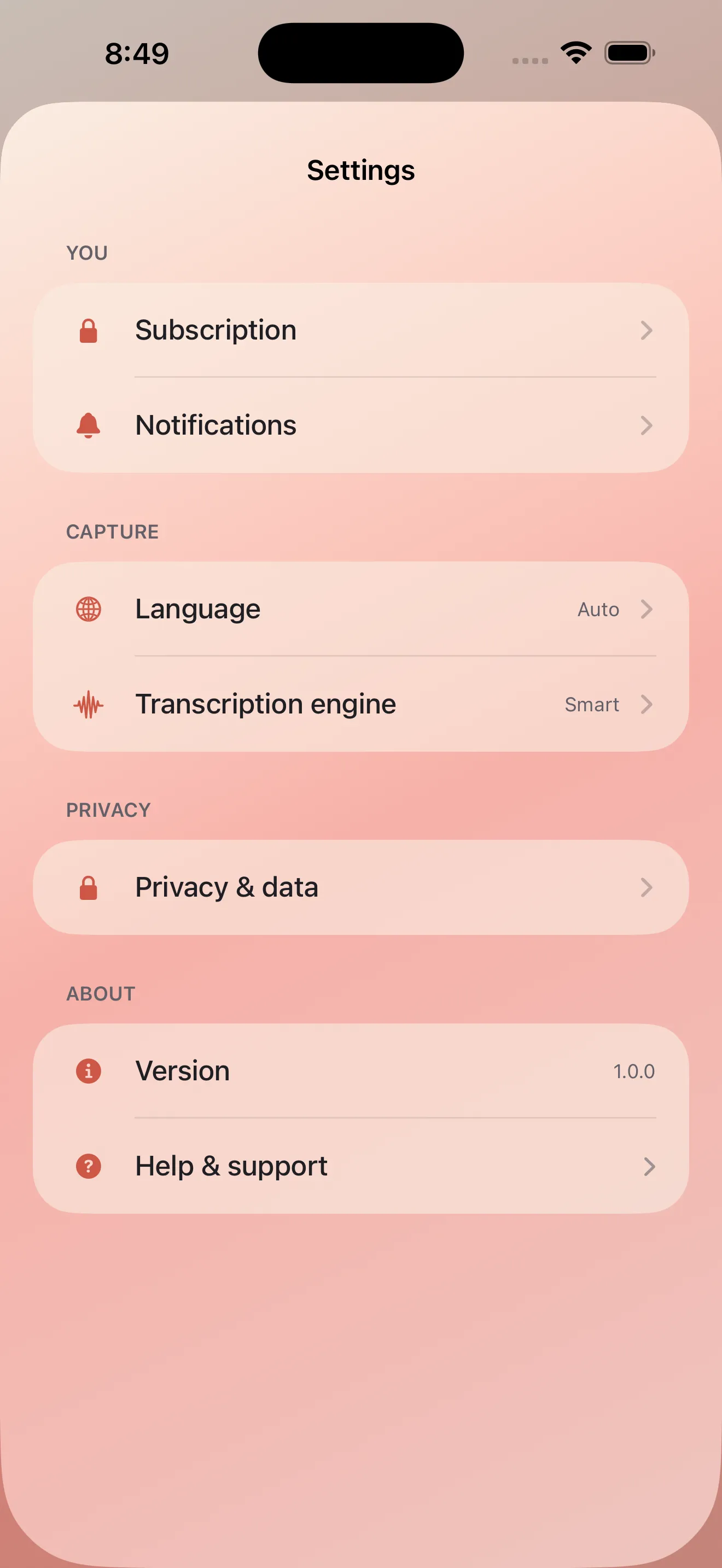
Voice notes contain thoughts you might not write down. They're more raw, more unfiltered, sometimes more honest than typed notes. That matters for privacy. Echo processes audio on your device first. Transcription, summarization, and action extraction all happen locally where possible. Only if you choose to share a note does it leave your phone. Your voice stays yours.
Notes that actually go somewhere
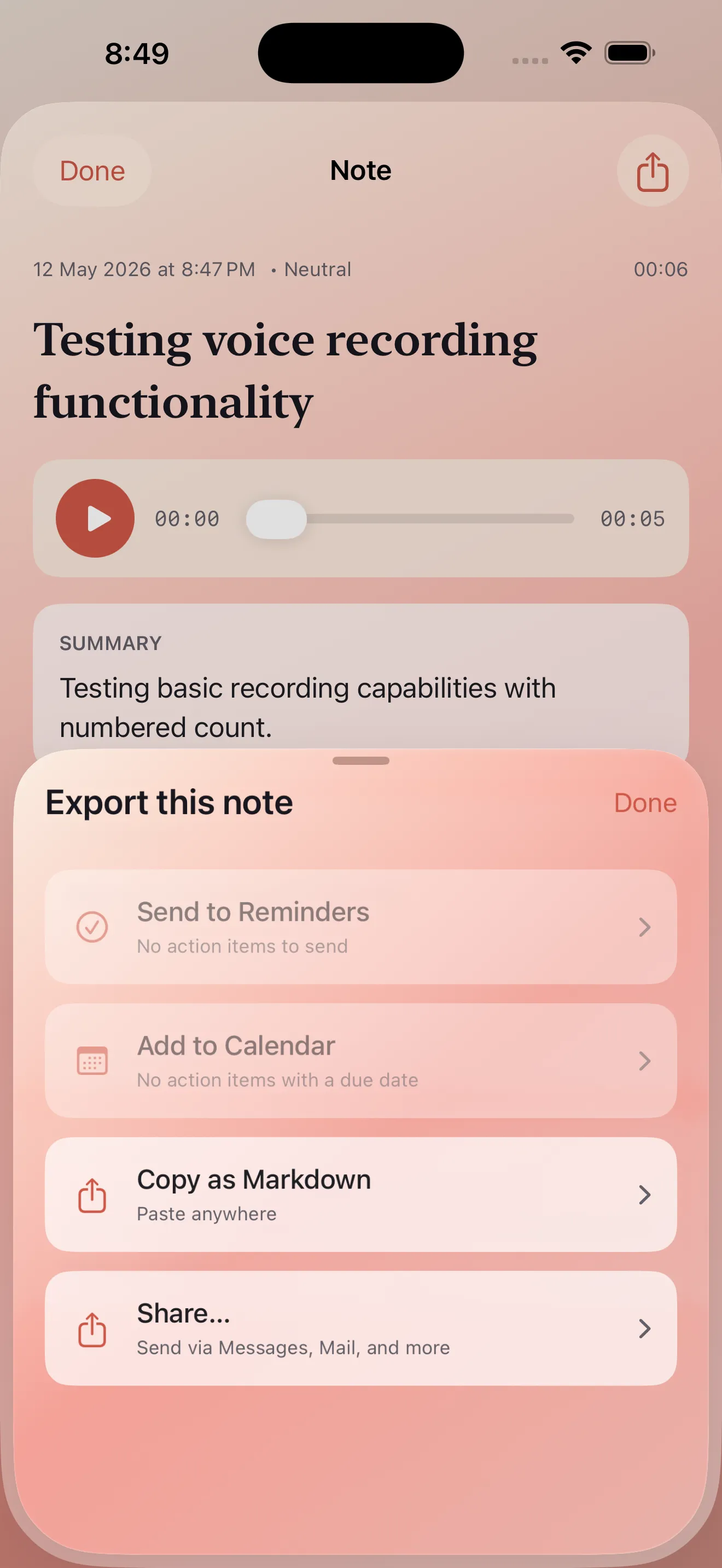
A voice note is only useful if it connects to your actual workflow. Echo integrates with the systems you already use: reminders, calendar, task managers, note apps. An action item becomes a reminder. A thought with a date becomes a calendar event. A note can be shared or exported as text. The recording itself stays in Echo as a searchable archive, but the useful output goes where you need it.
- Capture speed
- One tap, no setup dialogs
- Output
- Transcript, summary, and action items simultaneously
- Languages
- English and Arabic first-class, mixed-language support
- Privacy
- On-device processing, you control what leaves your phone
- Integration
- Direct routing to reminders, calendar, tasks, notes
This article was drafted with AI assistance and reviewed by a human editor before publishing.