Most voice note apps treat recordings like afterthoughts. Echo does the opposite. From the moment you tap the mic, the app is built around one idea: your spoken thought deserves to become something useful. Not tomorrow. Now. That means transcripts that appear while you're still talking, summaries that actually capture what mattered, and action items you can turn into reminders or calendar events. All of it happens on your device, because Echo believes your voice should never travel further than necessary.
The Single-Tap Design Philosophy
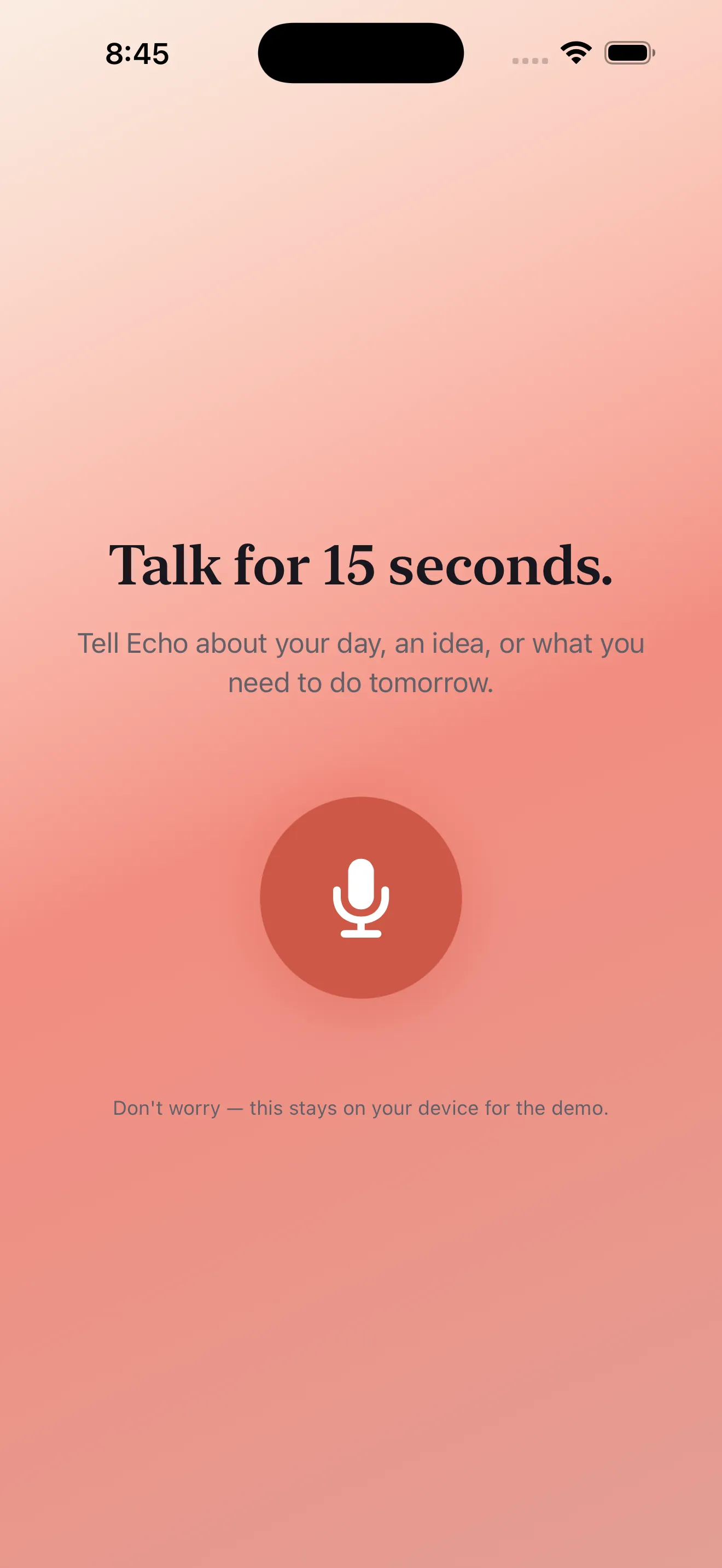
The barrier between thought and capture is often just friction. A screen to dismiss. A menu to navigate. A permission to grant. Echo removes that friction by centering the mic button. Tap it once and you're recording—no setup screens, no delays. The app starts capturing immediately because the worst moment to lose an idea is the moment you decide to record it.
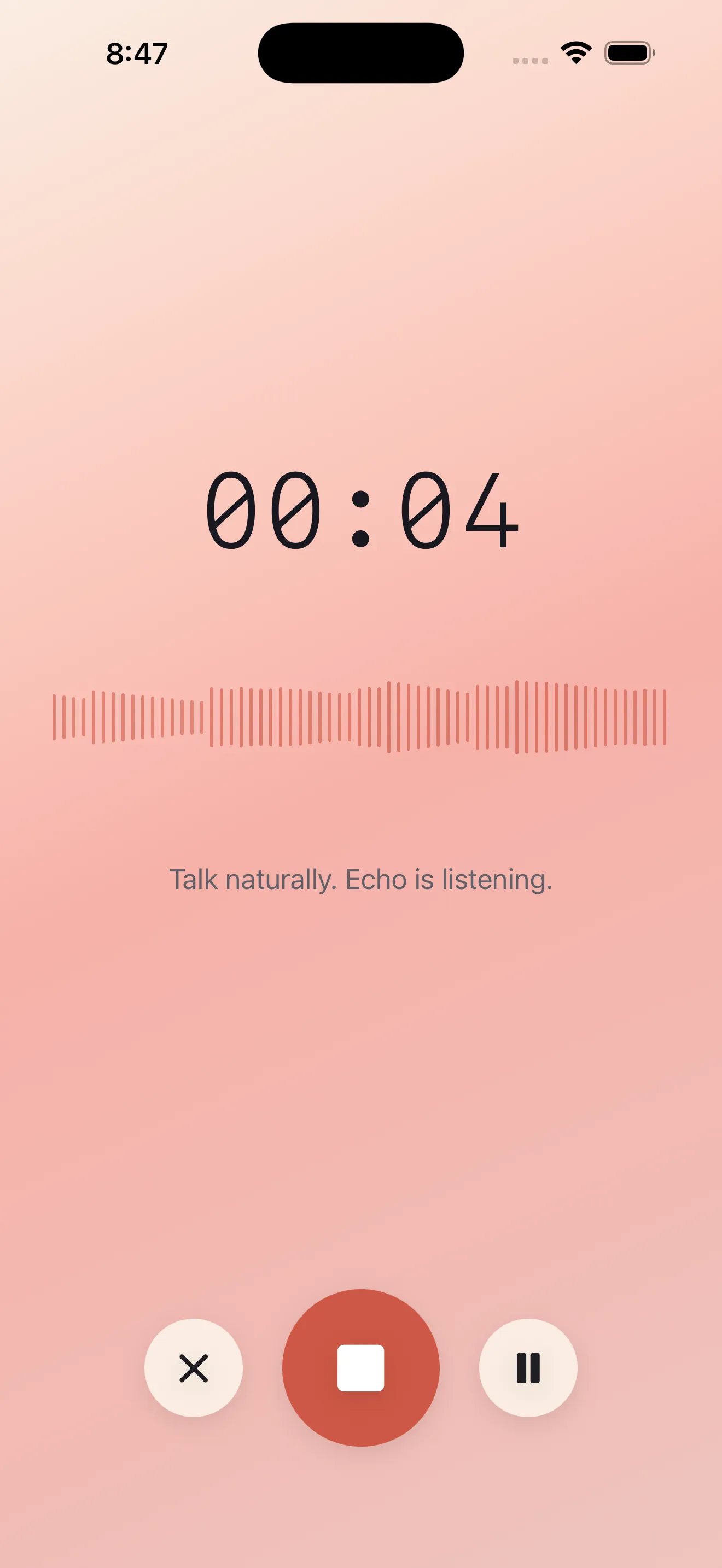
What happens after you stop talking is where Echo diverges from most voice note apps. Instead of handing you an audio file and asking you to do the work, Echo does the work. While you're still on the recording screen, you see a transcript emerging in real time. The summary appears as soon as transcription finishes. Action items get extracted automatically. You're not managing audio anymore—you're managing ideas.
From Recording to Actionable Output
A transcript is useful. A summary is more useful. Action items are what actually change behavior. Echo generates all three because a voice note's real value isn't in listening to yourself again—it's in extracting the signal from your own thinking out loud.
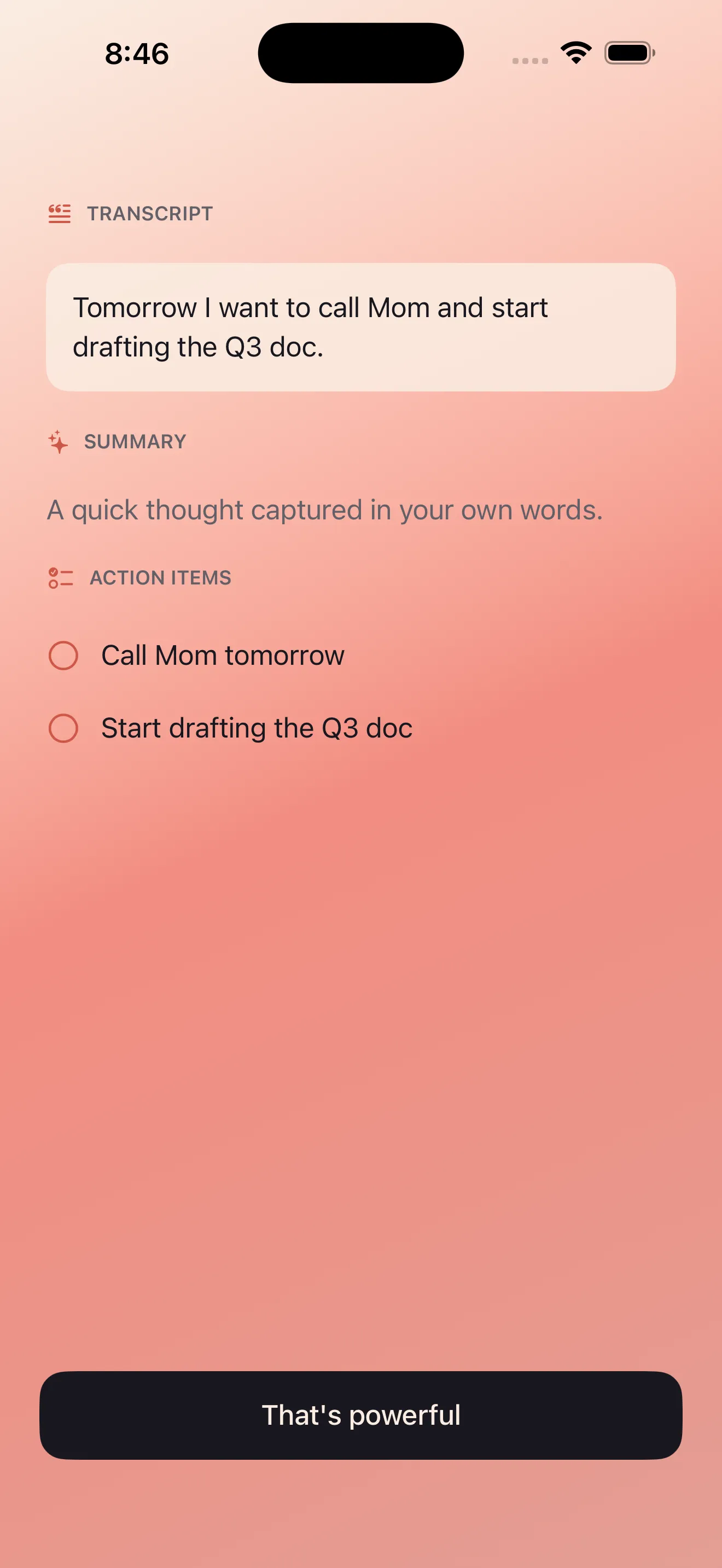
Your voice becomes searchable, sorted, and connected to the rest of your day in seconds.
Once you have a transcript and summary, they live somewhere that matters. Echo notes are searchable—type a keyword and find any recording by what you actually said. They integrate with your calendar, so action items can become events. They export cleanly to notes apps, email, and messaging. The recording itself stays on your device unless you choose to share it. This is the inverse of many voice note services: instead of locking your voice in their ecosystem, Echo treats it as a starting point for everything else you already use.
Bilingual by Design, Not Afterthought
Echo supports English and Arabic as first-class languages. This isn't a feature toggle buried in settings. Both languages work seamlessly in transcription, summary generation, and action extraction. You can mix languages in a single recording and Echo handles it. RTL rendering means Arabic text displays correctly throughout the app. If you live between languages—as millions do—Echo doesn't make you choose.
Privacy by Architecture
Audio processing in most apps means sending your voice to a server. Echo processes audio on your device. Your microphone input never needs to leave your phone to become a transcript, summary, or action list. This isn't a marketing claim—it's how the app is built. You control whether anything gets exported, shared, or saved anywhere beyond your device.
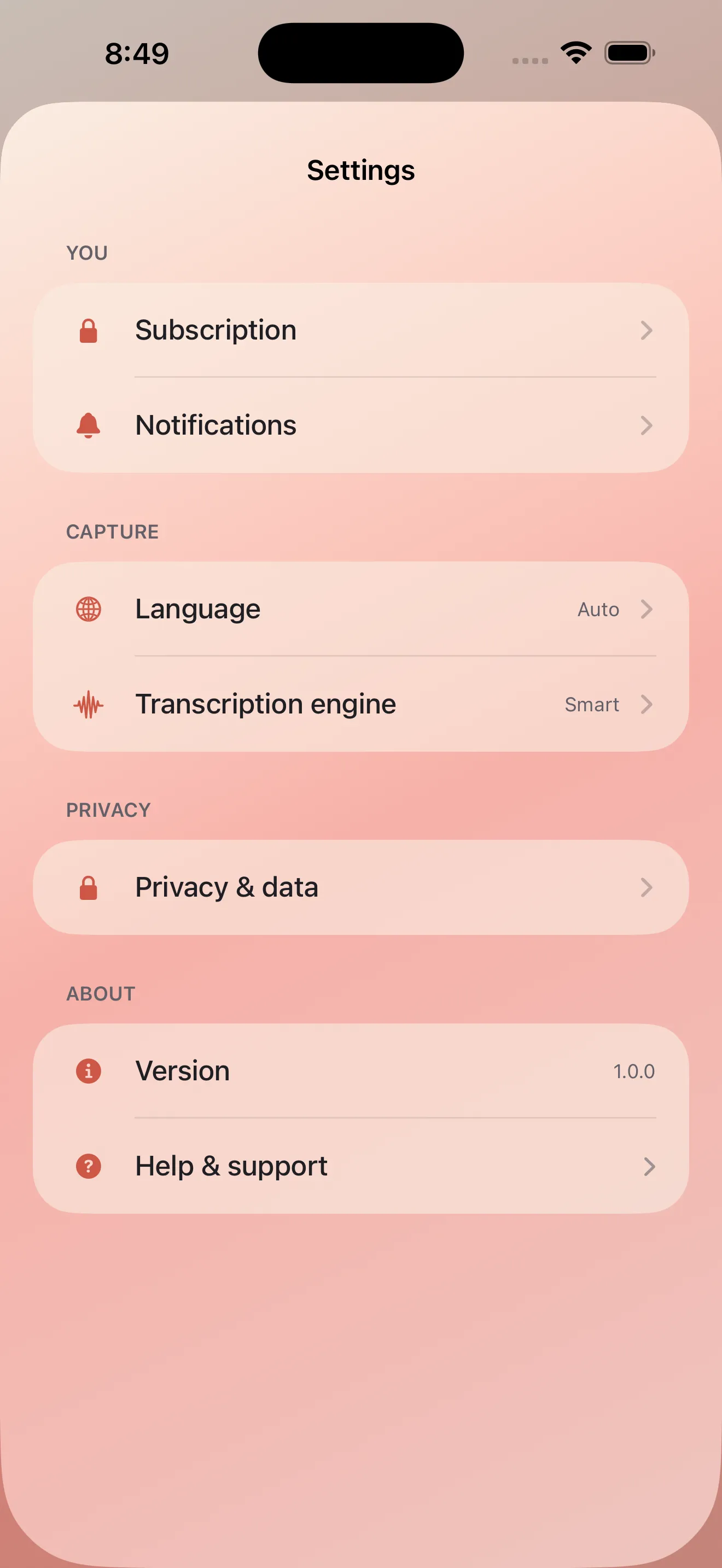
Privacy-first doesn't mean locked-away. It means your voice stays yours until you decide to share it.
Building a Practice Around Voice Notes
Echo works best as a habit, not a one-off feature. Check out our tips for capturing ideas better with voice notes to develop a sustainable practice. Whether you're journaling, brainstorming, or just getting thoughts out of your head, voice notes work better when the app gets out of your way and the system gets better at organizing what you capture.
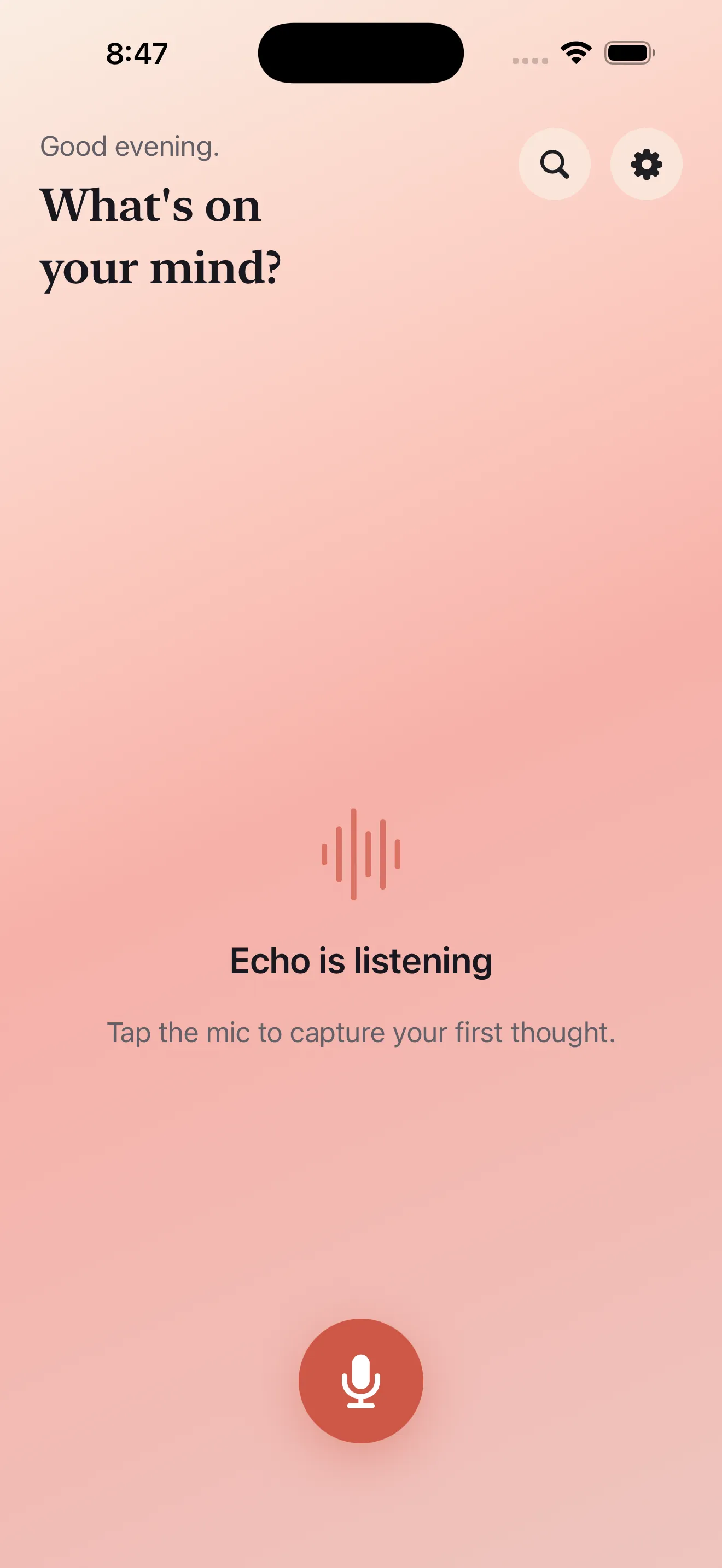
The dashboard shows your recent recordings and lets you search through everything you've captured. Background recording support means you can keep capturing with the screen locked or the app backgrounded—useful for longer thoughts or ongoing journaling sessions. Learn more about how to get started with Echo voice notes if you're new to voice capture.
Why This Approach Matters
Voice notes aren't new. But most implementations still treat them like audio memos—you record, you store, you listen back. Echo inverts that. The voice is the input. The transcript, summary, actions, and exports are the output. This shift unlocks voice notes for journaling, ideation, task management, and bilingual thinking. It's not about recording more voice notes. It's about doing more with them.
This article was drafted with AI assistance and reviewed by a human editor before publishing.