How to Cook Dinner With What You Already Have in the Fridge
It's 6pm, the store is out of the question, and the fridge holds half of everything. Here's how to turn what you have into a real dinner with MiseMate's AI kitchen assistant, one step at a time.
The fastest way to cook with what you have is to stop scrolling for a recipe and describe your fridge instead. Tell MiseMate's AI kitchen assistant what needs using and how much time you've got. It suggests dishes built around those ingredients, tells you what to swap for anything you're missing, and hands the recipe to Cook Mode so you can follow it at the stove. You skip the store run, and the cilantro gets used before it turns.
What you'll have at the end
A dinner recipe built from what's already in your kitchen, adjusted for what you're missing, scaled to the people eating, and running in Cook Mode with timers. The planning takes about as long as preheating a pan. The AI suggestions need MiseMate Premium. Scaling, grocery lists and Cook Mode are free.
What you need before you start
MiseMate on your iPhone, with Premium active for the AI assistant
A quick look at your fridge, freezer and pantry shelf. Two minutes with the door open is plenty
A short list of what has to be used soon: the soft pepper, the open yogurt, the herbs going limp
How many people you're feeding, and how long you're willing to cook
Any diets or allergies at the table tonight
How to turn what's in your fridge into tonight's dinner
1
Step 1: Pick the two or three things that have to go tonight
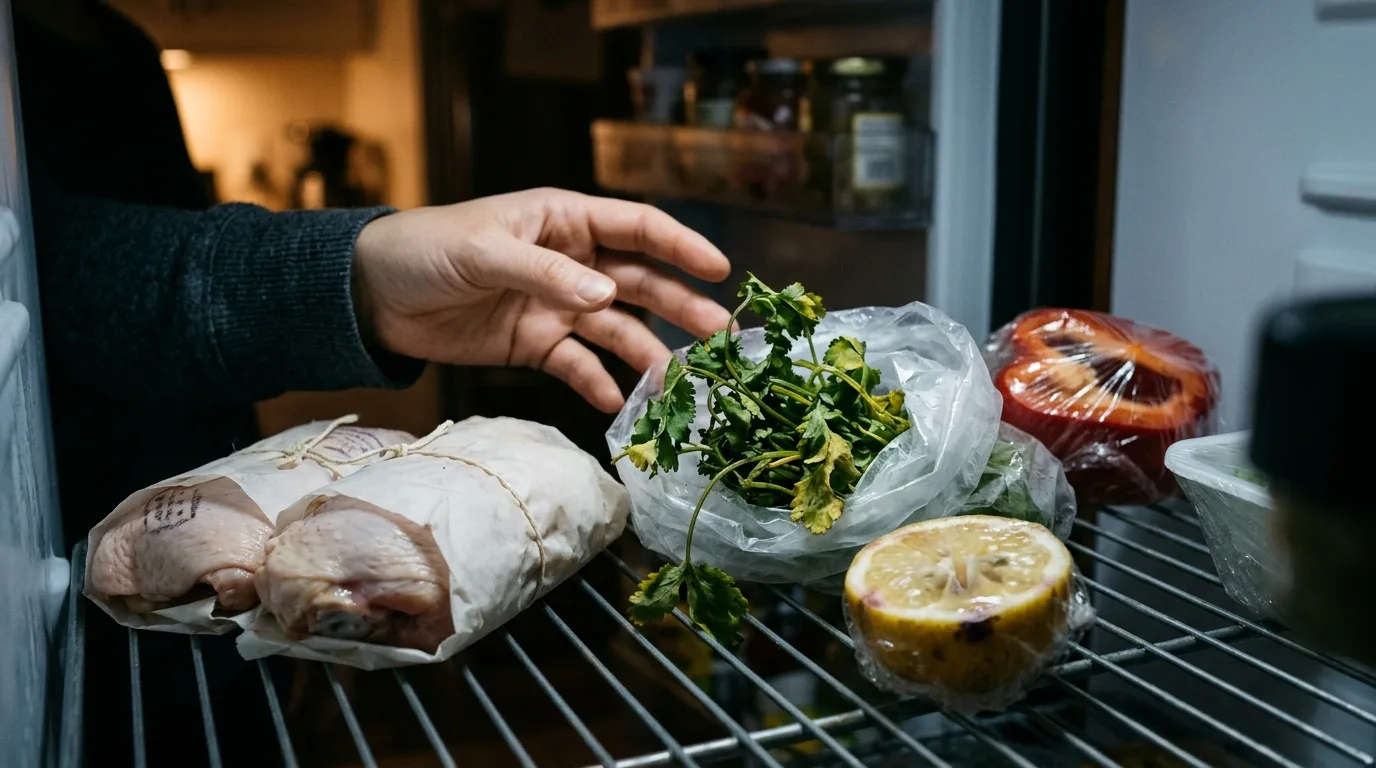
Open the fridge and find what's closest to the bin. Say it's two chicken thighs at their date, half a red pepper and the cilantro. Those are your anchors. Everything else, like onions, rice, canned tomatoes and spices, is support. A short list gets you a dinner built around the food you're trying to save, not a generic stir-fry.
2
Step 2: Tell the AI assistant what you have and what you need
Open the AI kitchen assistant and write the way you'd text a friend who cooks: "Two chicken thighs, half a red pepper, cilantro, rice, a can of tomatoes, onions. Dinner for two, 30 minutes, one pan." Put the time limit and the equipment in the same message. You'll get back a few dish ideas built around your anchors. If they lean on things you don't have, say so and ask again.
3
Step 3: Choose one idea and ask about the gaps
Pick the suggestion that sounds best and check its ingredient list against your counter. For anything missing, ask: "No lime, what can I use?" or "I don't have cumin." The assistant suggests swaps from what you've already told it you have. This is where the lemon heel in the door finally earns its keep.
4
Step 4: Rewrite it for anyone with a different diet
If someone at the table is dairy-free or vegetarian, ask the assistant to rewrite the recipe for that diet instead of hunting for a new one. You keep the dish you picked, minus the problem ingredients. For a real allergy, read the rewritten list yourself before you start. The assistant works from what you tell it and can't read the labels in your cupboard.
5
Step 5: Scale it to the number of people eating
Save the recipe, then set the servings with ingredient scaling. Two thighs might stretch to three people with extra rice. Or the recipe is written for six and you're cooking for one. Scaling is free, and it spares you dividing "3/4 cup" by three at the counter. For more on getting this right, see how to scale a recipe up or down without fraction math.
6
Step 6: Send anything truly missing to your grocery list
If the dish still needs one thing you can't swap, add it to your smart grocery list instead of running out mid-cook. Grab it on the way home tomorrow, or ask the assistant for a version without it. Most fridge dinners never get to this step.
7
Step 7: Cook it in Cook Mode with the timers running
Start Cook Mode and follow the recipe one step at a time, with timers for the rice and the simmer. No scrolling a long page with chicken on your fingers, and no losing your place when the pan spits. If you've never used it with messy hands, read how to use hands-free Cook Mode when your hands are messy before you start the onions.
Where this works, and where it doesn't
This is a method for the ordinary weeknight, when you have food, about half an hour and no plan. It works best with a few staples to lean on, like rice, pasta, onions, eggs or a can of tomatoes. Three lonely ingredients and an empty pantry give you thin suggestions. No assistant can make a meal out of mustard and a lemon.
It's also a rescue move, not a system. If you're doing this every night, the real fix is planning a few dinners ahead so the fridge never gets this random. MiseMate's meal planning calendar handles that, and how to use a weekly meal planner on iPhone and shop once walks you through it. And if you cook the same four dishes from memory and like it that way, you don't need an app for this.
Can you do this without Premium?
Partly. The AI assistant, the part that takes your ingredients and suggests dishes, is Premium. Without it, you can still browse the 276 built-in recipes across more than 30 cuisines, or search the 2 million more available online, with nutrition data. Search for your anchor ingredient, like "chicken thighs", and pick something that fits. Scaling, grocery lists and Cook Mode stay free. What you lose is the back-and-forth, the "no lime, what now?" that turns a near-miss recipe into one you can make tonight.
Questions that come up halfway through
Common questions
Does MiseMate know what's in my fridge?
No. It only knows what you tell it, which is why the first step is a look in the fridge and a short list of what needs using. The more specific your message, the better the suggestions.
What if a suggested recipe needs something I don't have?
Ask the AI assistant for a substitution and name the missing ingredient. It suggests swaps based on what you've said you have. If there's no sensible swap, ask for a different dish or add the item to your grocery list for next time.
Can I use a recipe I found on a website instead of an AI suggestion?
Use it to rewrite a recipe for a diet, then check the result yourself. The assistant doesn't see your ingredient labels, so for a serious allergy, read the packaging before you cook.
This article was drafted with AI assistance and reviewed by a human editor before publishing.