01
Instant AI receipt scanning
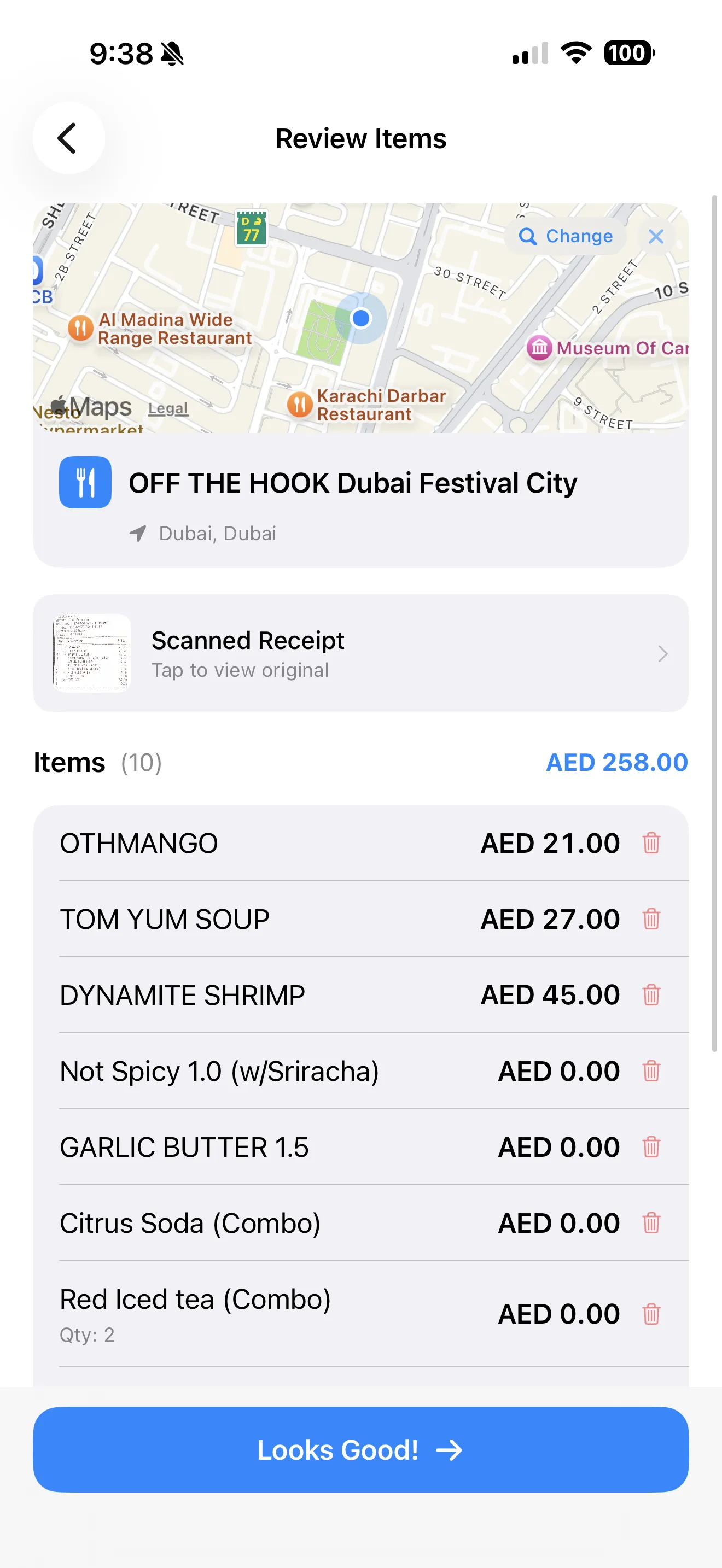
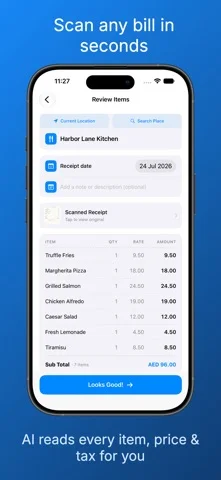
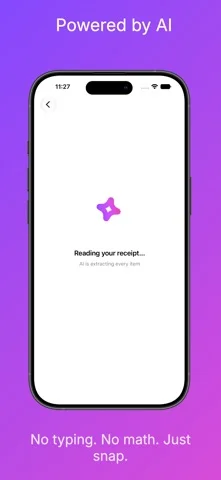
Point your camera at any receipt and Claude Haiku Vision reads every item and price in 1–3 seconds. Handles messy handwriting, faded ink, crumpled paper, and receipts in 30+ languages.
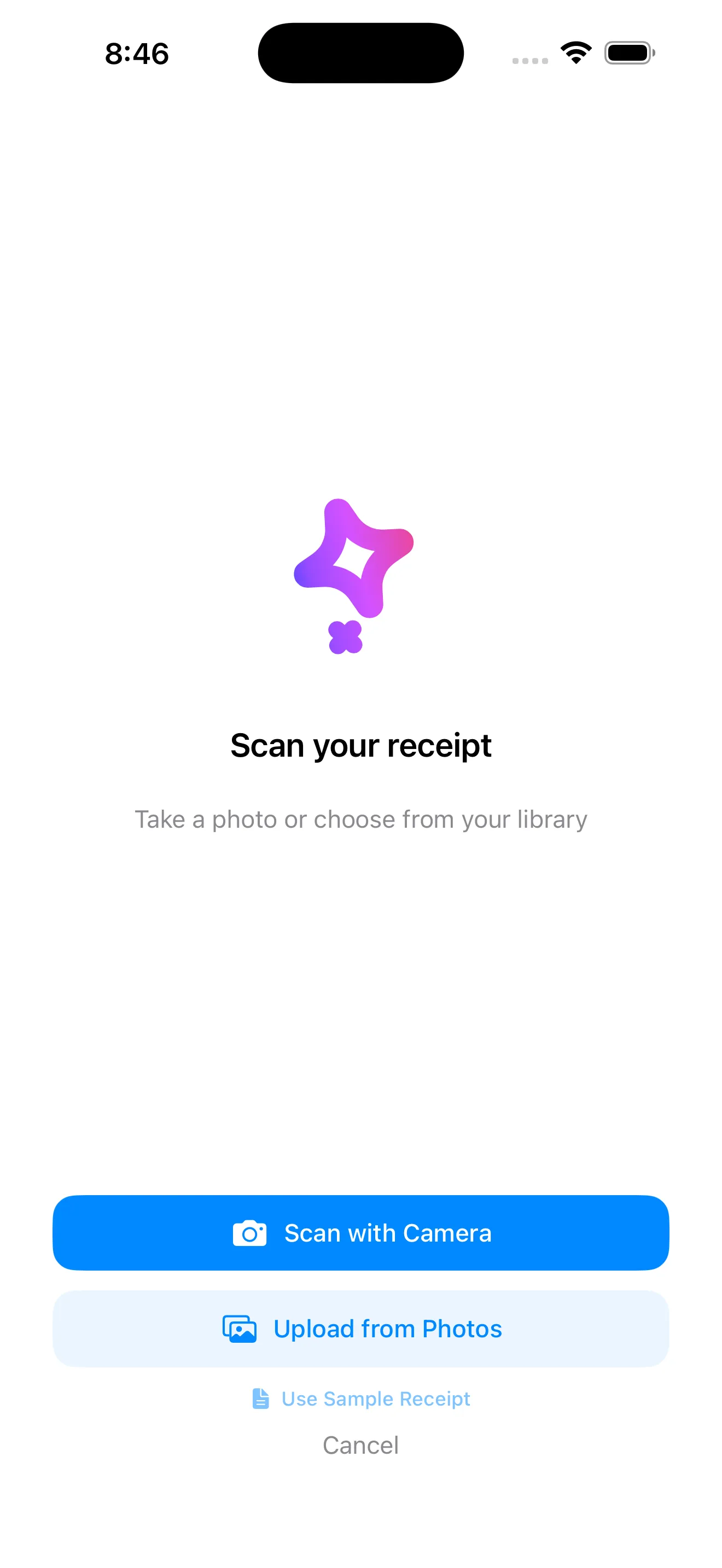

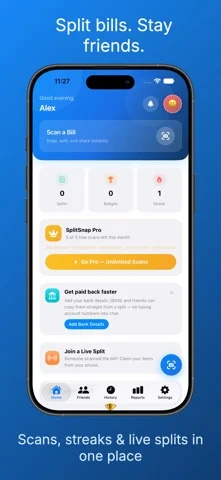
SplitSnap is an iPhone bill splitter that uses Claude Haiku Vision to read every item on your receipt in 1–3 seconds. Assign each dish to whoever ordered it, split shared items equally, auto-distribute tax and tip, and share a beautiful summary card to your group chat. Works with handwriting, faded ink, 30+ languages, and delivery app screenshots.
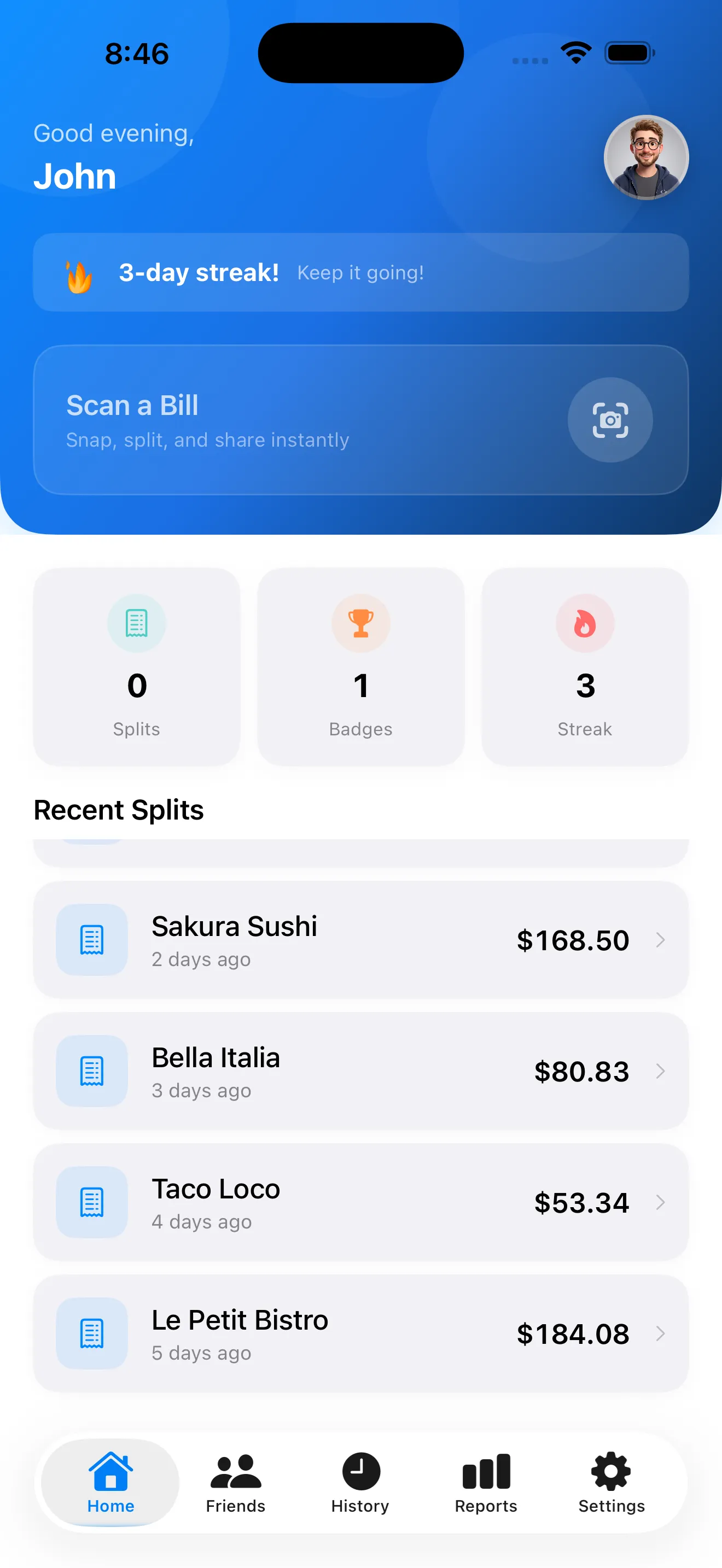
Splitting a bill should take seconds, not a ten-minute group huddle. SplitSnap reads every line of your receipt with Claude Haiku Vision, handles messy handwriting and faded ink, and lets you assign items to friends with a tap. Tax and tip distribute proportionally, a shareable summary card lands in your group chat, and your split history is always there when someone asks what they owe.
NEW: Quick Tip & Split, fair rent splits by shares, Siri shortcuts and Live Activities. And SplitSnap is made for iPhone Duo — unfold for a bigger, better view.
Point your camera at any receipt and Claude Haiku Vision reads every item and price in 1–3 seconds. Handles messy handwriting, faded ink, crumpled paper, and receipts in 30+ languages.
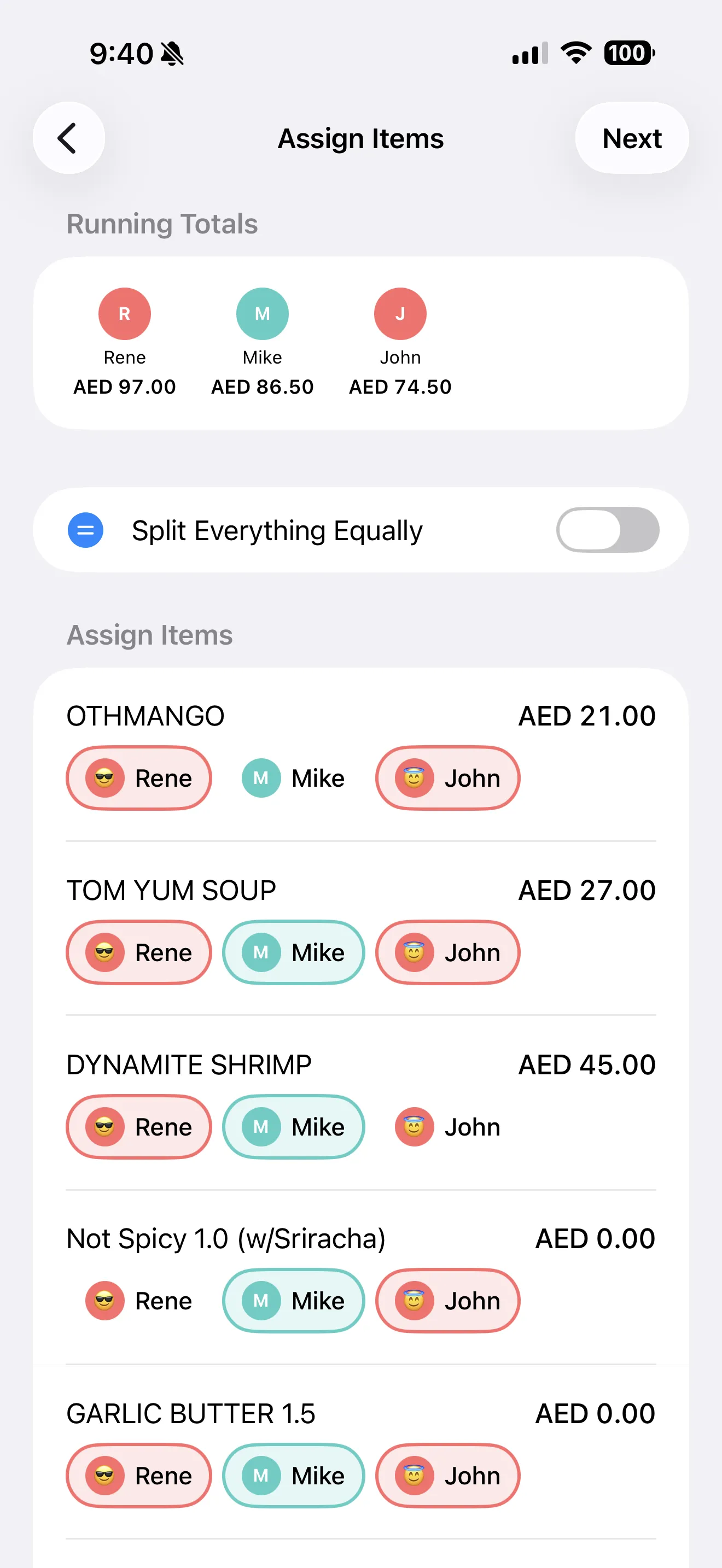
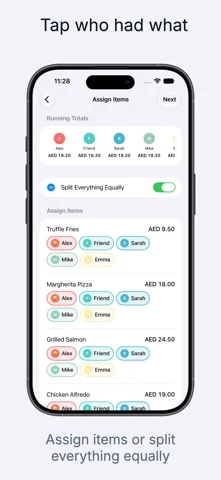
Tap to assign each dish to the person who ordered it. Shared items split equally across the group. Sub-groups, bulk assign, and equal-split toggle keep large tables fast.
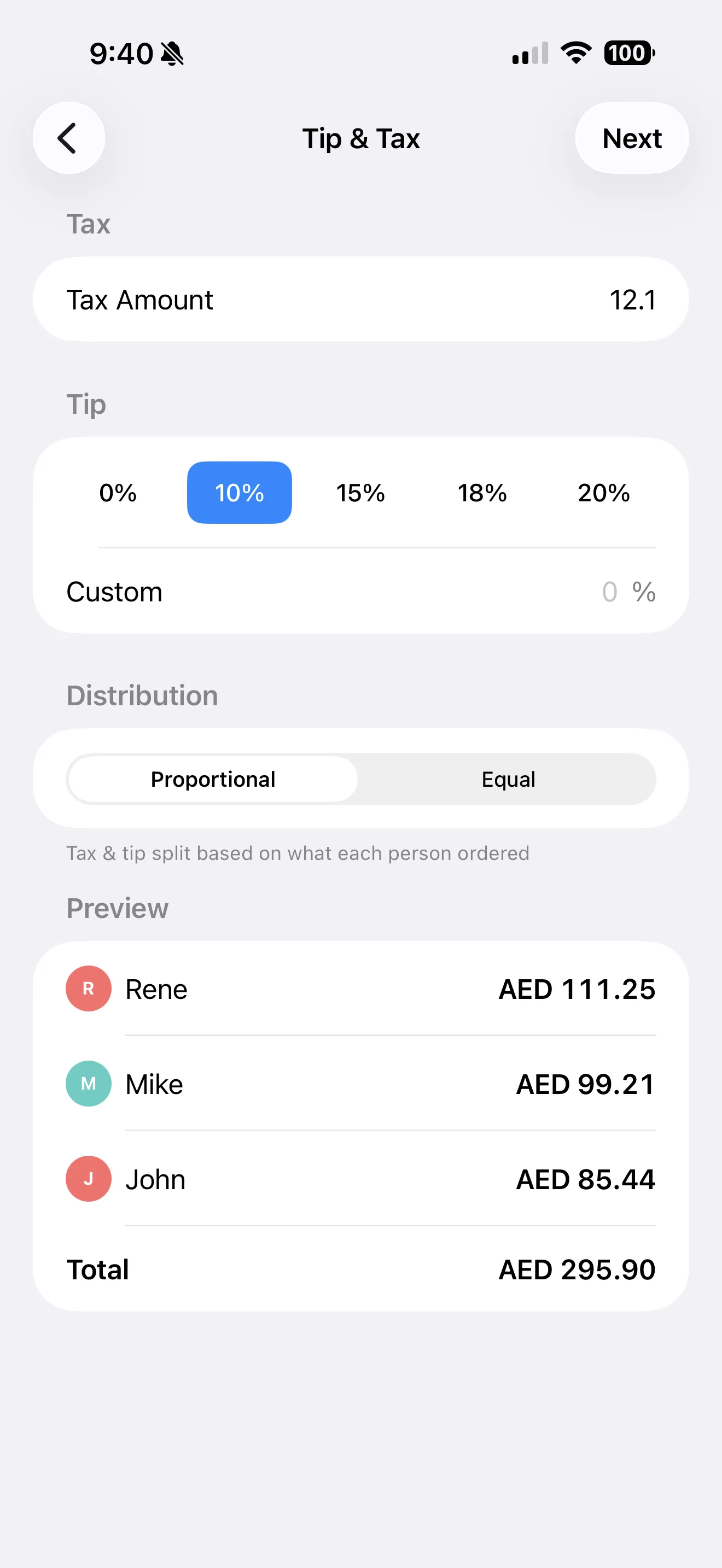
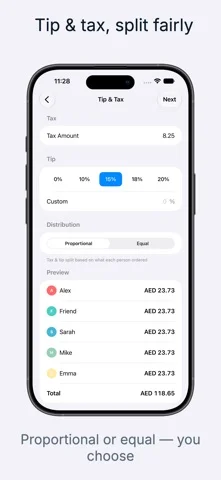
Tax and tip are distributed proportionally based on each person's subtotal — or flat if you prefer. No calculator, no awkward rounding, no debates.
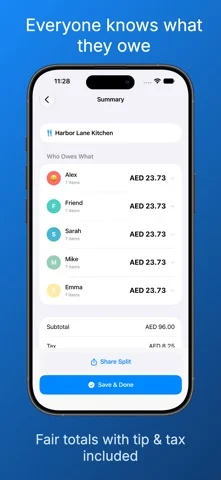
Every split generates a beautiful summary card showing what each person owes. Send it to iMessage, WhatsApp, or AirDrop — everyone knows their total before they leave the table.
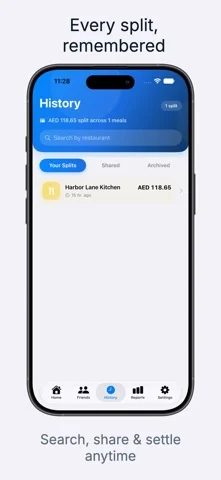
Every split is saved locally to your History tab. When a friend asks "how much did I owe again?" — pull it up and re-share the card in two taps.
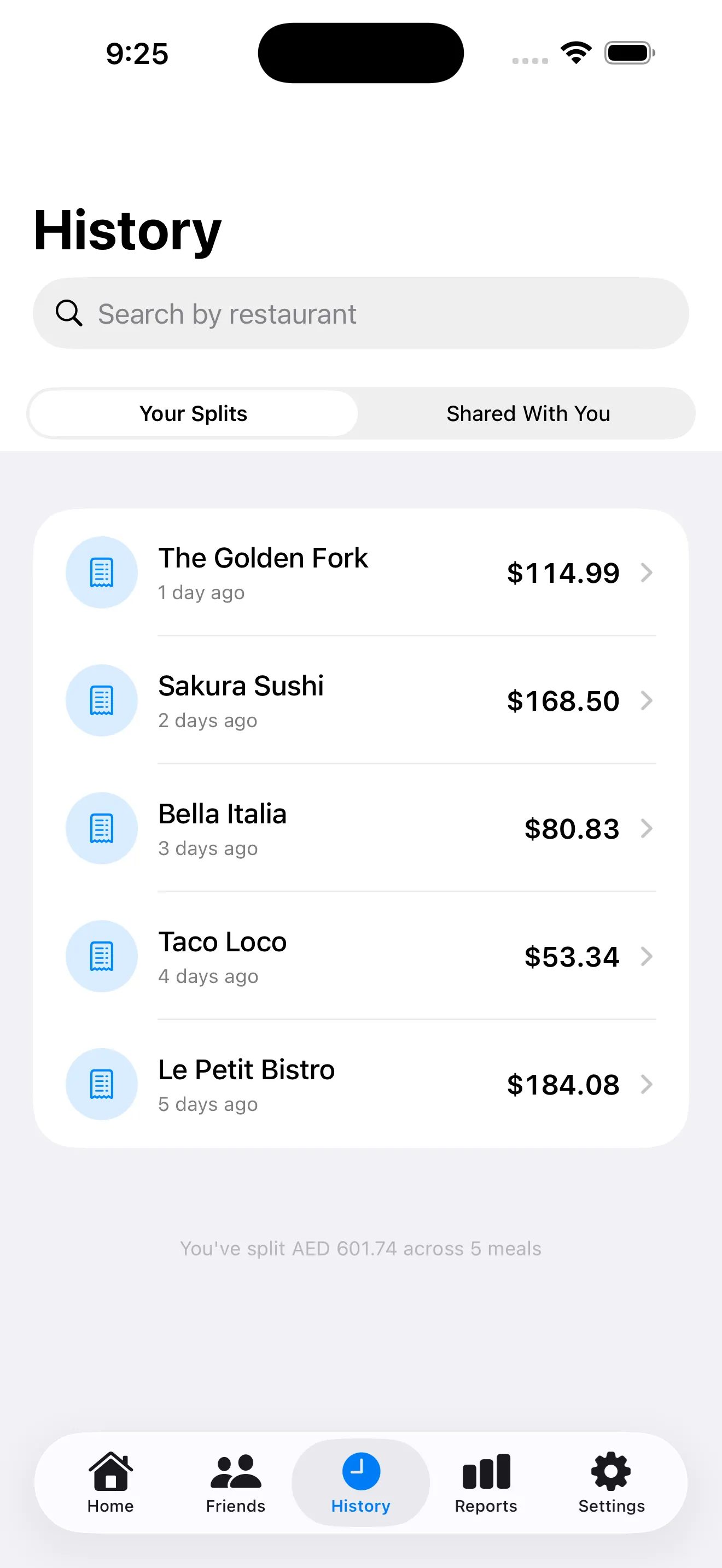
Split a Talabat, Deliveroo, or UberEats order by importing a screenshot. Or skip the camera and type totals directly for quick tip-only calculations.
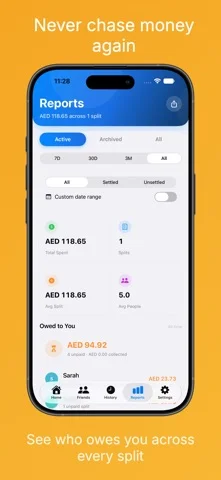
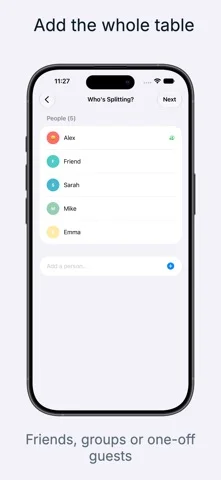
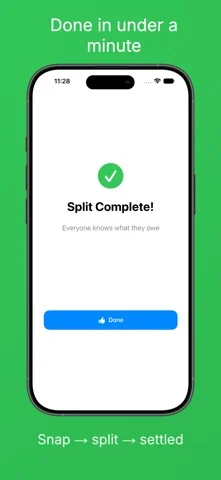
Released on the App Store
Made for iPhone Duo — plus three new ways to split.
QUICK TIP & SPLIT
Just know the total? Type it in, pick a tip, choose how many people — done. No scan, works offline, and every cent adds up. Add the new Quick Tip widget to your Home Screen.
RENT & HOUSEHOLD BILLS
Recurring splits can now divide by percent, by shares or by fixed amounts, so the bigger room pays its fair share. Quick-start templates for rent, utilities, internet and streaming.
SIRI & SHORTCUTS
Say "Scan a bill with SplitSnap", "Who owes me in SplitSnap?" or "What do I owe in SplitSnap?" — or add them to the Shortcuts app.
LIVE ACTIVITIES
Hosting a live split? Watch items get claimed on your Lock Screen and in the Dynamic Island.
MADE FOR IPHONE DUO
Unfold for your history beside each split, the receipt beside its items and a two-column Home. Plus a sign-in screen that fits every iPhone, big or small.
"Most flexible split app."
"Simple and intuitive! Including custom tips for service people might be an awesome feature in the future :)"
Scan the bill, tap to assign each dish, and share the split card to your group chat before the waiter takes the card machine away.
Auto-distribute tax and tip proportionally so every teammate gets their exact total without anyone doing mental math on a napkin.
Pro multi-currency conversion turns a AED receipt into everyone's home currency — splits stay clean across borders and exchange rates.
Live prices synced from the SplitSnap App Store listing.
$3.99 per month
Auto-renewing subscription$0.99 per week
Auto-renewing subscription$29.99 per year
Auto-renewing subscriptionPrices shown from the US App Store. Local pricing may vary.
Step-by-step answers to the questions people ask most about SplitSnap.
SplitSnap uses Claude Haiku Vision to read every item, price, tax, and tip line on your receipt in 1–3 seconds. It handles handwriting, faded ink, and 30+ languages. When no internet is available, it falls back to on-device VisionKit OCR.
Yes. The free tier includes 5 scans per calendar month, full item assignment, tax and tip distribution, and shareable split cards. SplitSnap Pro unlocks unlimited scans, multi-currency conversion, PDF export, and iCloud sync.
No. Receipt images are processed in real time and immediately discarded — nothing is stored on our servers. Your split history lives only on your device (and optionally in your private iCloud).
Yes. Tap "Import from Photos" and select a screenshot from Talabat, Deliveroo, UberEats, or any delivery app. Claude Haiku reads item names, prices, delivery fees, and service charges just like a paper receipt.
Available now — your data stays private, with a clear public policy.