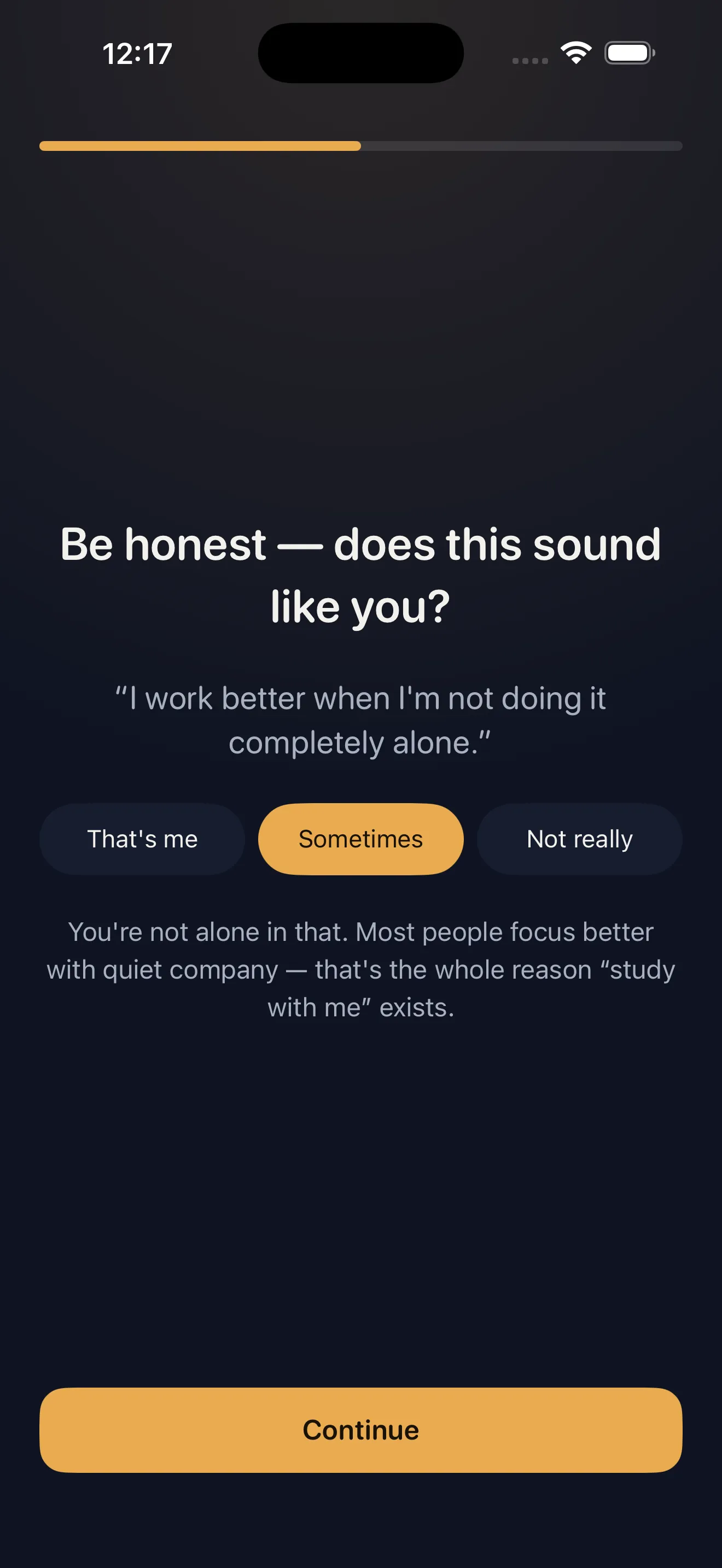
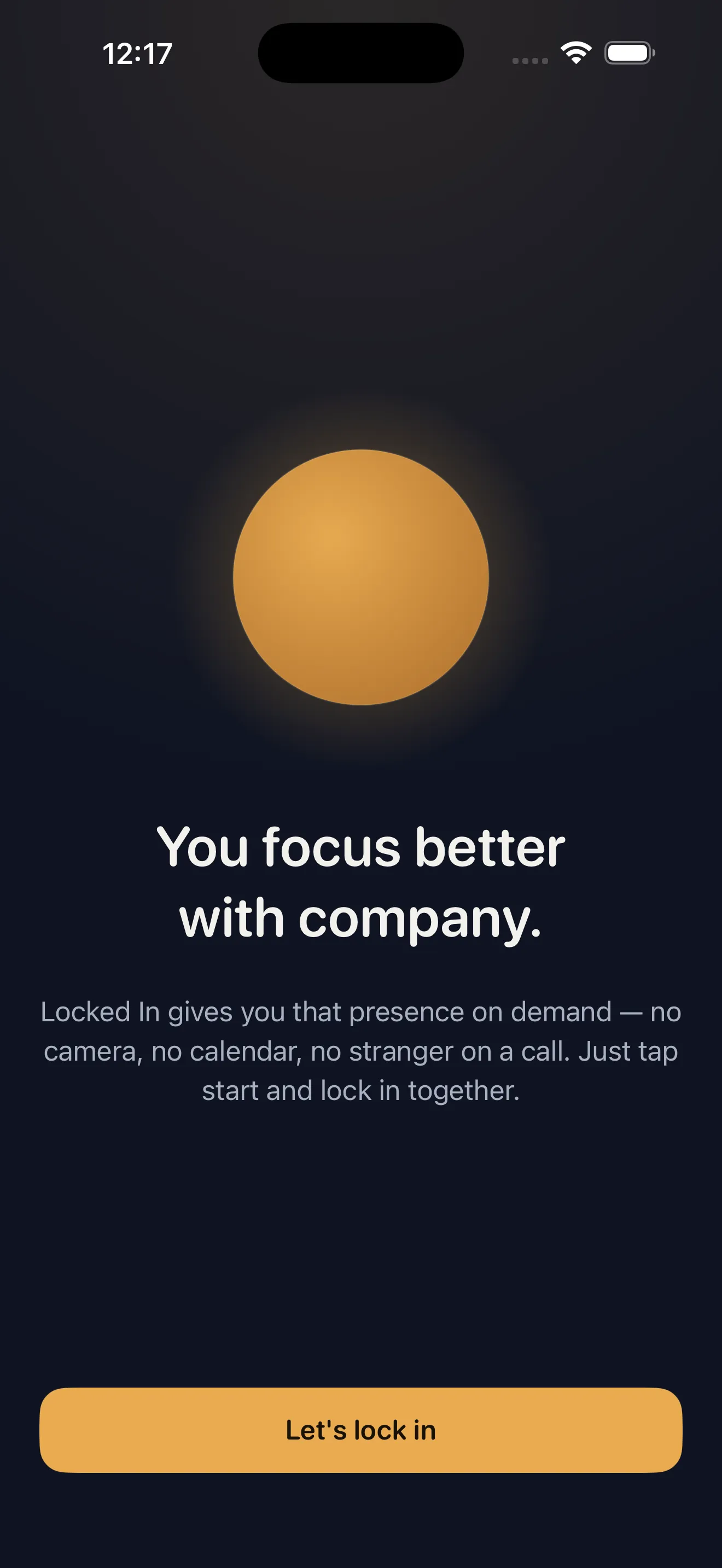
If you've ever noticed you focus better when someone else is working in the same room, you already understand Locked In's core idea. This app recreates that feeling on demand—without the awkwardness of video calls, without waiting to match with someone, without complicated scheduling. Just pick a vibe, set your timer, and study alongside a warm companion who checks in along the way. Everything runs on your device by default, your streaks stay yours, and the most useful features are free forever.
What Locked In Actually Does
Locked In is a study companion app, not a video conferencing tool. When you start a session, you're not calling anyone or turning on a camera. Instead, you get an audio presence—someone whose voice and occasional check-ins remind you that you're not alone. The app plays a gentle ambient soundscape (your choice of vibe), shows a live timer, and periodically your companion speaks up to see how you're doing. That's it. The goal is to recreate the focus boost that comes from studying next to another person, without any of the social friction or privacy concerns.
Your First Week With Locked In
Day 1: Pick a Vibe and Start a Session
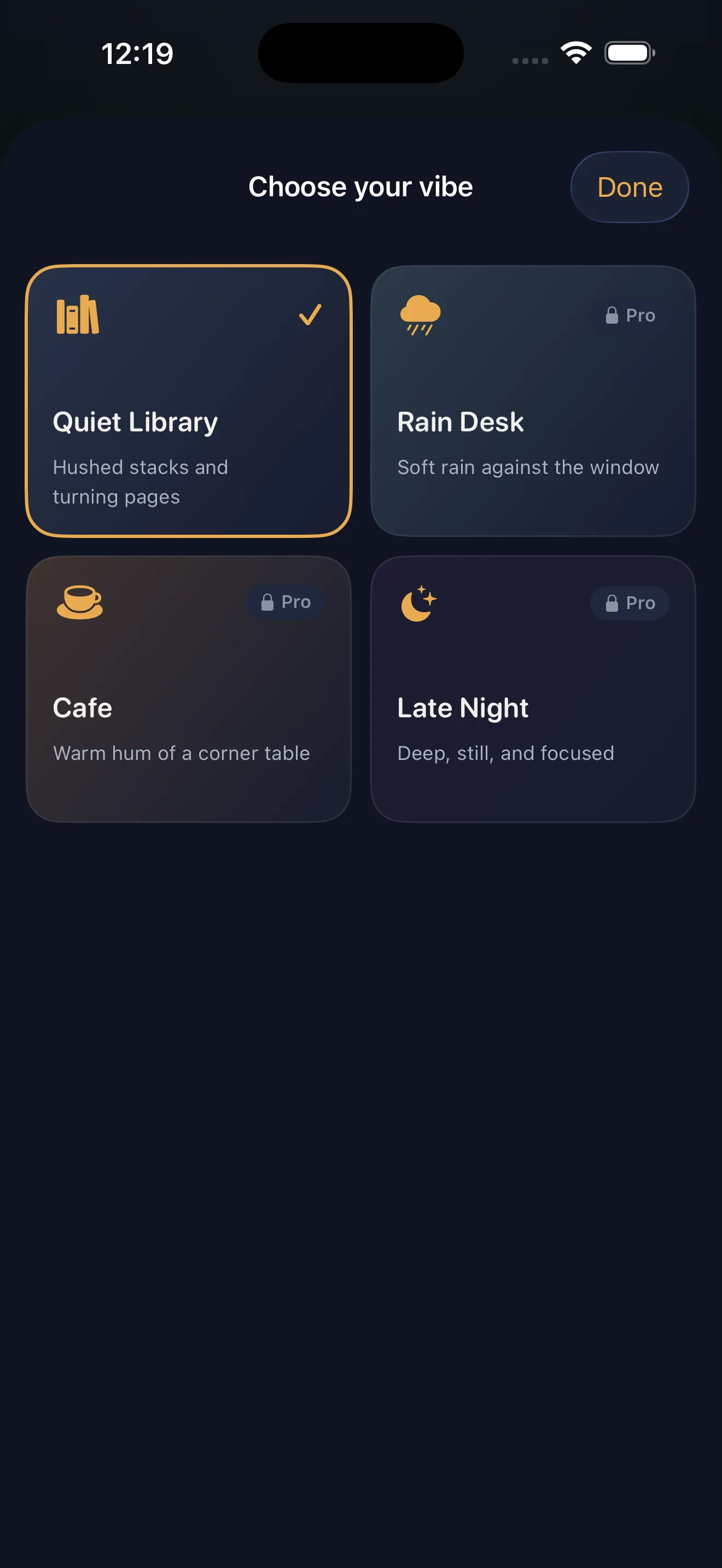
Open the app and you'll see four vibes to choose from: Quiet Library, Rain Desk, Cafe, and Late Night. Each one pairs ambient sound with a different study companion. Pick whichever one appeals to you—there's no wrong choice. Set a session length (most people start with 25, 45, or 60 minutes), tap start, and lock in. Your companion will check in a couple of times during the session. Just keep working.
Days 2–7: Build a Streak
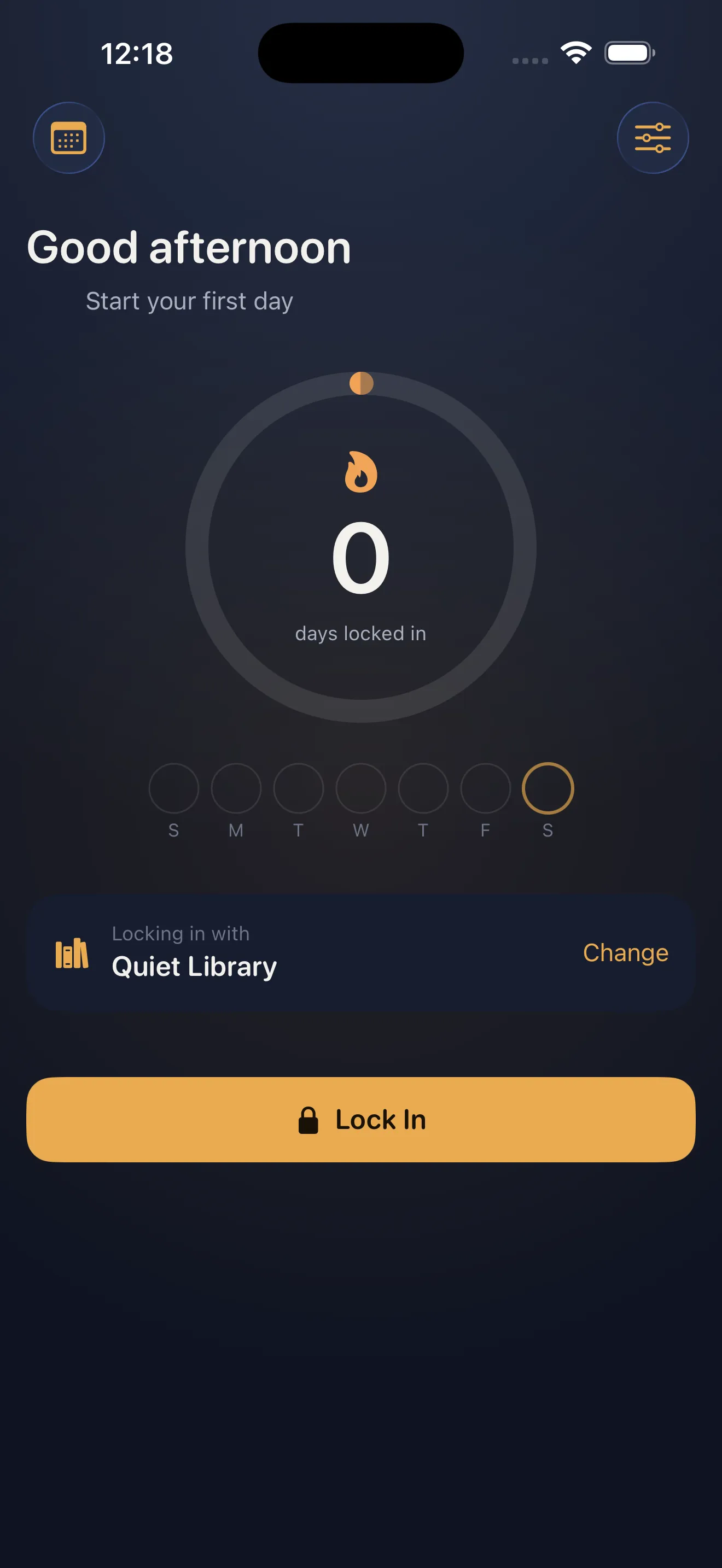
Complete at least one session each day and you'll start building a streak. This is where Locked In gets satisfying. The streak counter on your home screen becomes a visual reminder of your consistency. You don't need to hit a minimum duration—any completed session counts. The app logs every session in your daily locked-in log, so you can see at a glance how many focused minutes you've accumulated.
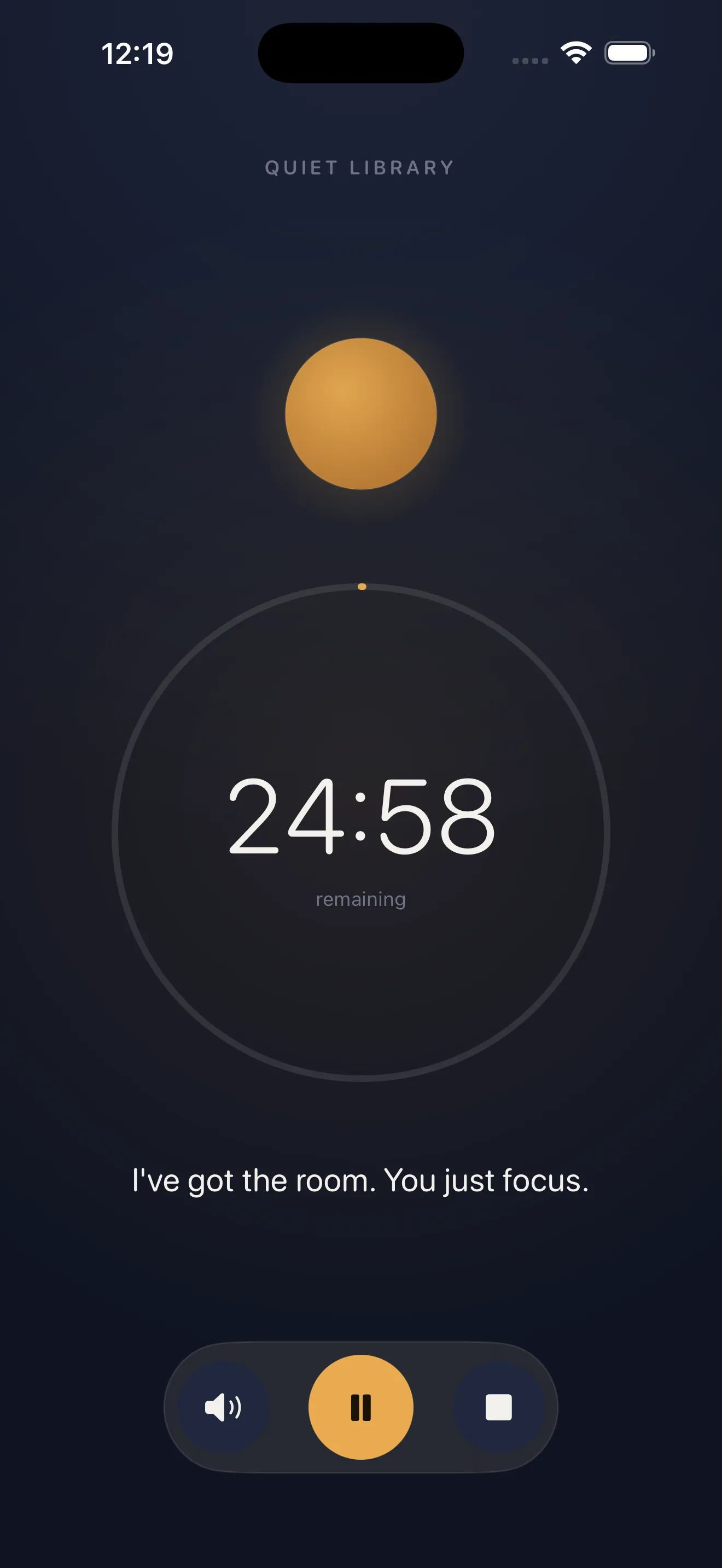
The companion isn't trying to distract you. It's just there, checking in occasionally, reminding you that someone cares whether you finish.
Key Features Explained
Ambient Presence, Not Video
The companion is voice-only. No camera, no matching algorithm, no waiting queue. You tap start and the session begins immediately. Your companion's check-ins are brief and gentle—they're designed to keep you accountable without breaking your focus.
Lock-Screen Widget and Live Activity
You can start and monitor sessions from your lock screen without opening the app. A Live Activity shows your remaining time right on your home screen or lock screen, keeping your goal visible even when you're not actively looking at Locked In.
Private by Default
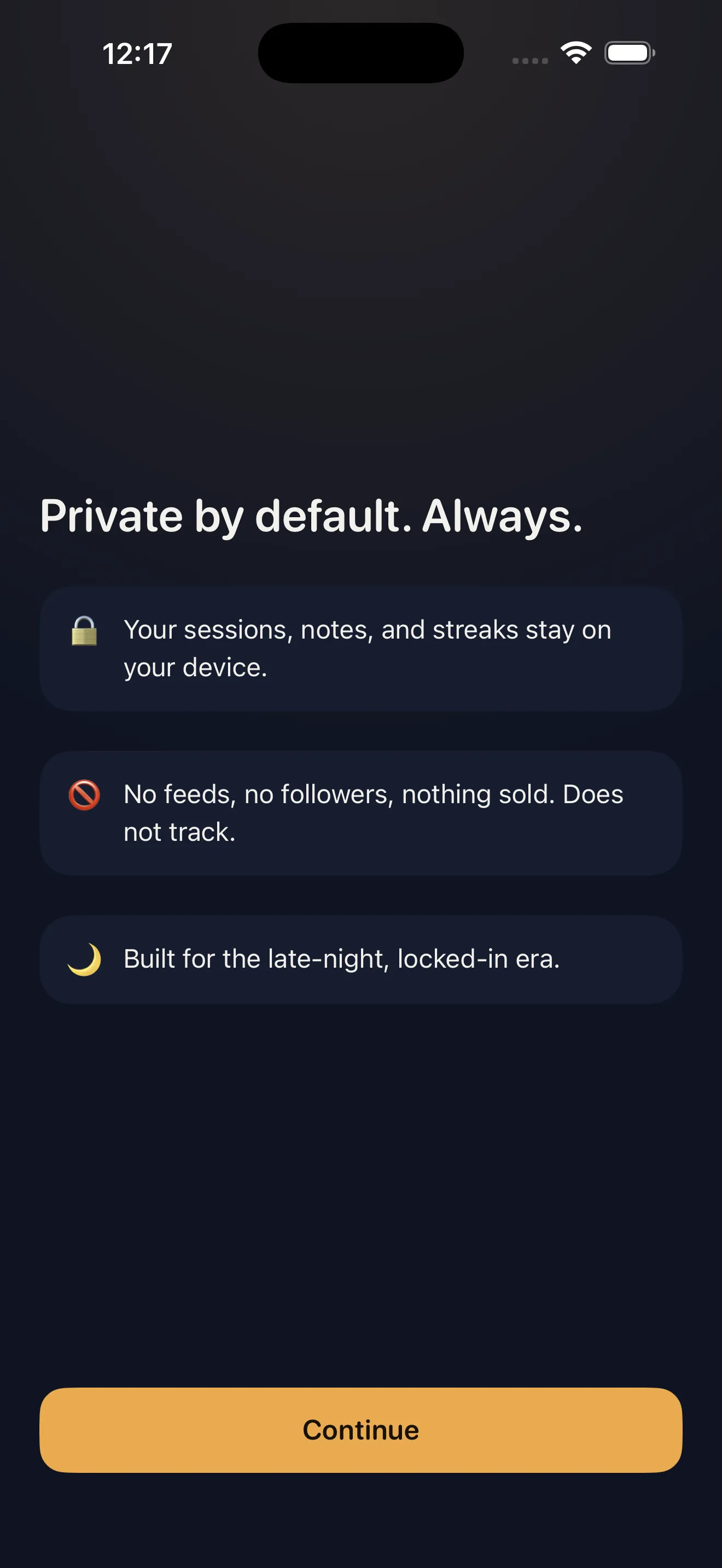
Your sessions, notes, and streaks live on your device. There are no feeds to scroll, no followers to check, nothing being sold. If you want to sync across your devices (iPhone, iPad, Mac), you can sign in optionally—but the core experience is private and local-first.
What to Expect (And Not Expect)
- You'll feel less alone while studying. This is the core promise, and it works.
- Sessions are recorded as part of your daily log, so you can track your consistency over weeks.
- The companion's voice becomes familiar. After a few sessions, you'll recognize your study buddy.
- This app is not a note-taking tool, project manager, or grade tracker. It's a focus companion.
- You won't be matched with real people or matched at all. The presence is pre-recorded and on-demand.
- All the core features (timer, vibes, streaks, widgets) are free. There are no surprise paywalls.
Getting Started: Your First Three Steps
- Download Locked In and open it. Pick the vibe that sounds most appealing (Quiet Library is a safe default).
- Set a session length based on what you need to do. 25 minutes is good for starting out; 45 or 60 if you have a bigger project.
- Tap start and work alongside your companion. Don't worry about perfect focus—just sit with the presence and see how it feels.
After your first session, you'll have a streak of one day. Come back tomorrow and make it two. That's how the habit starts. The companion is there waiting, the vibe is ready, and your streak is one tap away.
This article was drafted with AI assistance and reviewed by a human editor before publishing.