OrbTap Beginner's Guide: How to Play Your First Run
New to OrbTap? This guide walks through your first run, explains the one-tap mechanic and power-ups, and sets expectations for what your first week of play looks like.
What You'll Have After Your First 10 Minutes
You'll understand the entire game — because there's only one move. After a handful of runs, you'll know how the orbit and targets align, why you lost, and what a good run actually feels like. Most people get their first real GameCenter score within their first three attempts.
An iPhone with OrbTap installed
GameCenter signed in (for leaderboards, though the game works without it)
About two free minutes — runs are short but you'll want a few tries
Sound or haptics on, if you can — timing feels sharper with feedback
No prior gaming skill required; this is genuinely a from-zero start
Step by step: your first run
1
Step 1: Open OrbTap and read the onboarding once
The onboarding screen states the whole game in one line: one tap, perfect timing. It's short on purpose. Read it once and move on — you'll learn the actual feel by playing, not by studying.
2
Step 2: Check the how-to-play screen if anything feels unclear
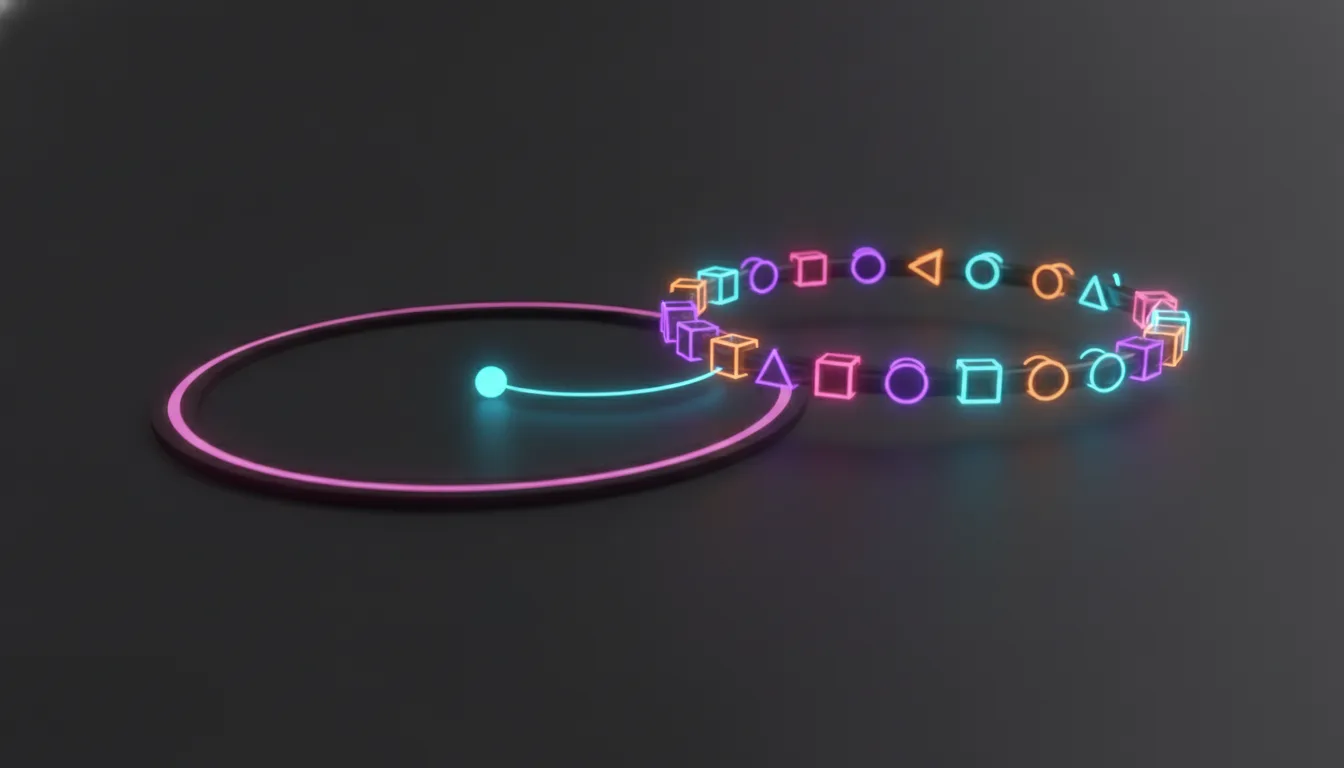
This screen breaks down the single rule: a dot orbits the center, colored targets rotate the opposite way, and you tap the instant they align. There's no swipe, hold, or multi-touch anywhere in OrbTap — tapping anywhere on the screen is all the input the game ever asks for.
3
Step 3: Start your first run from the main menu
Tap the glowing PLAY button. You'll see your best score displayed right on the menu, which starts at zero — that's normal and expected. Don't worry about it yet; your first run is about learning the rhythm, not setting a record.
4
Step 4: Watch one full orbit before you tap
Resist the urge to tap immediately. Watch the dot go around once and notice how fast the targets rotate against it. Then tap the moment they line up. Your first miss will probably happen here, and that's fine — losing on your first attempt is the standard opening, not a bad sign.
5
Step 5: Treat the miss as information, not failure
OrbTap ends the run on your first miss, always. There's no health bar, no second chance, no partial credit. That single-life structure is the entire design — each run is a clean read of exactly how well you timed one tap after another.
6
Step 6: Learn to spot power-ups without chasing them
Slow-Mo, Double-Score, and Shield appear along the orbit path, but you collect them by positioning the dot correctly — not by tapping extra. On your next few runs, notice where they sit relative to the targets. Ignoring them completely is fine early on; using them well comes later.
7
Step 7: Pick a neon theme that's easy on your eyes
Open the theme picker and try a couple of the five palettes. Some players read alignment faster on certain color combinations than others. There's no wrong choice — pick whichever makes the target and dot easiest to distinguish at speed.
If you want a deeper breakdown of timing patterns once the basics feel natural, OrbTap Tips & Tricks: Master the Perfect Tap covers the finer points worth learning after your first week.
What your first week looks like
Expect short, repeated sessions rather than one long sitting — OrbTap is built for that shape of play. Your best score will climb quickly at first, then slow down as the easy gains disappear and each new record demands cleaner timing. By the end of the week, checking the GameCenter leaderboard becomes part of the habit, and a new personal best is worth an actual screenshot.
8
Step 8: Check GameCenter and adjust settings once you're comfortable
Open the leaderboard to see where your score sits globally, and visit settings to tune haptics, sound, or theme to your preference. If you ever reinstall, Restore Purchases in settings brings back OrbTap+ if you've unlocked it.
Common questions
Why did my run end after just one miss?
That's the core design, not a bug. OrbTap gives you one life per run so every score is a clean, honest measure of your timing from start to finish.
Do I need GameCenter to play?
No. You can play and improve without it, but signing in lets you see your score against other players' and track your climb over time.
What does OrbTap+ actually add?
It's a one-time unlock for players who want everything the game offers in one purchase, rather than picking pieces apart. It doesn't change the core one-tap mechanic — that stays free and identical for everyone.
Is there a way to practice without pressure?
Every run carries the same one-miss rule, so there's no separate practice mode. The best approach is simply playing short, frequent runs — the format itself doubles as practice.
For a closer look at why this kind of single-input game holds attention longer than it seems like it should, What Makes a One-Tap Arcade Game Worth Keeping on Your iPhone is worth a read once you're past your first few sessions. And if you want more starting-point guides for other apps, the beginner's guide collection has more of the same approach.
This article was drafted with AI assistance and reviewed by a human editor before publishing.