If your camera roll is a mess, you're not alone. We've all accumulated thousands of screenshots, blurry duplicates, and videos we'll never watch. The question isn't whether you need to clean—it's how. Some apps promise bulk automation. Others ask you to tag everything manually. A few focus on one problem at a time. We built Phlash around a different idea: cleaning doesn't have to feel like a chore if you break it into short, daily sessions.
The Main Approaches to Camera Roll Cleanup
Over the past few years, photo-management tools have split into distinct camps. Understanding them helps you pick the right fit for how you actually work.
Bulk Automation: Fire and Forget
Some apps use machine learning to scan your entire library and delete blurry photos, old screenshots, or similar images in one sweep. The appeal is obvious: minimal effort. The tradeoff is equally obvious. You lose control. An app might delete a photo that looks blurry but means something to you, or keep duplicates you didn't know existed. Automation scales, but it can't account for context.
Manual Curation: Complete Control
On the opposite end, some people swear by manually reviewing every photo—moving keepers to organized albums, deleting one by one. This gives you total agency but demands time most of us don't have. A full camera roll review can take hours, which is why many people never start.
Hybrid Smart Sorting: Categorization Without Deletion
A third wave of apps focuses on sorting and organizing rather than deleting. They use AI to group similar images, tag faces, or create smart albums. You still decide what goes, but the work of finding related photos is handled for you. The downside: your library stays large, and storage savings are limited.
Where Phlash Fits
We didn't set out to build an automation engine or a tagging system. We noticed something simpler: people who clean their camera roll regularly—even just 5 minutes a day—end up with libraries they actually enjoy. The problem is friction. So we built Phlash around the idea of short, focused sessions.
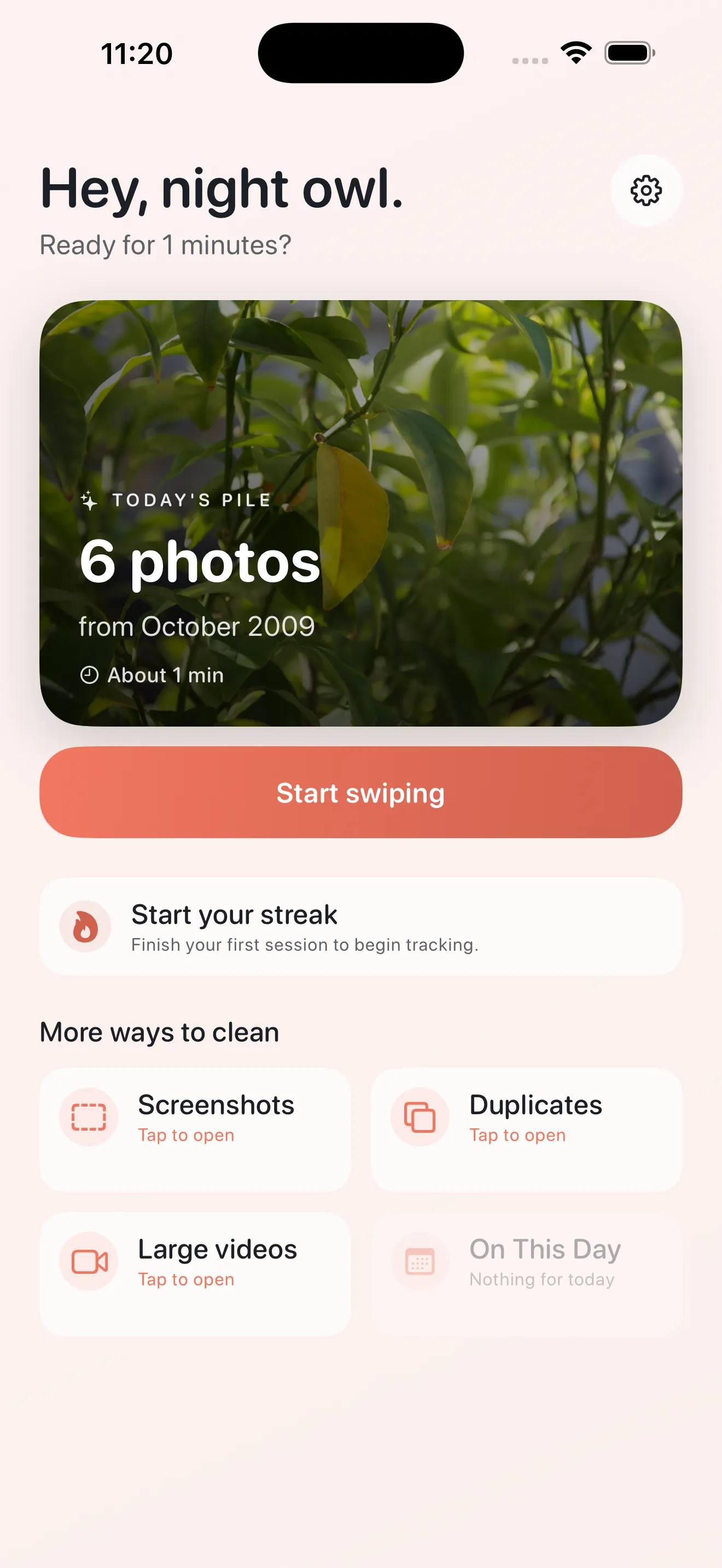
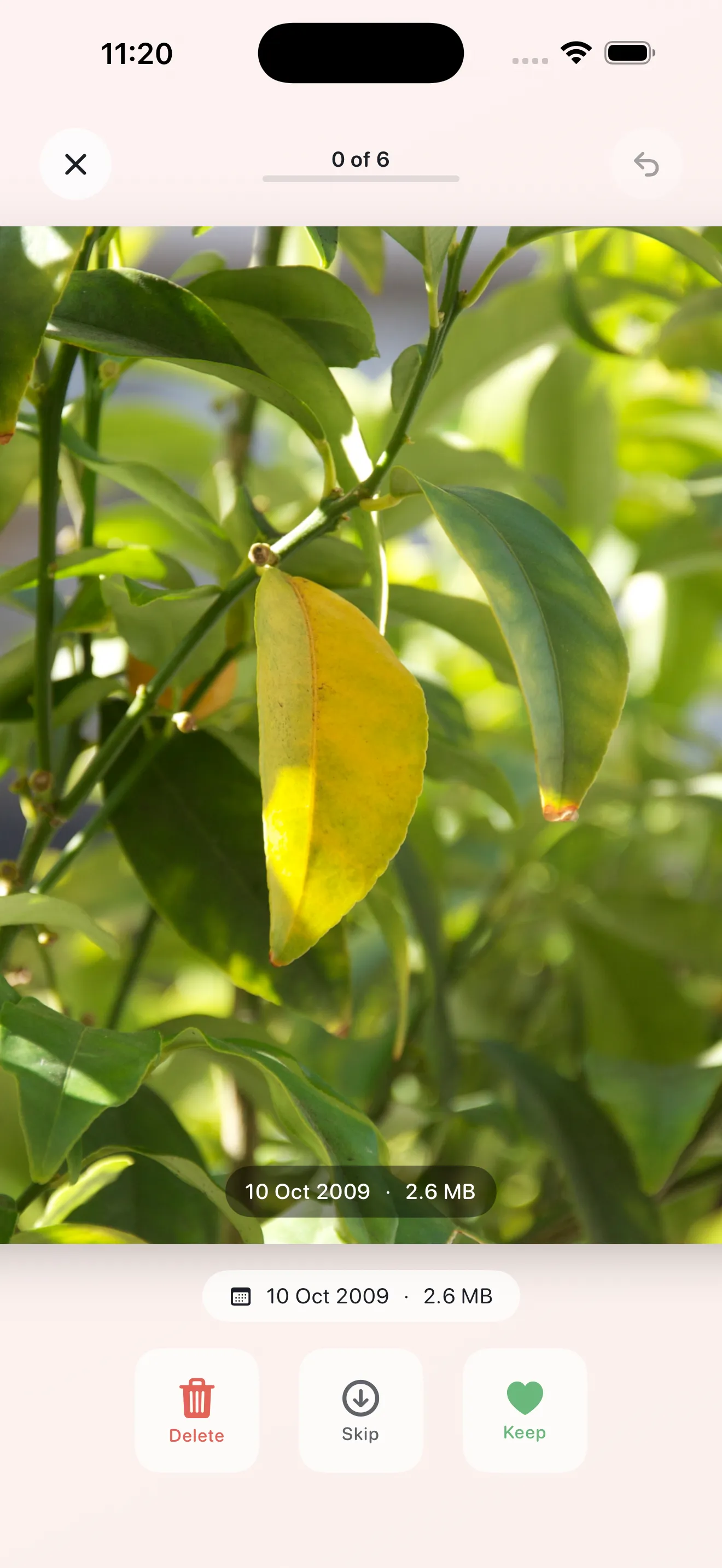
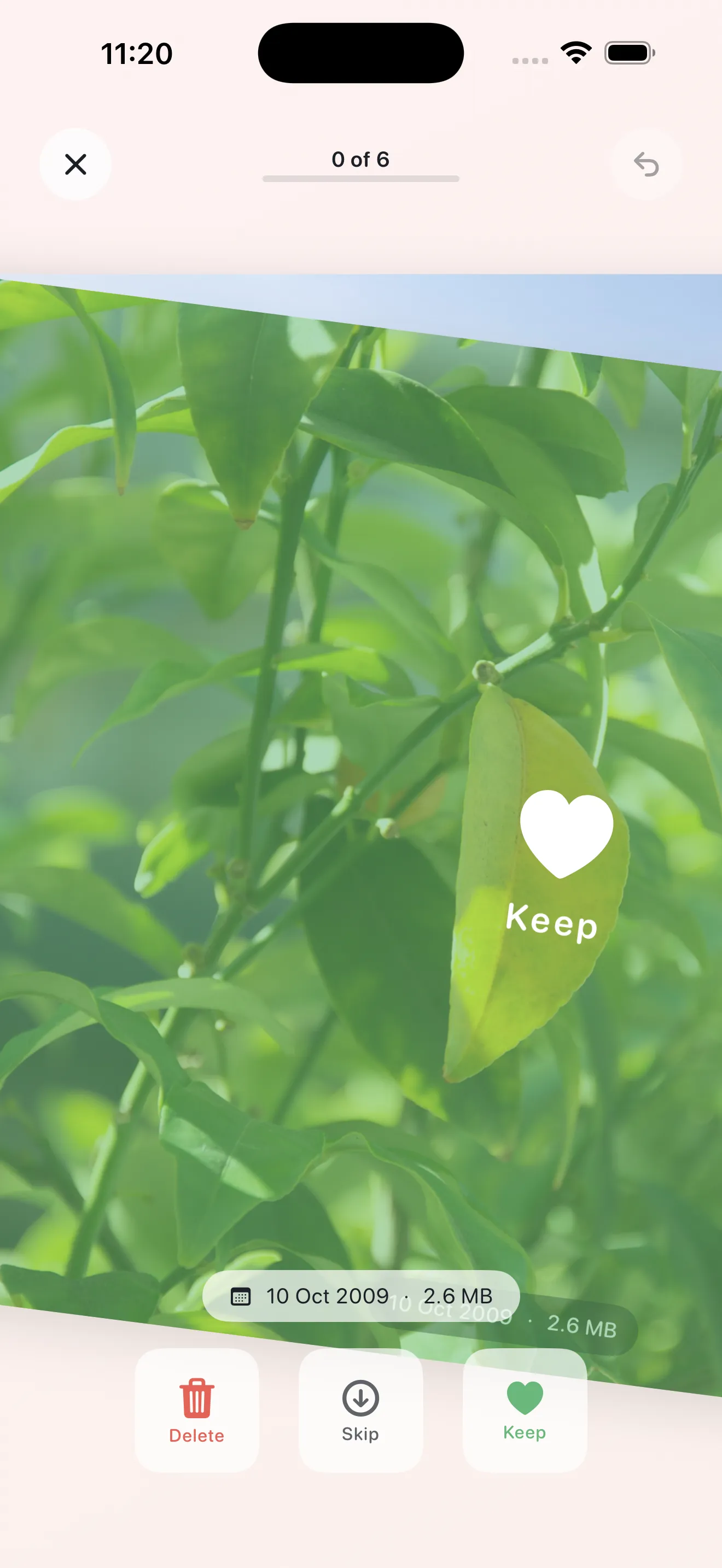
Each day, Phlash shows you a curated pile of photos—usually screenshots, duplicates, large videos, or photos from years ago. You swipe to keep or delete. Most sessions take 3–5 minutes. Because they're small and repeatable, you actually do them. And because you're making the call on every photo, you stay in control.
Cleaning doesn't have to feel like a chore if you break it into short, daily sessions.
Why On-Device Matters
Phlash uses on-device processing—OCR to read screenshots, perceptual hashing to spot near-duplicates, and detection for oversized videos. Your photos never leave your phone. This isn't just a privacy choice; it's practical. No cloud round trip means faster sessions and no sync delays.
The Daily Rhythm
The core insight behind Phlash is that consistency beats intensity. Automated tools promise instant results but often feel impersonal. Manual review gives control but demands a marathon session. Phlash asks for just a few minutes every day. Over weeks, that adds up to a cleaner library—one you curated yourself. We've also included an in-depth guide to cleaning strategies if you want to maximize your sessions.
- Approach
- Daily focused sessions
- Control Level
- You decide every photo
- Time Commitment
- 3–5 minutes per day
- Data Privacy
- All processing on-device
- Best For
- Steady habits over big purges
Built for Daily Wins
Phlash is intentionally simple. No complex tagging. No metadata wrangling. Just clear piles—Today's picks, Screenshots, Duplicates, Large Videos, and On This Day rediscovery. You swipe. Storage goes down. Your library improves. The app remembers what you keep and what you delete, so the piles get smarter over time.
This article was drafted with AI assistance and reviewed by a human editor before publishing.