01
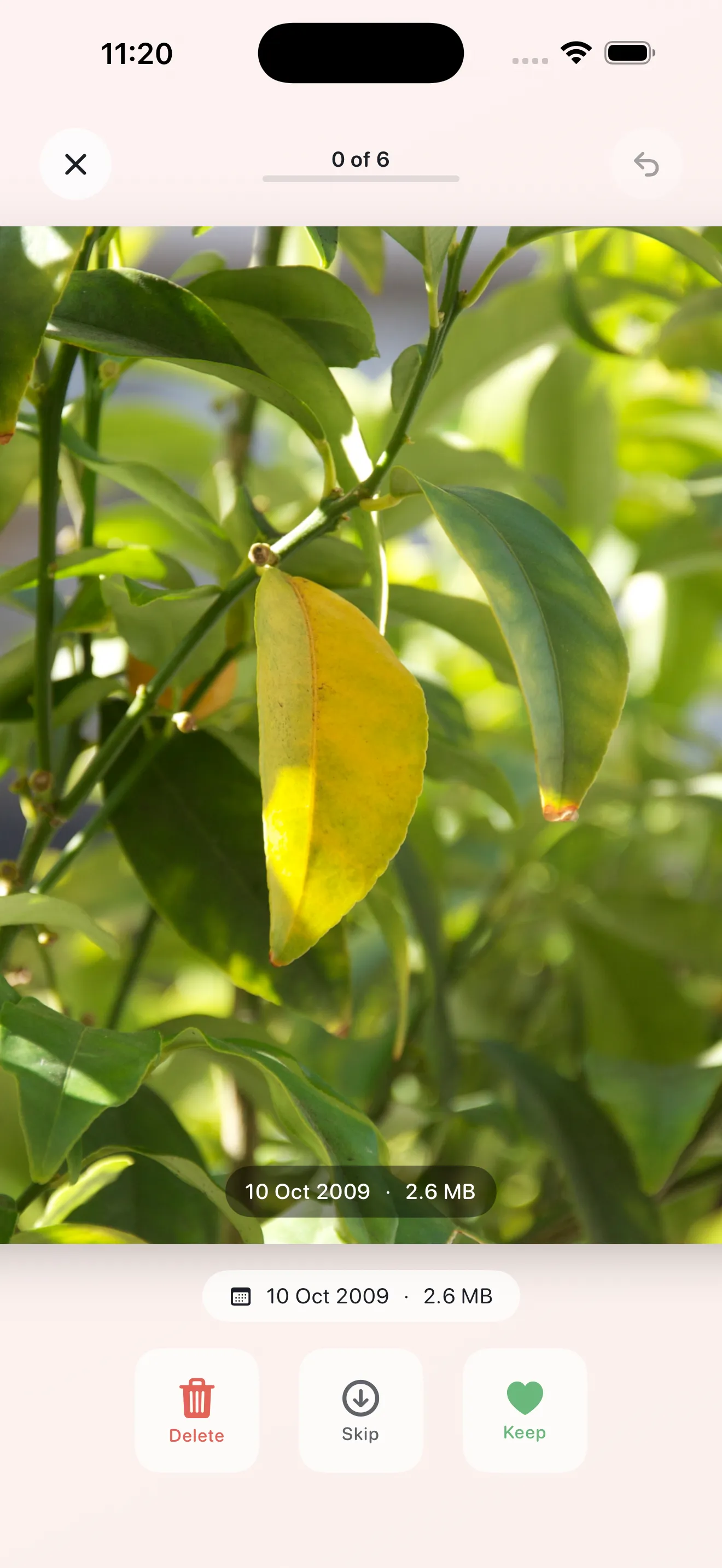
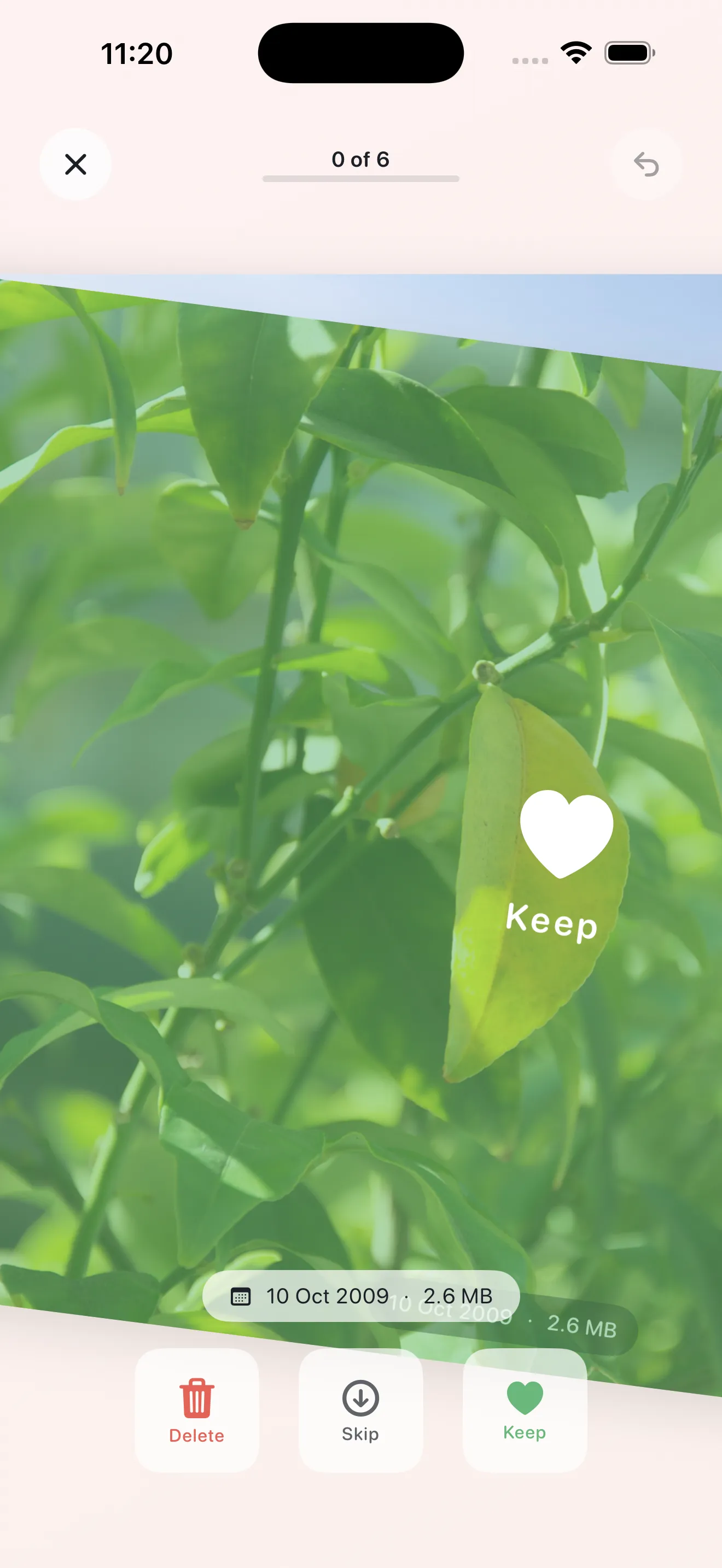
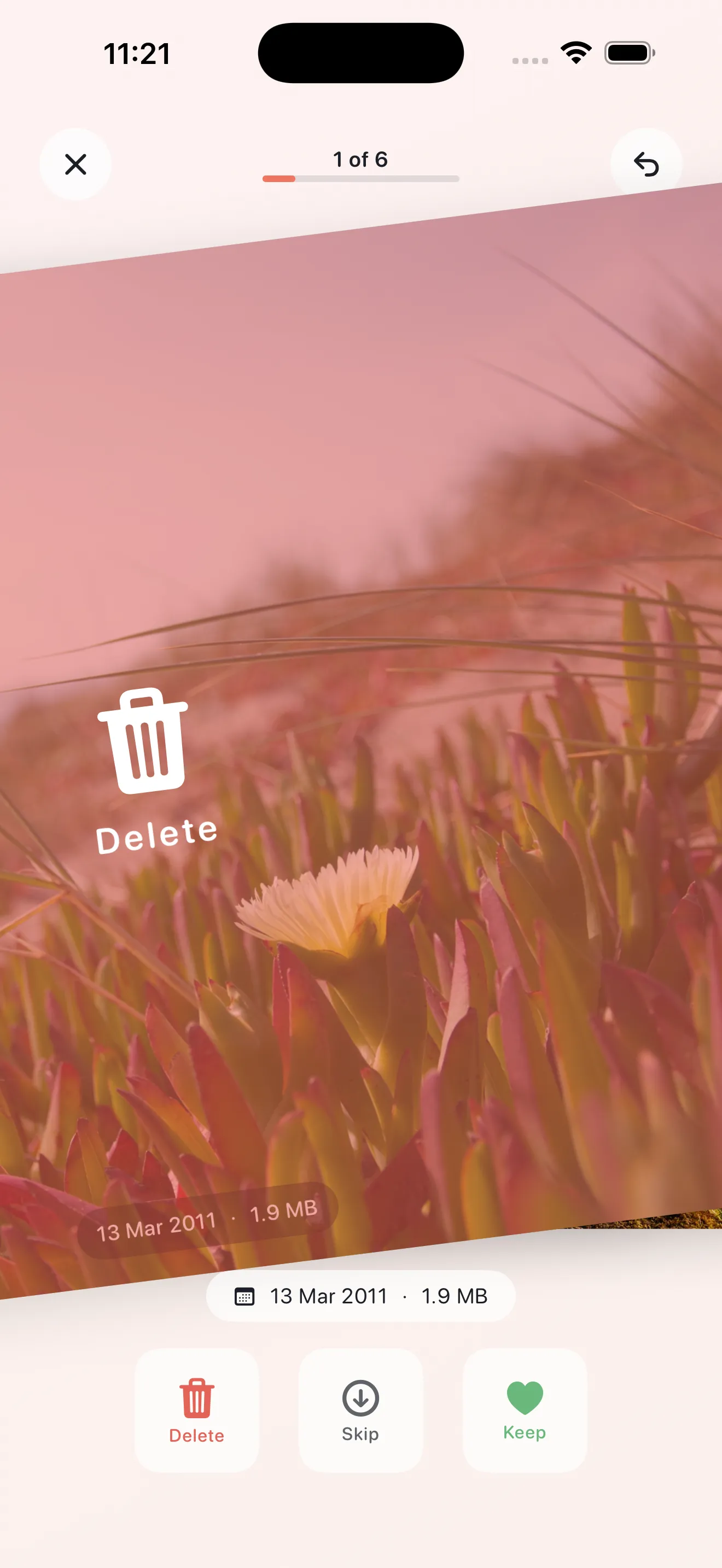
Swipe keep, delete, or skip
A full-screen card flow with haptics: right to keep, left to delete, down to skip. After 25 swipes, take a breath; finish the pile, review pending deletes, and confirm once to iOS Recently Deleted.

Phlash turns photo cleanup into a calm habit: daily swipe piles, on-device Vision OCR for screenshots, duplicate clustering with perceptual hashes, large-video reclaim, and an On This Day feed. Photos never leave your phone.
Phlash is deliberately gentle: no alarmist copy, no cloud photo uploads. You swipe in short piles, get a 4-second undo after deletes, review before anything hits Recently Deleted, and rely on iOS’s 30-day safety net. Pro unlocks unlimited sessions and every dedicated mode.
New in 1.1: find blurry shots, turn Live Photos into stills to reclaim space, and keep people & pets protected from bulk cleanup. Calm, private, on-device.
A full-screen card flow with haptics: right to keep, left to delete, down to skip. After 25 swipes, take a breath; finish the pile, review pending deletes, and confirm once to iOS Recently Deleted.
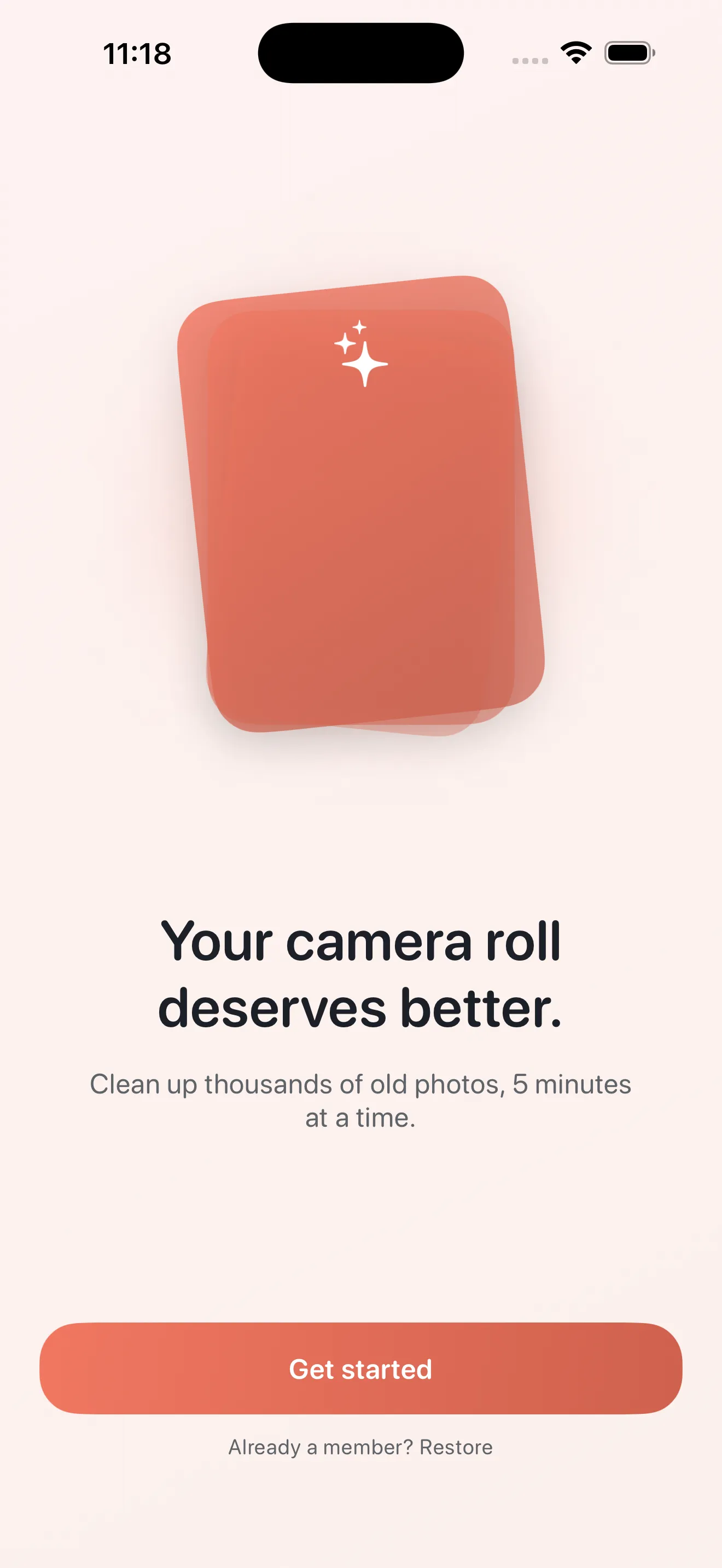
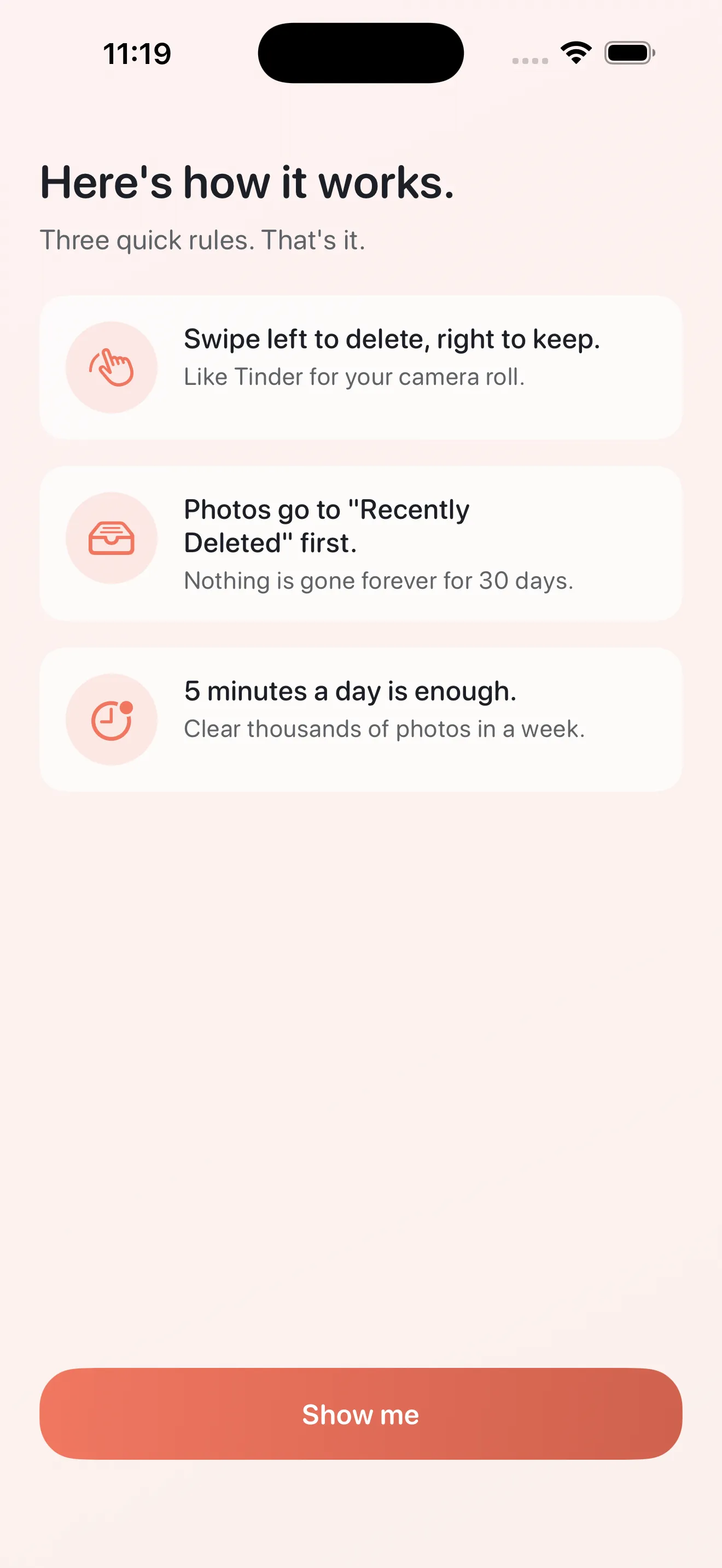
Four calm screens explain the promise, the swipe mechanic, and on-device privacy before PhotoKit permission—no scare tactics, just clarity.
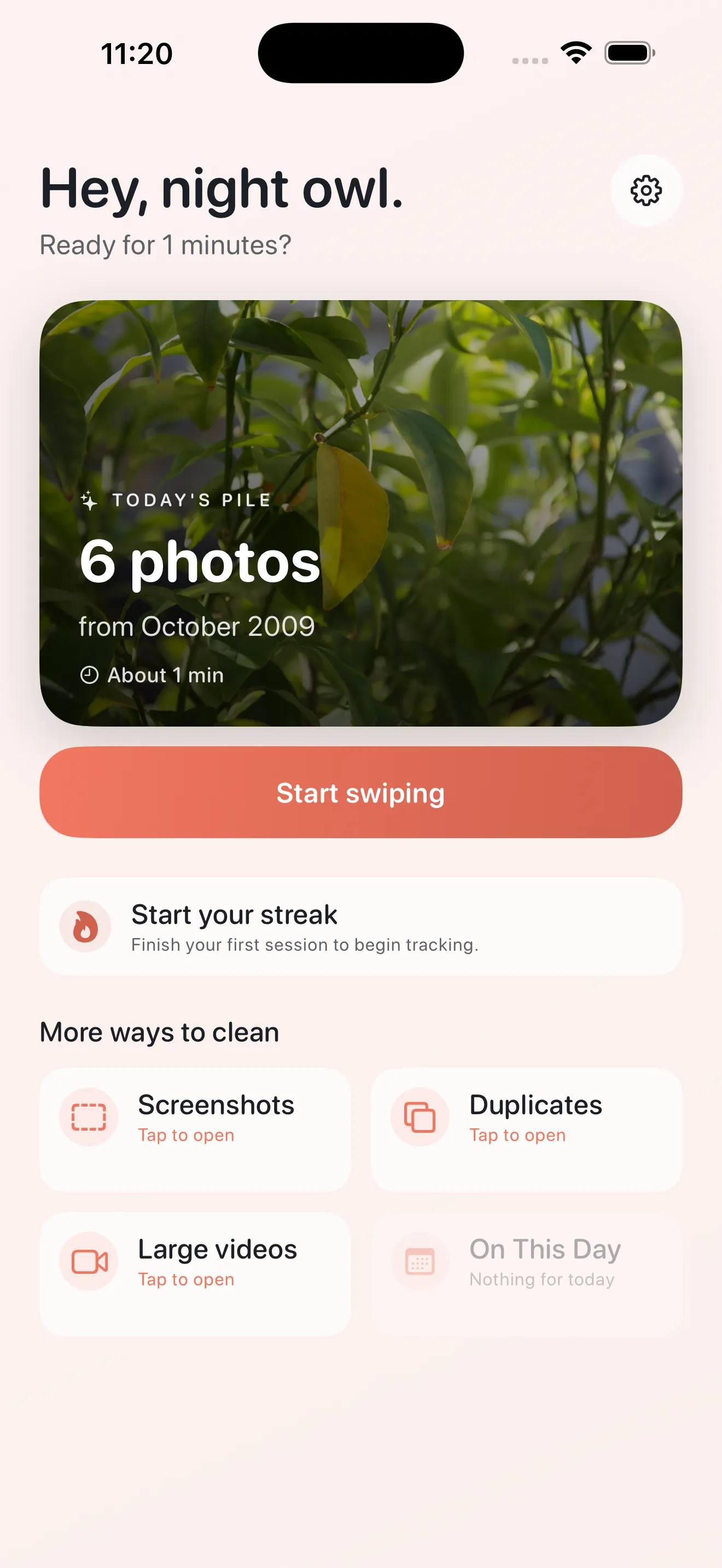
Start Today’s pile or jump into Screenshots (OCR snippets), Duplicates (pHash clusters), Large Videos, or On This Day rediscovery when those cards are available.
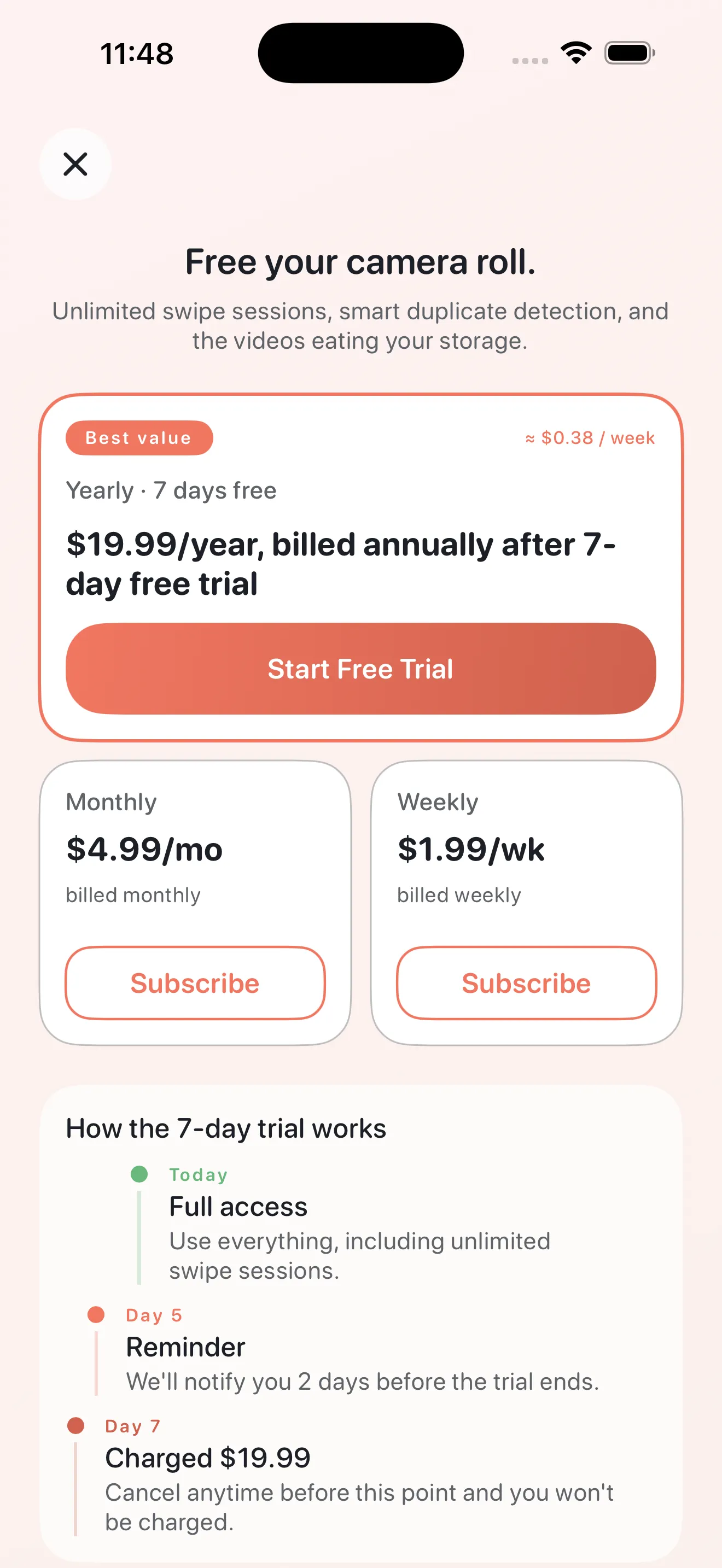
Yearly hero with 7-day trial, compact weekly and monthly options side by side, with restore, Apple EULA, and culi.app privacy links visible—matching App Store disclosure requirements.
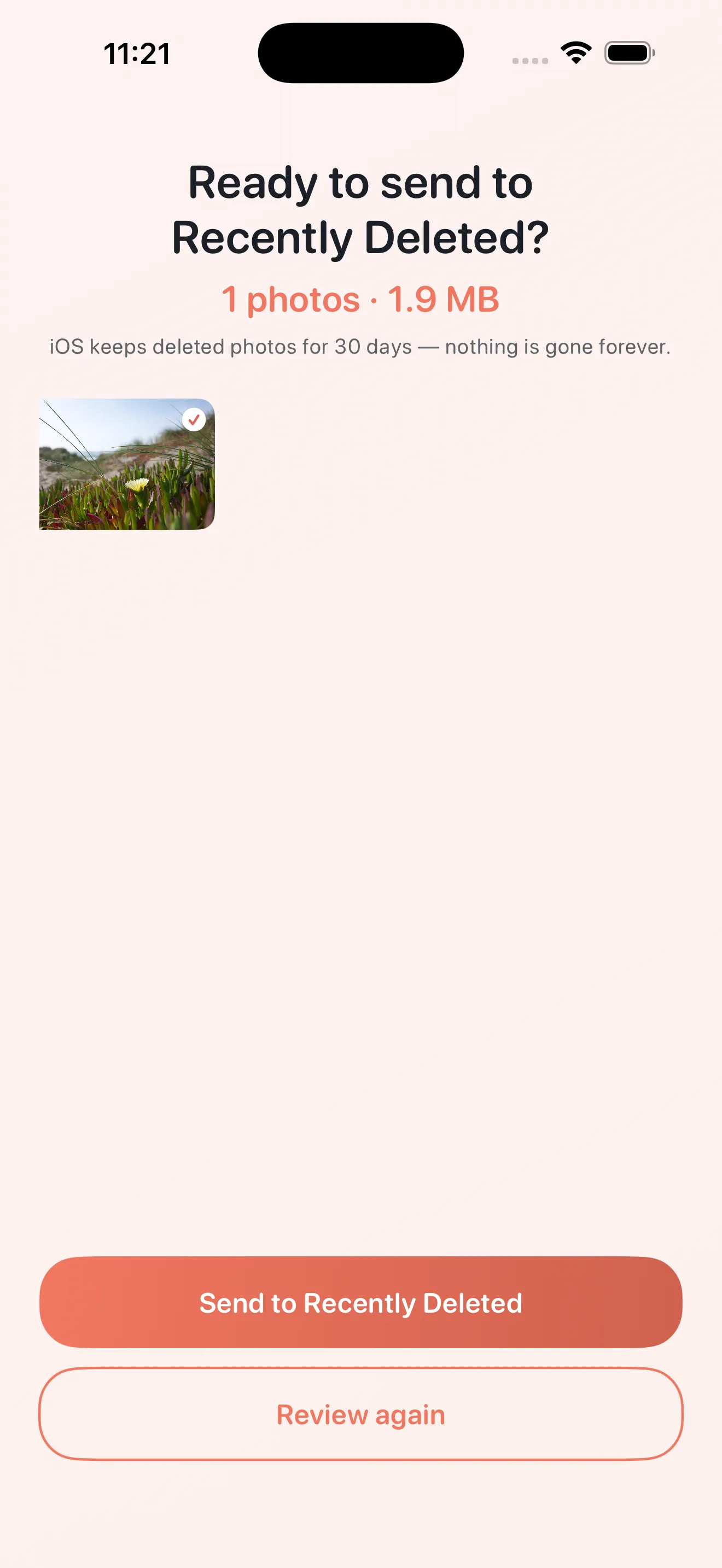
Undo toasts, a review strip, batch confirmation, and Apple’s sheet before Recently Deleted—so mistakes are easy to walk back.
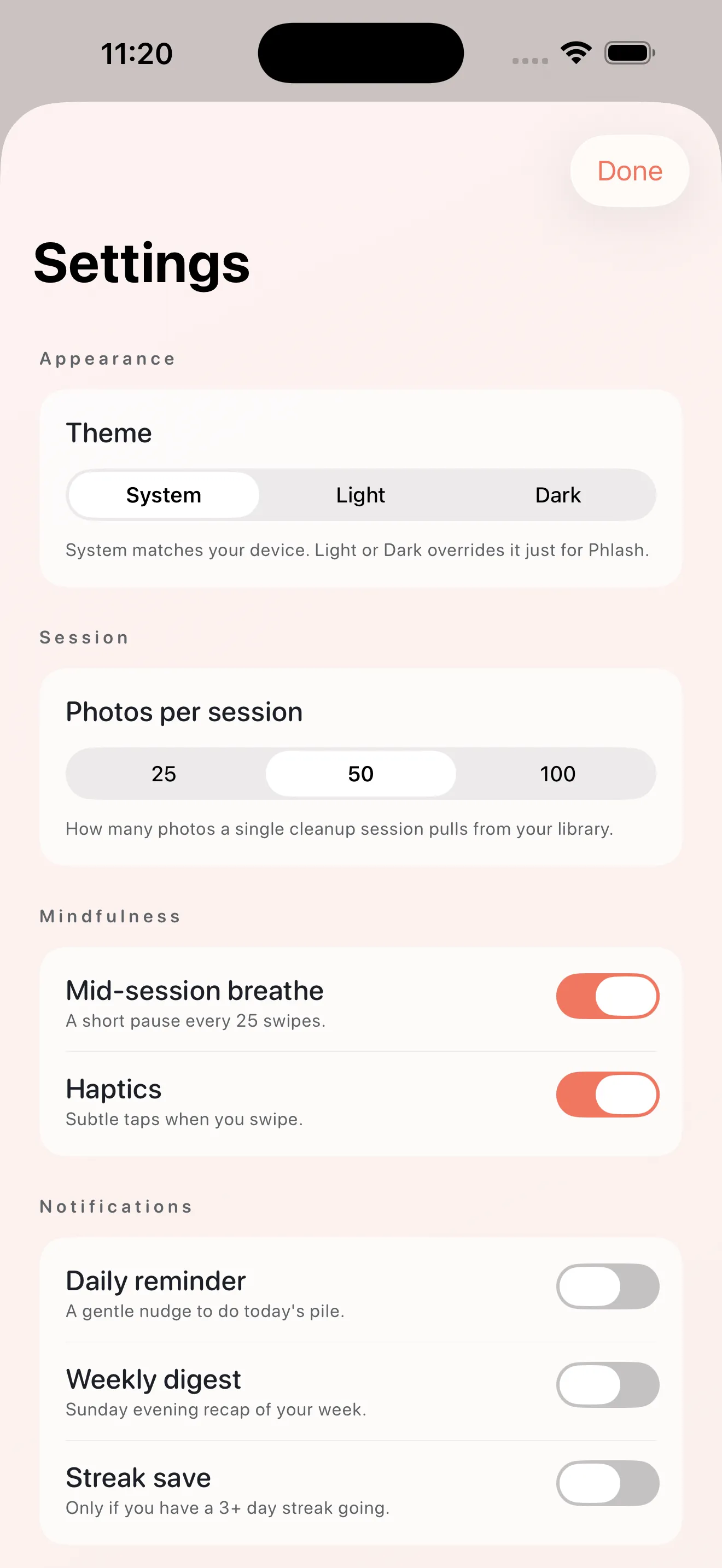
Choose System, Light, or Dark; tune reminders, session size, subscription management, and restore purchases—all without leaving the calm coral palette.
Released on the App Store
A calm update with more ways to lighten your library:
• Blurry shots — Phlash quietly finds out-of-focus, too-dark and washed-out photos. Swipe through them or pick in a grid. Always your call.
• Reclaim from motion — turn Live Photos into stills. The photo stays exactly as it looks, with its date, place and albums; only the few seconds of motion go.
• People & pets protection — photos of the ones you love stay out of bulk cleanups and get a gentle cue when you swipe. Detected on your phone; nothing is identified or stored.
• A fresh icon, landscape photos that fit their cards, and you now stay right where you were after confirming a delete.
As always, anything you remove goes to Recently Deleted first, and your photos never leave your device.
Work oldest-first piles a few minutes at a time so you reclaim storage without a stressful purge day.
Read what each screenshot actually contains on device, then bulk by age or swipe individually without guessing.
Let perceptual hashing suggest keepers per cluster and tackle the biggest videos first for immediate gigabytes back.
Live prices synced from the Phlash App Store listing.
$4.99 per month
Auto-renewing subscription$1.99 per week
Auto-renewing subscription$19.99 per year
Auto-renewing subscriptionPrices shown from the US App Store. Local pricing may vary.
Step-by-step answers to the questions people ask most about Phlash.
No. Cleanup, Vision OCR, duplicate hashing, and previews use on-device frameworks. The only routine off-device data related to subscriptions is purchase verification through Apple and RevenueCat—no photo content leaves your phone for Phlash features.
Phlash Pro includes weekly ($1.99), monthly ($4.99), and yearly ($19.99) options. Yearly includes a 7-day free trial where eligible, plus Family Sharing on the yearly plan per App Store configuration. Manage or cancel in Apple Account settings.
Phlash focuses on a mindful tone (no fear-based copy), short daily piles, on-device OCR for screenshots, duplicate clustering, large-video sorting, On This Day rediscovery, and layered delete safety including undo and review before Recently Deleted.
This site hosts the Phlash privacy policy at https://culi.app/apps/phlash/privacy-policy/ with the same structured summary in the app and App Store listing.
Available now — your data stays private, with a clear public policy.