
Should I use a Project or a Savings Goal in BillWise?
This is for you if a big cost is coming and your bills already live in BillWise, or soon will. A wedding next autumn. A kitchen that has to come out. A house your family is building in the town you grew up in. BillWise Projects and Savings Goals arrived in version 2.3 of BillWise, the bill payment tracker for iPhone, so that money sits next to rent and the card bill instead of in a separate spreadsheet.
Project or Savings Goal: which one do I need?
Choose a Project if money will leave in pieces over weeks or months. Choose a Savings Goal if money needs to pile up until a date. That's the whole test.
- Project is for
- Spending from a budget: deposits, materials, contractor installments, money sent home
- Savings Goal is for
- Building toward a target: a down payment, a wedding fund before you've booked anything
- What you log in a Project
- Top-ups in, expenses out, recurring costs with reminders
- What you log in a Savings Goal
- The amount you set aside each month toward the target
- Shows in Forecast and Safe to Spend
- Project money: yes, since version 2.3
- Export
- Projects include an exportable report
- Free plan
- One Project and one Savings Goal, alongside up to 5 bills
Most big plans need both, one after the other. While the wedding is still a plan, it belongs in a Savings Goal. The day you pay the venue deposit, money starts leaving in pieces, and that's Project work. A renovation runs the same way. Save toward the quote, then open a Project when the contractor asks for the first payment.
Keep both apart from your emergency money. In the Federal Reserve's survey of 2025, the most common surprise costs were major vehicle repairs (30% of adults), major house or appliance repairs (22%) and major medical costs (21%). A kitchen fund that also has to cover a blown transmission ends up covering neither.
How do I set up a Project for a wedding, renovation or house back home?
Bills first, then the Project. With your quotes and deposit receipts in front of you, setup takes one sitting.
Step 1: Put your regular bills in first
Step 2: Create the Project and name it for the job
Step 3: Set the budget from a benchmark, then adjust to your quotes
Step 4: Log every top-up when it lands
Step 5: Log every expense the day you pay it
Step 6: Add recurring costs with reminders
Wedding: deposits, payment plans and the guest list
The Knot's 2026 Real Weddings Study surveyed 10,474 US couples married in 2025 and put the average spend at about $34,000, roughly the same as the year before. Its cost guide has the finer numbers: $34,200 on average, 117 guests, and $292 per guest, with cities ranging from $54,000 in Chicago to $27,000 in Phoenix. Build your budget from the per-guest figure, because the guest list is the number you control. Cut 20 guests and you've cut roughly $5,840 at that average.
In the Project, log the venue deposit as an expense. If the venue balance is on a payment plan, add it as a recurring cost. Record family contributions as top-ups so you can see who has paid in.
Renovation: installments, change orders and surprises
Houzz found the median renovation held at $20,000 in 2025, and homeowners planning work in 2026 expect to spend less, around $15,000. By room, the 2025 medians were $24,000 for a kitchen, $15,000 for a primary bathroom and $7,000 for a guest bathroom, all up on the year before. Start with your room's figure, then swap in the contractor's quote.
Log every change order as its own expense with a plain name, like "Moved sink, extra plumbing". When the Project goes over, you'll see exactly which decision did it.
House back home: money sent in stages
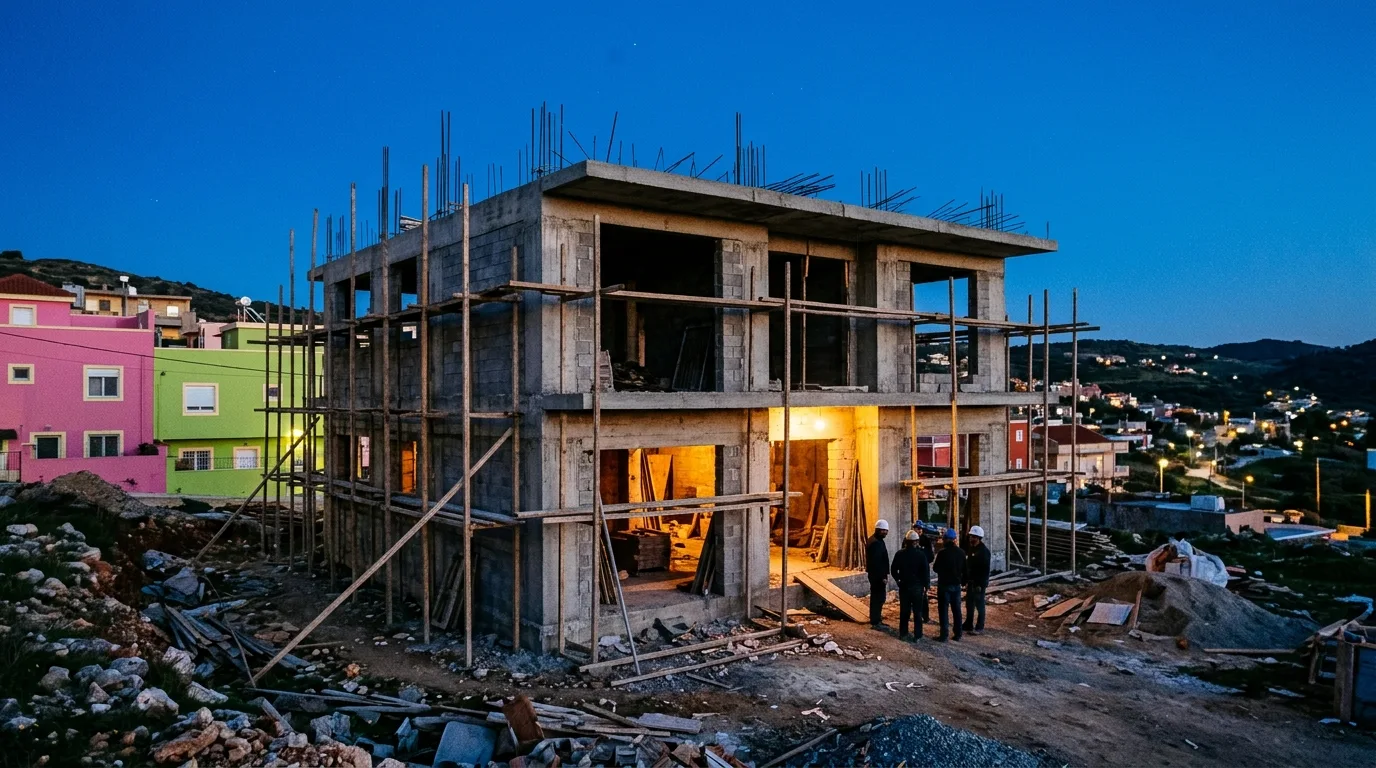
Building or repairing a house in another country usually means sending money in chunks while a relative or builder spends it for you. Log each transfer as a top-up on the day you send it. When your family reports back with cement, roofing or the electrician's labour, log those as expenses. A monthly payment to the builder becomes a recurring cost with a reminder. BillWise only records what you log. It doesn't send the money or see the other person's spending, so the Project is only as current as the updates you get. Log amounts in the currency you send from, so they line up with your bills.
How much should I save each month to hit my goal?
Take the full cost, subtract what you already have, and divide by the months left. That's the amount your Savings Goal should set aside each month.

- Write down the full cost from a benchmark or a quote, not a guess.
- Subtract what you've already saved for this specific goal.
- Count the months until you need the money. For a wedding, that's the first big deposit date, not the wedding day.
- Divide, and put that monthly amount into the Savings Goal.
- Check it against your Forecast. If it leaves your bills short, change the date or the target.
With real numbers, The Knot's average of $34,200 over 18 months is $1,900 a month. A median kitchen at $24,000 over two years is $1,000 a month. For a house, NAR's 2025 profile found the median first-time buyer put down 10%, the highest since 1989, and that the median first-time buyer is now 40. Take 10% of the price you're looking at as your target.
If the monthly number looks impossible, good. That's why you do the math early. A U.S. News survey of engaged Americans found 58% planned to take on debt for their wedding, and about two in five of them had first thought they wouldn't need to. A LendingTree poll of newlyweds, reported by CNBC, found 67% used some kind of financing and 24% paid with credit cards.
Does project money count in my Forecast and Safe to Spend?
Yes. Since version 2.3, project money counts in BillWise's Forecast and Safe to Spend, so a contractor installment or a venue payment shows up in your month ahead instead of hiding in a side note. Forecast shows what's coming due. Safe to Spend is what's left after those commitments, and with Projects included you no longer subtract the renovation from it by hand.
This matters most in the heavy weeks. Picture the week your second venue payment, rent and your card's due date all land together. Without the Project, Forecast would show a lighter month than the one you're about to have. With it, you see the crunch while you can still move money. For more on reading that view, see how to forecast next month's bills on iPhone and spot the heavy week early.
Bills tell you what's due. A Project tells you whether the renovation still fits beside them.
One caution. The number is only as good as your logging. If a contractor installment isn't in as a recurring cost, Safe to Spend can't know about it.
What does the free plan include, and how do I export a project report?
The free plan gives you one Project and one Savings Goal alongside up to 5 bills, plus gamification, the smart dashboard, forecasting and notifications. That's enough to run a renovation Project and a down-payment Savings Goal next to rent, utilities and a couple of cards.
Premium adds unlimited bills, Home Screen and Lock Screen widgets, iCloud sync, 2x XP, streak shields, payment history, and CSV or PDF export. To keep your most urgent bill in view during a busy build month, here's how to put your most urgent bill on the iPhone Home Screen and Lock Screen. If you need more than one Project running at once, check the current App Store listing for what Premium covers before you upgrade.
The two exports answer different questions. The project report covers a single Project, its top-ups and spending, ready to send to a partner, the parent who chipped in, or a contractor disputing a balance. Premium's CSV and PDF export covers your bills and payment history over time. Use the report for "how is the kitchen going?" and the CSV for "what did we pay this year?"
Where BillWise is the wrong fit: it tracks money you log. It doesn't hold or move it. If you want an account with built-in savings buckets, that's your bank's job. BillWise is for seeing the whole month, bills and big plans together.
Common questions
Can I track wedding expenses and wedding savings in one app?
How many projects can I have on the BillWise free plan?
Can BillWise remind me about monthly contractor or venue payments?
Should I pay for a renovation out of my emergency fund?
How much does an average kitchen renovation cost?
Can I share a BillWise project with my partner or contractor?
Your next step: add the one bill you're most likely to forget. Then open a Project for the plan that's keeping you up at night and enter the first deposit you've already paid. Nothing paid yet? Start a Savings Goal with the monthly amount you worked out above.
Sources
- The Knot Worldwide Unveils 2026 Real Wedding Study
- We've Got the Data: Here's The Average Wedding Cost and Everything That Goes Into It
- 'Memories Fade, Bills Don't': Wedding Debt Survey Reveals Remorse
- Using credit cards to pay for your wedding: pros and cons
- NAR 2025 Profile of Home Buyers, Sellers Reveals Market Extremes
- First-Time Home Buyer Share Falls to Historic Low of 21%, Median Age Rises to 40
- Home Renovation Activity Held Steady in 2025, Slight Decline in Plans for 2026, Houzz Study Finds
- 2026 U.S. Houzz and Home Renovation Trends Study
- Report on the Economic Well-Being of U.S. Households in 2025: Economic Hardships
This article was drafted with AI assistance and reviewed by a human editor before publishing.