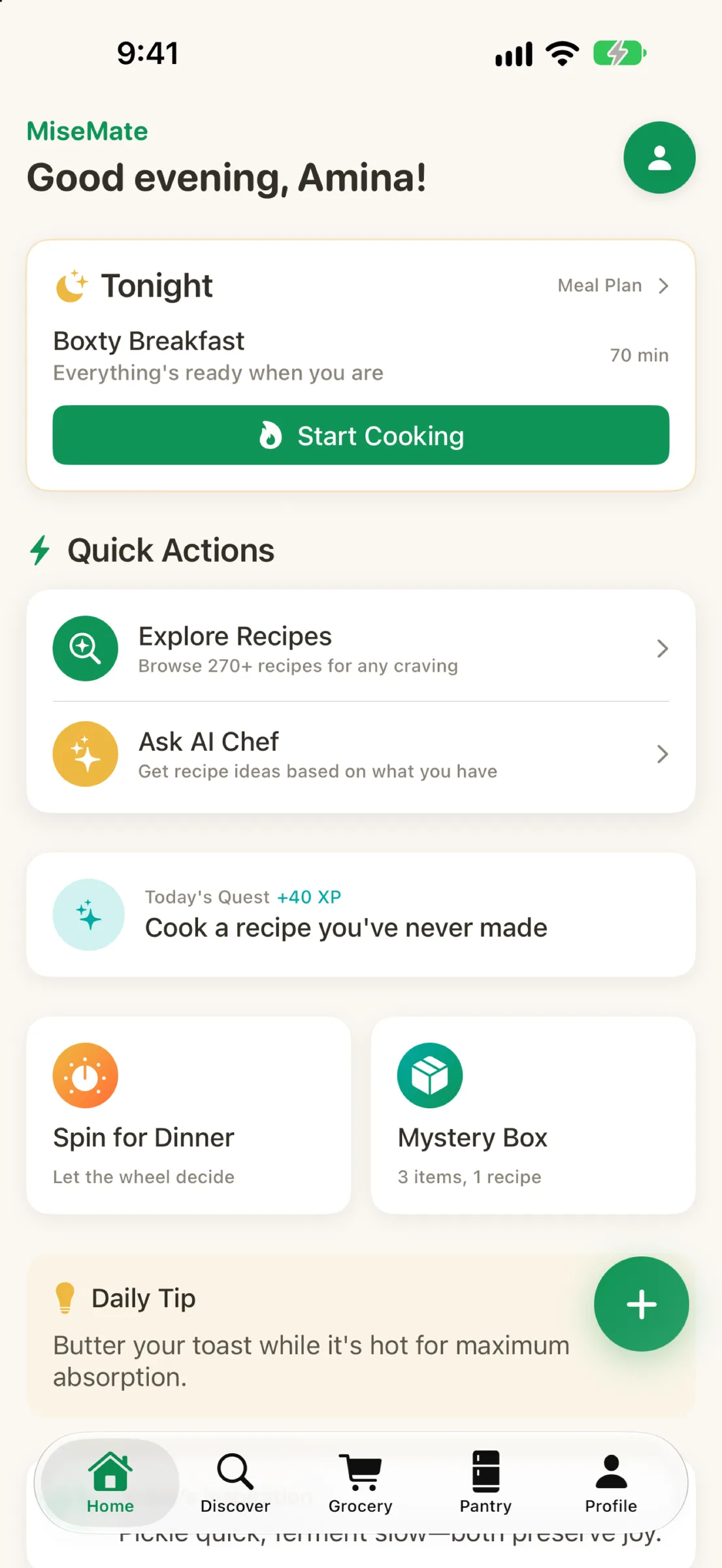
Maya had a problem that probably sounds familiar. Every week, she'd buy ingredients with the best of intentions—fresh herbs, specialty vegetables, proteins she'd never cooked before. But life got busy. Recipes got forgotten. Half the cilantro would brown in the crisper drawer. The salmon would hit its expiration date. By the time she threw things away, she'd already spent the money and felt the guilt. She knew the waste was happening, but between work, her partner's schedule, and keeping her 8-year-old fed, actually planning meals felt impossible. Then she found MiseMate, and the whole equation changed.
The Tuesday night panic
It was 5:15 p.m. on a Tuesday, and Maya had 45 minutes before she needed to serve dinner. Her partner was still at work. She'd pulled a chicken breast from the freezer that morning, but beyond that, she had no plan. She opened her usual recipe app—the one with thousands of recipes—and immediately felt the familiar paralysis. Do I have everything? Can I make this work with what's actually in my pantry? Will my kid eat it? Rather than experiment, she'd usually default to takeout or something equally predictable. It was fast, but it meant buying less adventurous ingredients and letting them spoil.
Finding recipes that fit her actual life
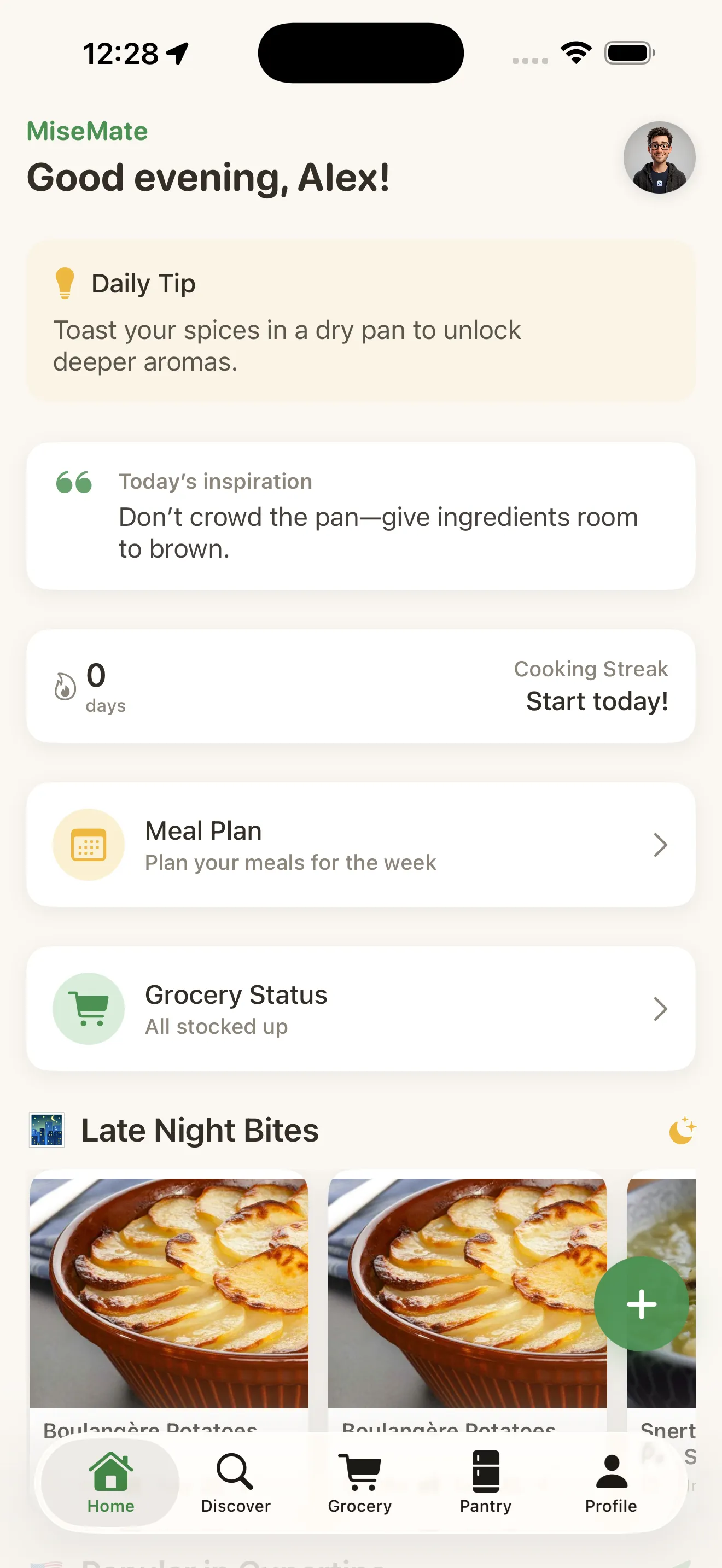
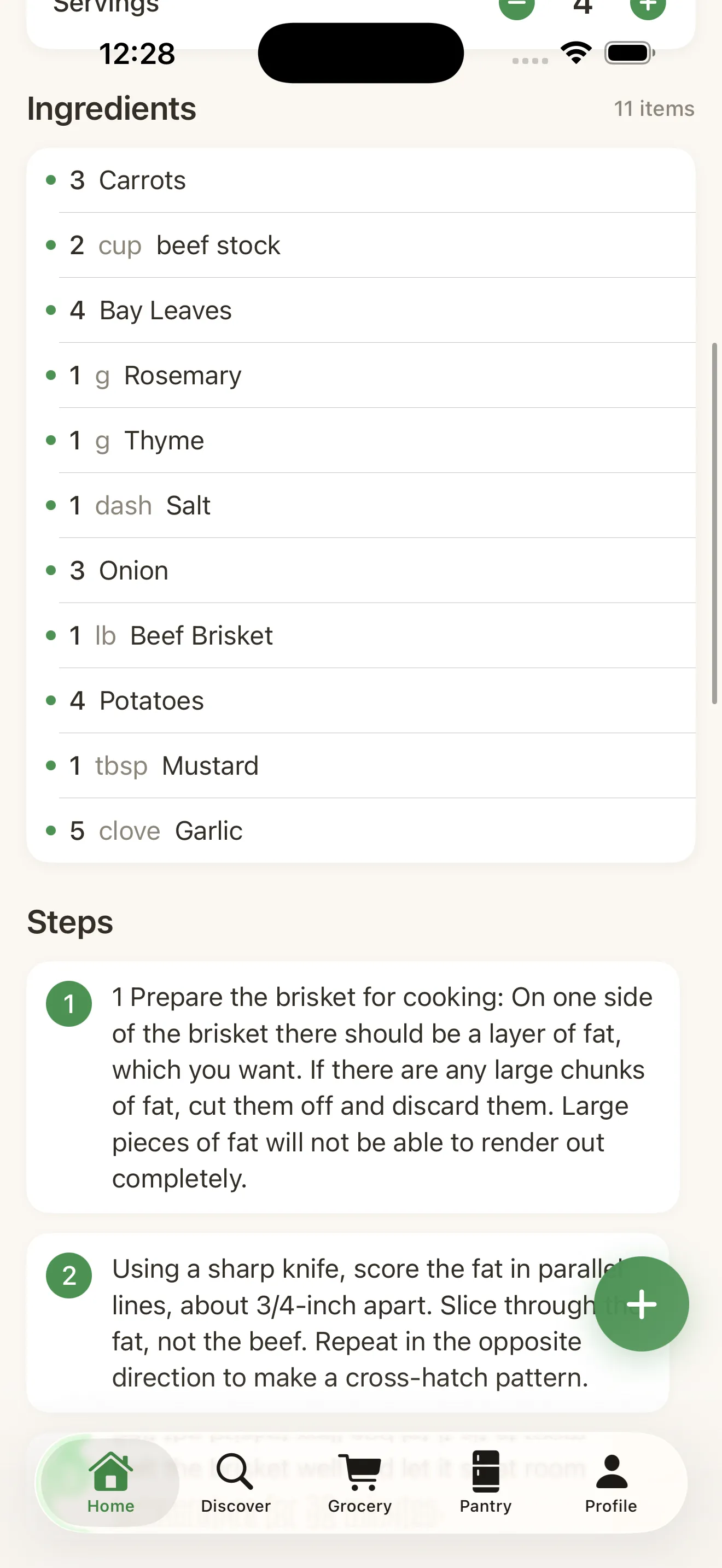
When Maya opened MiseMate for the first time, the setup was straightforward. She told it her household size (four people), her 8-year-old's preferences (no mushrooms, not too spicy), and that she had about 30 minutes on weeknights. From there, the app felt different. Instead of showing her every recipe under the sun, MiseMate's discover section showed her curated collections that matched those constraints. More importantly, when she opened a recipe—like a 25-minute chicken stir-fry—the ingredient quantities were already scaled for four people. No mental math. No guessing whether half a cup of soy sauce would actually work.
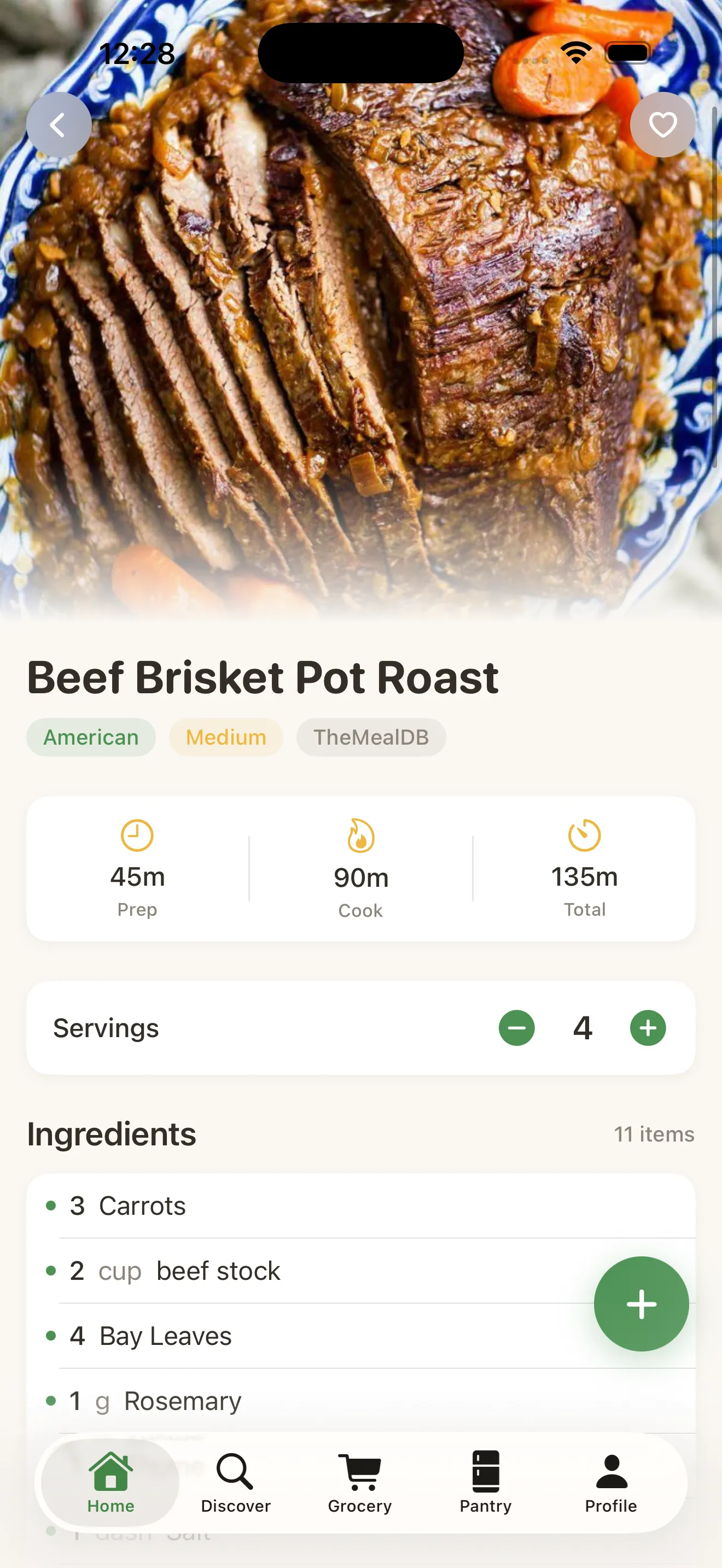
Instead of wondering if I had everything or mentally calculating portions, I could just check the list and know exactly what to buy—and in the right amount.
The grocery list that actually saved her money
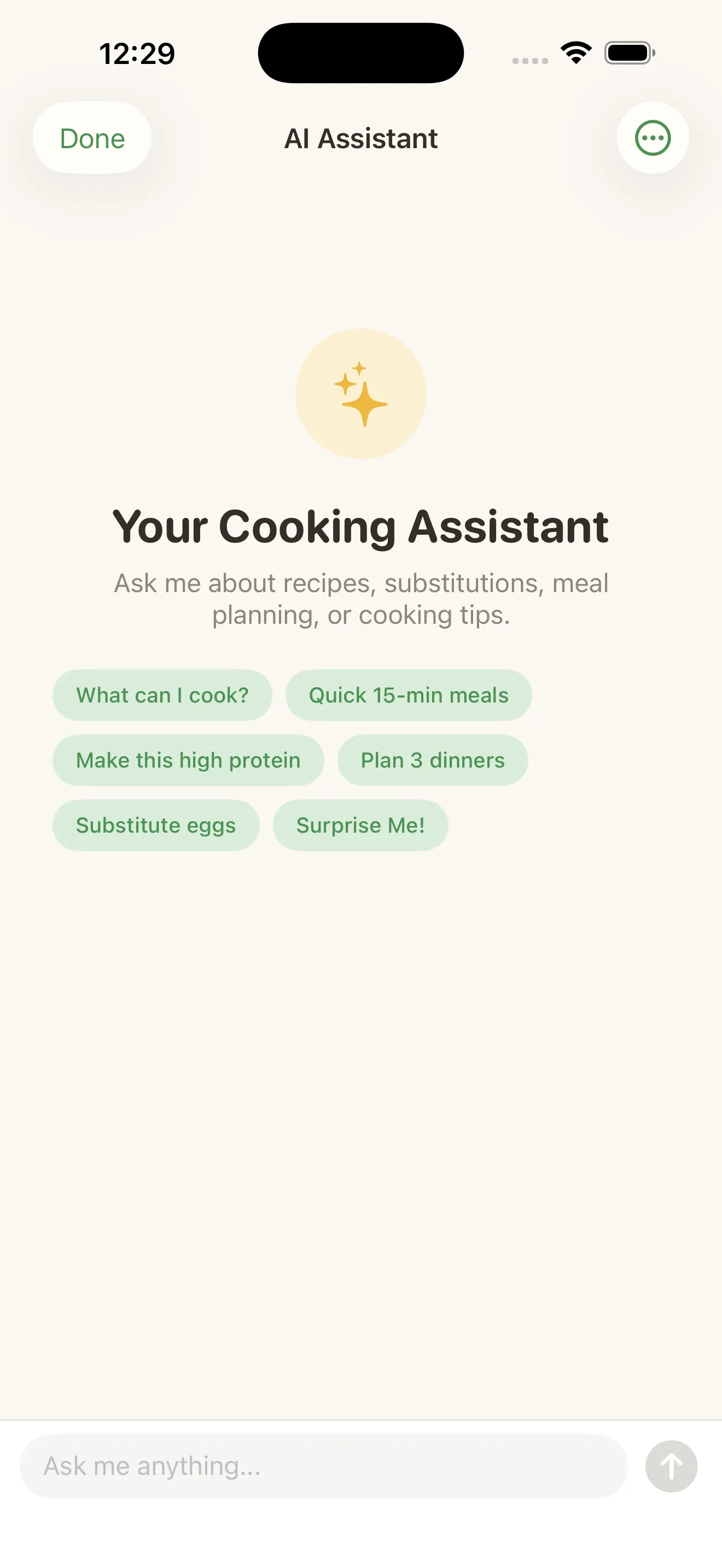
That Tuesday, Maya selected the stir-fry recipe and a pasta dish for Thursday. MiseMate automatically combined the ingredients from both recipes into a single grocery list—no duplicates, quantities smart enough that she wasn't buying four bunches of cilantro when two would do. She also used the app's AI kitchen assistant to ask: "I have a bell pepper and some leftover rice. Can I make anything?" The AI suggested a modified version of the stir-fry that used what she had, which meant fewer new ingredients and less waste by design. When she went to the store with that list, she knew exactly what she was buying and why.
Cook mode made the actual cooking part less stressful
The real revelation happened when she started using Cook Mode. Instead of flipping between her recipe app and a timer (or forgetting the garlic needed two minutes before the onions), MiseMate showed her one step at a time. "Dice the chicken," it would say. Below that, a countdown timer for how long that should take. Then "Heat the wok," with another timer. When her 8-year-old asked for help with homework halfway through, the timer kept running. She didn't have to remember what step she was on or worry about overcooking. The structure took away the cognitive load, and she actually enjoyed the process instead of feeling rushed.
Three months later: less waste, more cooking
After three months, Maya noticed something concrete. Her trash bin wasn't overflowing with rotted vegetables. She was buying fewer ingredients overall but actually using them, because the app helped her plan around what she already had. Her partner started asking what was for dinner instead of assuming takeout. She'd cooked things she never would have tried before—a Thai curry, a grain bowl with tahini dressing—because the app's smart scaling and step-by-step guidance made them feel doable instead of intimidating. She even discovered she could link MiseMate to other kitchen habits, building a rhythm that actually stuck. For the first time, the problem wasn't "How do I cook?" or "What should I make?" It was "Should I try the new recipe or make my favorite again?"
Why the setup matters
Maya's success started with her initial setup. She spent five minutes telling MiseMate about her household, dietary preferences, and what her family actually eats. That information—not fancy algorithm magic—shaped everything the app recommended afterward. If you're starting with MiseMate, the setup checklist walks you through the same process. It's not a hassle. It's the difference between getting recipes you can't cook and recipes you actually will.
This article was drafted with AI assistance and reviewed by a human editor before publishing.