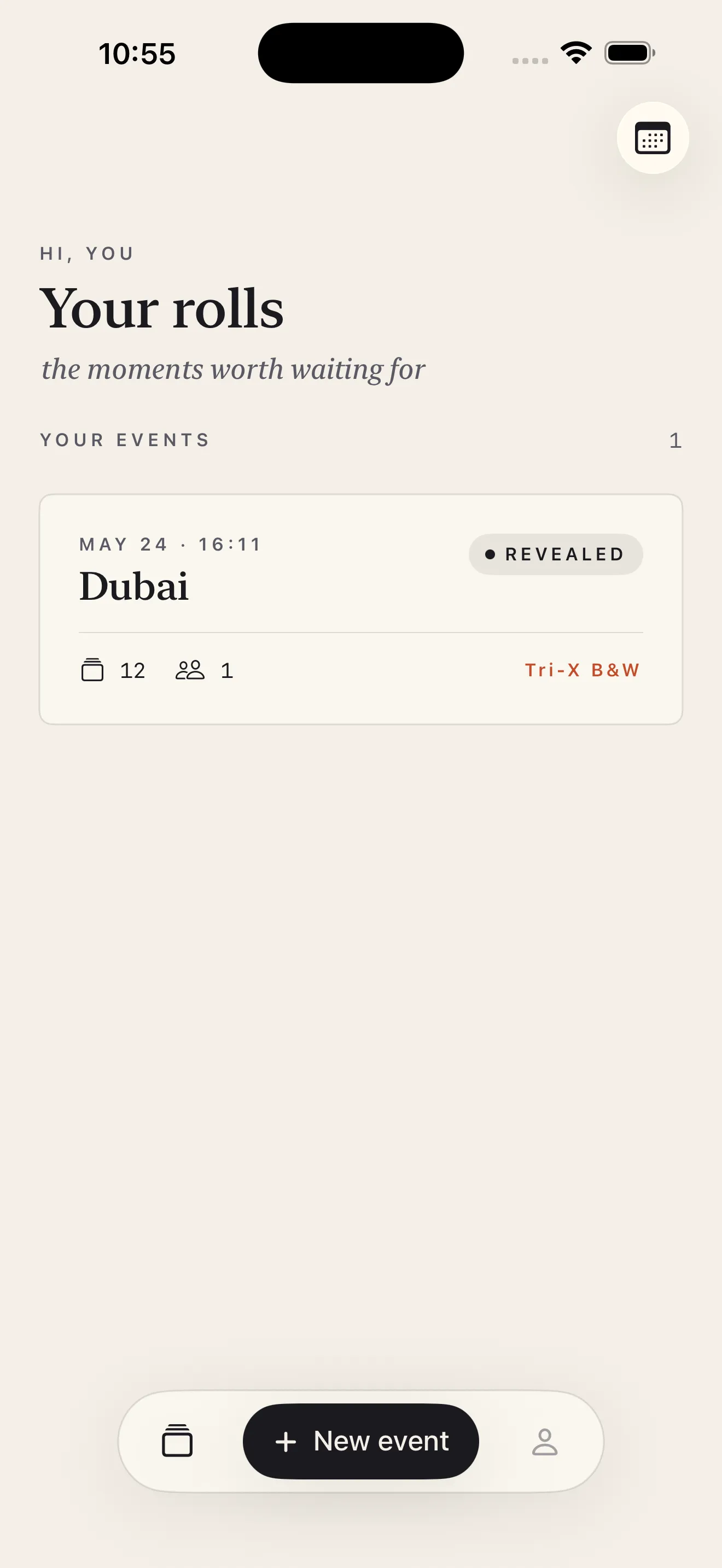
Rolla brings back the constraints and charm of disposable film cameras—but for a group. You create an event, pick your film look, invite up to four friends, and everyone shoots blind on the same finite roll. Photos stay locked until the host develops them together. No filter fiddling mid-shoot. No endless scrolling through thousands of shots. Just one roll, one reveal, one moment shared.
Create your event
Start on Rolla's home screen and tap the new event button. You'll name your roll—call it a wedding, a trip, a night out—and set the vibe. Give it a name that matters to you and your friends.
Choose your roll size and film look
Next, decide how many shots you want. Rolla gives you four options: 12, 24, 36, or 48 frames. That limit is the point. A 12-shot roll forces intention. A 48-shot roll gives you more breathing room, but still caps the chaos. Pick what fits your event.
Then pick your film look. Rolla ships three cinematic LUT filters: Kodak Gold (warm, nostalgic), Portra 400 (soft, natural), and Tri-X B&W (high contrast, timeless). These apply on capture with GPU acceleration—you're not tweaking filters between shots. The look is locked in from the start.
One roll, one reveal—no infinite camera roll dumps.
Invite your friends
Once your event is set, invite up to four other shooters. Rolla gives you two ways: a QR code or a shareable link. Point a friend's phone at the QR code and they join instantly. Or paste the link into a text, email, or note—whatever works. Everyone who joins shoots on the same roll.
Start shooting
Once your friends are invited and ready, tap into the camera. Shoot like you're holding a real disposable camera. Frame what you see. Your film look is already applied. When you've filled your shots—or you hit that frame limit—you're done. No burst mode. No endless galleries. Just the roll.
Develop together and reveal
When the roll is full or the moment feels right, the host develops it. That's when the photos unlock. Everyone who shot sees them for the first time together—same moment, same reaction. No one's been picking and choosing favorites. No one's edited them down. You all see it the way it was shot.
This article was drafted with AI assistance and reviewed by a human editor before publishing.