
How do you split a bill by item, not evenly?
How do you split a bill by item instead of splitting it evenly
You split a bill by item by assigning each line on the receipt to the person who ordered it, rather than dividing the total by the number of people at the table. That's the fair way to do it whenever orders aren't equal, which is most of the time. The problem has always been the arithmetic that follows: adding up subtotals, working out each person's slice of tax and tip, and doing it all before someone gets impatient and just Venmos a round number. Scanning the receipt removes that step entirely.

Step 1: Open SplitSnap and point your camera at the receipt
Step 2: Let the AI read the items
Step 3: Assign items to each person
Step 4: Review the split
Step 5: Share the split card
How does SplitSnap handle tax and tip
SplitSnap distributes tax and tip proportionally, based on how much each person's items cost relative to the subtotal. Someone who ordered a $12 appetizer isn't stuck paying the same flat tax and tip amount as someone who ordered a $40 steak. The app reads the tax and tip lines straight off the receipt during the scan, so there's no separate step where you have to calculate percentages or guess what the tip should have been.
What if an item was shared or someone didn't order anything
You assign a shared item to multiple people at once and the cost splits evenly between just them, not the whole table. For someone who didn't eat but wants to chip in for a shared appetizer or a round of drinks, you can add them to that single item without touching anyone else's total. This is the exact situation manual splitting handles worst, since it's easy to lose track of who agreed to cover what once the check has been sitting on the table for twenty minutes.
- Assign a shared appetizer to everyone who dug in
- Leave someone off the split entirely if they didn't order
- Split a bottle of wine across just the people who drank it
- Adjust an item after the fact if someone remembers ordering a side
How do you send the split to the rest of the group
SplitSnap generates a shareable split card once everyone's items are assigned, and you send it through any messaging app the same way you'd send a photo. Everyone sees their own total, what it's made up of, and what the group ordered as a whole, so there's nothing to relitigate later. If you need to check a split from last month, your history stays in the app, which solves the usual problem of trying to remember who owes what two weeks after the dinner happened.

Can SplitSnap split bills in different currencies when traveling
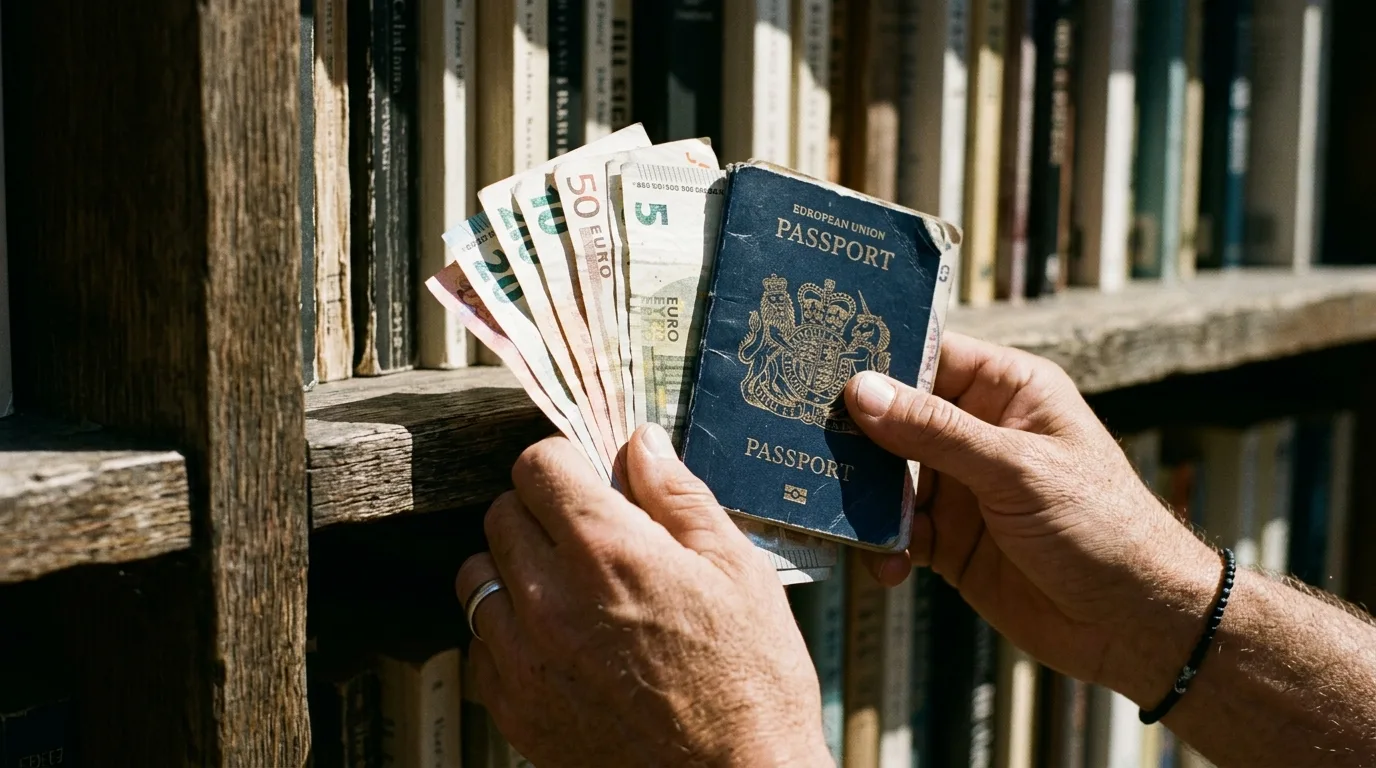
Yes. SplitSnap reads receipts in over 30 languages, and Pro adds live multi-currency conversion so a group traveling together can split a bill in the local currency and still see totals in their home currency. That matters most on trips where a few people are covering costs in cash and others are settling up digitally once everyone's home, since nobody has to do the conversion math in their head at the table.
- Splitting evenly by hand
- Fast, but unfair whenever orders differ; no record of who agreed to what
- Manual item-by-item math
- Fair, but slow, and tax/tip percentages have to be calculated separately
- SplitSnap
- Scan the receipt, assign items, get an accurate split with tax and tip in seconds
The person who had the steak shouldn't pay the same as the person who had a salad. A photo of the receipt is all it takes to fix that.
Common questions
Do I need to type anything in to split a bill by item?
How many receipts can I scan for free?
What happens if the AI misreads a price?
Can I split a bill without a physical receipt in hand?
Is item-based splitting always fairer than splitting evenly?
Can I look back at a split from a previous dinner?
This article was drafted with AI assistance and reviewed by a human editor before publishing.