When a friend already has SplitSnap
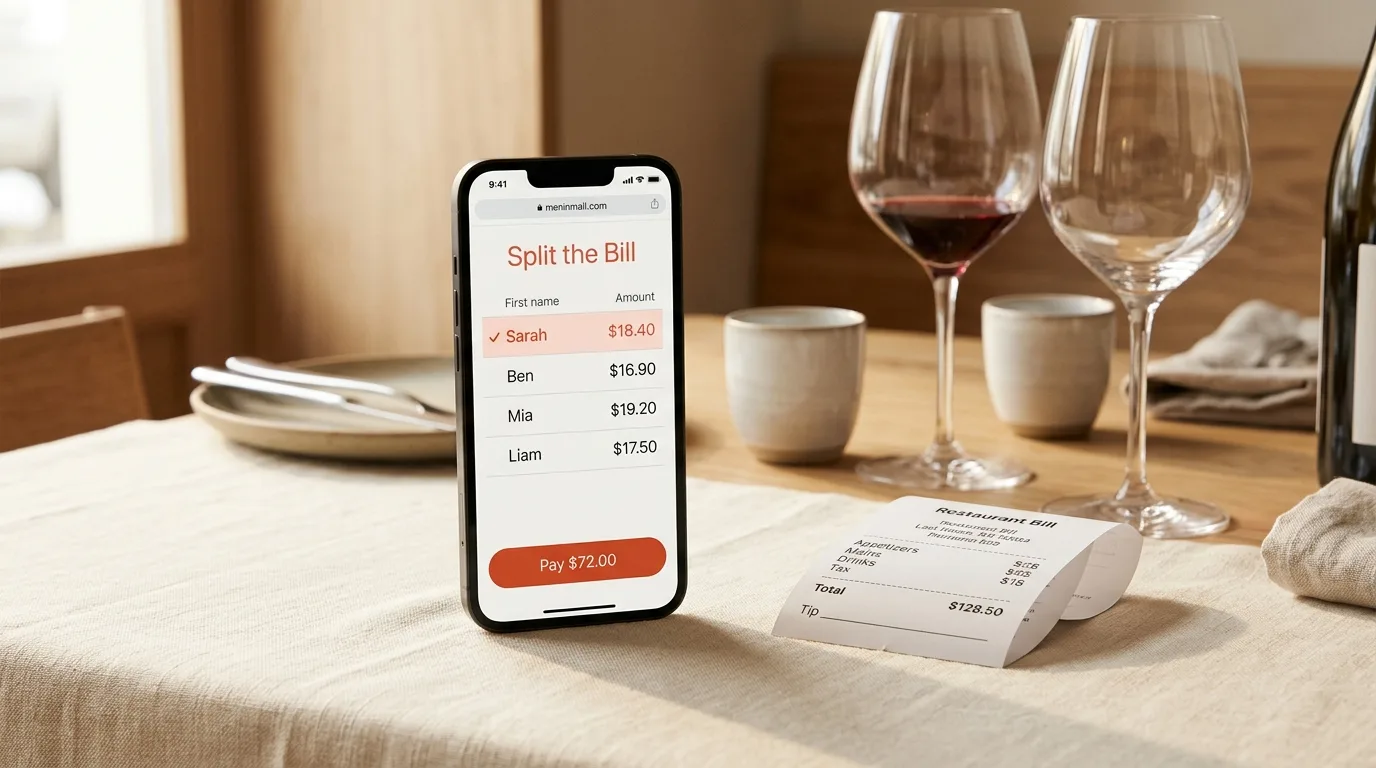
Some friends will already have SplitSnap on their iPhone. For them, the same link opens the split in the app instead of the web page. You don't need to send a different link or remember who has what. Post one link and each friend gets the best version for their phone.
FAQ
Do my friends need a SplitSnap account?
No. Friends open the link, tap their name, see their share and pay you. They don't need an account or a download. That makes it a bill splitting app with no sign-up for everyone except you.
Can I stop a link after I've shared it?
Yes. Turn the link off, or reset it to make a new one. Either way, the old link stops working at once.
Does it work for friends on Android?
The link opens in a phone's web browser, so your friend only needs a browser to open it and see their share. SplitSnap itself is an iPhone app.
Is it free?
For current pricing and what's included, check the SplitSnap listing on the App Store.
Next time you pick up the bill, scan it, assign the items, turn on the link and post it in the group chat. Then go back to your evening.
This article was drafted with AI assistance and reviewed by a human editor before publishing.