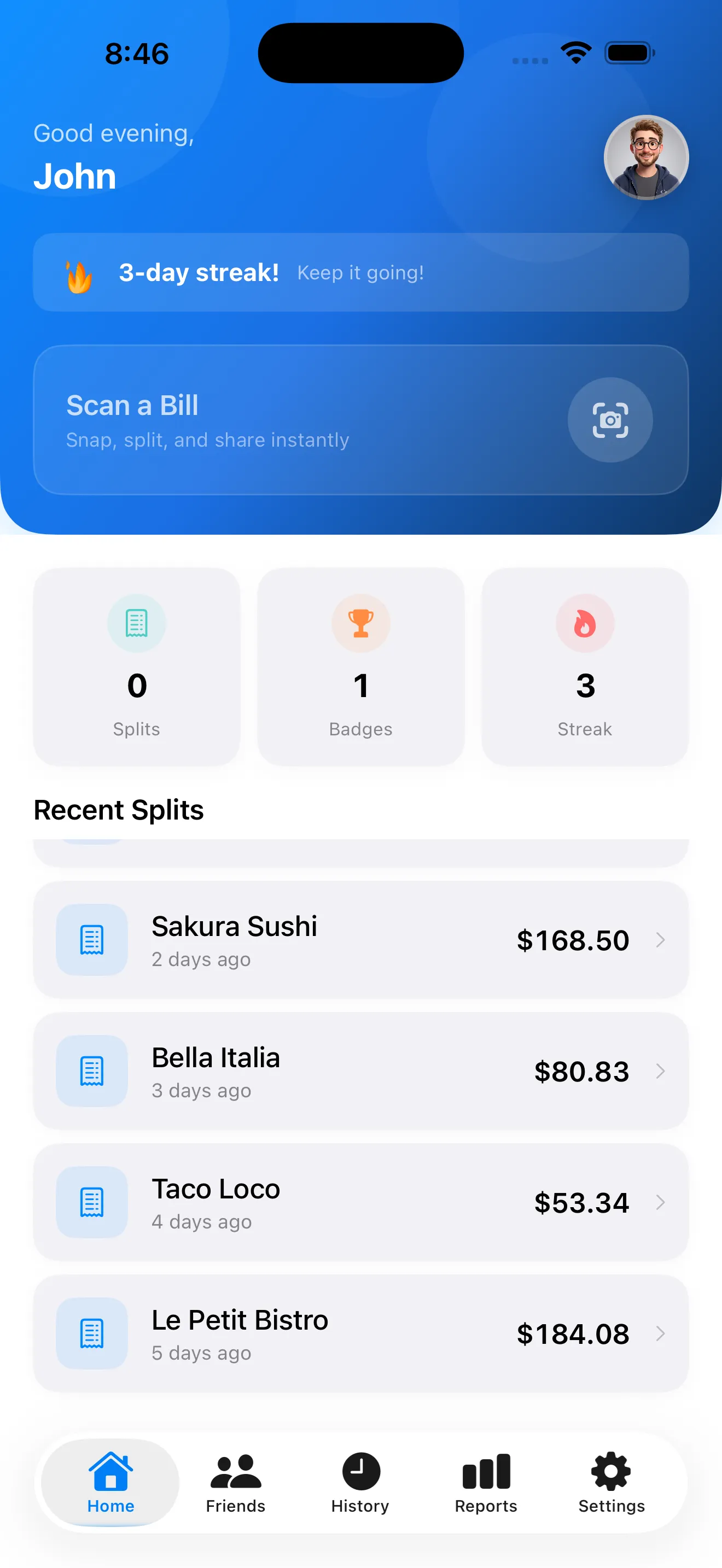
Bill splitting doesn't have to be awkward. SplitSnap handles the hard part — reading your receipt, extracting prices, and calculating who owes what — so you can focus on the moment. But like any tool, a few smart moves make it even faster and more reliable. Here's how to get the most out of SplitSnap at your next meal.
Point the camera at the receipt while it's still flat
SplitSnap's AI reads receipts in 1–3 seconds, but the quality of the scan depends on lighting and angle. Keep the receipt flat on the table, avoid shadows, and make sure all text is in focus. If you're outdoors, angle the camera slightly to reduce glare from the paper's sheen. The AI will catch crumpled or folded corners, but a clean, level shot cuts down the chance of misreads.
Review the extracted items before assigning
After SplitSnap scans, you'll see a list of every item and its price. Take 10 seconds to glance through it. If an item name looks off or a price seems wrong, tap it to edit. This step matters more than you'd think — a misread item name won't break the math, but it might confuse your friends when the split card arrives. The AI is accurate, but it's not magic; human eyes catch mistakes that algorithms miss.
A clean scan and a quick review take 30 seconds total and save you back-and-forth messages later.
Add people before assigning items
Don't skip the "add people" step. Enter everyone's name upfront, and SplitSnap will color-code them. When you're assigning items, you'll tap a name chip next to each dish, and the app keeps a running total for each person. If you add people halfway through, the interface gets messier. Pro tip: if you split regularly with the same crew, save their names in SplitSnap's friends list for next time.
Assign shared plates strategically
Shared appetizers, desserts, or bottles of wine are where most splits go sideways. SplitSnap lets you assign a single item to multiple people — just tap the item and select everyone who shared it. The cost splits evenly among them. If five people shared a $25 appetizer, each gets $5 added to their total. This beats having to do mental math or pass the phone around.
Share the split card right away
Once everyone's totals are calculated, SplitSnap generates a shareable split card. Send it to the group via text, email, or AirDrop. The card shows who owes what in clear terms — no ambiguity. For future reference, SplitSnap stores every split in your history, so if you need to re-share or check an old bill, it's all there. Learn more in our SplitSnap receipt scanning tips guide for advanced techniques.
Use manual entry for receipts the AI misses
The AI catches 99 percent of receipts, but occasionally you'll run into a handwritten bill, a faded thermal receipt, or a foreign-language slip that doesn't scan cleanly. In those cases, use SplitSnap's manual entry mode. Type in a few items, their prices, and let the app handle the rest. You're still saving time compared to calculating splits on your phone's calculator.
- Flat receipt, good light, level camera angle = best scans
- Always review extracted items for typos or price misreads
- Add all people before assigning items to keep things organized
- Split shared dishes by assigning them to multiple people
- Tax and tip are automatic — edit if you want to adjust
- Send the split card immediately so no one forgets
- Manual entry is your backup for tricky receipts
SplitSnap turns a tedious moment into a two-minute task. The AI does the boring work — reading tiny text, doing math, tracking who had what — so you and your friends can move on. A few smart habits make it even faster.
This article was drafted with AI assistance and reviewed by a human editor before publishing.