How to Split a Restaurant Bill on iPhone (Fair Tax & Tip Included)
Step-by-step guide to splitting a dinner bill: scan the receipt, assign items, split shared dishes, distribute tax and tip proportionally, and share totals with SplitSnap.
Before the waiter returns
Photograph the receipt in good light while it is still flat—SplitSnap reads items in 1–3 seconds with Claude Haiku Vision, even with handwriting or faded thermal paper.
Add everyone at the table once; reuse names from past splits in History on your next outing.
Assign items fairly
Tap each line to the person who ordered it. Shared plates like fries or a bottle of wine can split equally across the group with one toggle.
Sub-groups help when two couples want separate totals on one check.
Tax, tip, and the share card
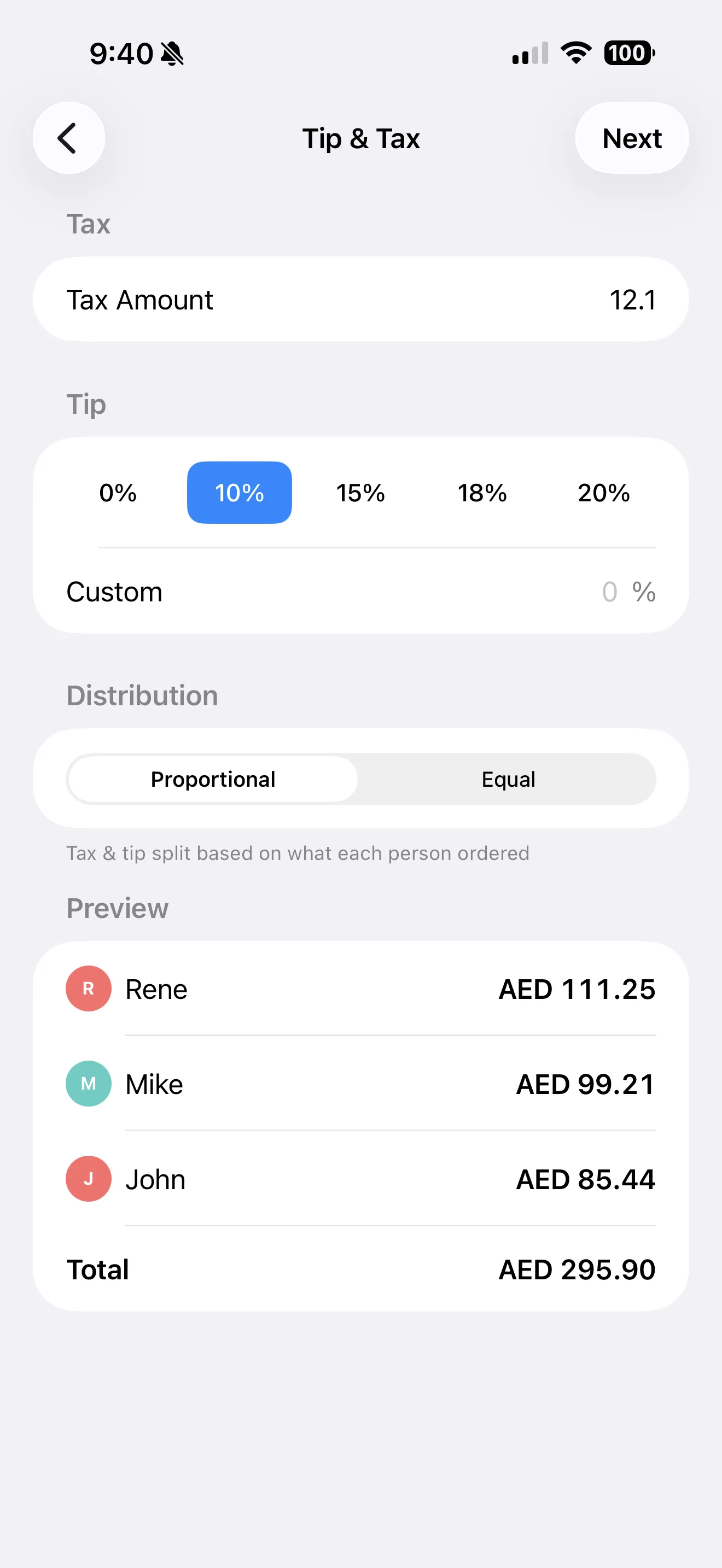
SplitSnap distributes tax and tip proportionally based on each person's subtotal—or apply a flat split if your group prefers simplicity.
Send the summary card to iMessage or WhatsApp so everyone knows their number before leaving the table.