How to Plan Your Day in 15 Minutes (Timeboxing Workflow)
A five-step morning routine: capture inbox, pick Big 3 priorities, timebox on a timeline, run focus timers, and reflect at night. Works with DayBox on iPhone.
Step 1 — Brain dump (3 minutes)
Open your inbox and capture everything floating in your head: replies, errands, deep work, follow-ups. Do not schedule yet—just get it out of working memory.
DayBox inbox is designed for speed so capture never becomes its own procrastination ritual.
Step 2 — Choose your Big 3 (2 minutes)
Mark up to three must-dos for today. These are the outcomes that would make the day feel successful even if everything else slips.
When the calendar gets noisy, the Big 3 keep your timeline honest about trade-offs.
Step 3 — Timebox on a timeline (7 minutes)
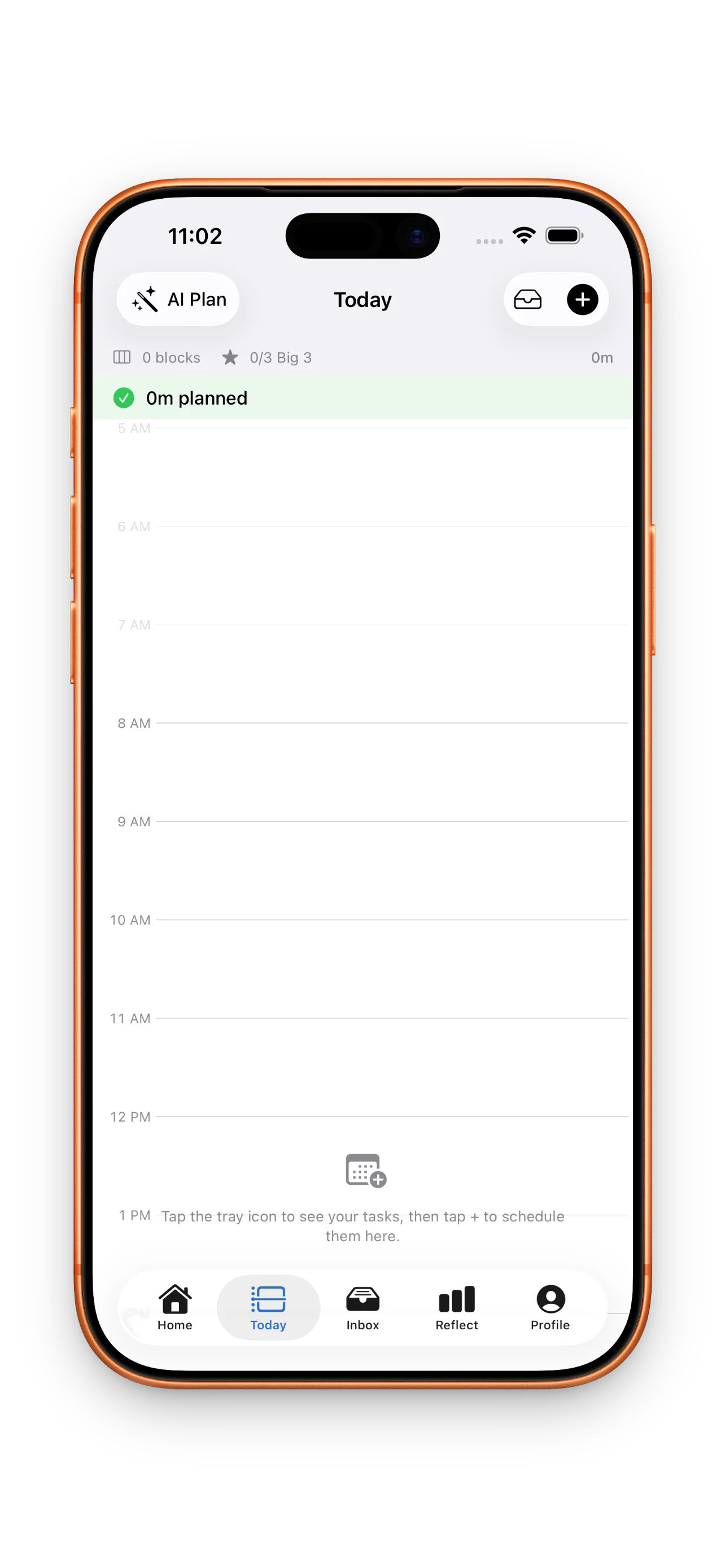
Drag tasks into blocks around existing meetings. Give each block a realistic duration—if a task needs two hours, split it across two blocks instead of pretending you have a free afternoon.
DayBox shows hours vertically so gaps and overload are visible before the day starts.
Step 4 — Focus one block at a time
Start the timer from the active timebox. When a meeting runs long, drag the block—guilt-free rescheduling beats abandoning the whole plan.
One running timer prevents the common trap of tracking five tasks mentally at once.
Step 5 — Reflect and roll forward (3 minutes)
At day end, compare planned vs. actual focus time and note whether the Big 3 landed. Push unfinished blocks to tomorrow in a tap.
Reflection closes the loop so each morning plan gets smarter—not stricter.