Opening your banking app shouldn't feel like opening a bill from the IRS. Yet most bill trackers—whether they're built into your bank, bolted onto a larger finance platform, or standalone apps with aggressive notifications—seem designed to make you feel worse about money, not better. We looked at the main ways people track bills today, and where Crashout Calendar fits into that landscape.
The traditional finance app approach
Legacy banking apps and comprehensive personal finance platforms (the ones that link directly to your accounts via Plaid or similar services) offer real-time accuracy. They pull your actual transactions, categorize them automatically, and show you exactly what you spent. The upside is precision. The downside is constant surveillance—red alerts, warnings, and a visual design that treats your money like a problem to be solved rather than something to manage kindly.
These tools often assume you want to track everything. Your daily coffee, your groceries, your parking. For some people, that granular visibility is motivating. For others—especially those with existing financial anxiety—it's just more noise. And they all require you to hand over your banking credentials, which means trusting a third party with access to your entire account.
Spreadsheet and manual tracking
On the other end of the spectrum, many people still use spreadsheets or plain notes to track bills. This approach is private—nothing leaves your device—and you have total control over what you track and how you present it. But it's also tedious. Adding a new bill means typing dates, amounts, and notes by hand. Updating recurrence patterns requires manual math. And there's no built-in help for the part that actually causes panic: canceling services you don't use.
Specialized subscription managers
A newer category of apps focuses exclusively on subscriptions—Netflix, Spotify, streaming services, gym memberships. They often promise to help you "find and cancel forgotten subscriptions." But they typically require bank login (the same privacy trade-off as traditional finance apps), and they treat subscriptions as a problem to eliminate rather than a reality to manage. They're also fragmented: if you have both subscriptions and other recurring bills (rent, insurance, utilities), you need multiple tools.
Where Crashout Calendar sits
Crashout Calendar is built on a different assumption: you don't need your bank password to manage bills well. You need a tool that's kind, fast, and private. It combines the simplicity of a spreadsheet with the intelligence of specialized apps—but without asking for your credentials.
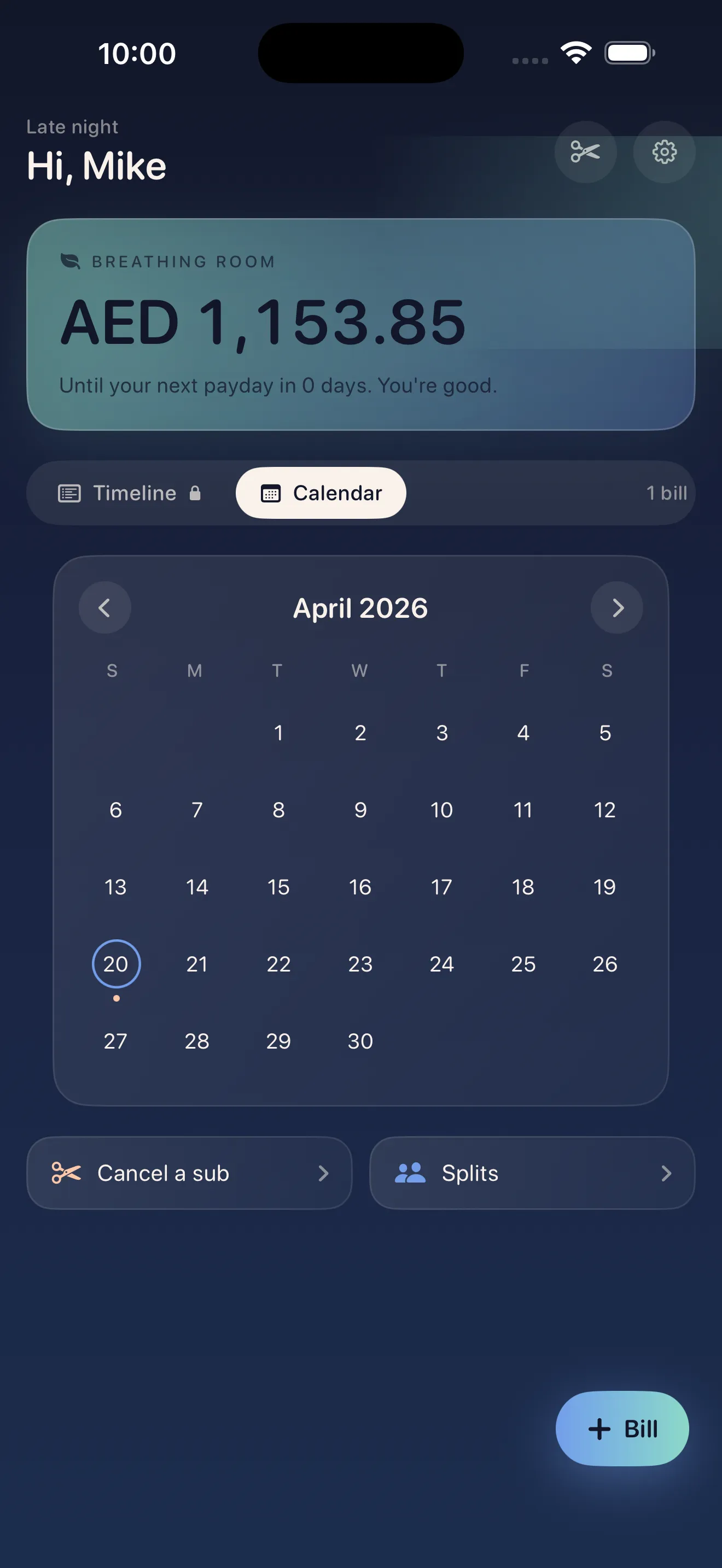
The core idea is this: most people know roughly what they pay for most things. Rent is $1,200 on the first. Netflix is $15 on the 8th. The gym is $40 on the 22nd. You don't need real-time account integration to know that. What you do need is (1) a clear month-at-a-glance view so you're not surprised, (2) a calculation of your "breathing room"—the cash buffer between now and payday—and (3) an easy way to cancel the things draining your account.
Most bill trackers feel like surveillance. Crashout Calendar treats bills as a fact to manage kindly, not a problem to panic about.
No bank login
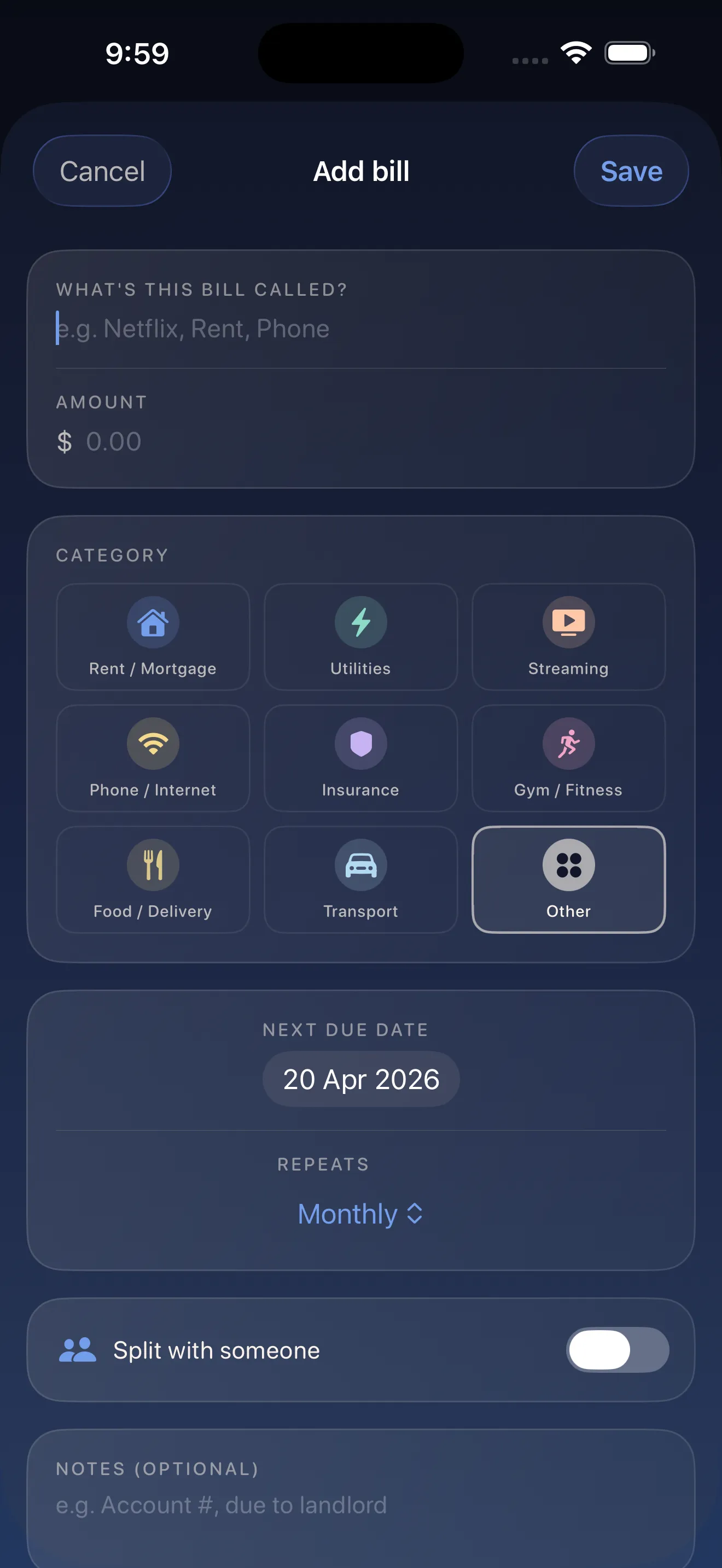
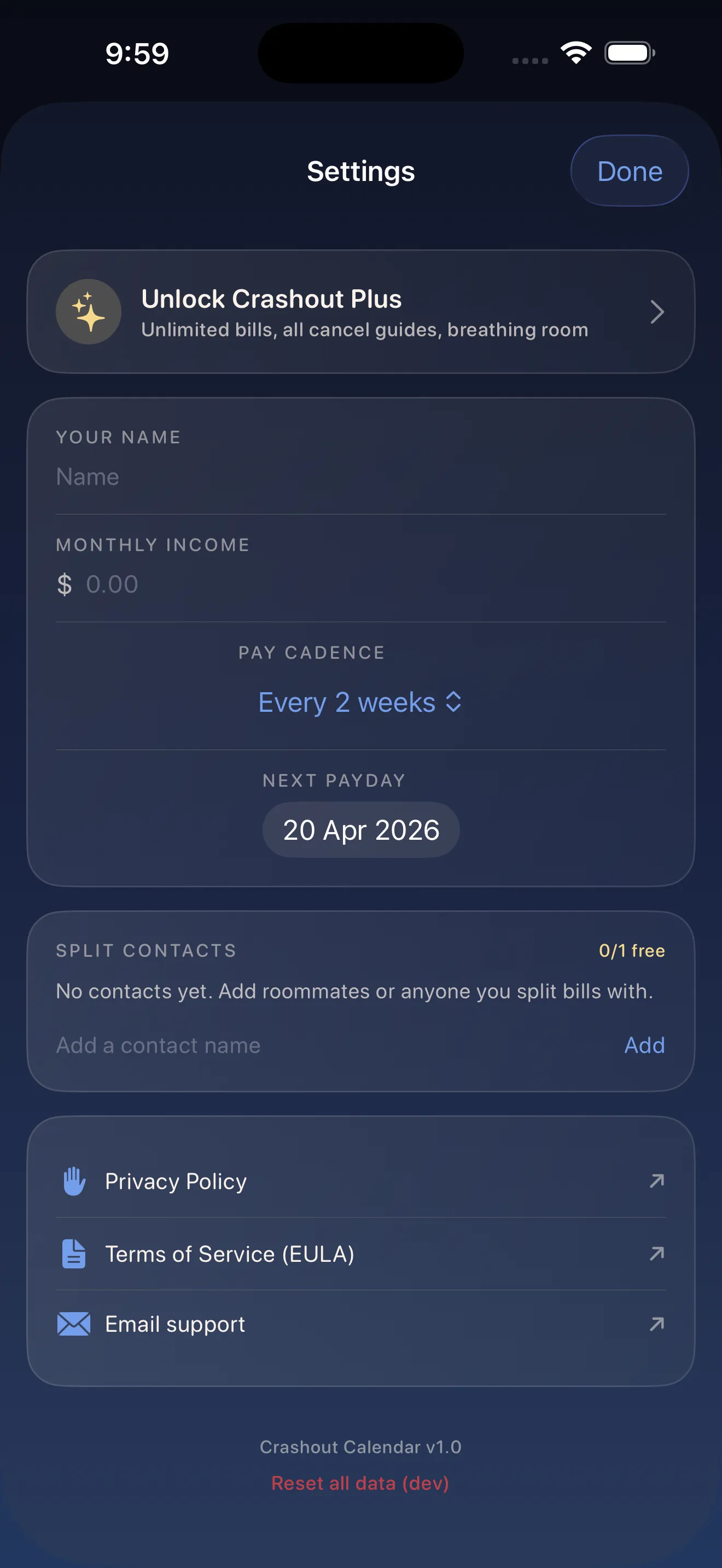
You enter bills manually, which takes about three minutes for a typical month of recurring charges. In exchange, everything stays in local storage on your device. No Plaid integration. No cloud sync. No third party with access to your account. For people who've had identity theft or just hate the idea of handing over their banking credentials, this is table stakes.
Breathing room over alerts
Instead of red warnings about upcoming charges, Crashout Calendar calculates your breathing room: how much money you have left until your next paycheck, minus all the bills due in that window. It's a gentler, more actionable number. It tells you what you actually have to work with, rather than screaming at you about what you're about to owe.
Cancel guides built in
This is the part that sets it apart from manual tracking and from spreadsheets. Alongside your Netflix subscription or Spotify charge, Crashout Calendar includes step-by-step cancellation guides for 20+ common services. No concierge fee, no forwarding you to a third party. Just clear instructions in the app when you decide you want to cut something.
Comparison at a glance
- Bank login required
- Traditional finance app: Yes | Spreadsheet: No | Specialized subscriptions: Often yes | Crashout Calendar: No
- Setup speed
- Traditional finance app: Fast (auto-sync) | Spreadsheet: Slow (manual) | Specialized subscriptions: Medium | Crashout Calendar: ~3 minutes for typical month
- Privacy
- Traditional finance app: Third-party access | Spreadsheet: Full | Specialized subscriptions: Third-party access | Crashout Calendar: Full (local storage)
- Cancel help
- Traditional finance app: No | Spreadsheet: No | Specialized subscriptions: Yes | Crashout Calendar: Yes (20+ guides)
- All bills or subscriptions only
- Traditional finance app: All | Spreadsheet: All | Specialized subscriptions: Subscriptions only | Crashout Calendar: All
- Design tone
- Traditional finance app: Urgent | Spreadsheet: Neutral | Specialized subscriptions: Gamified | Crashout Calendar: Kind
Why this matters
If you have financial anxiety, opening most money apps feels like opening your phone to bad news. Aggressive notifications, red numbers, constant reminders of what you owe. Even if the data is accurate, the feeling is corrosive. Learn more about how Crashout Calendar makes bills feel less scary, and the philosophy behind choosing calm over alerts.
If you're tired of handing over your banking credentials to yet another app, or if you share bills with a roommate and want a tool that makes splitting fair and friction-free, there's a different way. Crashout Calendar trades real-time account data for privacy, kindness, and the ability to see your actual breathing room. For people who cry when they open their banking app, that trade is worth it.
Ready to try a different approach? Check out our 5-minute setup guide to see how fast it actually is to add your bills.
This article was drafted with AI assistance and reviewed by a human editor before publishing.