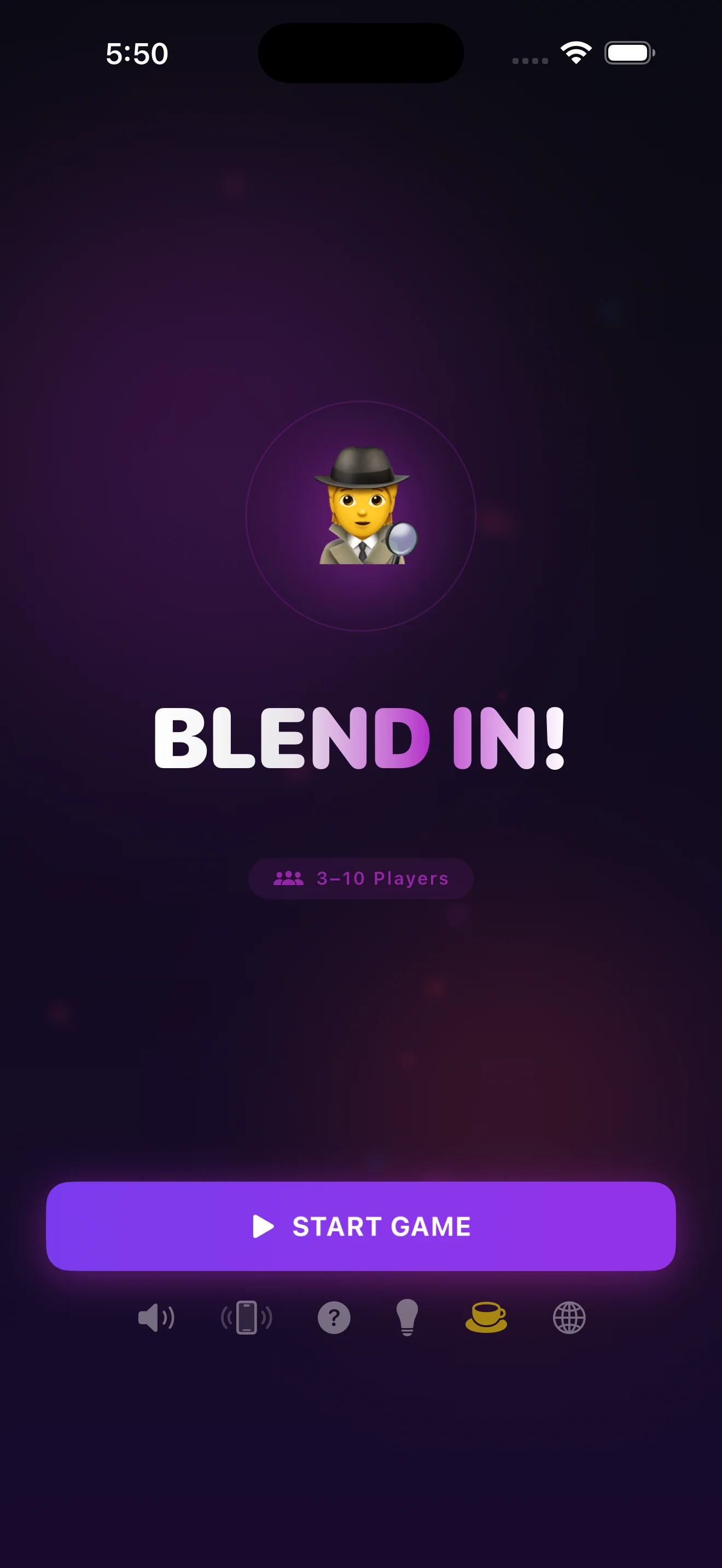
What You'll Have After Your First Round of Blend In!
In about 15 minutes, you'll have run a full game of Blend In! start to finish: everyone will know their role, you'll have given and heard clues, voted on a suspect, and seen the reveal. By the end of the first night, your group will play the next round without needing you to explain the rules again.
- An iPhone with Blend In! installed and 3 to 10 people willing to play
- A room where everyone can see and hear each other during discussion
- About 15 minutes for your first round, including the rules explanation
- No Wi-Fi, accounts, or extra devices needed — one phone covers the whole group
Step 1: Open the app and get everyone in one place
Launch Blend In! and gather your group around a table or couch so the phone can pass hand to hand easily. You don't need to explain anything yet — the app walks each player through their own role privately.
Step 2: Skim the How to Play screen once as a group
Before your first game, tap through the built-in tutorial together. It covers the core loop — secret word, imposter, clues, vote — in plain language, so nobody is guessing at rules mid-round.
Step 3: Add your players
Enter each person's name, from 3 up to 10 players. The app uses these names to assign roles and run the turn order, so take a moment to get spellings right if you're playing with nicknames.
Step 4: Pass the phone for the secret reveal
Starting with the first player, hand the phone privately to each person. Most players will see the secret word — a category term everyone else also knows. One player, chosen at random, sees an imposter reveal instead: they get no word, just the category.
Step 5: Give your one-word clue when the timer starts
Once every role has been seen, the clue round begins. Each player says a single word related to the secret word, in turn, before the countdown ends. If you're the imposter, you're listening for patterns and bluffing your way through your own clue.
Step 6: Discuss, then vote on who you suspect
After clues are in, the group talks openly about who seemed off — too vague, too specific, or oddly confident. When you're ready, everyone votes on the screen for who they think is the imposter.
Step 7: Check the reveal and scoreboard
The app shows who the imposter actually was, whether the group guessed correctly, and updates the scoreboard. This screen is also shareable, so you can send the result card to the group chat before starting the next round.
Common questions
What happens if the imposter guesses the secret word?
If the imposter correctly names the secret word during discussion, they win the round even if the group later votes correctly. This is part of the tension — staying quiet is often safer than guessing out loud.
Do we need internet or accounts to play?
No. Blend In! runs entirely offline with no sign-up, which makes it a solid pick for road trips or anywhere without reliable Wi-Fi. See the full breakdown in this guide to offline imposter games.
What are Chaos Modes and should beginners use them?
Chaos Modes add twists to the standard flow — for your very first game, stick to classic rules so everyone learns the base loop before you layer on variations.
How many players do we actually need?
Blend In! supports 3 to 10 players. Three works fine for a quick round, but the deduction gets more interesting with 6 or more people at the table.
Once your group has the rules down, the pacing details start to matter more than the basics — how long to let discussion run, when to cut off a rambling accusation. For that, this pacing guide is worth a read before your second game night. If you want a deeper look at how roles and rounds are built under the hood, this breakdown of Blend In!'s mechanics covers it well, and the game night checklist is handy for setting up a full evening of rounds.
This article was drafted with AI assistance and reviewed by a human editor before publishing.