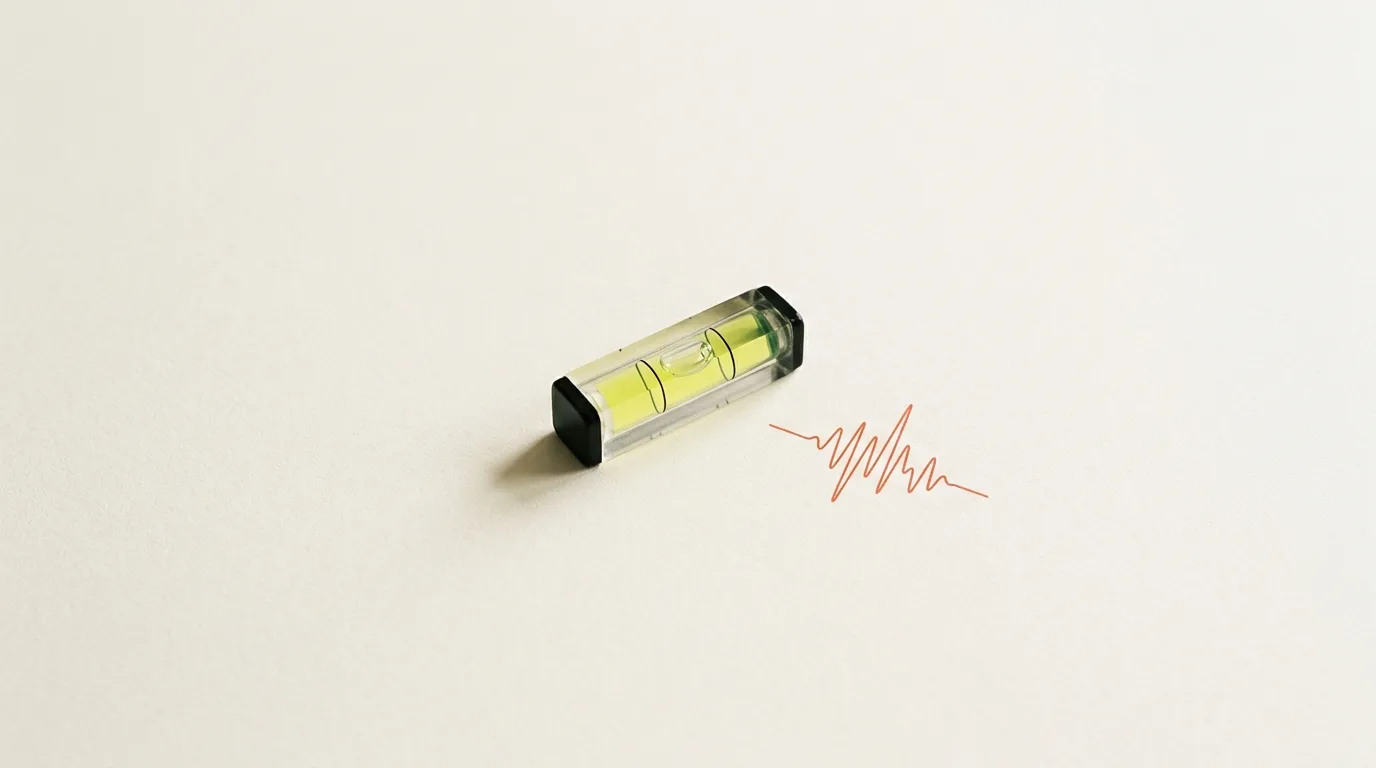
A phone can show whether a surface is level. It can also show whether something is vibrating. Those are different checks. A level is a still angle. Vibration is motion. A surface can be level and still be moving. A surface can be still and far from level. One reading does not stand in for the other.
How to check level and vibration on iPhone, here, means that pair. TrueMeter is the app. The store name is TrueMeter: Noise & Light Meter. The live version is 1.0, from 3 August 2026. The line beside the name is decibel, lux, and angle readings. Sound, light, and a first look through the app are other pages. This one stays with the angle and with vibration.
The level reports a precise digital angle to 0.1 degrees. A tenth of a degree helps only when it answers the question you meant. Flat or edge changes the question. So does the reference. Vibration does not use the angle.
Flat for a surface, edge for an upright
Classic bubble level, flat or edge mode, is the tool. The bubble is the old picture. It rests when the phone agrees with the reference in that orientation. The number is that same agreement: a precise digital angle to 0.1 degrees. Picture and number are one check.
Flat mode is for a surface. The phone lies on the face you want to read, and the angle says how that face tips. Before you change the reference, a small angle is a small tip away from ordinary level. A larger angle is more tip. The face does not need a name.
Edge mode is for an upright edge. The phone is set against the edge, not laid on a face. The question is how that edge leans. Upright means the edge agrees with vertical, and the angle is the lean away from that, in steps of 0.1 degrees. A straight boundary is enough. The orientation is what changes the reading.
Flat and edge are not two opinions about one tilt. Flat reads a face. Edge reads an upright line. A level face can sit beside a leaning edge, because those are different lines. Stay with one orientation when you compare. A flat reading next to an edge reading is not a before and after.
If two numbers disagree, check the mode before you doubt the tenth of a degree. A bubble on the mark means agreement for that mode. A bubble off to the side means the angle is the size of the miss.
A reference, not a perfect world
An angle is a difference, so it needs a zero. Left alone, zero is what gravity defines: horizontal for a face, upright for an edge. Use that when you want the tip, or the lean, against the world rather than against another surface.
That zero is the wrong one when two faces should match each other even if both sit off level. An edge can lean, and the next edge can be meant to lean with it. What you want then is the departure from a surface you already accept.
TrueMeter can zero against any reference surface. That is a capability, not a button name, and not a path of taps. No control is described here, because the line does not give one. The surface in front of you can become the zero. Later angles are differences from that surface.
Once a reference has been taken, zero means the phone matches it as closely as 0.1 degrees can show. It does not mean the surface was horizontal, or that an edge was upright. A later angle is how far you have moved from that reference. If the reference was already tipped, you are measuring from the tip.
Read the same face against ordinary level, and that tip shows up again. A reference reading had set it aside. Both numbers can be honest. They answer different questions. Treat them as one measurement, and a small difference becomes a false disagreement.
Zero against any reference surface makes the next angle a difference from that surface. It does not rewrite the surface into a perfect level.
Choose the reference on purpose. A surface you only half meant, or one that was still moving, is stored as zero anyway. The level keeps that reference. It does not recover what you meant.
Relative is not the same as vague
A relative angle is still specific. It belongs to ordinary level, or to a surface taken as zero. Vague would be a bubble with no number, or a number with no note of which zero it used. Precise digital angle to 0.1 degrees is the specific part. The reference is what the number is specific to.
Write the reference beside the digits. The same figure, in flat mode, can mean ordinary level or a match to a surface you named. Without that note, a later check is not the same check.
Vibration is the other reading
Level is a position held still. Vibration is movement while you look. The angle will not describe a shake. A shake will not tell you the face is level. How to check level and vibration on iPhone only works if those stay apart.
Three-axis vibration readings describe the motion in three directions at once, not as a yes or a no. Compare the directions, this moment with another, or one placement of the phone with a second. That comparison is the result. A cause is not included.
It is not a diagnosis. Three-axis vibration readings are not a machine-health report, and they are not a safety diagnosis. No pattern of axes gets a verdict here. If the question is whether something is safe to keep using, or whether a structure is sound, the phone is the wrong kind of answer.
Which axis carries more of the motion than the other two, in this moment.
Whether that balance is larger, smaller, or steadier than a moment ago, with the phone left in place.
Whether a second placement shows a different balance among the three axes.
Nothing in that list is a threshold. The level's tenths do not supply one. A small angle is not a small vibration. Quiet axes are not a level face.
Hold the phone in the air, and the vibration reading includes your hand. Set it on the face, against the edge, or against what is moving, and leave it there. That is placement. It is not a screen, and it is not a path of taps.
What the number is for
Reference measurements are for general and educational use, not a certified measuring instrument. You can look, compare, and learn what a small angle is, or how motion splits across three axes. You cannot treat the result as a certified measurement.
Your iPhone is a remarkable device. It is not a laboratory instrument, and we won't pretend otherwise.
The tenth of a degree is the step of the number, not a laboratory uncertainty. Dust, a soft case, or a hand still touching the phone can move a reading by more than one tenth. The number does not correct the setup.
No permissions needed. Works completely offline. This check does not ask for a permission, and it does not need a network for the angle or the three axes. It can run with no connection. That is practical. It does not make the number official.
This is version 1.0, from 3 August 2026. The level is a full check in that version, not a preview. Note the reference or the placement, then stop. Where a certified measurement is required, this is the wrong instrument.
Two checks, then leave them
For a level, use flat on a surface or edge on an upright, and choose the reference first. Ordinary level is one choice. A surface you have zeroed against is the other. The angle is only the difference from that choice. Keep the mode in the note.
A later check is only as good as the note you kept: the mode, the reference, and, for vibration, the placement and which moment was the quiet one. Do not turn the axes into a diagnosis. TrueMeter, in version 1.0, is where the bubble, the angle, and the three axes sit. The other meters can wait.
This article was drafted with AI assistance and reviewed by a human editor before publishing.