Bills don't have to feel like a crisis. Crashout Calendar is built for people who get anxious opening their banking app — and these tips will help you get the most out of it. Whether you're just starting out or want to streamline your subscriptions, we'll walk you through the features that make bill tracking actually manageable.
Set up your bills in three minutes flat
The fastest way to feel less panicked is to see everything in one place. When you open Crashout Calendar for the first time, add your recurring bills one by one. The app's smart categorisation learns what you're tracking (utilities, subscriptions, rent, insurance) and suggests recurrence patterns — weekly, monthly, yearly — so you're not manually typing out dates.
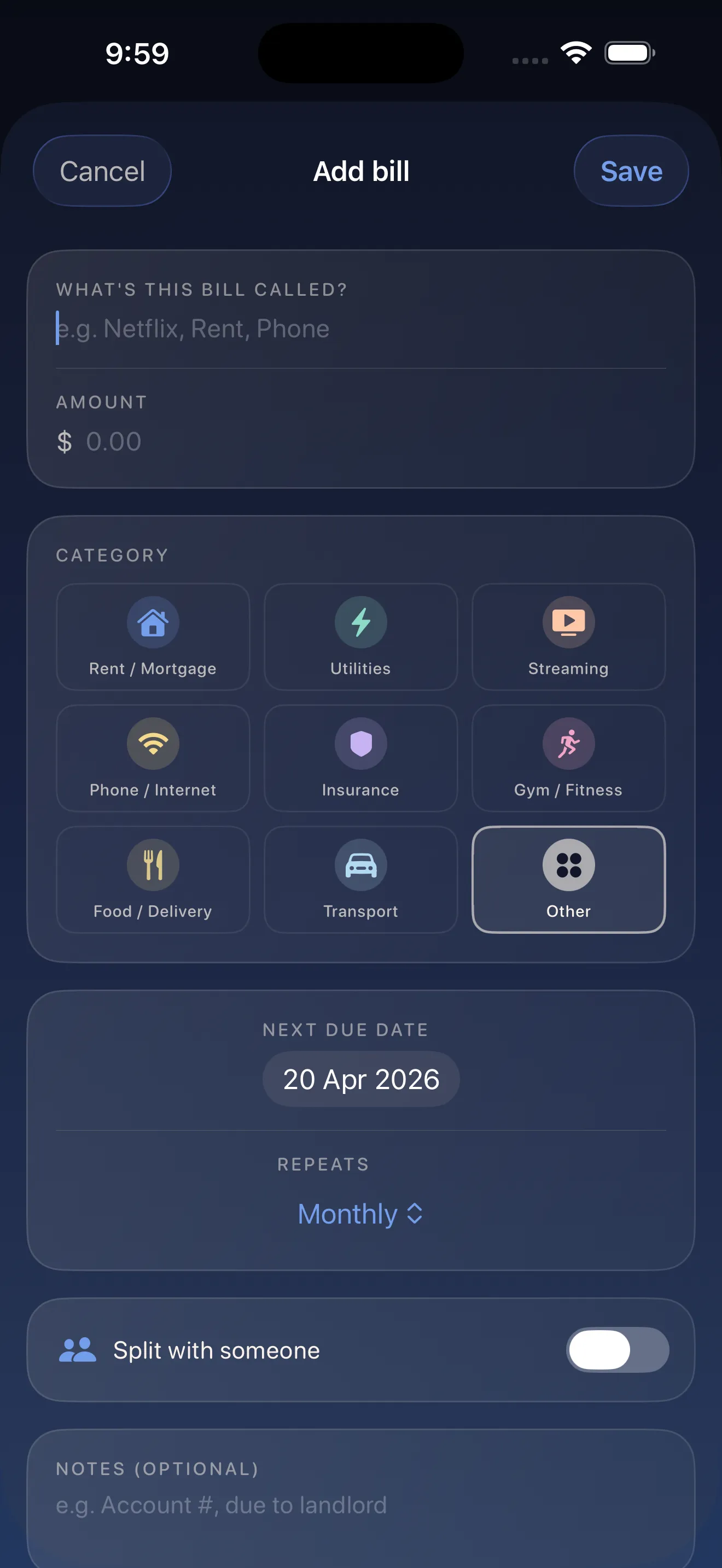
Start with your eight biggest bills. Once those are logged, add smaller subscriptions gradually. There's no rush. The goal is to build a complete picture of what's leaving your account each month — and eight bills usually takes about three minutes.
Use breathing room to know when you're safe
Breathing room is the number of days between now and your next bill. It's the distance between you and the next financial obligation. By knowing your breathing room, you can make spending decisions without constantly refreshing your banking app. Add your bills, set your income date (payday), and Crashout Calendar automatically calculates how many days you have before money goes out.
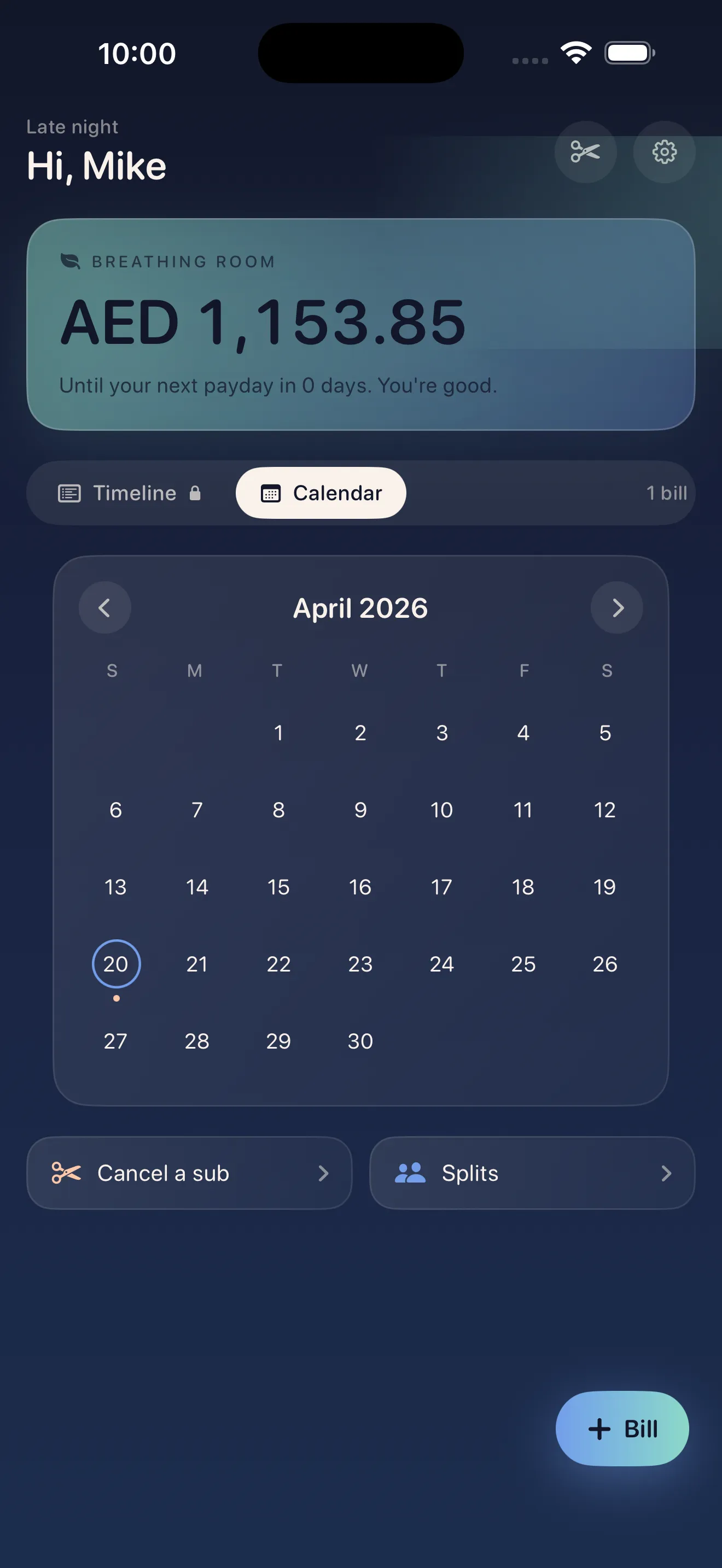
Knowing your breathing room means you can stop doom-scrolling your bank balance and actually plan your month.
Cancel subscriptions you've forgotten about
Most people have at least two or three subscriptions they've stopped using but never actually cancelled. Crashout Calendar includes step-by-step cancellation guides for Netflix, Spotify, Hulu, HBO, Disney+, and 15+ other services. No concierge fee. No upsell. Just clear instructions to help you stop paying for things you don't use.
- Open a subscription in Crashout Calendar
- Tap the cancel guide button
- Follow the step-by-step instructions for that service
- Return to Crashout Calendar and remove the bill from your tracker
Split bills with roommates, no awkwardness
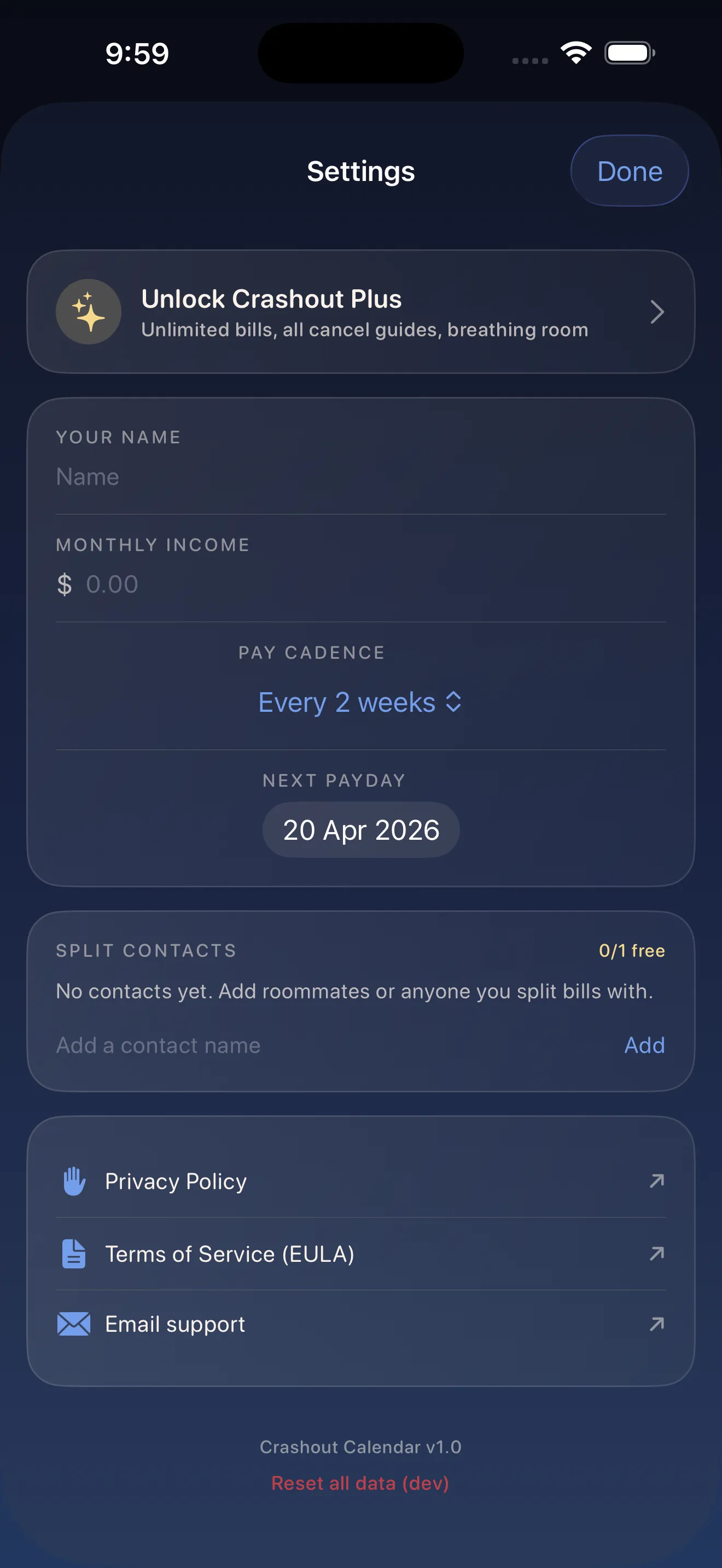
Shared expenses are one of the biggest sources of tension between roommates. Crashout Calendar lets you mark bills as split, calculate who owes what, and settle up without the uncomfortable text message chain. When you log a bill that multiple people pay for, just indicate the split. The app handles the math.
Keep everything private — no bank login needed
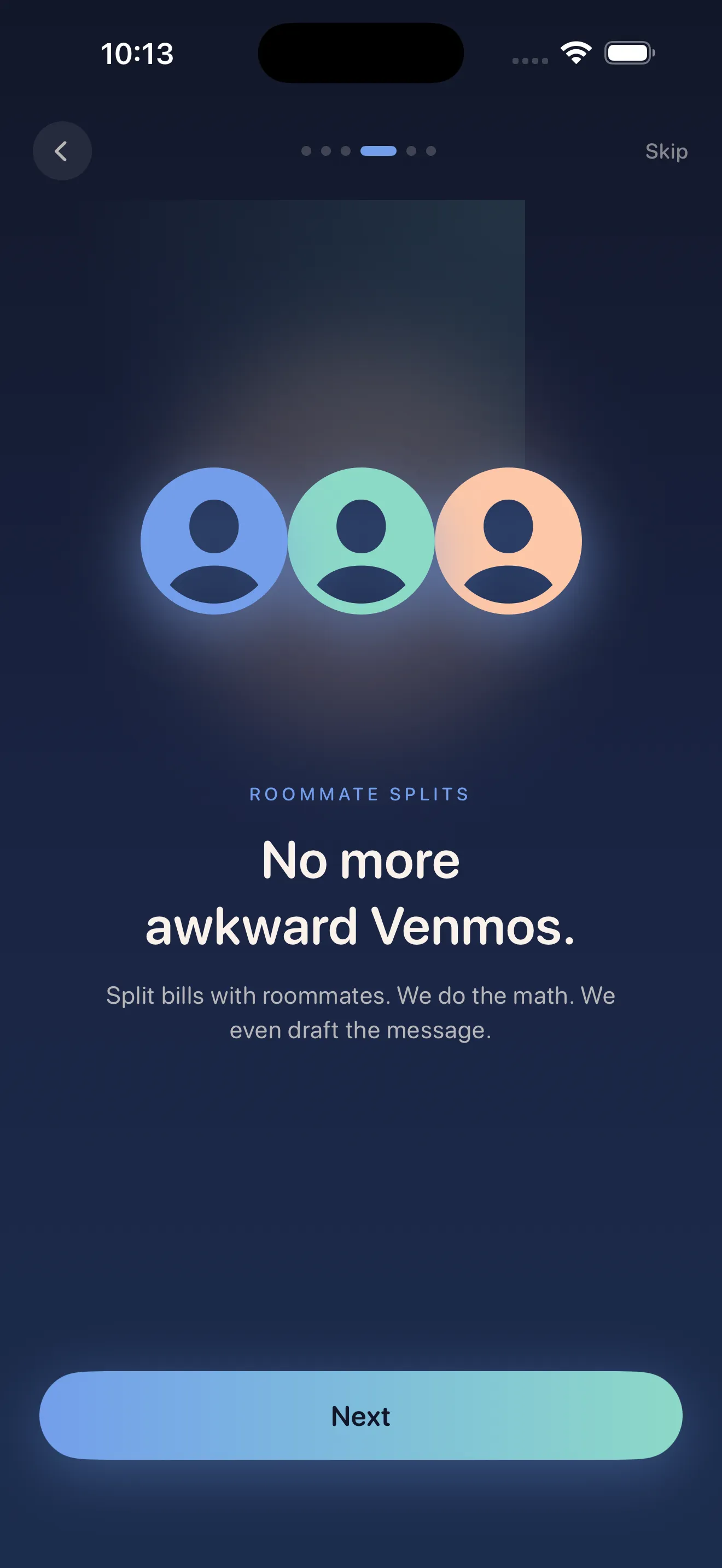
You won't find a "Connect your bank" button in Crashout Calendar. There's no Plaid integration. No credentials stored in the cloud. Everything lives in local storage on your device, which means you control exactly what data the app sees. You manually enter your bills, and only you can access them.
Your financial anxiety is private. Your bill tracker should be too.
This approach takes a few extra minutes to set up, but it's worth it. You're not handing over your banking credentials to a third party. You're not triggering push notifications designed to trigger stress. You're just tracking what you owe, on your terms.
Review your calendar monthly
The soft monthly calendar view is designed to give you a full picture of your financial month in one glance. At the start of each month, spend five minutes looking at what's coming. Notice any new subscriptions you added? Any bills you forgot were coming? This is the moment to adjust, cancel, or prepare.
If you want a deeper dive into how to get started, our complete setup guide walks through every step. Or if you're curious about how Crashout Calendar approaches bill tracking differently, read how the design makes bills feel less scary.
This article was drafted with AI assistance and reviewed by a human editor before publishing.