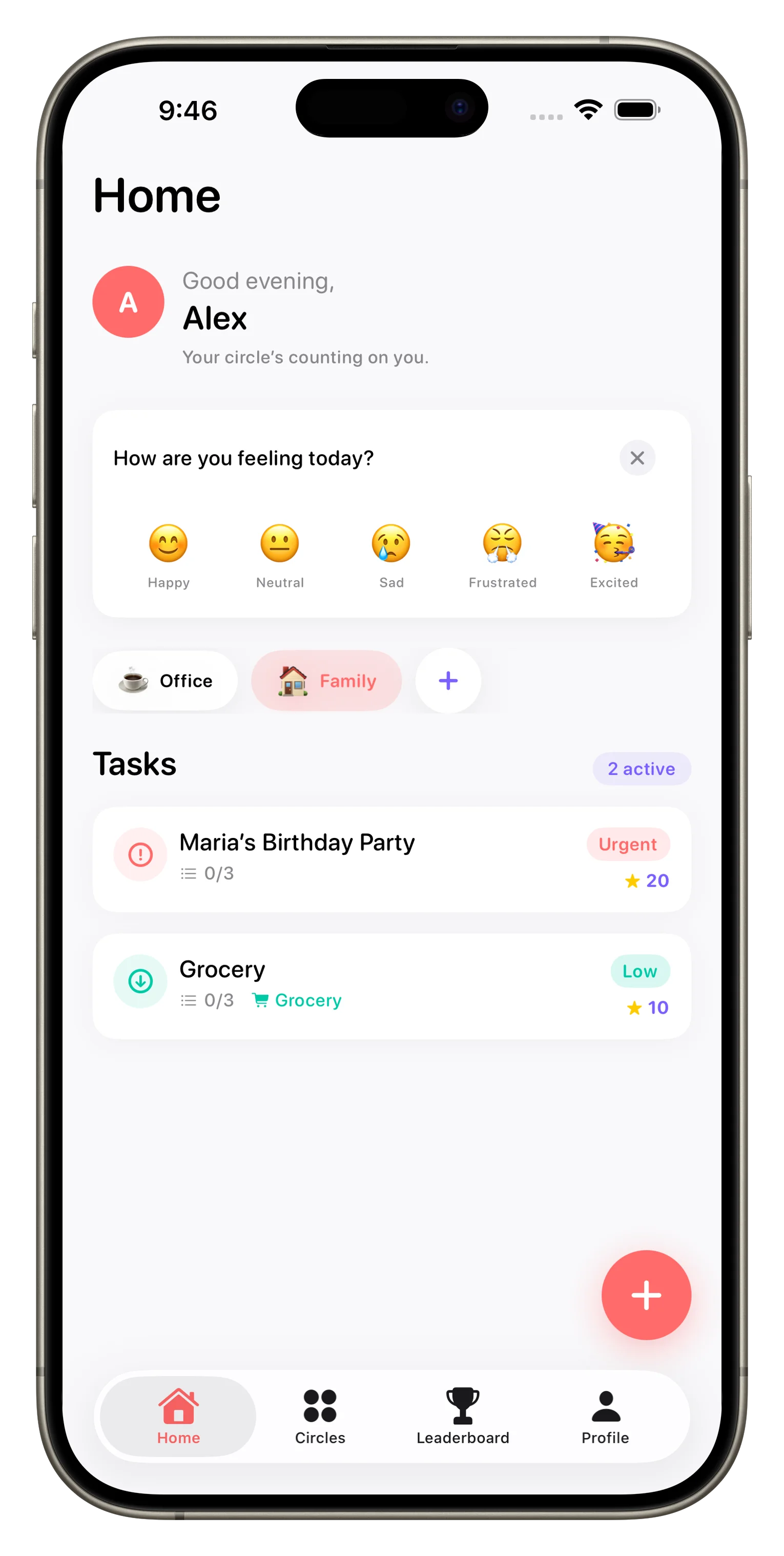
Loopd is built around a simple idea: families and groups work better when everyone knows what's happening, and coordination feels less like a chore. Whether you're managing household tasks, grocery runs, or just keeping roommates aligned, these answers cover what Loopd does, how it works, and whether it's right for your group.
What is a Circle in Loopd
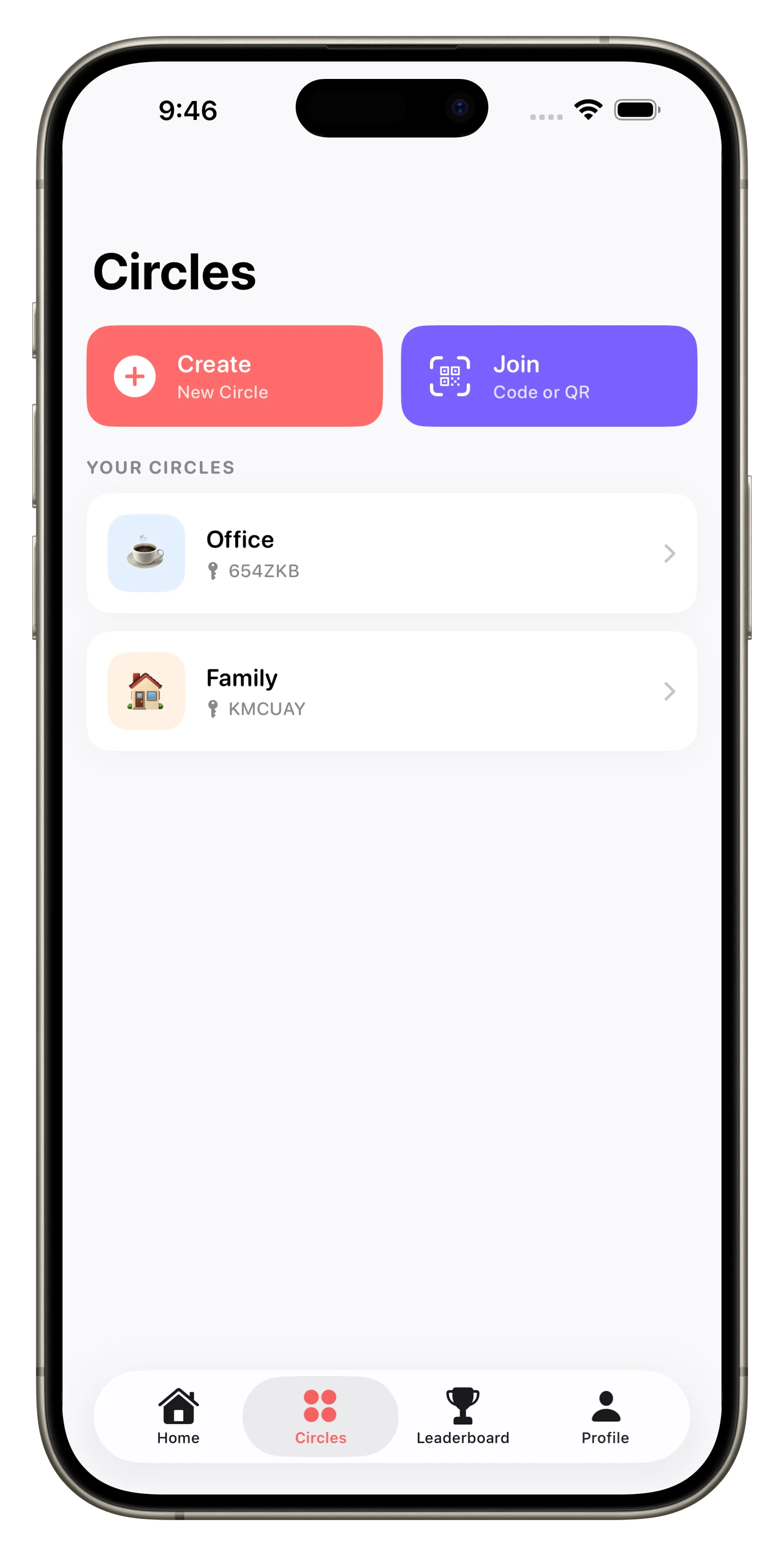
A Circle is your group space in Loopd—think of it as a dedicated shared inbox for tasks, lists, and updates among people who live together or coordinate regularly. You can create a Circle for your family, couple, roommates, friend group, or any combination. Each Circle has its own task list, member roster, chat, and gamification leaderboard. You can belong to multiple Circles at once, so you might have one for your household and another for a group project or shared apartment.
How do shared tasks work in Loopd
When you create a task in a Circle, everyone in that group sees it in real time. You can assign it to specific people, set a due date, add a priority level, attach photos or documents, and drop comments with mentions—all without leaving the app. The moment someone marks a task done, the rest of your Circle sees the update instantly. It eliminates the guessing game of "did anyone do this yet" and keeps your whole group on the same page without endless text threads.
What is XP and how does gamification work
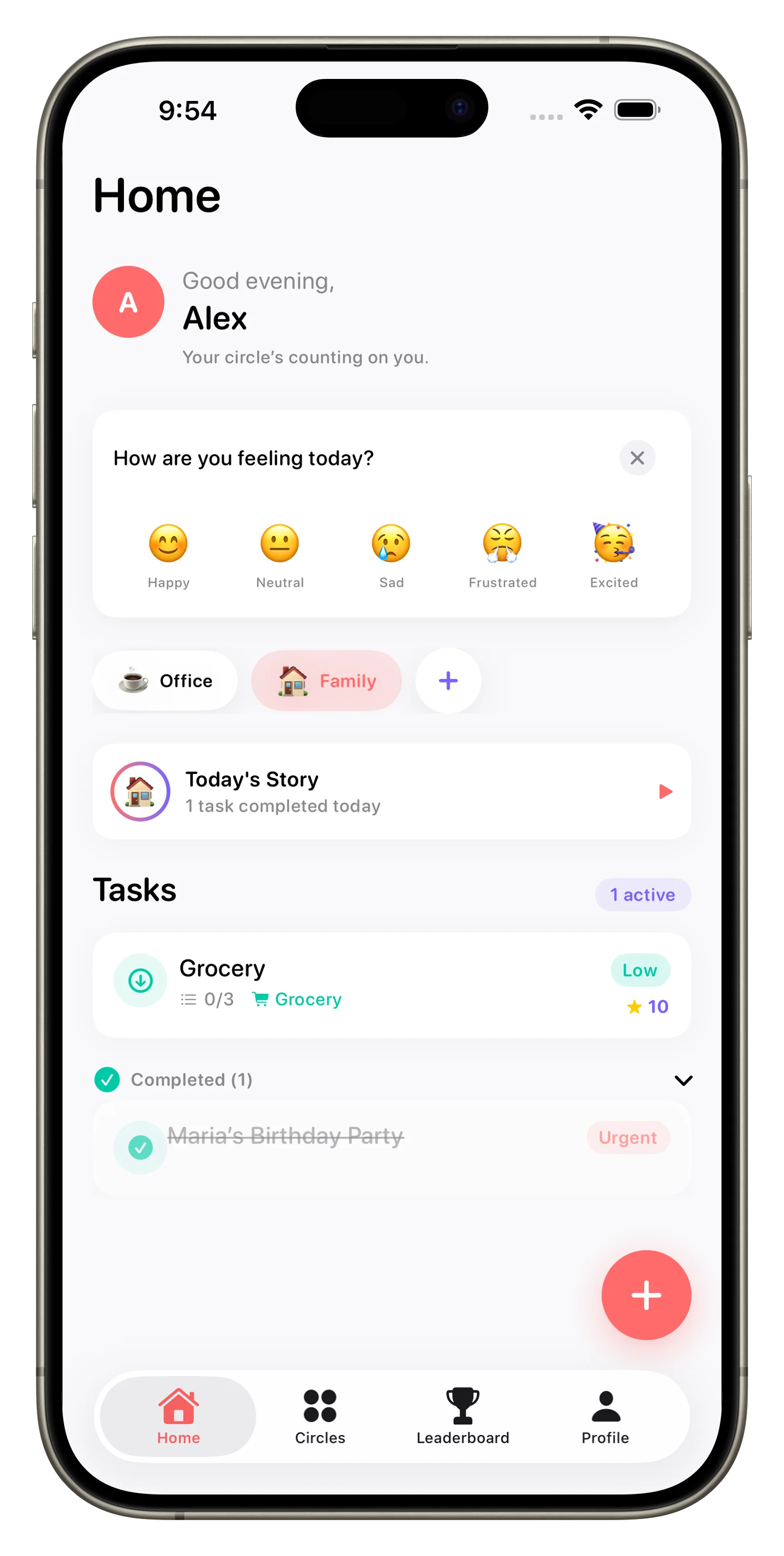
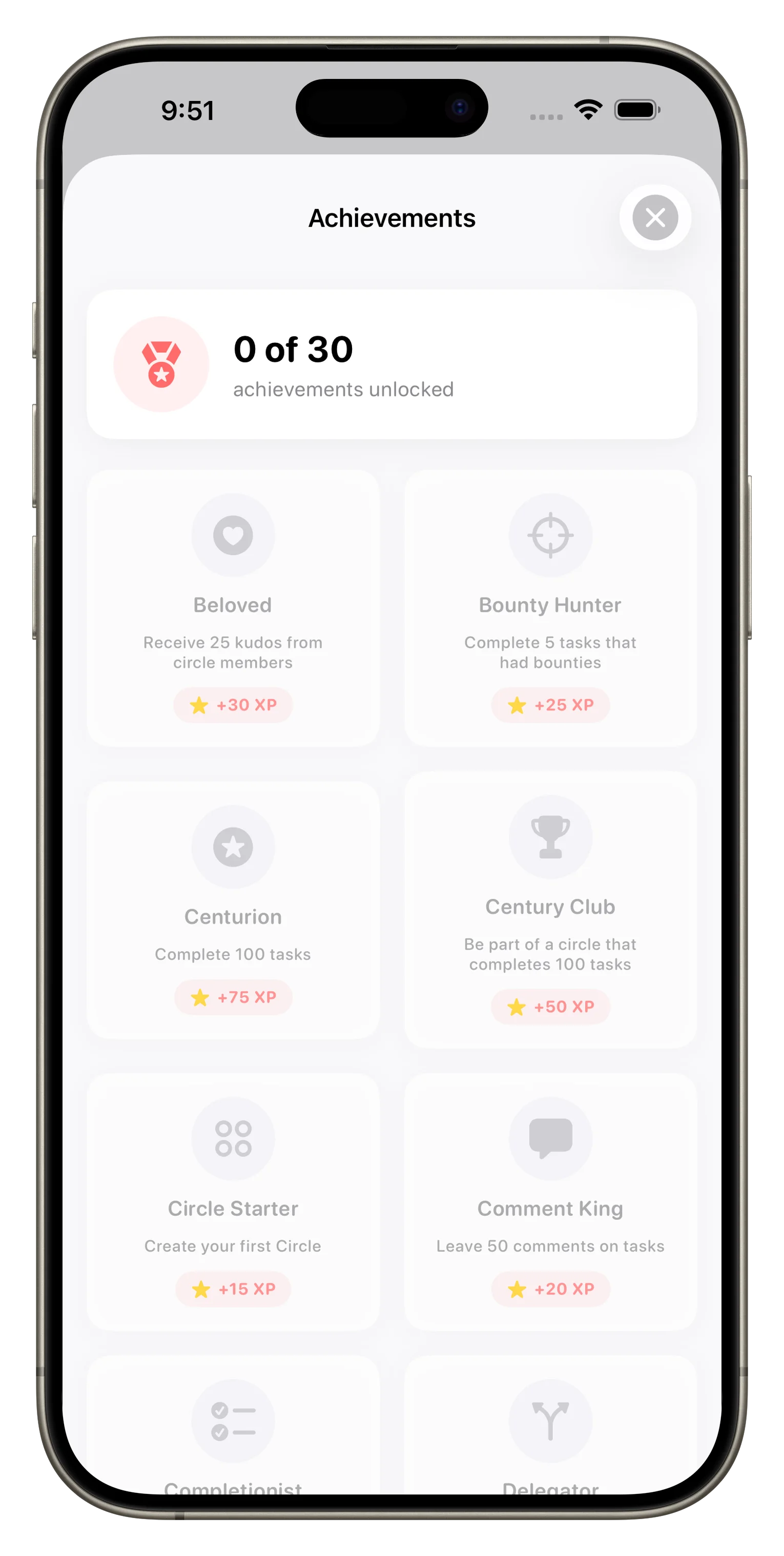
Loopd adds game mechanics to make coordination feel less like nagging. When someone completes a task, they earn XP points. You can see who's racking up points, compete on a leaderboard, unlock achievements and badges, and build streaks by staying consistent. It's a low-pressure way to celebrate wins, recognize effort, and gently encourage participation without anyone feeling singled out. Families tell us it shifts the tone from "you need to do this" to "you're crushing it."
Gamification in Loopd shifts the tone from 'you need to do this' to 'you're crushing it.'
Can I set up grocery lists and reminders in Loopd
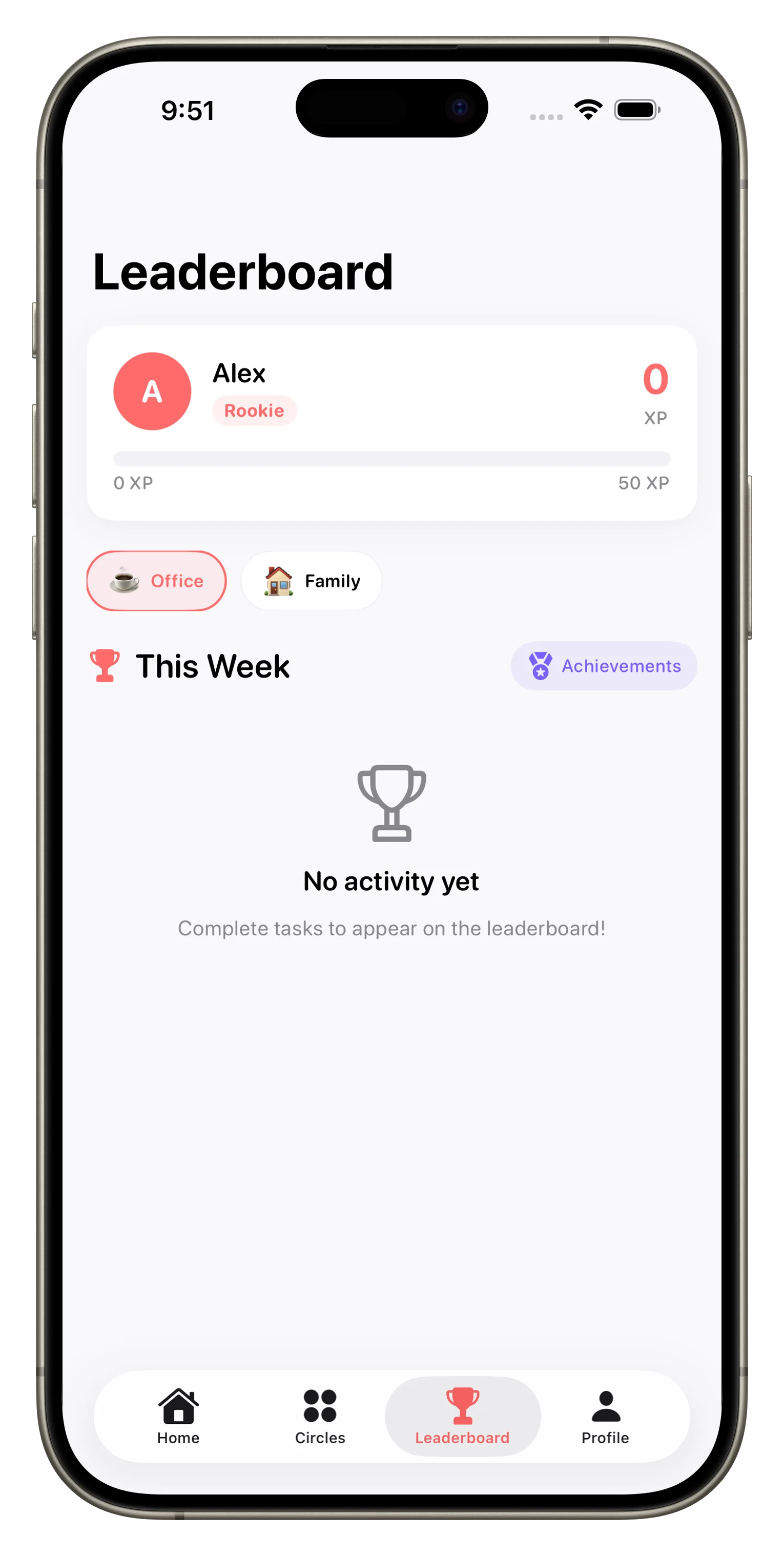
Yes. You can create a grocery list as a shared task or template in any Circle, and every member can see what needs to be picked up. Loopd also sends smart reminders—you can set them by due date, time of day, or even by location, so you get a nudge to grab milk when you're near the store. If someone completes the task before you see the reminder, you won't get a ping for something that's already done. Combined with how Loopd turns family coordination into a game, grocery duty feels less like friction and more like teamwork.
What are the differences between Loopd's pricing tiers
Loopd has three tiers. The free plan lets you create one Circle with up to 3 members and manage 20 active tasks with real-time sync and basic gamification. Plus unlocks unlimited Circles, members, photo attachments, location-based reminders, task templates, and full gamification across all groups. Family includes everything in Plus plus shared billing, parental controls, and a kid-friendly UI so younger members can use the app safely. The tier you choose depends on group size and whether you need advanced features like location triggers or family controls.
- Feature
- Free
- Circles
- 1
- Members per Circle
- Up to 3
- Active Tasks
- Up to 20
- Real-time Sync
- Yes
- Gamification
- Basic
- Photo Attachments
- No
- Location Reminders
- No
- Parental Controls
- No
- Feature
- Plus
- Circles
- Unlimited
- Members per Circle
- Unlimited
- Active Tasks
- Unlimited
- Real-time Sync
- Yes
- Gamification
- Full
- Photo Attachments
- Yes
- Location Reminders
- Yes
- Parental Controls
- No
- Feature
- Family
- Circles
- Unlimited
- Members per Circle
- Up to 10
- Active Tasks
- Unlimited
- Real-time Sync
- Yes
- Gamification
- Full
- Photo Attachments
- Yes
- Location Reminders
- Yes
- Parental Controls
- Yes
Is Loopd good for families with kids
Loopd works for any age mix, but the Family tier is specifically built for households with younger members. It includes parental controls so you can manage privacy and permissions, a kid-friendly interface that's less overwhelming, and the ability to assign age-appropriate tasks. The gamification system—XP, streaks, achievements—tends to resonate with kids and teens, giving them a reason to engage beyond "you have to do chores." If you're looking to keep your family on the same page, Loopd's structure and tone make it natural for mixed-age households.
Can I customize tasks and templates in Loopd
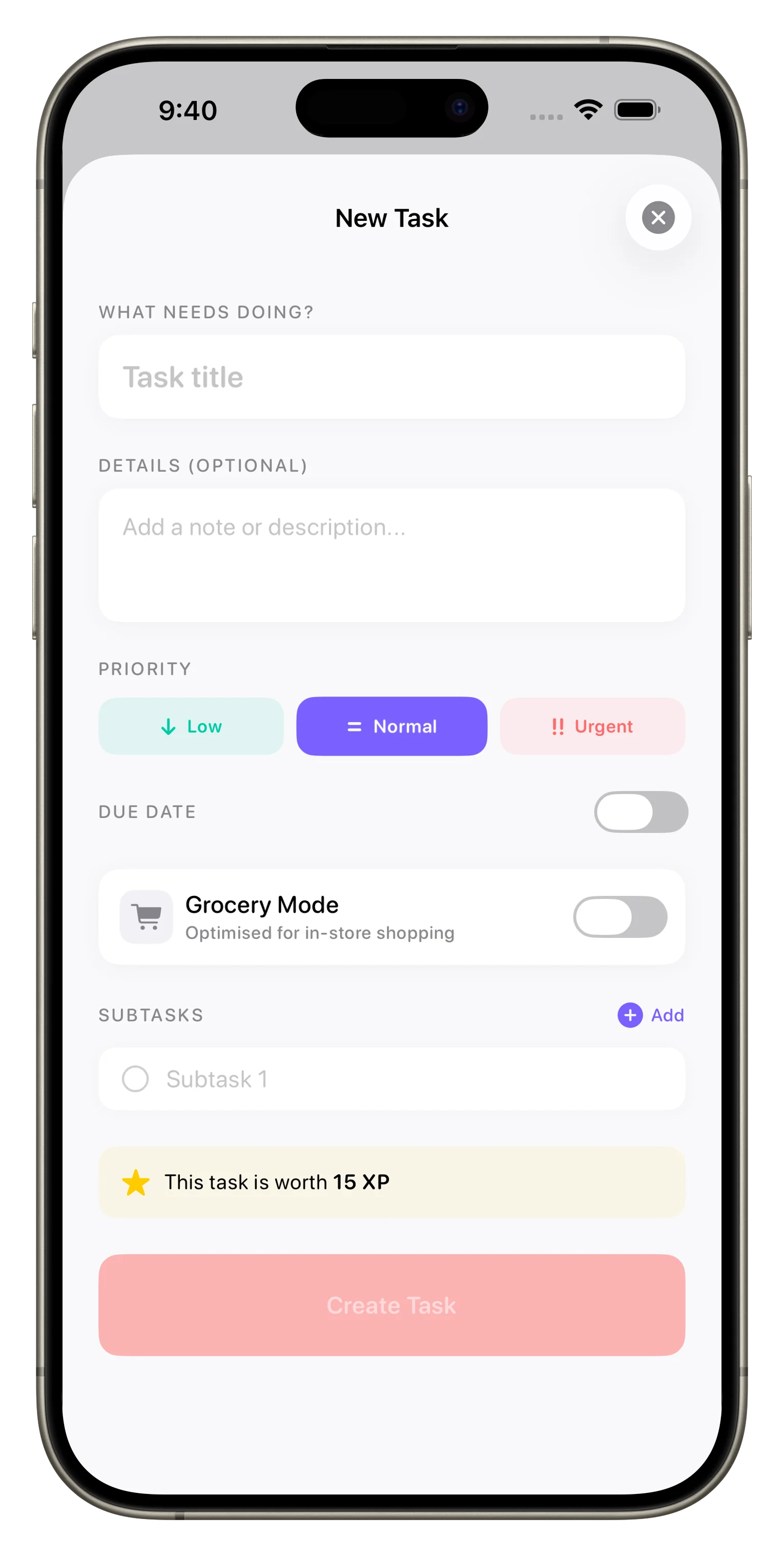
Yes. You can create tasks from scratch with category, priority, due date, assigned members, and attachments. In Plus and Family, you can also save task templates so recurring jobs (like "weekly grocery run" or "clean the kitchen") are just one tap away. You can customize the Circle name, theme, member roles, and notification preferences. The app learns how your group works and gives you tools to match your actual workflow rather than forcing you into a rigid system.
This article was drafted with AI assistance and reviewed by a human editor before publishing.