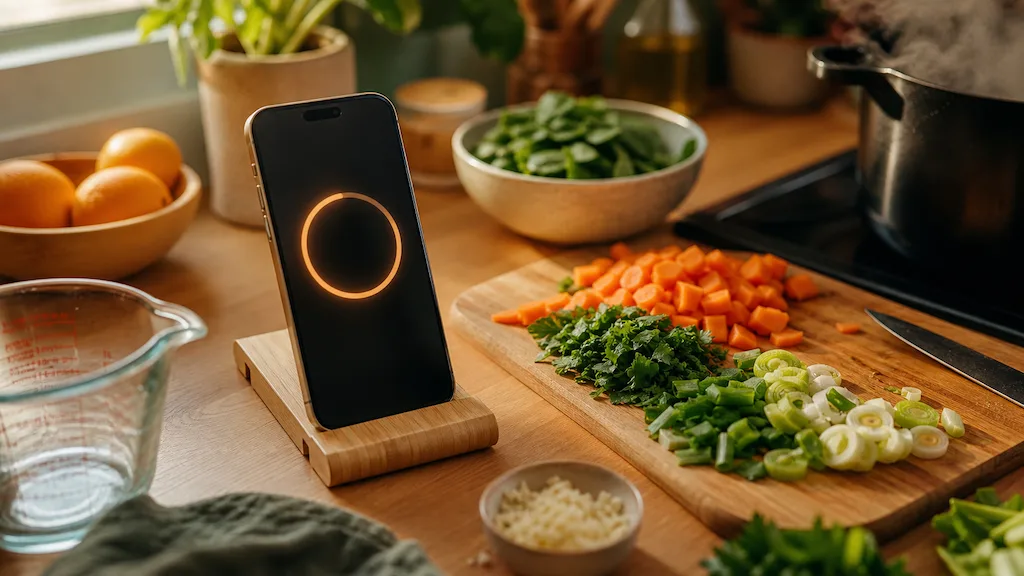
Most recipe apps solve one problem well and leave the rest to sticky notes and group chats. MiseMate tries to close the whole loop — finding a recipe, scaling it for your household, building the grocery list, planning the week, and walking you through the actual cooking — without making you leave the app. After spending real time in its kitchen, I can say it mostly delivers on that promise, with a few honest asterisks around what's free and what isn't.
Who MiseMate is actually for
MiseMate is built for people who cook regularly enough to be annoyed by the friction — the person copying ingredients into Notes, the parent trying to plan five dinners without repeating a single one, the beginner who needs a recipe rewritten because they're gluten-free but the recipe isn't. It's less useful for someone who cooks the same six meals from memory and never needs a new idea. If you're in that second camp, you probably don't need what MiseMate is selling. If you're in the first, the app is built around your exact frustrations.

The onboarding flow sets the tone. Instead of dumping you into a recipe feed, MiseMate asks about dietary preferences, allergies, household size, and cooking skill level up front. It's a small thing, but it means the recipes you see on day one are already filtered for what you'll actually eat, not a generic algorithm's best guess.
Recipe discovery and import: the strongest part of the app
MiseMate ships with 276 built-in recipes spanning more than 30 cuisines, and that library alone is enough for a few months of dinners without repeating yourself. But the real value is the bridge to the outside world: 2 million more recipes searchable online, complete with nutrition data, plus the ability to import any recipe from a URL or a photo. That last part matters more than it sounds. Screenshot a recipe from a magazine, a friend's text message, or a random blog buried in ads, and MiseMate turns it into a clean, structured recipe card you can scale and cook from.
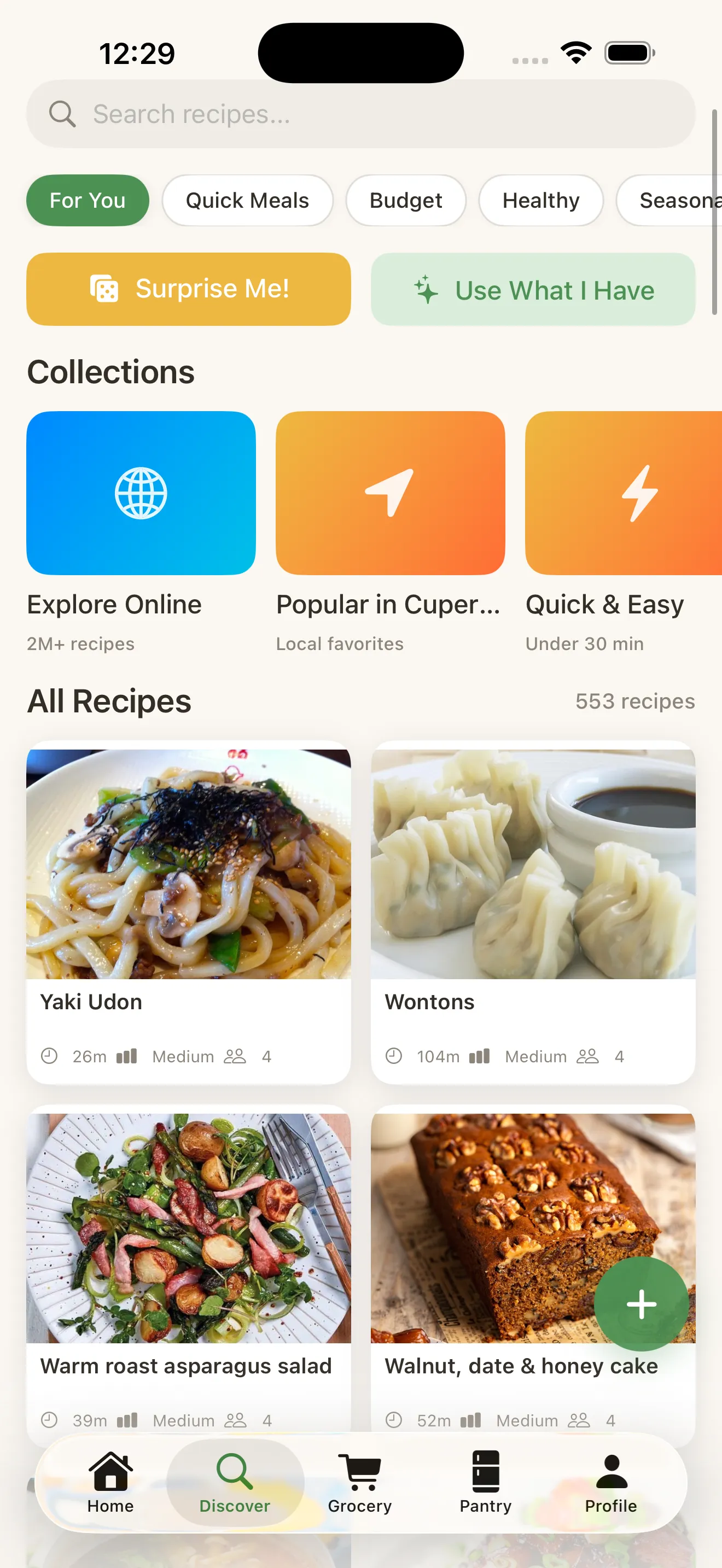
This is the feature that separates MiseMate from a plain recipe box. Most apps ask you to type everything in manually or give up and just bookmark a link. MiseMate treats import as a first-class feature, which is exactly right for how people actually collect recipes in 2024 — from screenshots, from group texts, from a video someone forwarded.
Scaling, grocery lists, and cook mode
Ingredient scaling sounds like a minor convenience until you've tried to mentally convert a recipe for four into a recipe for six while holding a measuring cup. MiseMate does the math instantly and cleanly, and the scaled amounts carry through to the grocery list automatically — no manual re-tallying required.
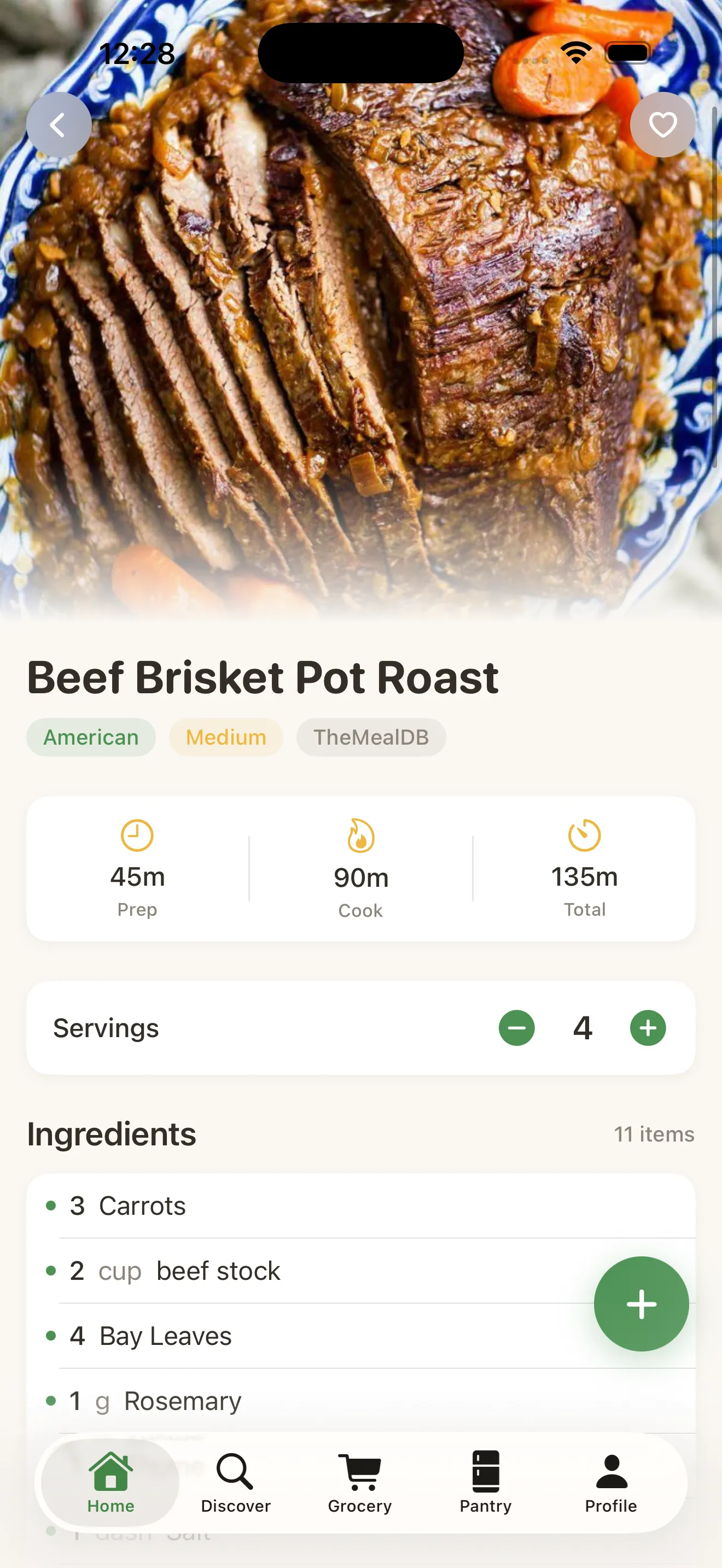
The grocery list itself is smart in the useful sense: it consolidates ingredients across multiple recipes so you're not buying three separate bags of garlic because three different dinners called for it. Cook Mode, meanwhile, turns your phone into a hands-free kitchen guide with step-by-step instructions and built-in countdown timers, so you're not juggling a second timer app while your hands are covered in flour.
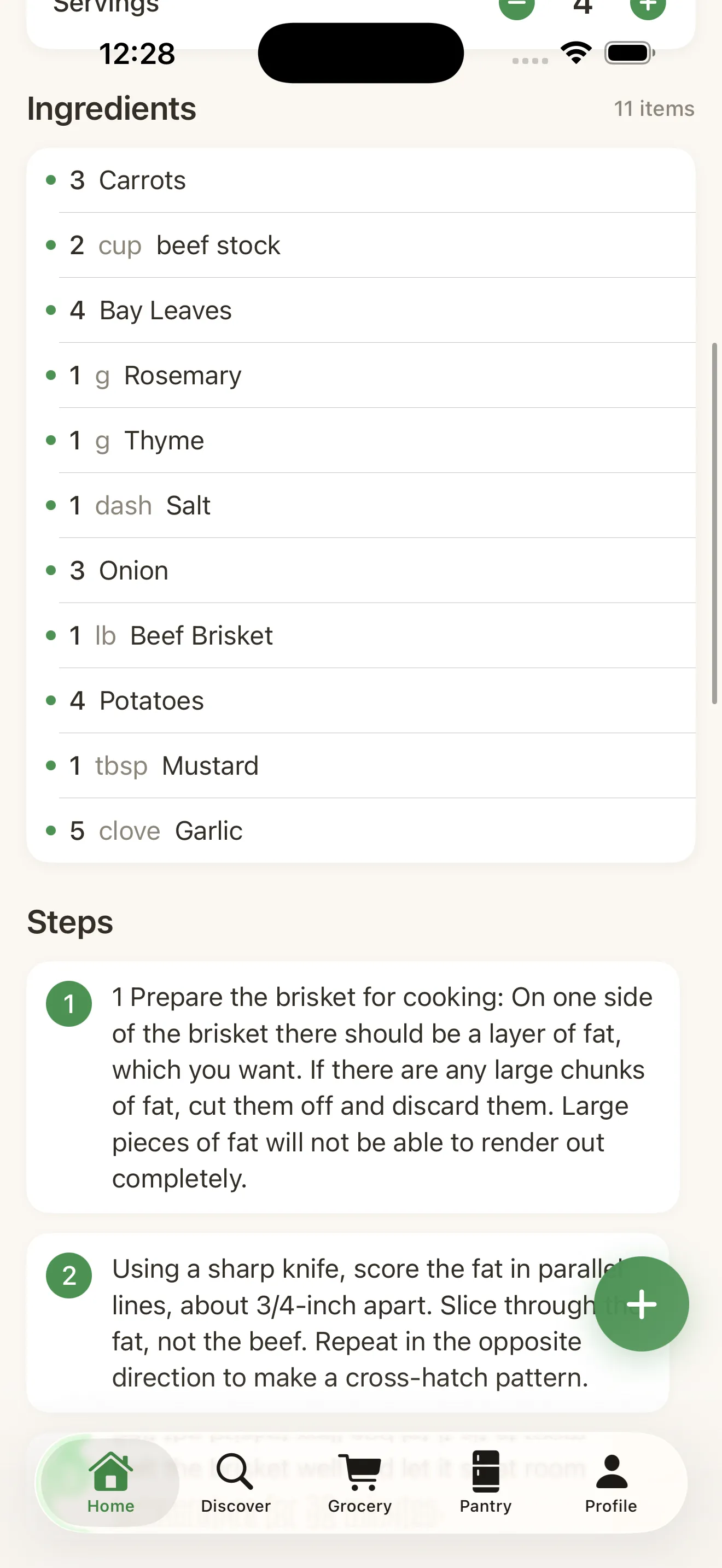
The scaling and grocery list features aren't flashy, but they're the parts you'll actually touch every single week.
The AI assistant: genuinely useful, not a gimmick
MiseMate's AI kitchen assistant is powered by Claude, and it earns its place rather than feeling bolted on for the marketing copy. It can suggest recipes based on what's already in your pantry, recommend substitutions when you're missing an ingredient, rewrite a recipe for a different diet, and coach you through the cooking process in real time if you get stuck mid-step.
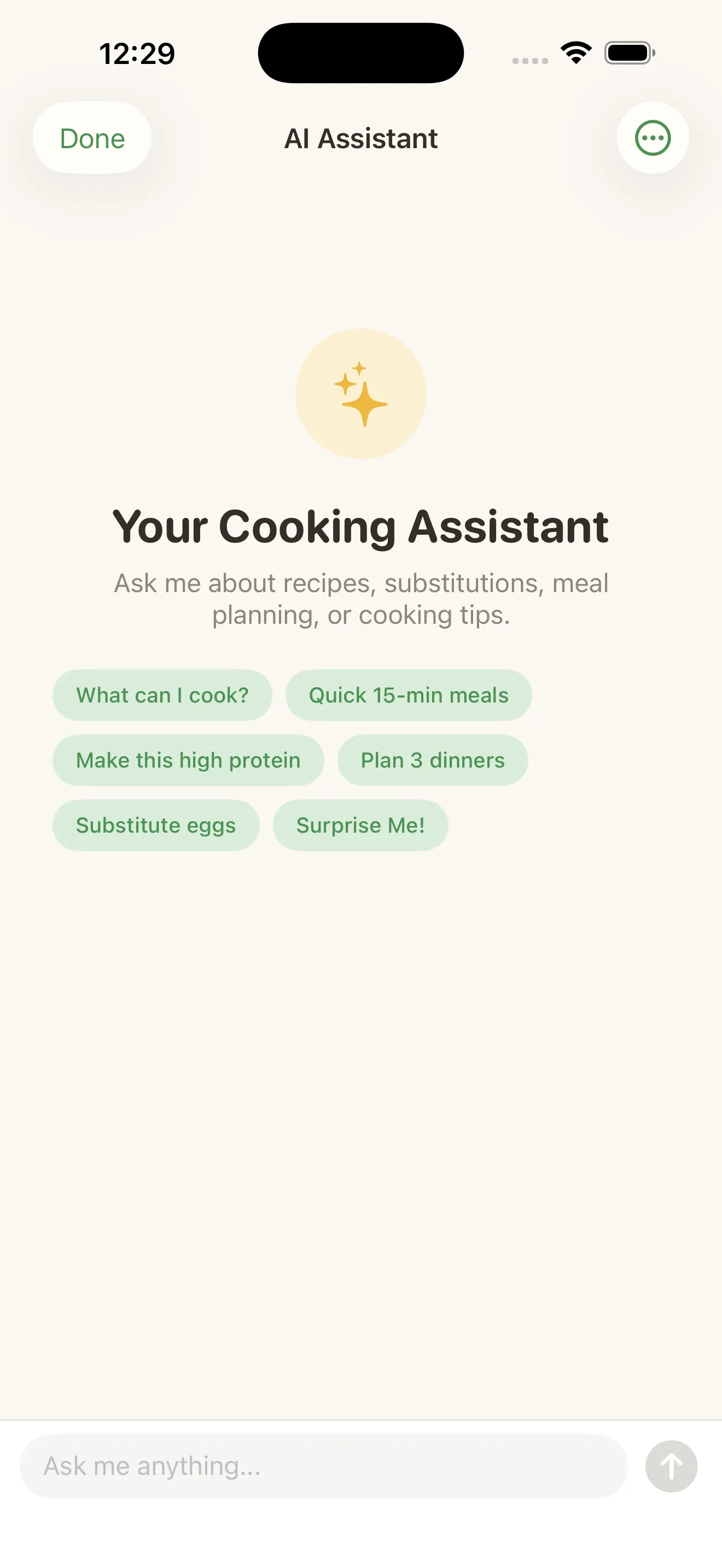
In practice, the substitution and diet-rewrite features are the ones I reached for most. Asking it to turn a dairy-heavy pasta recipe into something dairy-free, and having it actually adjust quantities rather than just swapping one ingredient name for another, felt like talking to someone who's actually cooked before. It's not a replacement for a chef, but it's a meaningfully better version of googling "substitute for buttermilk" mid-recipe.
What's free vs. what costs extra
This is the part worth reading closely before you commit. Recipe browsing, ingredient scaling, grocery lists, and Cook Mode are all free — meaning the core cooking loop works without paying anything. Premium is where the AI assistant, meal planning calendar, and a handful of other conveniences live. That's a fair line to draw: the free tier is genuinely usable day to day, and the paid tier is for people who want the app to think ahead for them, not just keep up with them.
- Free tier
- Recipe browsing, ingredient scaling, grocery lists, Cook Mode
- Premium tier
- AI kitchen assistant, meal planning calendar, and more
- Built-in recipes
- 276 across 30+ cuisines
- Searchable recipes
- 2M+ online, with nutrition data
Small touches that add up
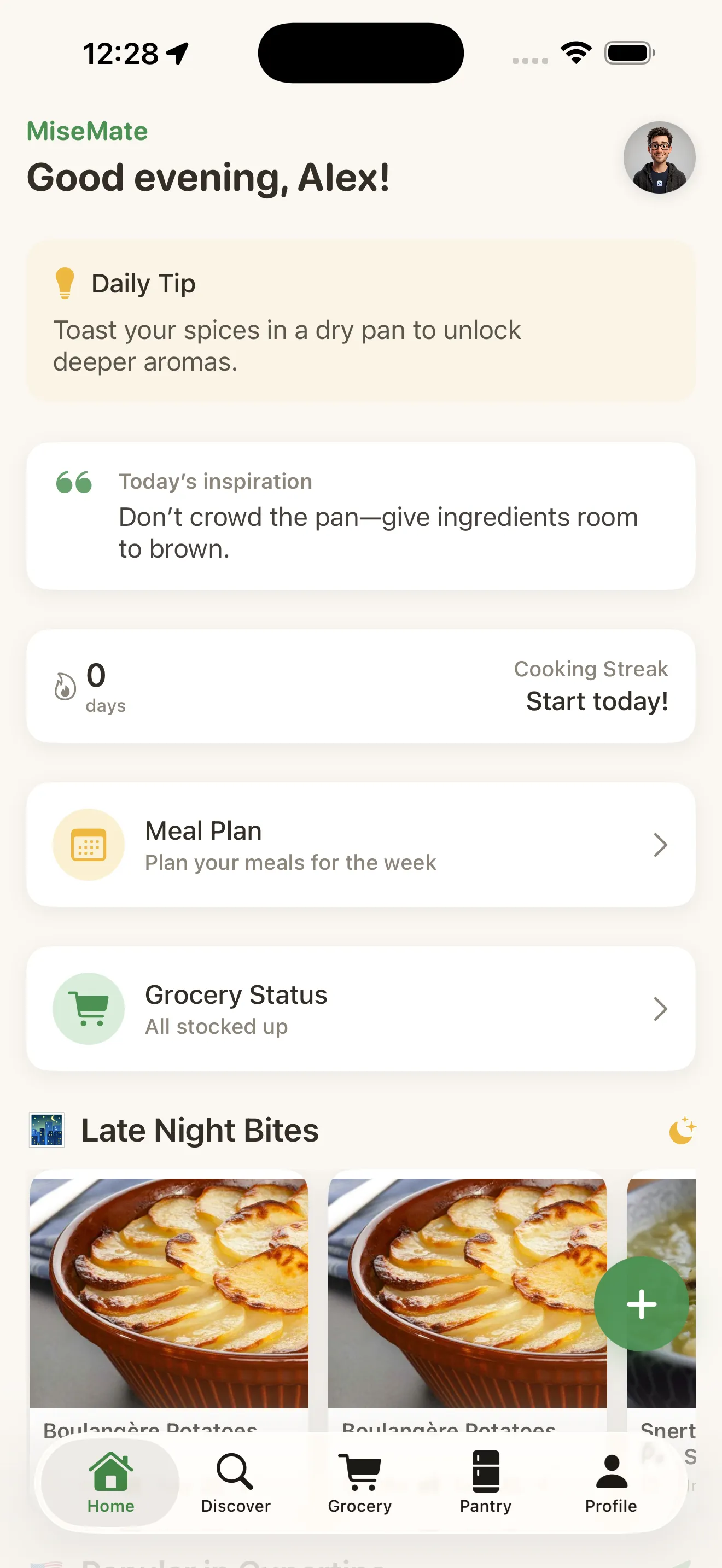
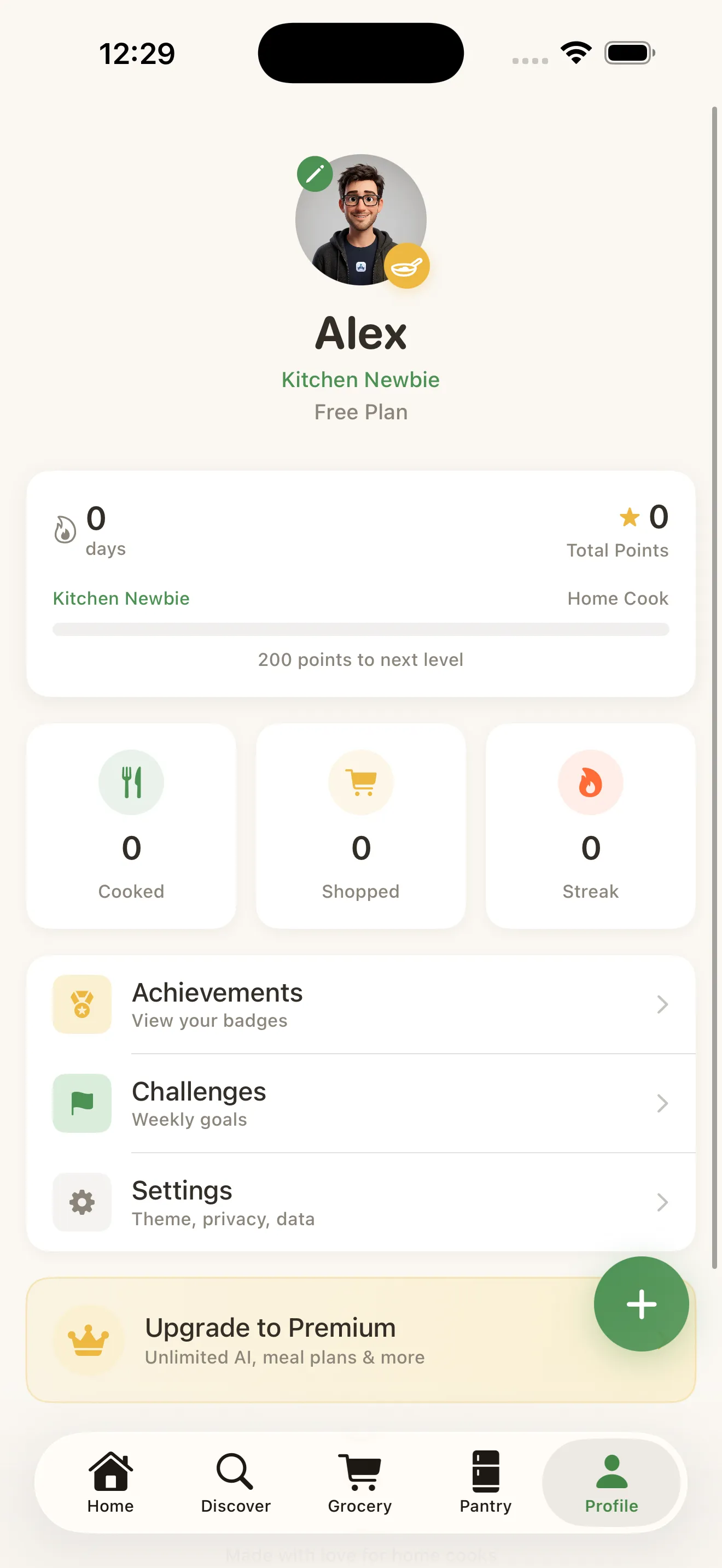
MiseMate leans into light gamification — cooking streaks, badges, a skill level tied to your profile — which could easily feel gimmicky but instead nudges you to actually open the app on a Tuesday when takeout is the easier option. It's a subtle behavioral push, not a loud one, and it fits an app about building a habit rather than just storing recipes.
Is MiseMate worth downloading if I already have a recipe app?
Caveats worth knowing
- The AI assistant, the feature most people will want, sits behind Premium — the free tier is solid but doesn't include it.
- Photo import works best with clearly formatted recipes; messy handwriting or cluttered screenshots occasionally need manual cleanup.
- Meal planning calendar is also Premium-only, so casual users focused on single recipes won't need to upgrade at all.
- As with any recipe importer, nutrition data accuracy depends on the source recipe being complete and well-labeled.
None of these are dealbreakers, but they're worth knowing before you assume every feature in the marketing copy is free. For a broader sense of what to weigh in this category generally, the guide to recipe and meal prep apps for iPhone is a useful companion read.
The verdict
MiseMate isn't reinventing the recipe app — it's doing the unglamorous work of making the whole cooking pipeline feel like one connected motion instead of five disconnected apps. Import is excellent, scaling and grocery lists are dependable, Cook Mode is genuinely useful at the stove, and the AI assistant, once you're in Premium, feels like a real upgrade rather than a novelty. If you cook more than a couple times a week and you're tired of managing recipes across screenshots, notes, and bookmarks, this is worth the download. For more on what makes it distinct, see the MiseMate Q&A on what it does and who it's for, or browse all MiseMate articles for deeper dives.
This article was drafted with AI assistance and reviewed by a human editor before publishing.