
Every recipe app claims to make cooking easier, so it's fair to ask what actually sets one apart before you download it. Here are the questions we hear most about MiseMate, answered without the marketing spin — what it does, what it costs, and where it actually saves you time in the kitchen.
What is MiseMate and what does it do
MiseMate is a kitchen companion app that combines recipe discovery, ingredient scaling, grocery lists, meal planning, and guided cook mode into one flow, with an AI assistant that helps you decide what to cook. Instead of juggling a recipe blog, a notes app, and a separate grocery list, everything lives in one place — from finding a recipe to checking off the last step at the stove.
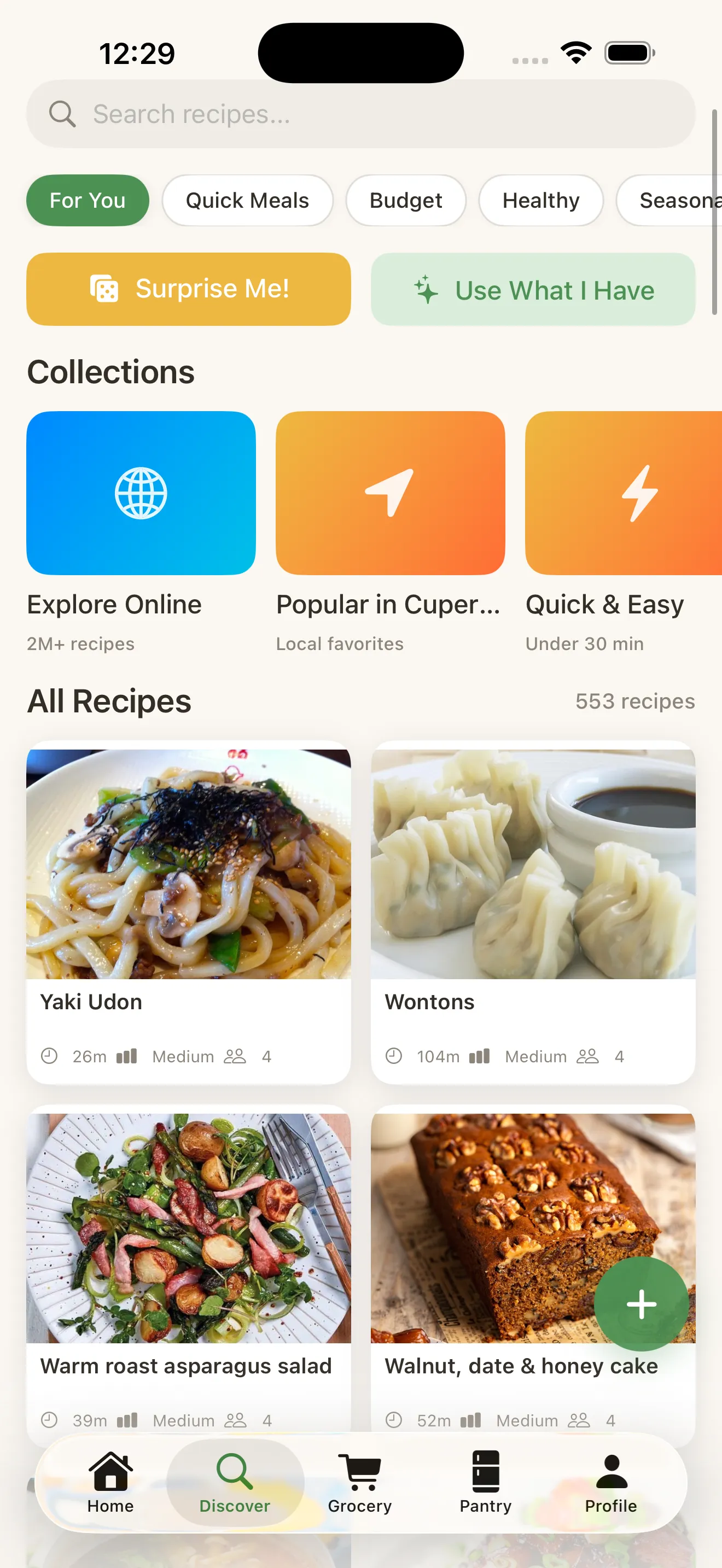
You can browse 276 built-in recipes across more than 30 cuisines, or search 2 million more online with full nutrition data. For a broader look at how it stacks up against other apps in the category, see recipe apps: finding the right fit for your kitchen.
Who is MiseMate for?
MiseMate is for home cooks who currently juggle a recipe blog, a notes app and a separate grocery list, and want all of it in one place. It suits you if your recipes are scattered across screenshots, bookmarks, texted photos and handwritten cards, because importing from a URL or photo puts them all in the same scalable format.
It also fits people who plan meals for the week and want the shopping list to follow automatically. If you mostly cook from what's already in the fridge, the Premium AI assistant can suggest what to make from your pantry and adjust recipes for diets like vegetarian, lower-carb or nut-free.
If you just want to browse recipes and cook step by step, the free tier covers recipe discovery, ingredient scaling, grocery lists and Cook Mode with timers. You only need to pay if the AI and planning features are worth it to you.
Can MiseMate import recipes from a URL or photo?
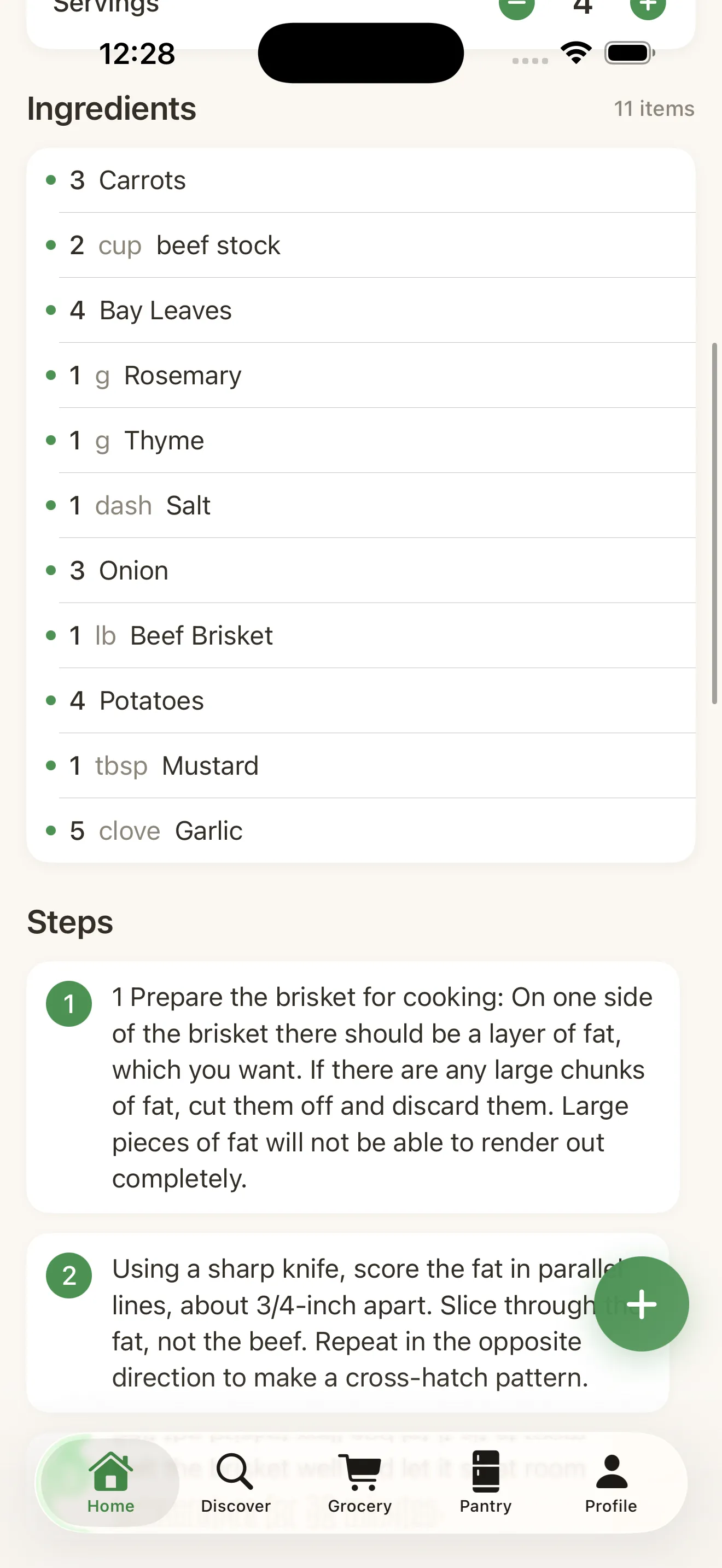
Yes, MiseMate can pull a recipe directly from a link or a photo of a page, card, or handwritten note, converting it into a structured, scalable recipe inside the app. That means the recipe your aunt texted you as a photo, or the one buried in a food blog's life story, ends up in the same clean format as everything else — with ingredients you can scale and steps you can cook through in Cook Mode.
How does the AI kitchen assistant work
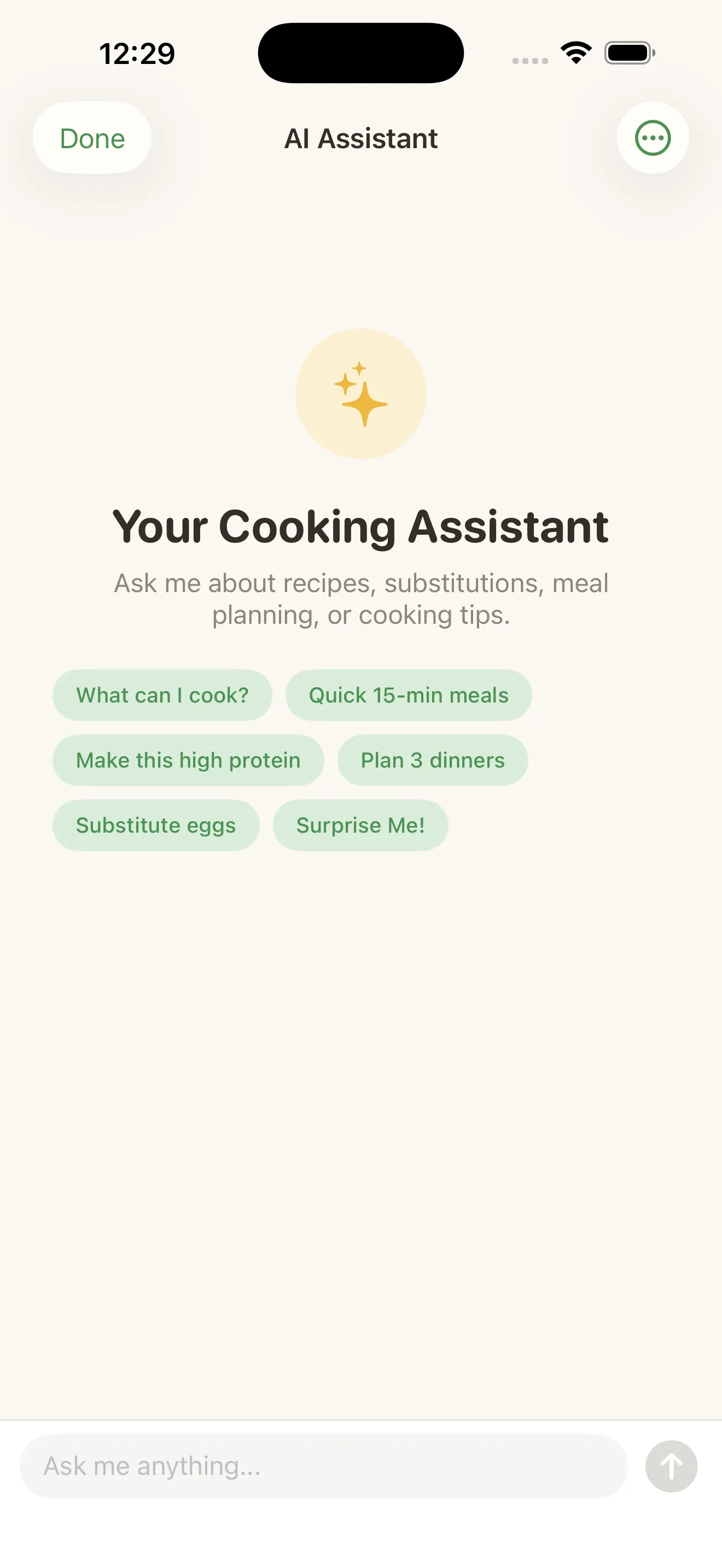
MiseMate's AI assistant is powered by Claude and can suggest recipes based on what's already in your pantry, recommend ingredient substitutions, rewrite a recipe for a different diet, and coach you through cooking in real time. If you're staring at half an onion, some chicken thighs, and not much else, you can ask what to make instead of guessing.
The AI assistant treats what's already in your kitchen as the starting point, not an afterthought.
This is also where MiseMate handles dietary rewrites — turning a recipe vegetarian, lower-carb, or nut-free without you having to redo the math yourself. It's a feature the app leans on heavily, which we walk through in more detail in how MiseMate turns recipe chaos into kitchen confidence.
Is MiseMate free to use?
Yes, the core cooking tools — recipe browsing, ingredient scaling, grocery lists, and Cook Mode — are free, while Premium unlocks the AI assistant, meal planning calendar, and a few other extras. This means you can fully replace a scattered recipe habit without paying anything, and upgrade later only if the AI and planning features earn their keep for you.
- Free: recipe discovery and search, ingredient scaling, smart grocery lists, Cook Mode with timers
- Premium: AI kitchen assistant, meal planning calendar, diet rewrites, pantry-based suggestions
How does grocery list building work
MiseMate builds your grocery list automatically from the recipes and meal plan you've chosen, combining duplicate ingredients across meals so you're not buying three separate bags of onions. If you plan four dinners for the week, the list reflects the total shopping trip, not four disconnected recipe cards. For a closer look at how this works in practice, read how to build a smart grocery list from recipes.
What is Cook Mode and how does it help while cooking
Cook Mode turns a recipe into a step-by-step guide with built-in countdown timers, so your phone stays useful at the stove instead of locking mid-scroll while your hands are covered in flour. Each step is isolated on screen, timers run in the background, and you're not stuck scrolling back up to check how many tablespoons of butter you needed.
Does MiseMate track cooking habits or progress
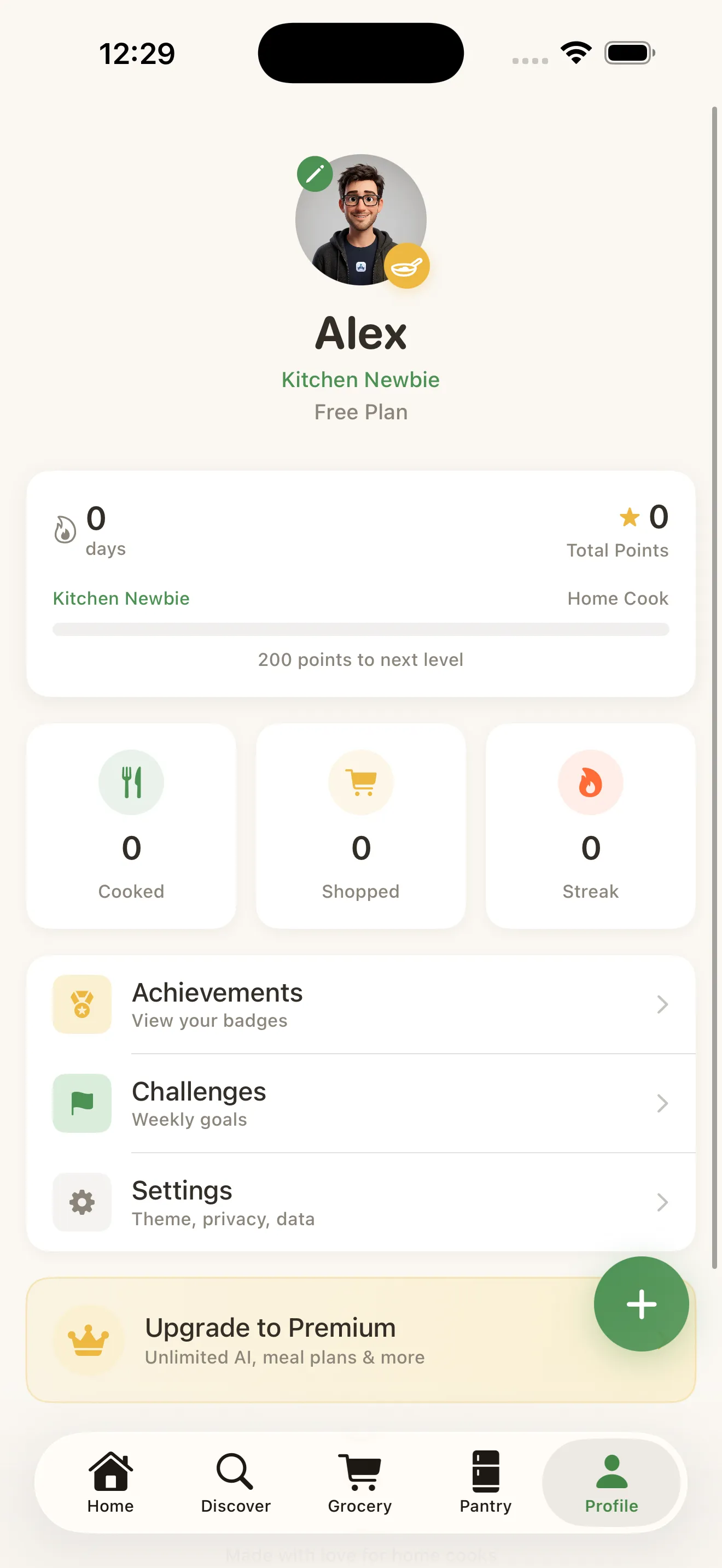
Yes, MiseMate keeps a profile with your cooking streak, skill level, badges, and stats, which gives you a quiet sense of momentum as you cook more often. It's a small layer of gamification, but it's grounded in real activity — recipes you've actually made, not just saved.
If you're setting the app up for the first time, the onboarding flow asks about dietary preferences, allergies, and skill level so recommendations fit from day one — details covered step by step in MiseMate setup checklist: from first open to confident cooking.
Common questions
Is the MiseMate AI assistant free?
What AI does MiseMate use?
Can MiseMate import a handwritten recipe?
Does MiseMate show nutrition information?
Does MiseMate combine ingredients across recipes on the grocery list?
This article was drafted with AI assistance and reviewed by a human editor before publishing.