If you've tried mood-tracking apps before and bounced off them—the 1-10 scales, the streaks, the clinical questions—MoodLight is different. Instead of asking you to rate yourself, it invites you to pick a color. Instead of rewarding consistency, it just holds space. This guide walks you through what to expect in your first week, what those five orbs actually mean, and how to make the daily check-in feel like something you want to do.
What MoodLight Actually Is
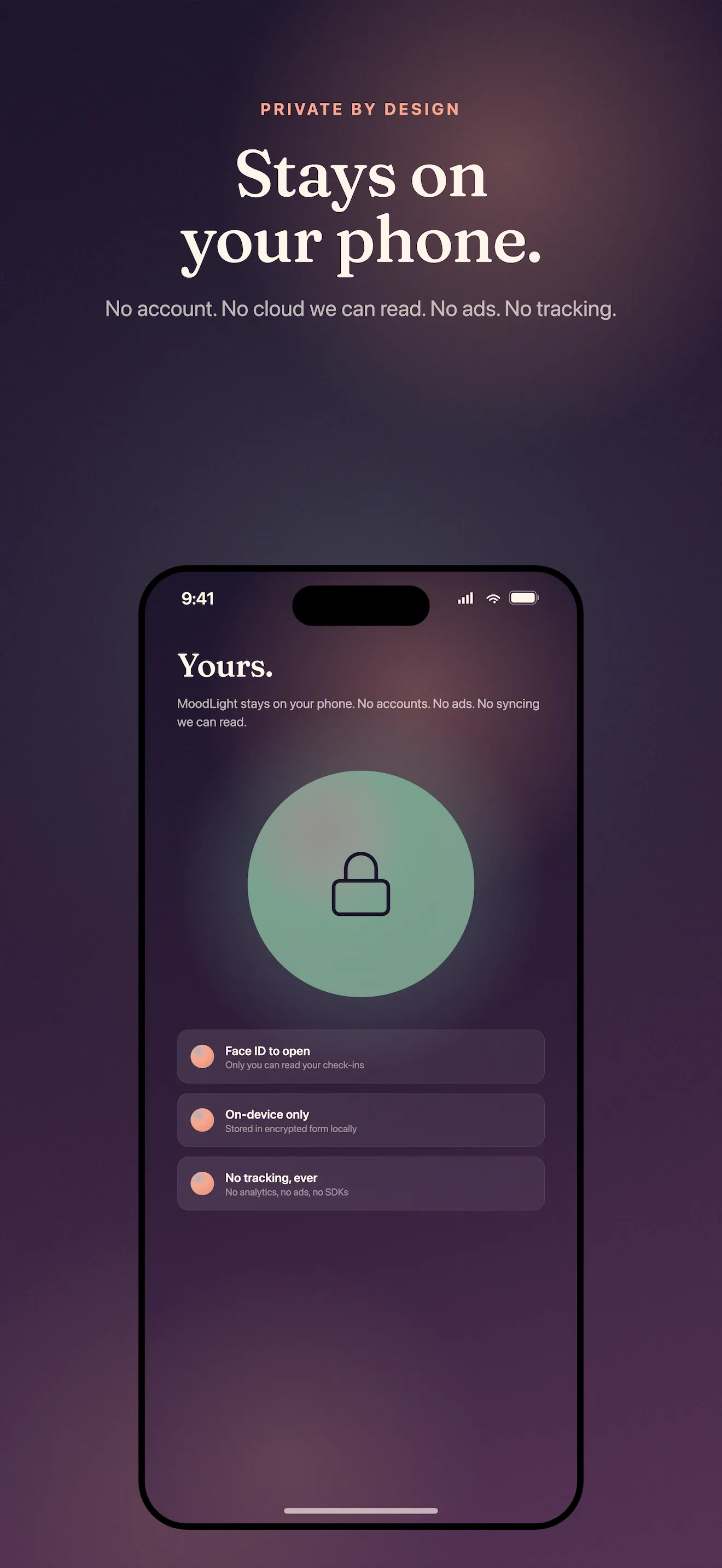
MoodLight is a mood tracker stripped down to its essence: five orbs that represent how you're feeling, a 30-second check-in, and a visual record of your week in color. No account signup. No cloud. No streak counter that makes you feel guilty for skipping a day. Your check-ins stay on your phone, private by design.
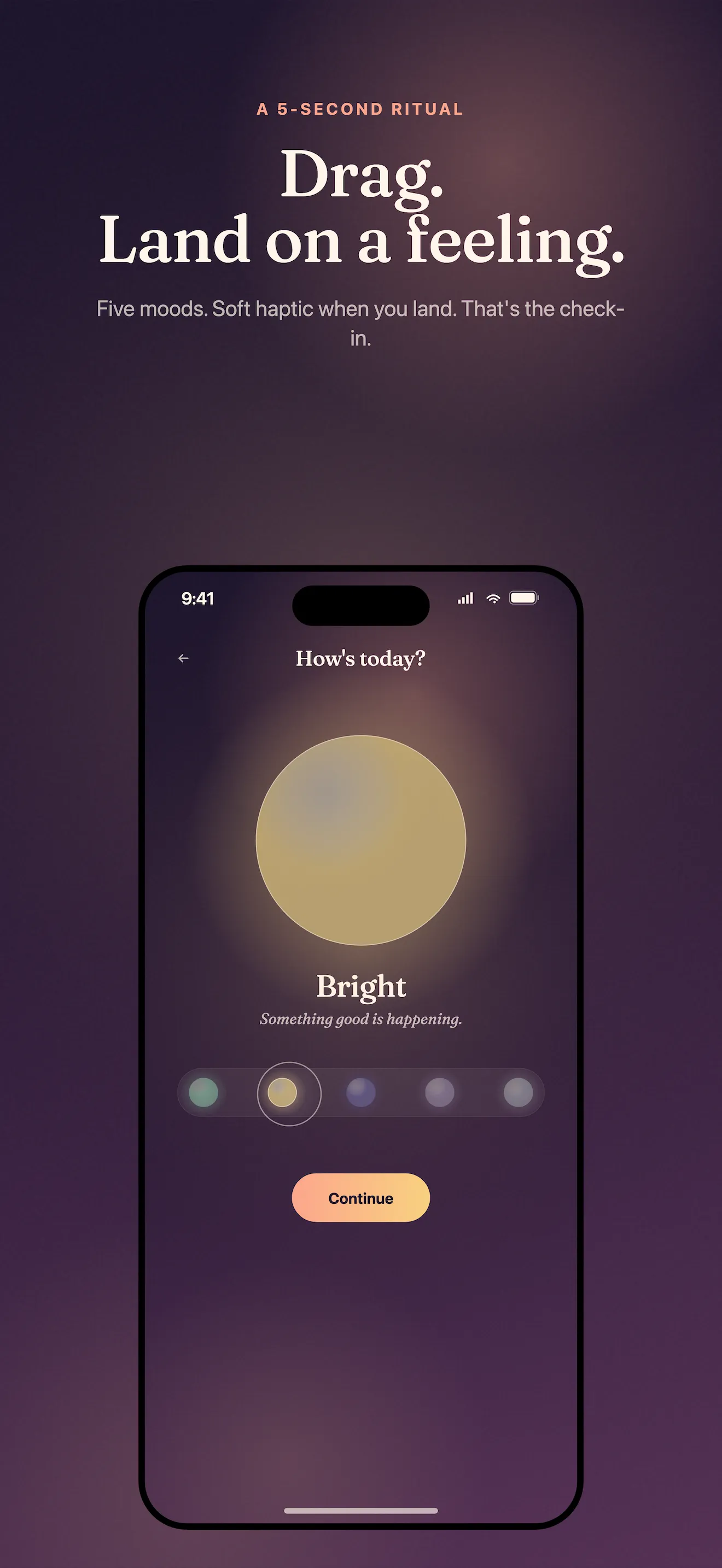
The app replaces the familiar 1-10 happiness scale with five real emotional states: calm, bright, heavy, off, and numb. Each gets its own color. Each is equally valid. If you want to add a one-line note about what prompted the feeling—a conversation, a deadline, the weather—you can. If not, one tap is enough.
The Five Orbs, Explained
Most mood apps give you extremes: happy or sad. MoodLight's five orbs capture the middle ground where most of us actually live. Here's what each one represents:
- Calm: Steady, grounded, at ease. Not necessarily 'happy'—just settled.
- Bright: Energized, upbeat, engaged. The state where things feel light.
- Heavy: Weighed down, stuck, tired. The feeling of carrying something.
- Off: Irritable, restless, out of sync. When nothing quite fits.
- Numb: Disconnected, flat, going through the motions. Present but not feeling much.
If you feel sad, which orb is it really? Heavy because something hurt, or numb because you're protecting yourself? That difference matters.
Your First Week: What to Expect
Days 1-2: Getting Familiar
The first time you open MoodLight, you'll see the five orbs. Pick the one that fits how you feel right now. It'll feel almost too simple—and that's intentional. On day two, you might notice the orbs aren't clicking cleanly. You might feel 60% calm and 40% heavy. That's normal. The orbs aren't meant to be perfectly accurate; they're prompts for honest reflection.
Days 3-4: Building Momentum
By the middle of the week, checking in becomes automatic—it takes fewer than 30 seconds. You might start adding optional one-line notes. 'Deadline panic.' 'Good sleep.' 'Family dinner.' These notes aren't required, but they help you connect patterns later. No streak notification will nudge you if you forget a day; the reminder is quiet, internal.
Days 5-7: Seeing Your Gradient
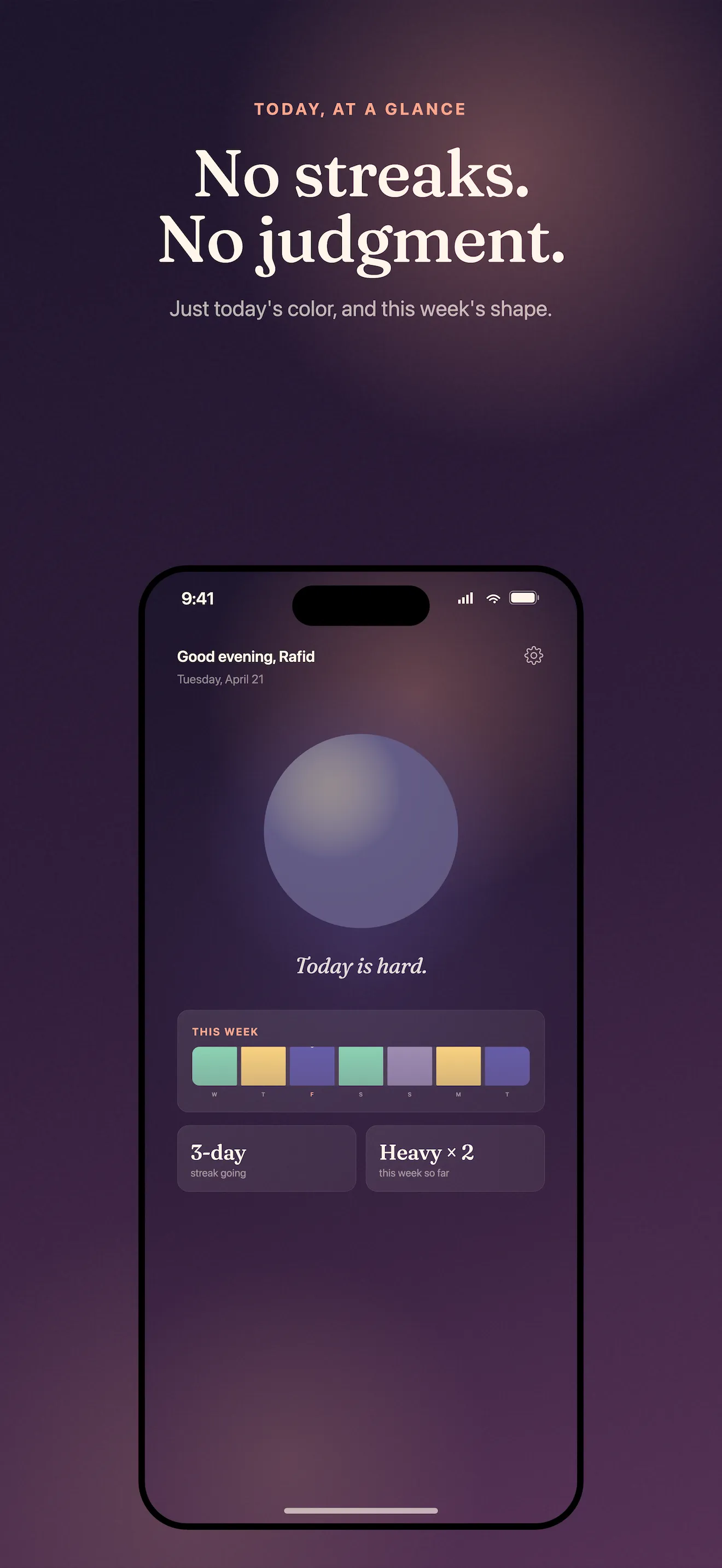
By Friday or Saturday, your week starts to show as a colored gradient—a strip of orbs at the top of the home screen that turns a week of numbers into a visual pattern. You might notice you're brighter on days you moved, or calmer after you rested. Heavy comes after stressful meetings. This isn't clinical; it's just seeing yourself.
What Sets MoodLight Apart
Most mood-tracking apps ask clinical questions or push you toward a single happiness score. MoodLight rethinks the whole category by replacing scales with colors and judgment-free reflection. Your data never leaves your phone. There's no account, no cloud, no way to 'lose' your streak because there's no streak at all.
If you do want to share a mood moment—maybe with a therapist, or a friend who gets it—you can export soft, shareable mood cards. But that's optional too. The app is designed for a habit that feels natural and low-friction, not one you have to think about.
Your First Steps
- Download MoodLight from the App Store and open it.
- Look at the five orbs and pick the one that best matches how you feel right now. Don't overthink it.
- Optionally, add a one-line note. (You can skip this—it's not required.)
- Come back tomorrow and do it again. There's no streak pressure; just a quiet daily moment.
- By Friday, take a look at your week's gradient and notice what you see.
This article was drafted with AI assistance and reviewed by a human editor before publishing.