MoodLight exists to catch the moments you'd normally ignore. Unlike mood journals that demand paragraphs or trackers that hide behind numbers, MoodLight asks one honest question through five orbs and then gets out of your way. This checklist walks you through setup so you can start your first check-in within minutes.
Before You Begin
- Have your iPhone ready
- Reserve about 2 minutes for setup (no account creation, no long forms)
- Find a quiet moment — this is a gentle app, so gentle setup makes sense
Download and Open
- Visit the App Store and search for MoodLight, or tap here to open it directly
- Tap Get, then Install
- Authenticate with Face ID or your Apple ID password
- Wait for the app to download and install
- Tap Open to launch MoodLight for the first time
Understand the Five Orbs
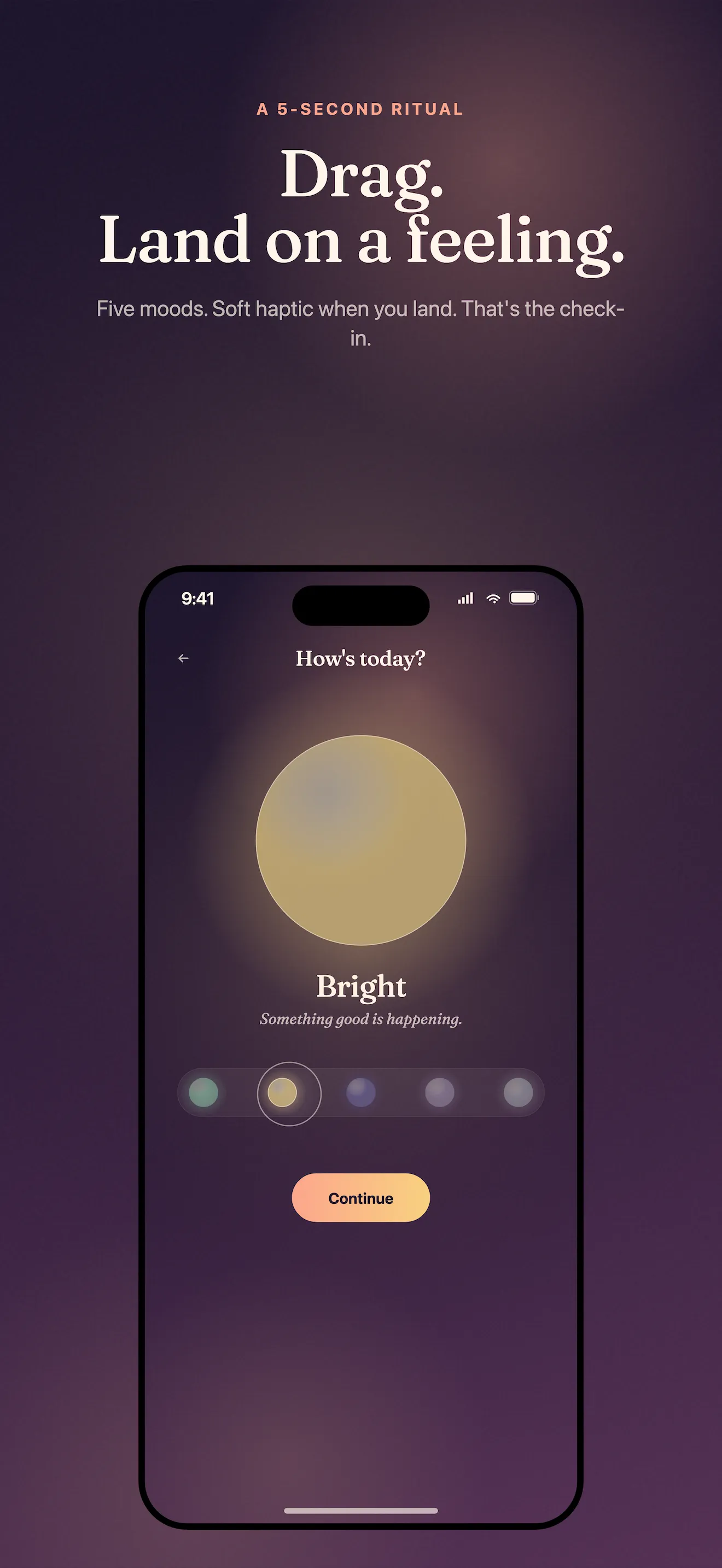
MoodLight skips the 1-10 scale entirely. Instead, you'll see five orbs representing states your actual life knows well. Take a moment to get familiar with what each one means to you before your first check-in.
- Calm — grounded, quiet, at ease
- Bright — energized, hopeful, engaged
- Heavy — weighed down, stuck, sad
- Off — scattered, anxious, unsettled
- Numb — disconnected, empty, checked out
These aren't clinical labels. They're the moods your day actually contains.
Make Your First Check-In
- Look at the five orbs on your screen
- Tap the one that matches how you feel right now — not yesterday, not how you think you should feel, but honestly right now
- A text field will appear if you want to add one line about why. This is optional; tap Done if you'd rather skip it
- Confirm your check-in; it saves instantly to your device
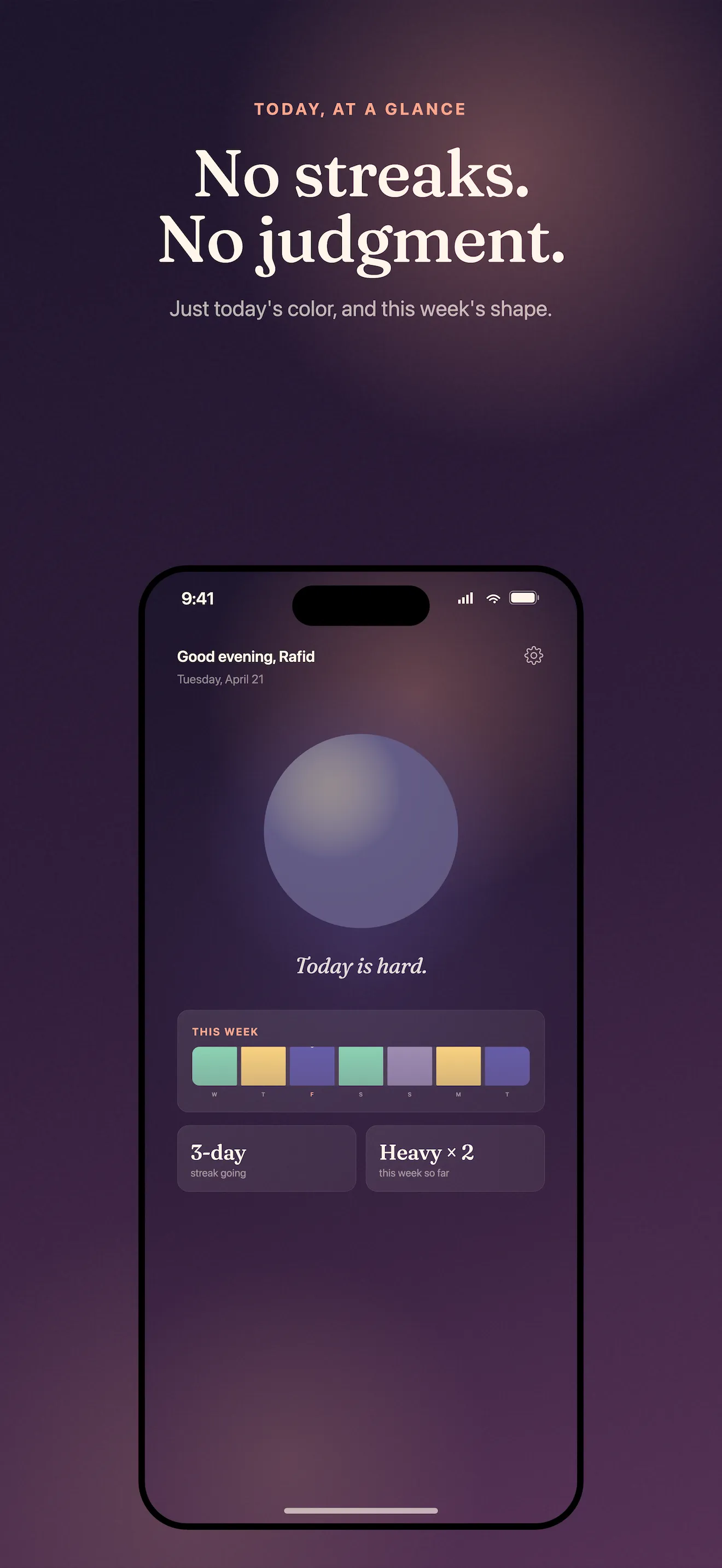
- You'll see your home dashboard refresh with your mood as a small color tile
That's the entire practice. Thirty seconds. No streaks to maintain, no account to log into, no cloud sync you're forced to trust. Your check-in lives on your device alone, and if you skip a day, nothing breaks.
Explore Your Mood Map
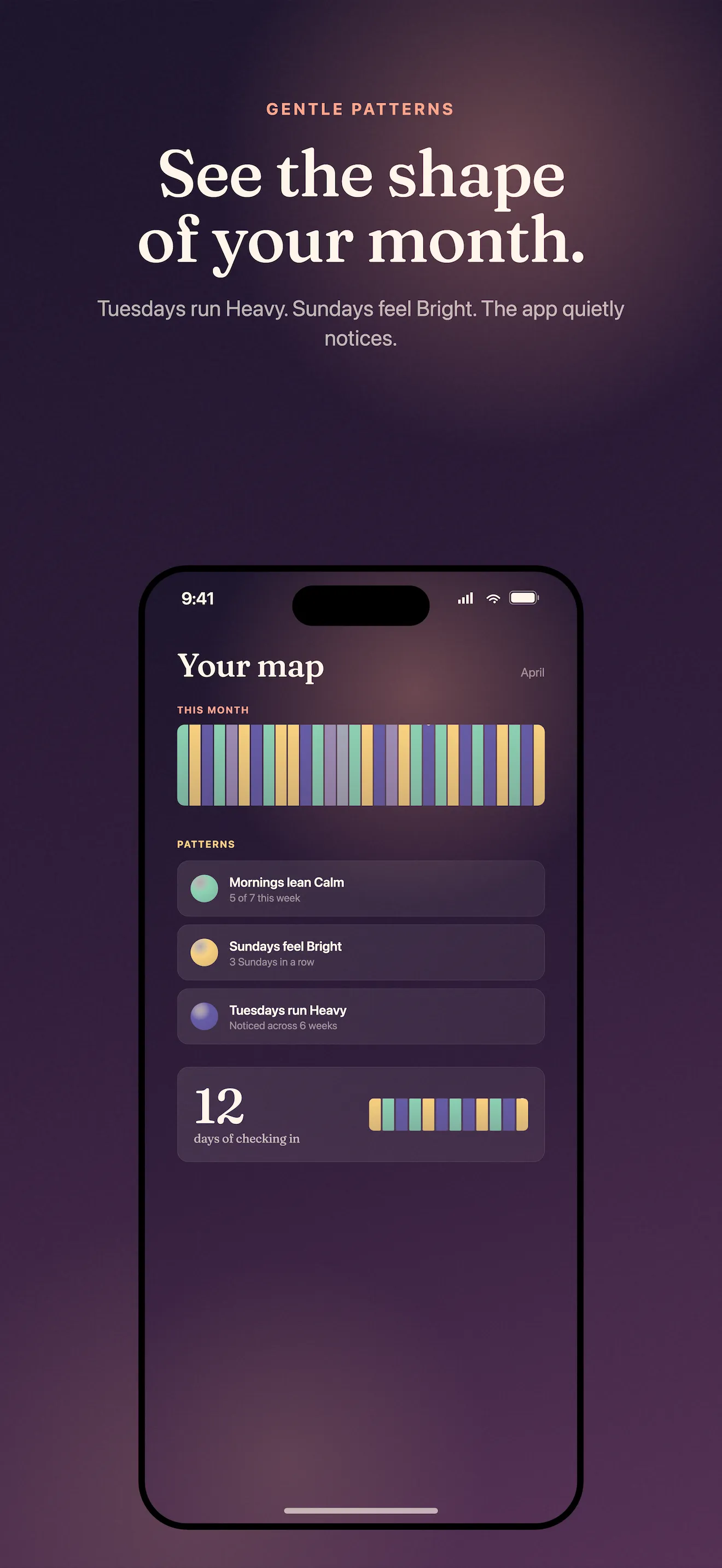
After a few days of check-ins, your week will emerge as a colored gradient. Swipe through the app to see the big picture of your mood patterns without judgment or clinical analysis.
- Tap the calendar icon to see a monthly mood map — every day you checked in becomes a single color
- Scroll back weeks or months to notice patterns naturally
- Export a shareable mood card if you want to show your therapist or a trusted friend
- No algorithms, no predictions, no advice — just your honest data in color
Know Your Privacy
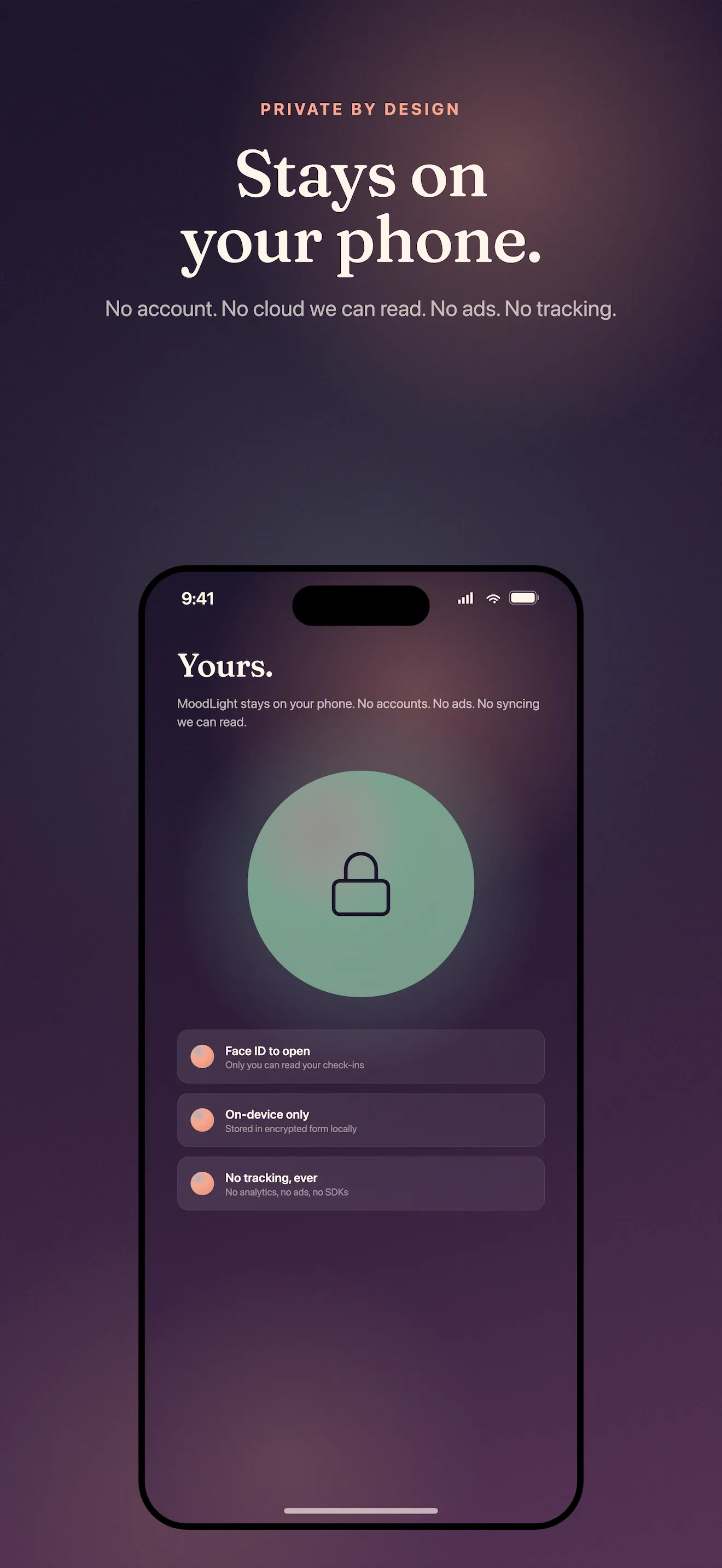
MoodLight doesn't ask for an account, email, or password. Your check-ins are encrypted on your device and never leave it. This is the final promise we want you to trust.
- No login required — tap and go
- No cloud backup — your moods stay local, on your iPhone
- No tracking, ads, or data sale
- If you uninstall, your check-ins remain deleted
- If you reset your phone, we recommend backing up your device first via iCloud
This article was drafted with AI assistance and reviewed by a human editor before publishing.