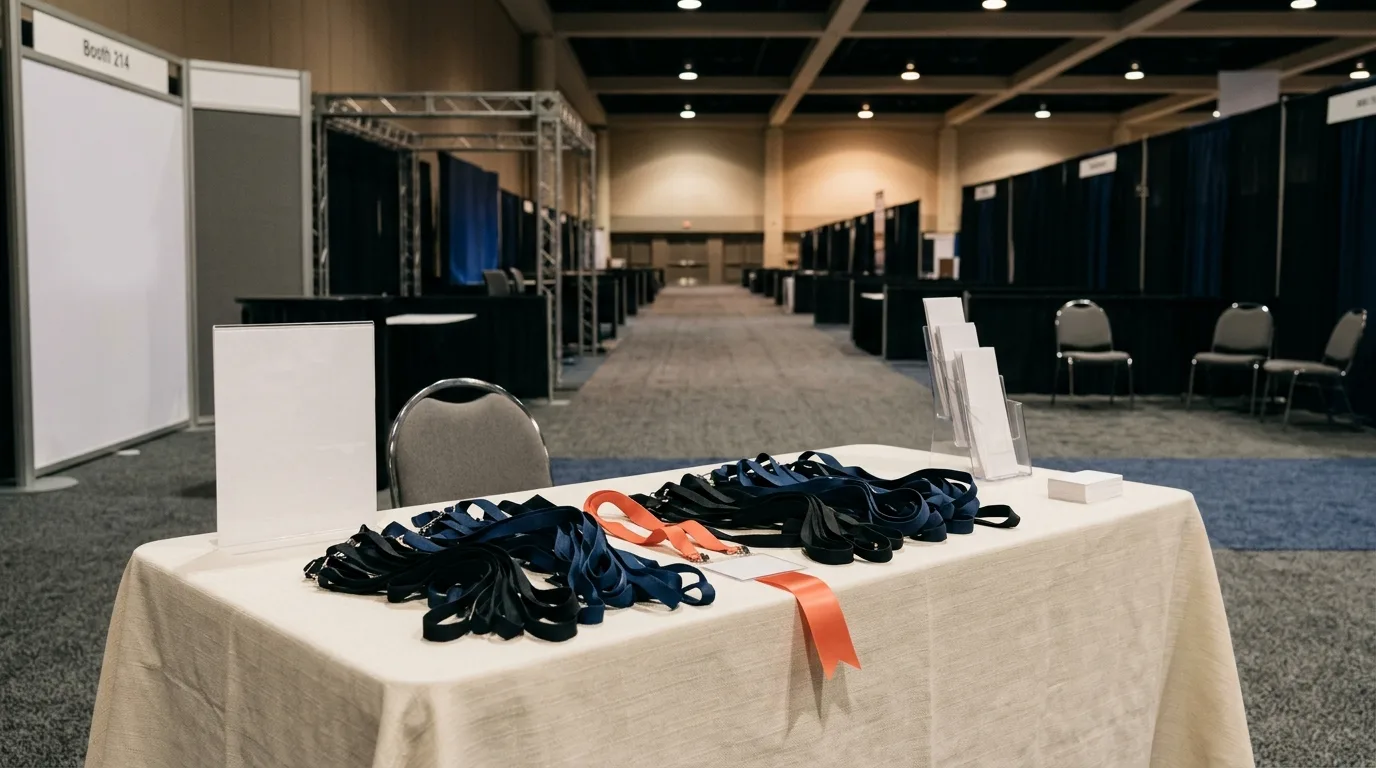
Peak hours on the show floor are when convention-centre Wi‑Fi usually folds. Cloud scanners stall. Browser forms spin. If your whole lead system needs a live connection to finish a scan, you are not capturing — you are queuing hope.
This is the practical path to offline lead capture on iPhone: scan business cards offline on the trade-show floor, edit and tag while the conversation is still warm, set reminders with zero bars, then sync when you are back on Wi‑Fi. MeetStack runs on-device OCR on iOS 17+, so the read happens on your phone — cards never go to a server to be read. Free to download; works fully offline on the show floor.
Put the iPhone in Airplane Mode the night before. If you can scan, edit, tag, and set a reminder with no bars, you already know show day will hold.
Why show-floor Wi‑Fi fails when you need it most
Venue networks take the same punch every afternoon: thousands of phones, badge apps, streaming booth demos, and hotel-grade access points that were never sized for that density. You do not need a fake outage tally to know the pattern — the signal thins exactly when the aisle is busiest.
When conference Wi‑Fi fails, lead capture fails in two common ways. Tools that phone home to finish OCR leave you staring at a spinner after someone handed you their card. Browser forms for booth check-in go dark for anyone who also has no data. The fix is not 'hope the network recovers.' It is knowing which part of your stack is truly local.
True offline vs tools that need the cloud to finish the scan
'Works offline' on a marketing page often means 'takes a photo and uploads later.' That is not the same as finishing the capture on the floor.
A zero signal business card scanner should let you:
Read the card on the device (on-device OCR)
Edit every field before save
Tag, favourite, and plan a follow-up without waiting for a bar
Keep the record on the phone until sync is possible
If the OCR step itself requires a server round-trip, a dead venue network turns your 'scanner' into a camera roll. MeetStack's pitch on getmeetstack.com is explicit: names, titles, companies, emails, phones, and LinkedIn profiles extracted in under about thirty seconds, on your iPhone — nothing saves without your review.
What MeetStack still does with zero bars
With zero bars you can still work the aisle:
Scan the printed card — on-device OCR, typically under thirty seconds
Edit any field before you save
Favourite the hot ones
Add tags and notes while the ask is fresh
Plan follow-ups / set reminders tied to the contact
Rely on duplicate detection when the same person shows up twice
Everything saves locally. When you reconnect, MeetStack syncs in the background; card photos upload on their own. That is MeetStack offline sync in practice — capture stays alive on the floor; networking catches up later.
What this is not: reading organizer proprietary badge barcodes. Those stay tied to the show's registration system. Card OCR covers the handshake when someone hands you paper.
What still needs a network (and what doesn't)
Be honest about the split, or the Airplane Mode test will surprise you mid-aisle.
Needs no network on your phone: scanning a printed card, editing fields, favouriting, tagging, setting reminders, and keeping the list local until sync.
Still needs a network on someone else's device: Event Join QR + consent. That path asks the attendee to open a browser form on their phone and submit their own details. Your phone being offline does not make their form work with zero data. For the host Join QR walkthrough, see networking event QR on iPhone — use it as contrast, not as the same offline claim.
Needs you back online later: background sync of contacts and card photos, and any CRM handoff via CSV export. Sync is not the scan; do not reverse those priorities on the floor.
The four-minute Airplane Mode pre-show test
Do this the night before you fly — hotel desk, quiet, no stakes.
Turn on Airplane Mode. Confirm Control Center shows no Wi‑Fi and no cellular.
Open MeetStack. Scan one real card (or a spare from your wallet).
Edit a field on purpose — fix a title, add a note — then save.
Favourite the contact. Add a short tag. Set a follow-up reminder.
Confirm the contact is in your list while you are still offline. That proves the queue is local, not waiting on a spinner.
Turn Airplane Mode off. Wait for sync. Confirm the contact and photo catch up when the network returns.
Same ritual on show morning if you want the muscle memory. Four minutes the night before beats discovering a cloud dependency when a VP is waiting for their card back.
Floor workflow when the signal drops
Keep the motion light. The goal is a clean local record, not a perfect CRM row mid-aisle.
Light: face the card toward even booth light; glare and shadows are what slow OCR more than low signal.
Review OCR: every field is editable before save — fix the odd OCR slip while they are still talking.
Note while fresh: one line on what they asked for beats a vault of cards with no context.
Watch the duplicate warning: MeetStack warns when a contact already exists and can merge so you keep the best details from each pass.
If venue Wi‑Fi flickers back for a minute, ignore the urge to 'just sync now' unless you are on a break. Capture first; sync is background work for later.
End of day: reconnect, confirm sync, then CSV
When you leave the floor — hotel Wi‑Fi, LTE outside the hall, or the quiet corner that actually works — reconnect and let MeetStack catch up. Confirm contacts and card images are present after sync before you shut the laptop.
CSV export into Salesforce or HubSpot is a post-show handoff, not the show-day thesis. When you are ready for that Monday import, use the soft playbook on importing trade show leads from CSV into Salesforce and HubSpot. Clean once, then import — after the offline day is already saved.
FAQ: offline capture isn't a rented badge reader
Does MeetStack work without internet?
Yes. Scan, edit, tag, and set reminders with no signal. Everything syncs when you reconnect. That is the documented FAQ answer on getmeetstack.com — and the whole point of this deep dive.
Is offline card OCR the same as a rented badge scanner?
No. Organizer badge barcodes are proprietary to the show's registration system. MeetStack cannot read those. Offline card OCR covers the paper card in your hand. Different tool, different identity.
Can attendees submit an Event Join QR form with zero data?
Not reliably — and you should not plan the booth around that. Join QR + consent needs the attendee's device and browser to load and submit. Your phone working offline for card scans does not equal their form working offline. Keep those paths separate in your show plan.
Will digital-card share work if the other person has no signal?
Your digital card opens in their browser when they can reach the network — they do not need the app. Treat digital-card QR as prep before you fly, not as the offline capture thesis for the aisle.
Download MeetStack before you fly
Set up the boring parts at home: install MeetStack (iOS 17+), run the Airplane Mode test, and prepare your digital card plus a first event so you are not configuring under fluorescent lights. Then on the floor, when venue Wi‑Fi dies, you already know scan business cards offline still works — because you proved it the night before.
This article was drafted with AI assistance and reviewed by a human editor before publishing.