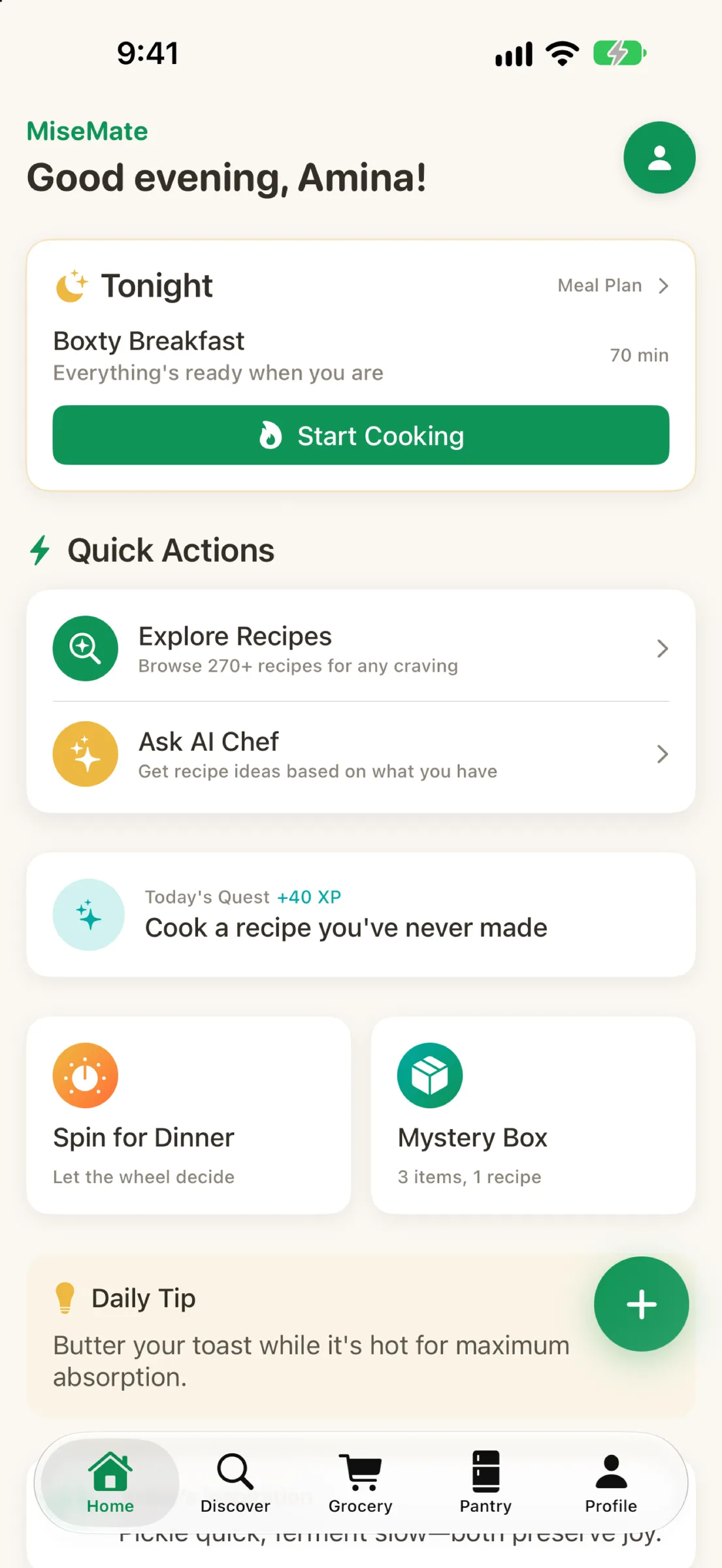
The recipe app landscape has split into tribes. Some apps excel at discovery—endless collections, curated feeds, inspiration. Others focus on planning—calendars, grocery lists, family coordination. A few try to be everything and end up overwhelming. MiseMate takes a different path. It treats your entire cooking experience as one continuous flow: find a recipe, scale it to your household, build a smart list, cook with guidance, then save what worked. Nothing gets left behind in separate apps.
What is a recipe app?
What types of recipe apps are there?
Most recipe apps fall into one of three buckets. Discovery and inspiration tools let you browse thousands of recipes, filter by cuisine or cook time, and save favorites. Meal planning and list builders focus on the logistics: calendar views, automatic grocery lists, family sync, and sometimes recipe swaps. Cooking assistants guide you step-by-step with timers, substitution suggestions, and technique tips. The best home cooks often bounce between two or three apps because no single tool handled all three tasks equally well.
Where MiseMate fits
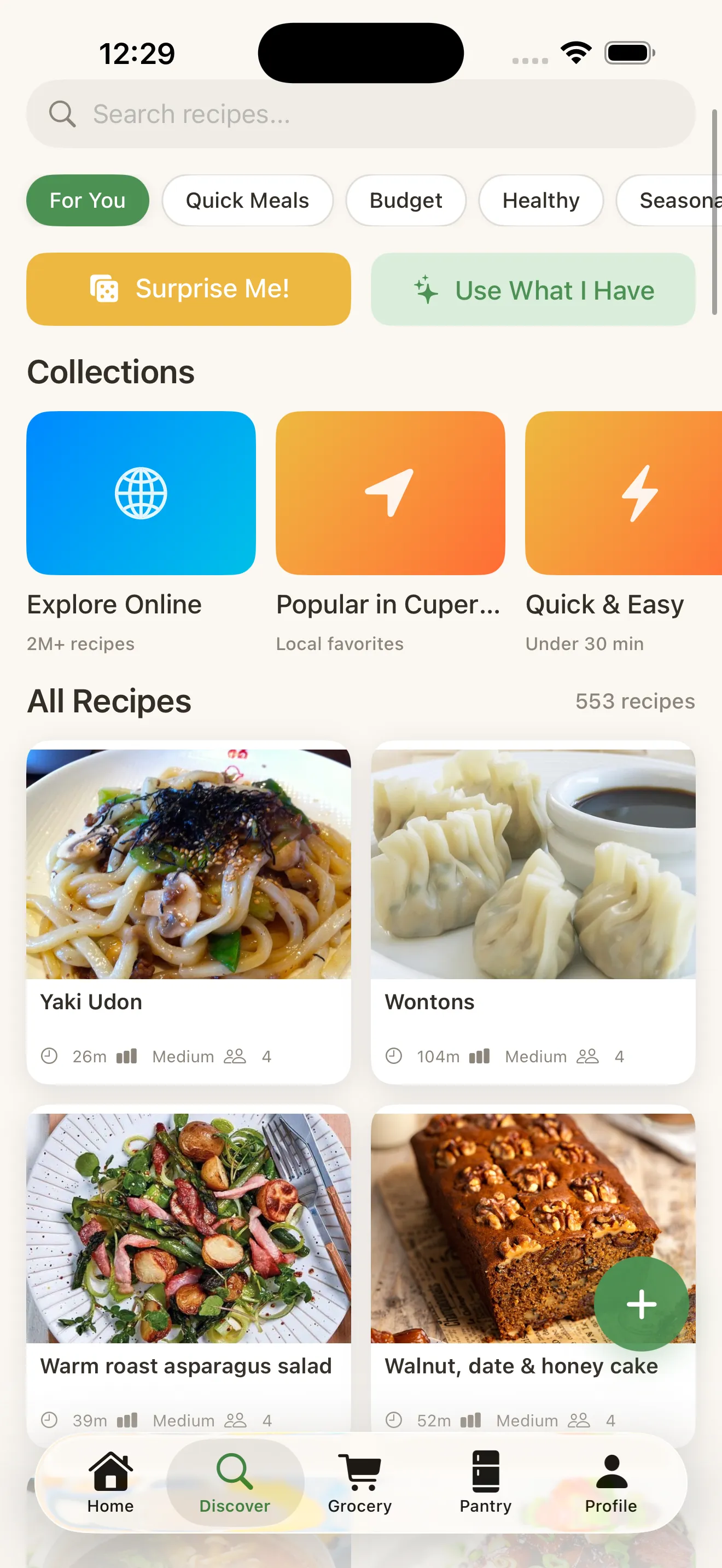
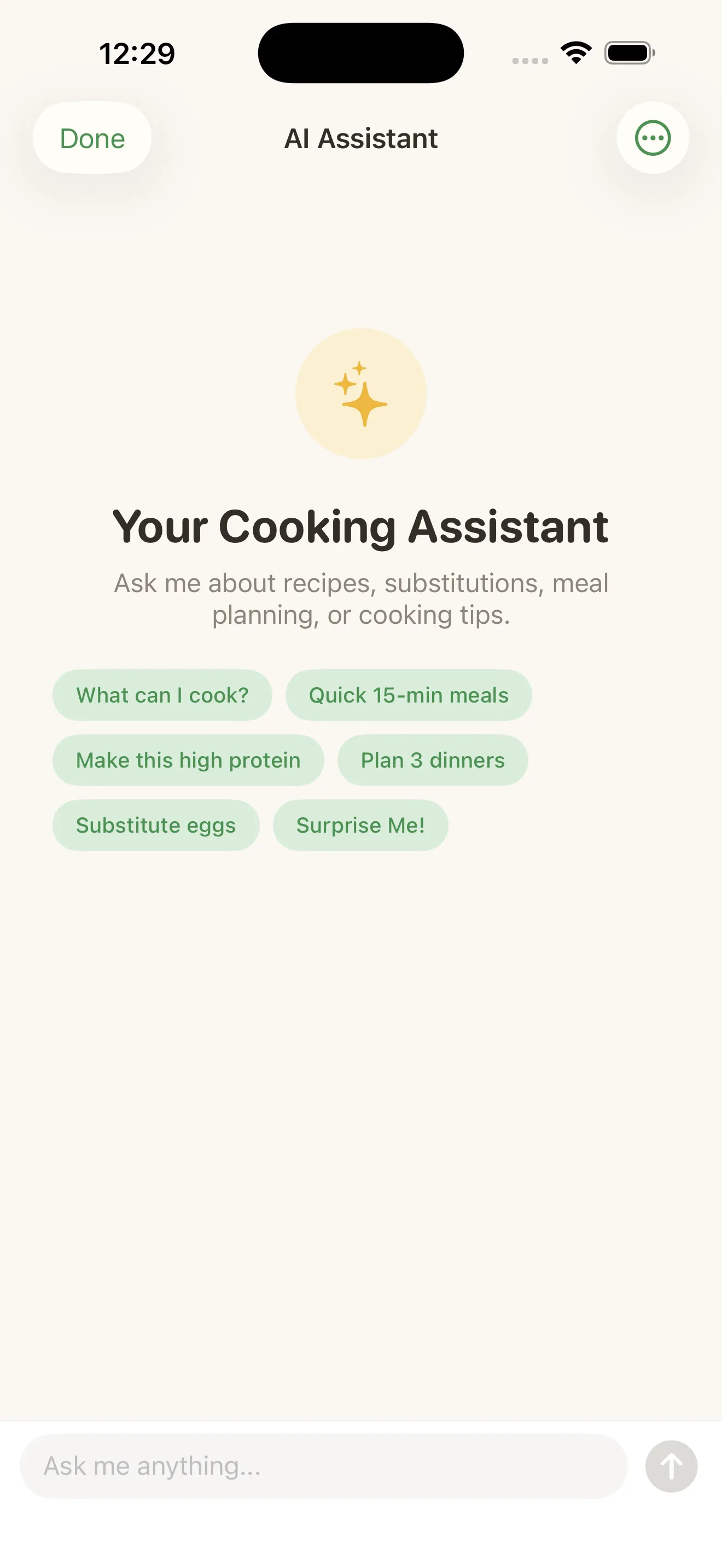
MiseMate doesn't pick a lane—it connects them. Start by discovering from over 2 million recipes and 276 built-in options across 30+ cuisines. Find something that matches your dietary preferences and skill level. Scale the ingredients automatically to your household size. Generate a smart grocery list that groups items by store section. Cook with a step-by-step mode that times each phase for you. If you're stuck, ask Claude AI for a substitution, a diet rewrite, or what to make with what's in your fridge. Each step flows into the next without friction.
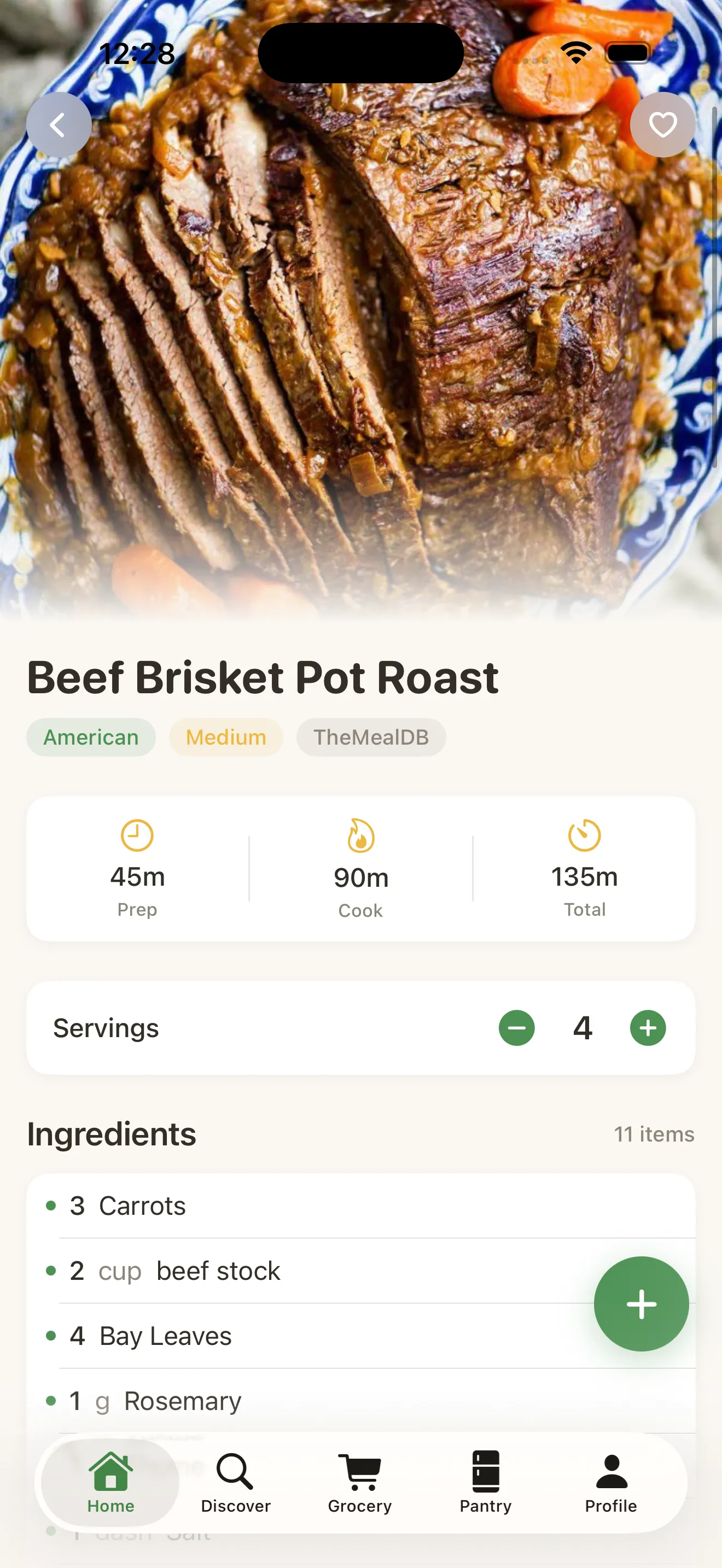
The gap most recipe apps leave is the bridge between finding something and actually cooking it without switching tools.
Discovery without overwhelm
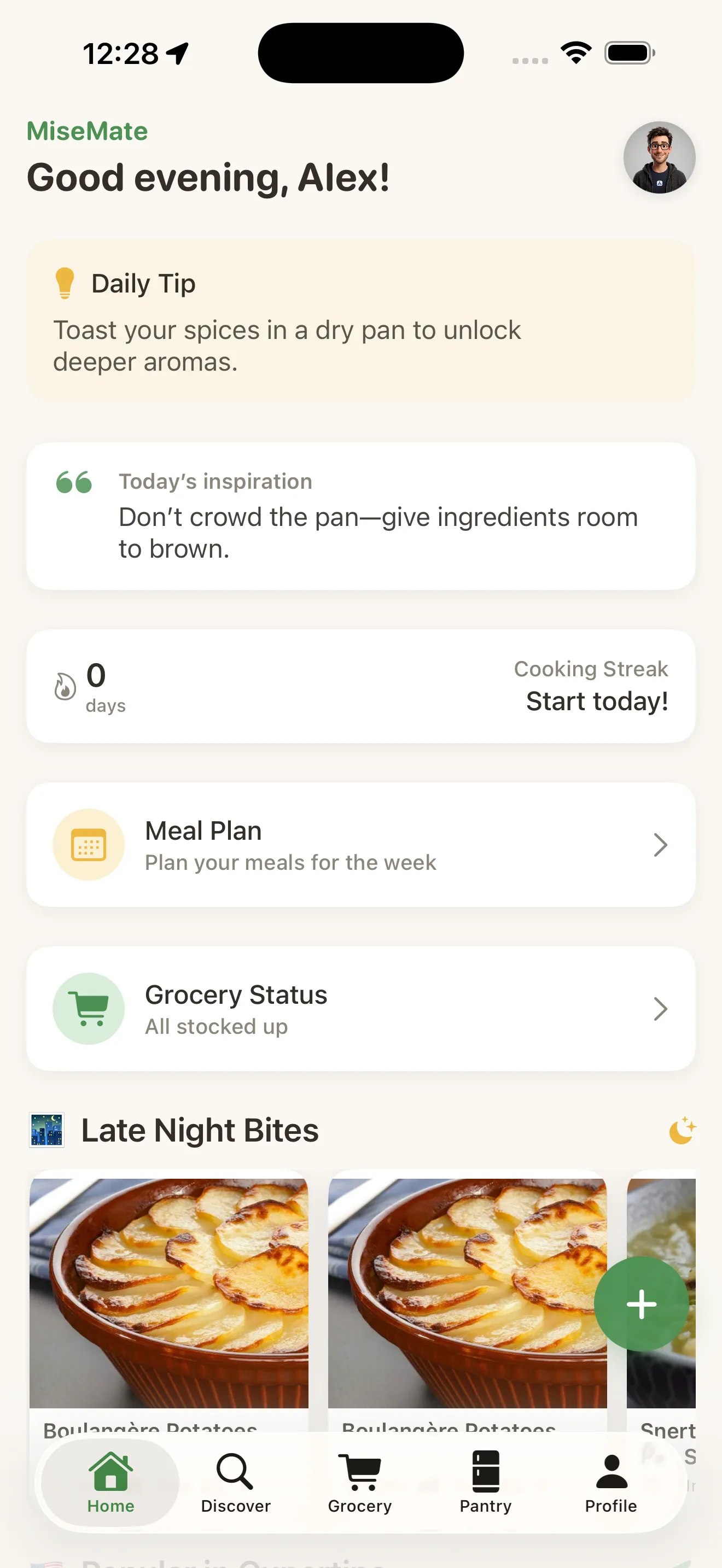
Apps heavy on discovery often bury you in options. MiseMate uses personalization to show you recipes that fit your life from day one. Set your dietary preferences, allergies, and cooking skill level during onboarding. The app respects those boundaries instead of showing you thousands of irrelevant results. Recipes that don't match your setup simply don't clutter your feed. As you cook, the algorithm learns what you actually make, not just what you save.
The AI ingredient: smarter suggestions, not just features
MiseMate integrates Claude AI to handle the questions that usually send you searching elsewhere. Ask it what to cook based on what's in your pantry. Request a substitution when you don't have an ingredient. Rewrite a recipe for a new diet or dietary restriction. Get coaching on technique or timing. The assistant understands context—it knows the recipe you're looking at, your preferences, and your household size. This isn't AI for the sake of it; it reduces the friction that comes up mid-cook.
What's free, what's premium
Core features—recipe browsing, ingredient scaling, grocery lists, and cook mode—come free. Premium adds the AI kitchen assistant, meal planning calendar, and other depth. This matters: you can try the full workflow without a subscription. Most cooks will find the free tier complete. Those who want meal planning and AI coaching can upgrade. MiseMate's design turns recipe chaos into kitchen confidence by making every feature feel earned, not hidden.
- Discovery approach
- 2M+ searchable recipes + 276 built-in across 30+ cuisines with personalization
- Ingredient scaling
- Automatic, household-size aware, free
- Cooking guidance
- Step-by-step mode with timers; Claude AI for substitutions and technique
- Grocery lists
- Smart lists grouped by store section, auto-generated from scaled recipes
- Meal planning
- Calendar view available in premium
- Core cost
- Free with optional premium tier
Who is MiseMate for?
- Home cooks tired of bouncing between discovery, planning, and cooking apps
- Anyone who scales recipes frequently (growing families, meal prep routines)
- People who want cooking guidance but don't like rigid meal plans
- Cooks with dietary preferences or allergies who need smart filtering
- Those who want to reduce kitchen waste through smarter shopping and pantry use
- Families looking for one shared app instead of three separate tools
For more on how MiseMate approaches the broader recipe app space, see our guide to finding the right recipe app for your kitchen.
How do you choose the right recipe app?
Start by naming where your cooking usually breaks down. If you never know what to make, you need a discovery tool that filters by cuisine, cook time and diet. If the problem is shopping and the weekly plan, a meal planner with automatic grocery lists matters more. If you lose your place mid-recipe, look for a cooking assistant with step-by-step timers.
Next, count how many apps you already switch between. If you find a recipe in one app, copy it into a list in another and cook from a third, you will benefit most from an app that connects those steps.
Finally, check what is free before you subscribe. Choose an app that lets you try the whole workflow first, then upgrade only for the features you actually use.
Common questions
What is a recipe app?
How do I choose a recipe app?
Is MiseMate free?
What does the MiseMate premium subscription add?
This article was drafted with AI assistance and reviewed by a human editor before publishing.