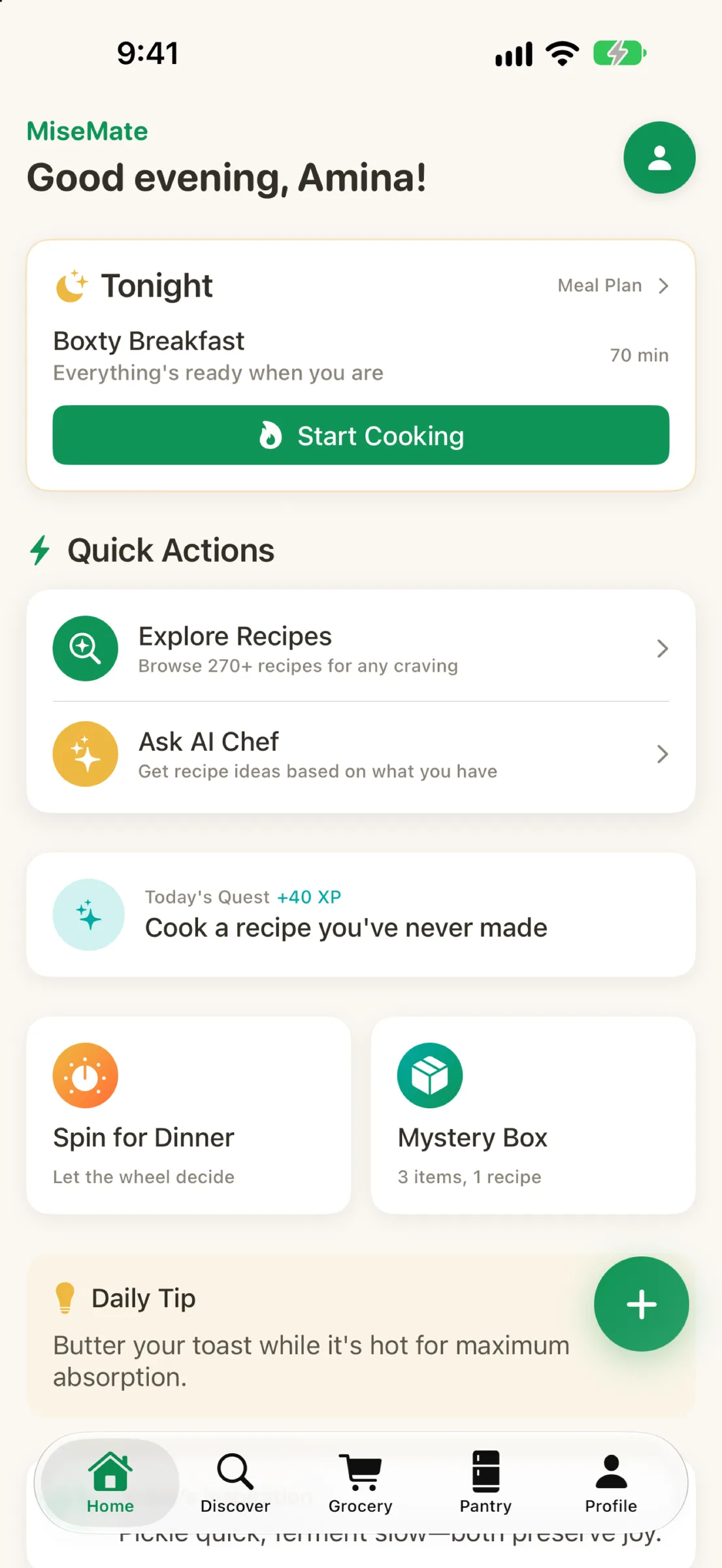
Cooking at home should feel less like a puzzle and more like something you actually want to do. MiseMate starts with a simple truth: the gap between wanting to cook and actually cooking often comes down to friction. You find a recipe that looks good but it's for four people and you're cooking for two. The ingredient list has items you're allergic to. You're not sure if that substitution will work. You're standing in the kitchen staring at step three wondering if you're on track. These aren't small problems—they're the reasons people order takeout instead. MiseMate removes that friction by threading together recipe discovery, ingredient scaling, real-time cooking guidance, and AI-powered suggestions into one continuous flow.
Discovery without overwhelm
Most recipe apps throw a massive database at you and call it a feature. MiseMate takes a different approach. You get 276 carefully curated recipes built into the app—covering 30+ cuisines—paired with access to 2 million more searchable recipes online. The curation matters. Instead of browsing endless results, you browse curated collections that make sense. New recipe? It's already tagged with nutrition data, cooking time, difficulty level, and ingredient counts so you can make fast decisions.
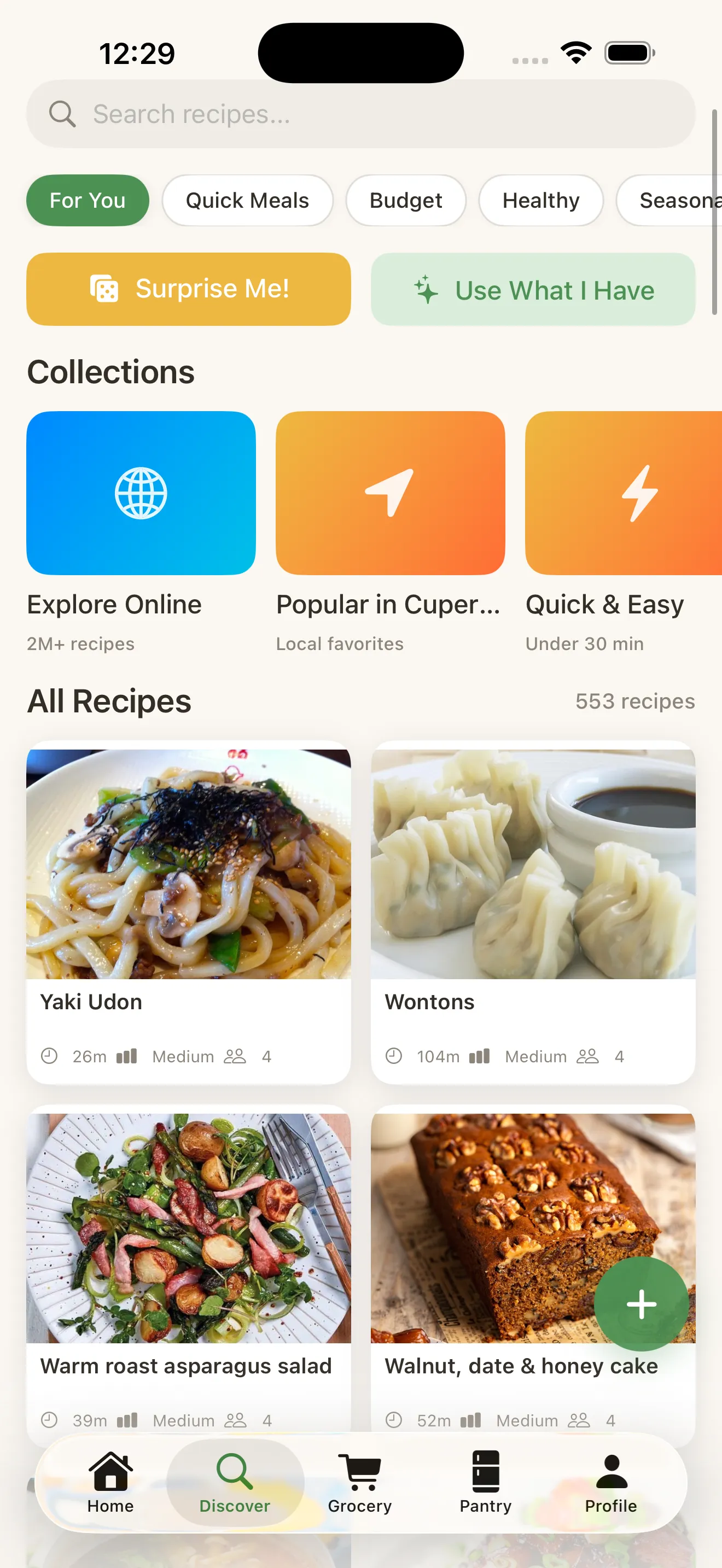
But discovery only works if it matches how you actually cook. That's why MiseMate starts by asking about your household size, dietary preferences, allergies, and cooking skill level. These choices ripple through the entire app—recipes are automatically filtered to your constraints, ingredient scaling respects your household, and the AI coaching adjusts its tone to your experience level.
Scaling that works in real time
Here's where MiseMate solves a problem that should have been solved years ago. You find a recipe for six. You need it for two. Most apps let you type in a number and hope the math is right. MiseMate scales ingredients intelligently—accounting for how different ingredients actually behave when you change batch size. A pinch of salt doesn't scale the same way as a cup of flour. The app understands this.
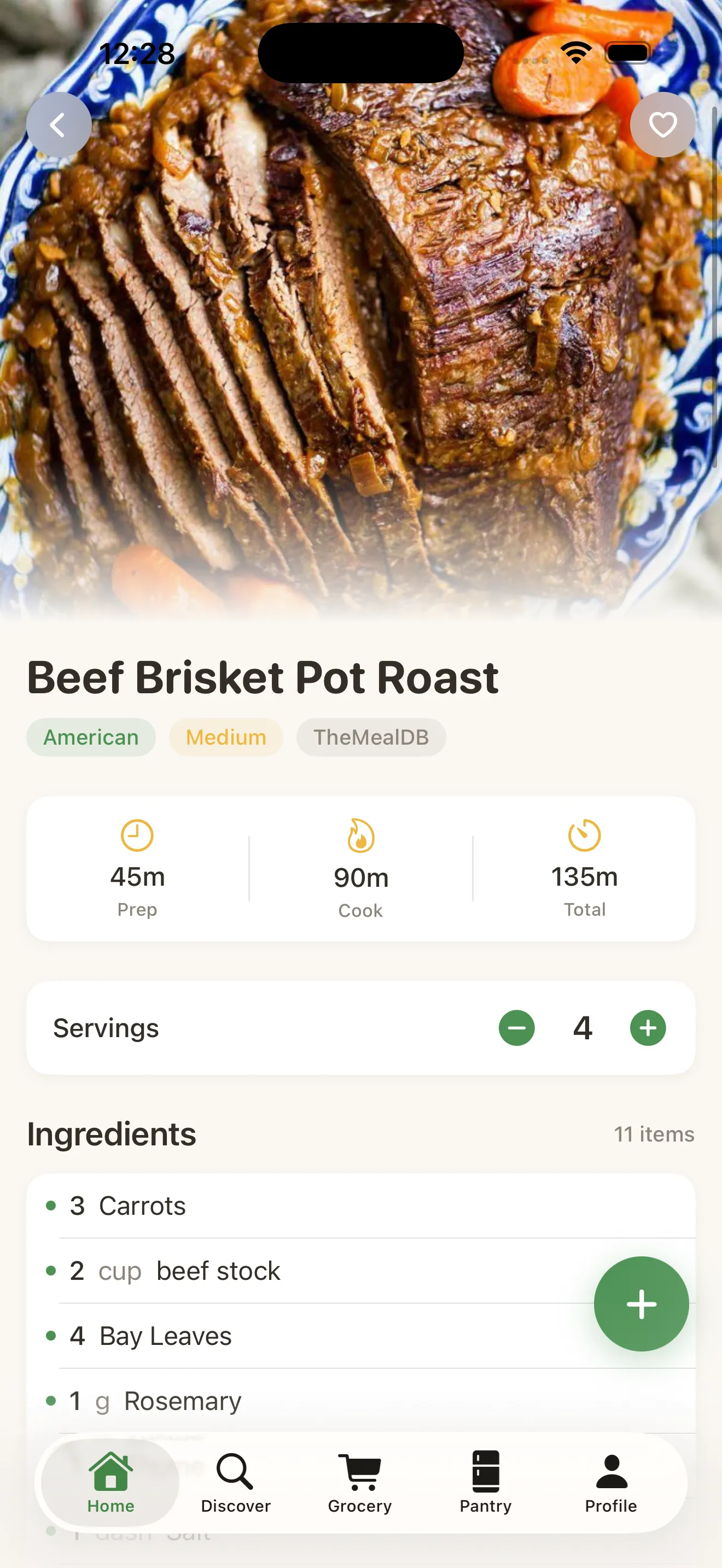
As you scale, nutrition data adjusts in real time. You can see exactly what you're cooking—calories, protein, carbs, all of it, updated for your portion size. And if halfway through you realize you don't have an ingredient or want to swap something in, you can edit the list right there. The shopping list updates instantly.
Cook mode: step-by-step with timers
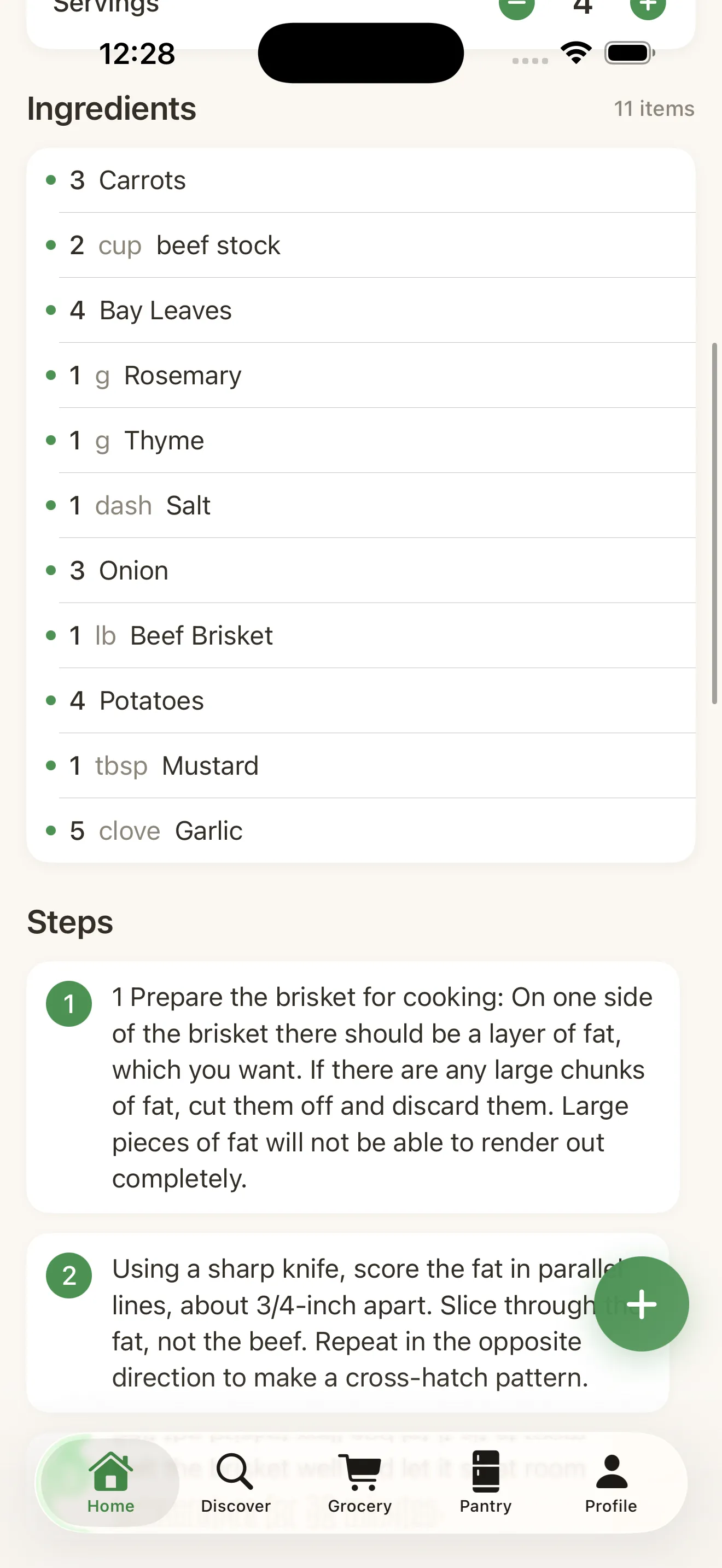
Once you're in the kitchen, MiseMate stays out of the way but stays present. Cook Mode breaks the recipe into individual steps with clear, readable instructions. You tap to advance. Timers run in the background so you're not juggling your phone and the stove. The interface is designed to be readable from across the kitchen—it won't be tiny text that makes you lean in close.
The gap between wanting to cook and actually cooking often comes down to friction. MiseMate removes that friction.
AI that coaches, not just suggests
The AI kitchen assistant in MiseMate runs on Claude and does something more useful than throwing recipe links at you. It actually reasons about what you have. Tell it you have chicken, tomatoes, and garlic, and it suggests recipes you can actually make right now. Tell it you're cooking a recipe but don't have one ingredient, and it recommends substitutions that will actually work—not generic replacements. Need the recipe rewritten for a different diet? It rewrites it. Stuck on a step? It coaches you through it.
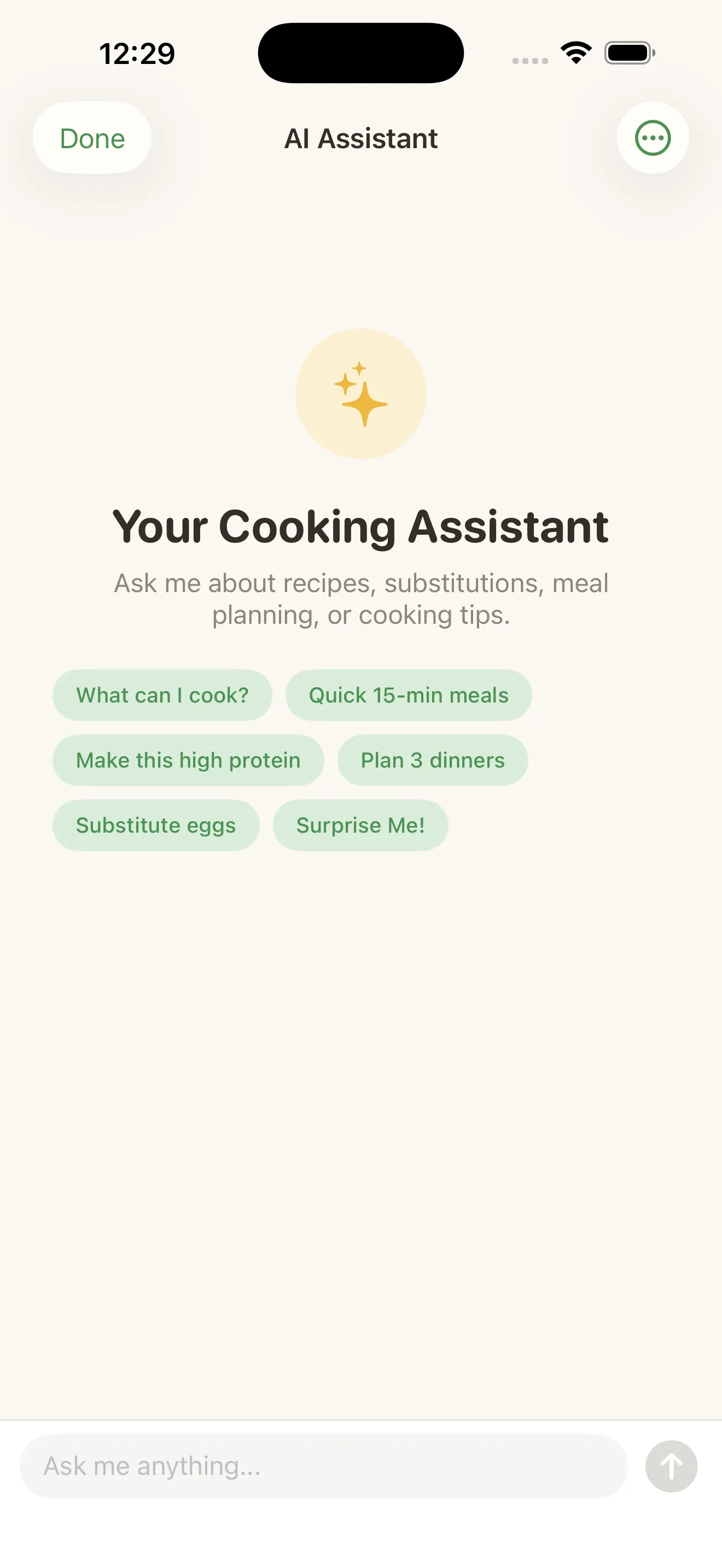
This is the kind of feature that sounds nice until you actually need it—and then you realize how much time and frustration it saves. When you're cooking, the last thing you want is to hunt for information or hunt for a workaround. You want an answer, fast.
Meal planning and smart shopping
MiseMate includes a meal planning calendar and smart grocery list building. Plan your week. Pull in recipes. The grocery list automatically consolidates ingredients across all the recipes you've planned—so you're not buying chicken three times or duplicating pantry staples. You can sort by grocery store layout, check items off as you shop, and even see quantities that account for all your planned meals at once.
The core features—recipe browsing, ingredient scaling, grocery lists, and Cook Mode—are all free. The AI kitchen assistant, meal planning calendar, and advanced features unlock in Premium. This is intentional. MiseMate wants you to experience the core workflow first. If you're already scaling recipes and cooking with timers, upgrading to unlock AI feels like a natural extension, not an upsell. For more context on how different recipe apps approach features and pricing, read our comparison of recipe apps.
Design that respects your time
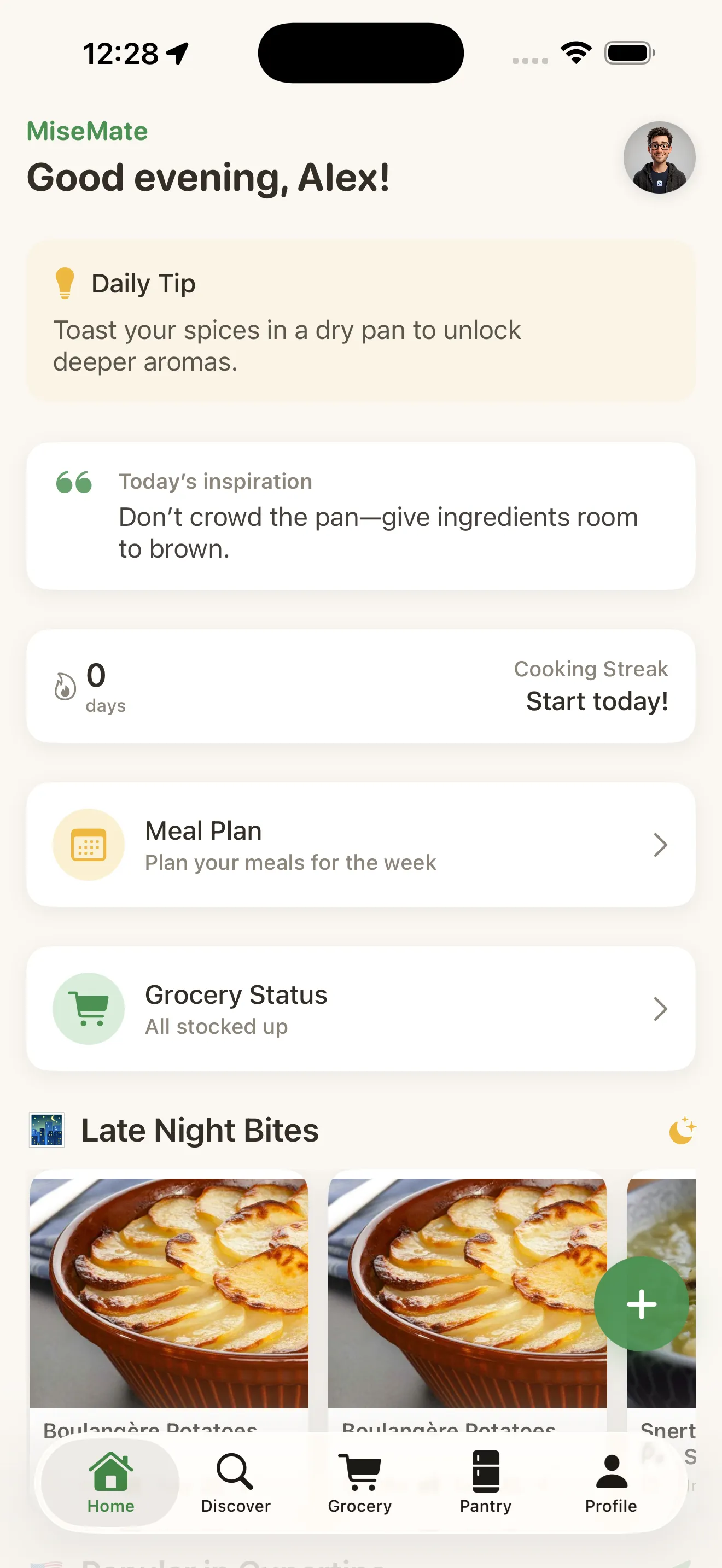
Every decision in MiseMate comes back to one question: does this save you time or waste it? The onboarding takes two minutes because it asks what matters and skips the rest. The home dashboard shows your cooking streak, your recent recipes, and AI suggestions—so you always have a starting point. Recipe search is fast. Scaling is instant. Cook Mode doesn't require you to navigate menus while your pan is heating. The app knows that when you're cooking, your attention is divided. So it doesn't fight for attention.
This article was drafted with AI assistance and reviewed by a human editor before publishing.