The moment you open most bill trackers, you're greeted with red alerts, bank login screens, and a general sense of dread. They're built for people who like numbers and panic in equal measure. But what if tracking recurring payments and split subscriptions didn't have to feel like a financial emergency? Crashout Calendar starts with a different premise: your bills are real, but they don't have to feel like a crisis.
The two worlds of bill tracking
There are really two camps when it comes to managing recurring payments. On one side, you have the heavyweight platforms—financial aggregators that pull your entire banking history, categorize every transaction, and flag anything that looks odd. They're powerful, but they demand access to your credentials and thrive on alerting you to problems. On the other side are lighter tools that let you manually log bills and subscriptions, giving you more control but requiring more effort. Each approach serves a purpose, but each comes with trade-offs.
Where Crashout Calendar fits
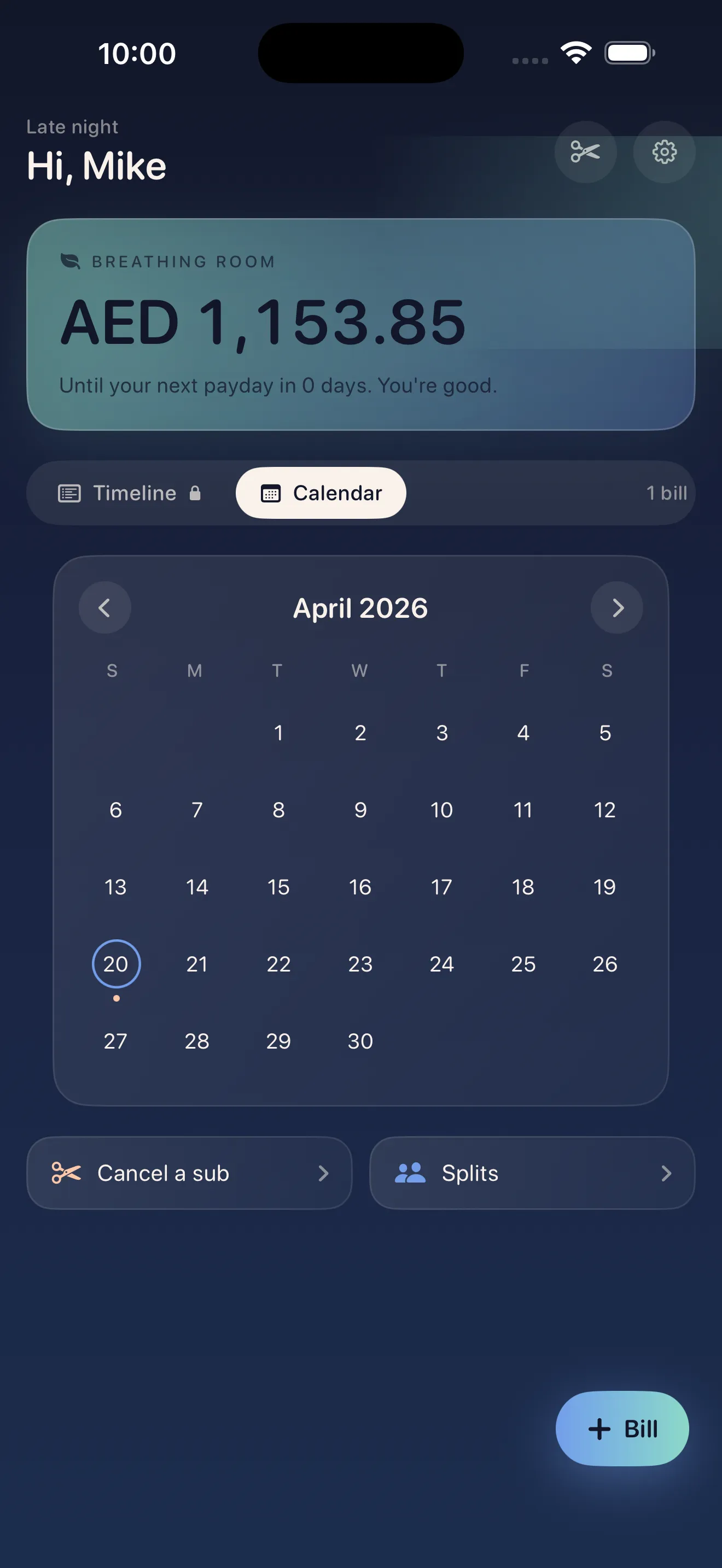
Crashout Calendar sits in the middle—focused entirely on the bills and subscriptions you actually care about, without asking for your bank login or filling your screen with dread. It's built for people who want to know what's coming out of their account each month (so they can breathe easier), split costs fairly with roommates, and cancel services without wrestling through dark patterns. The calendar view is intentional: you see your month at a glance, know exactly when money leaves, and understand your breathing room until payday.
The recurring payment approach: manual but meaningful
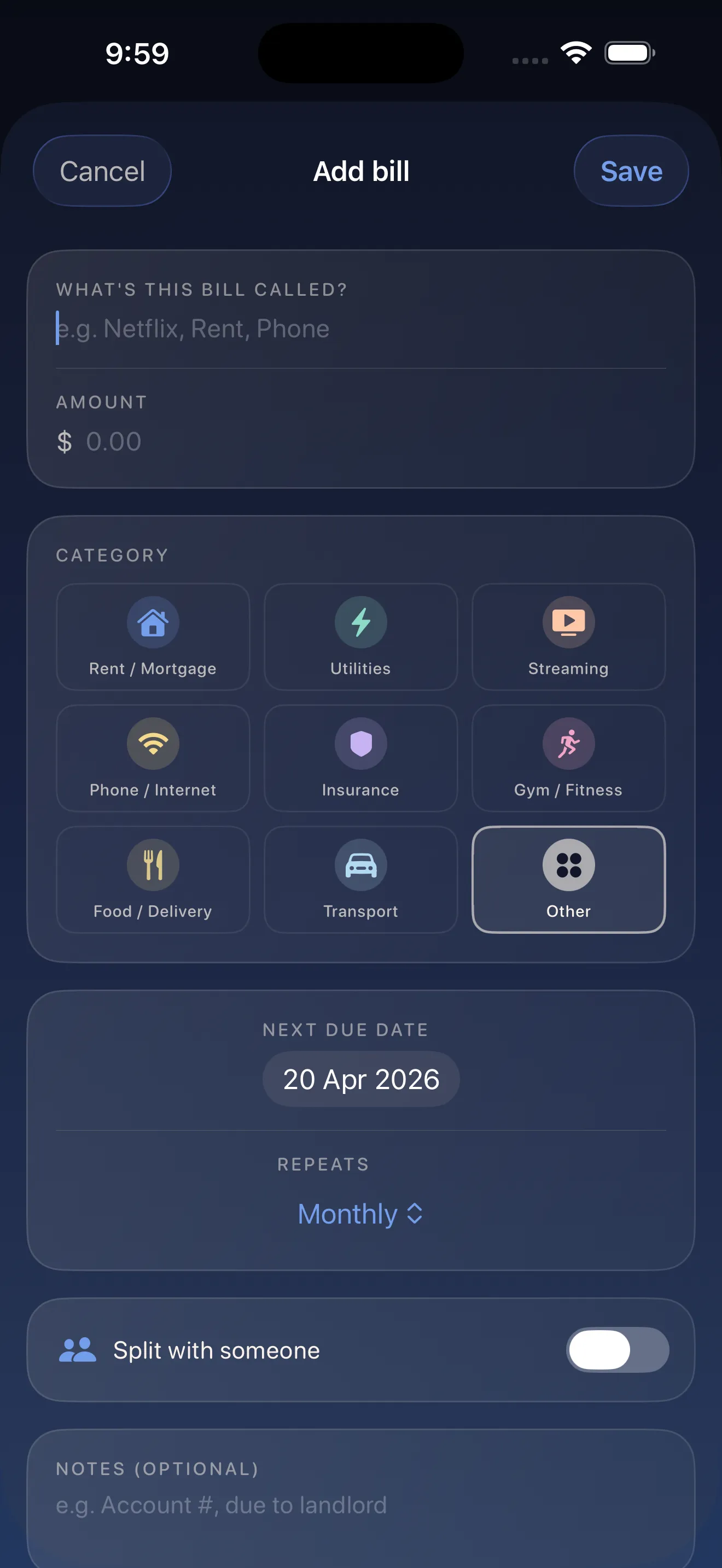
Manually logging recurring payments sounds tedious, but Crashout Calendar makes it genuinely fast. Smart category and recurrence detection means the app learns what you're tracking. Most people can add 8 recurring bills in three minutes. Once they're in, you get a real-time view of what's leaving your account—no algorithms guessing, no cloud storage holding your financial secrets, everything stays local on your device. This approach trades a few minutes of setup for something most heavyweight platforms never give you: complete privacy and control.
Split subscriptions without the awkwardness
One of the messiest parts of shared living is splitting subscriptions. Who pays for Netflix this month? When does the Hulu bill actually leave? Crashout Calendar lets you tag bills as shared and track who owes what, without turning your roommate into a spreadsheet. You see exactly which payments are split, and the math is already done for you.
Most bill trackers treat your finances like an emergency. Crashout Calendar treats them like something you can actually manage.
Cancel guides built in—no concierge needed
Here's something almost no other app does: Crashout Calendar includes step-by-step cancellation guides for over 20 services (Netflix, Spotify, Hulu, HBO, Disney+, and more). If you've ever realized you're paying for something you don't use and gotten trapped in a company's intentionally confusing cancellation process, this is a real relief. The guides are right there, no separate trip to Google, no phone call required.
Privacy as a feature
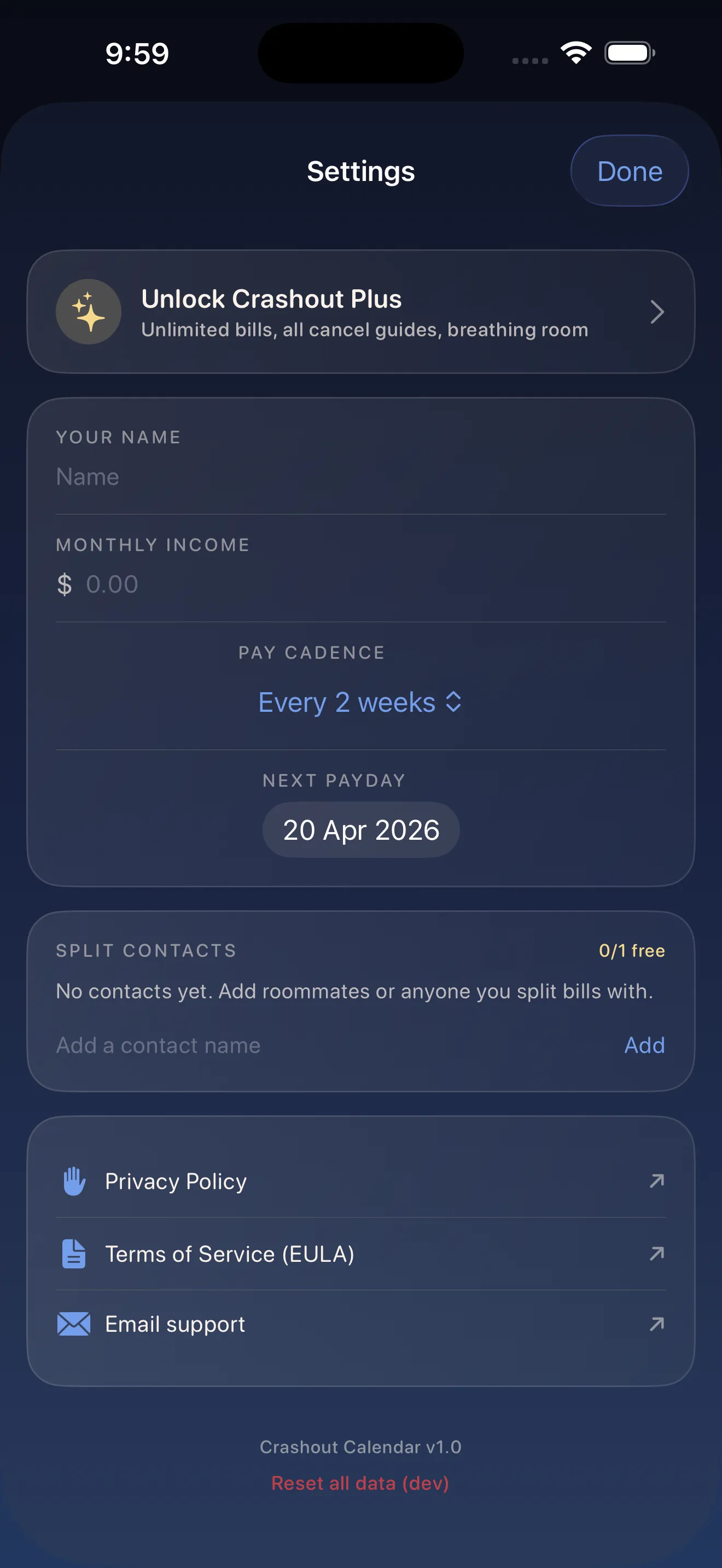
Most bill trackers want your banking credentials because that's how they make their model work. Crashout Calendar doesn't. There's no Plaid integration, no cloud sync of your financial data, no algorithm watching your spending patterns. Everything lives on your device. You're not trading your data for convenience—you're getting both at once. If you're looking to understand how to set up your first kind bill tracker, our setup guide walks you through it in five minutes. And if you want to understand how this design philosophy actually came about, we've written about what makes this kind of tracker different.
- Approach
- Manual entry with smart suggestions
- Bank login required
- No
- Cloud storage
- No—everything stays on device
- Primary focus
- Recurring payments, splits, cancellations
- Alert system
- Calendar-based breathing room, not red alerts
- Split tools
- Yes, with roommate tagging
- Cancel guides
- Yes, 20+ services built in
This article was drafted with AI assistance and reviewed by a human editor before publishing.