See your month at a glance
Toggle between a soft monthly calendar and a clean weekly timeline. Bills sit on the days they’re due — no red alerts, no panic-inducing colour coding. Just the shape of your month.

Crashout Calendar is an iPhone bill tracker built around three things most apps miss: a soft monthly calendar (or weekly timeline), a single “breathing room” number that tells you what's left after bills until payday, and built-in step-by-step guides for cancelling 20+ subscriptions like Netflix, Spotify, and Hulu. Add roommates as contacts so splits draft a tidy iMessage instead of an awkward text. No bank login. No account. No cloud.
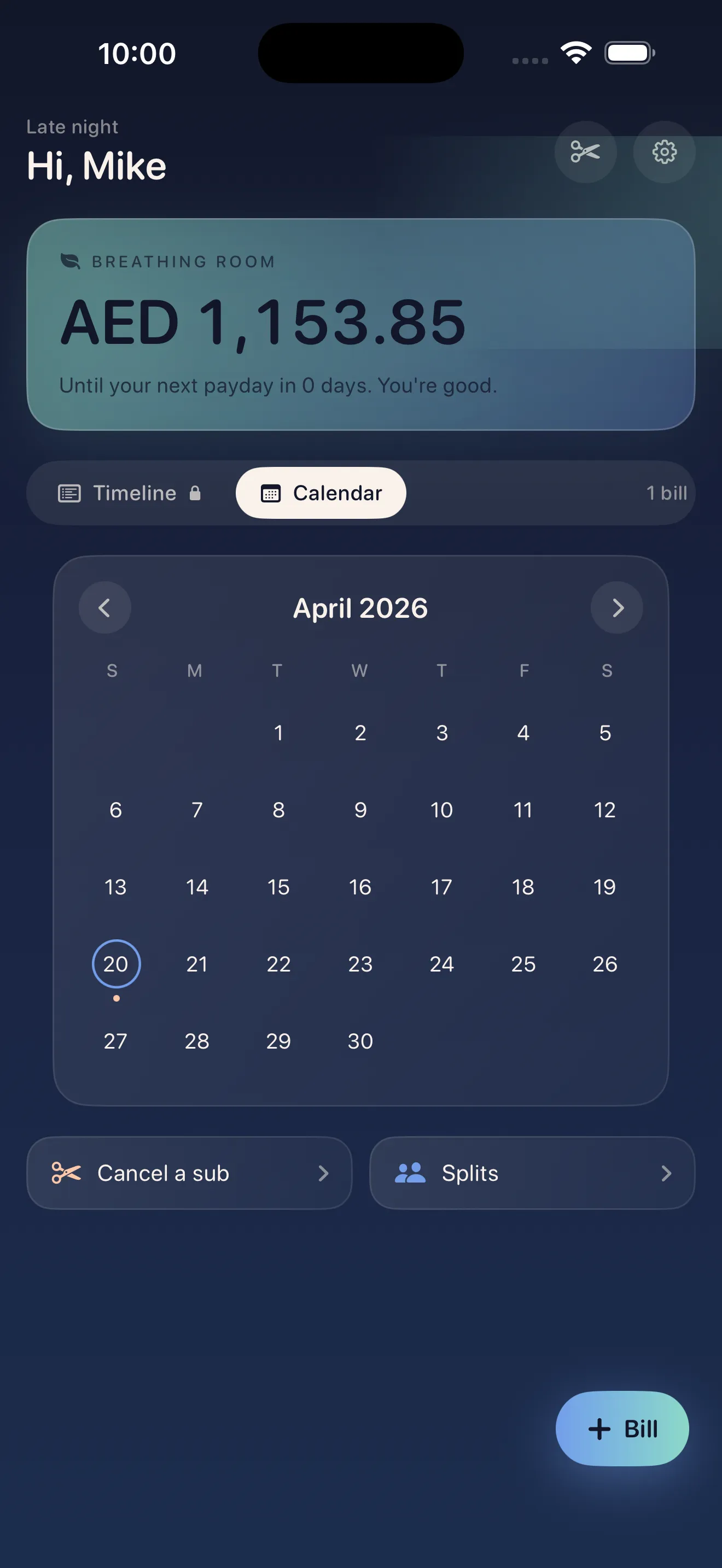
Most bill apps feel like spreadsheets or shame engines — red overdue alerts, Finance-category jargon, bank-linking flows that ask for credentials before they earn trust. Crashout Calendar is the opposite: a soft visual calendar, a single calm number for breathing room until payday, and concrete cancel steps when a subscription has overstayed its welcome. It's the bill app for people who already feel bad about money and don't need an app that piles on.
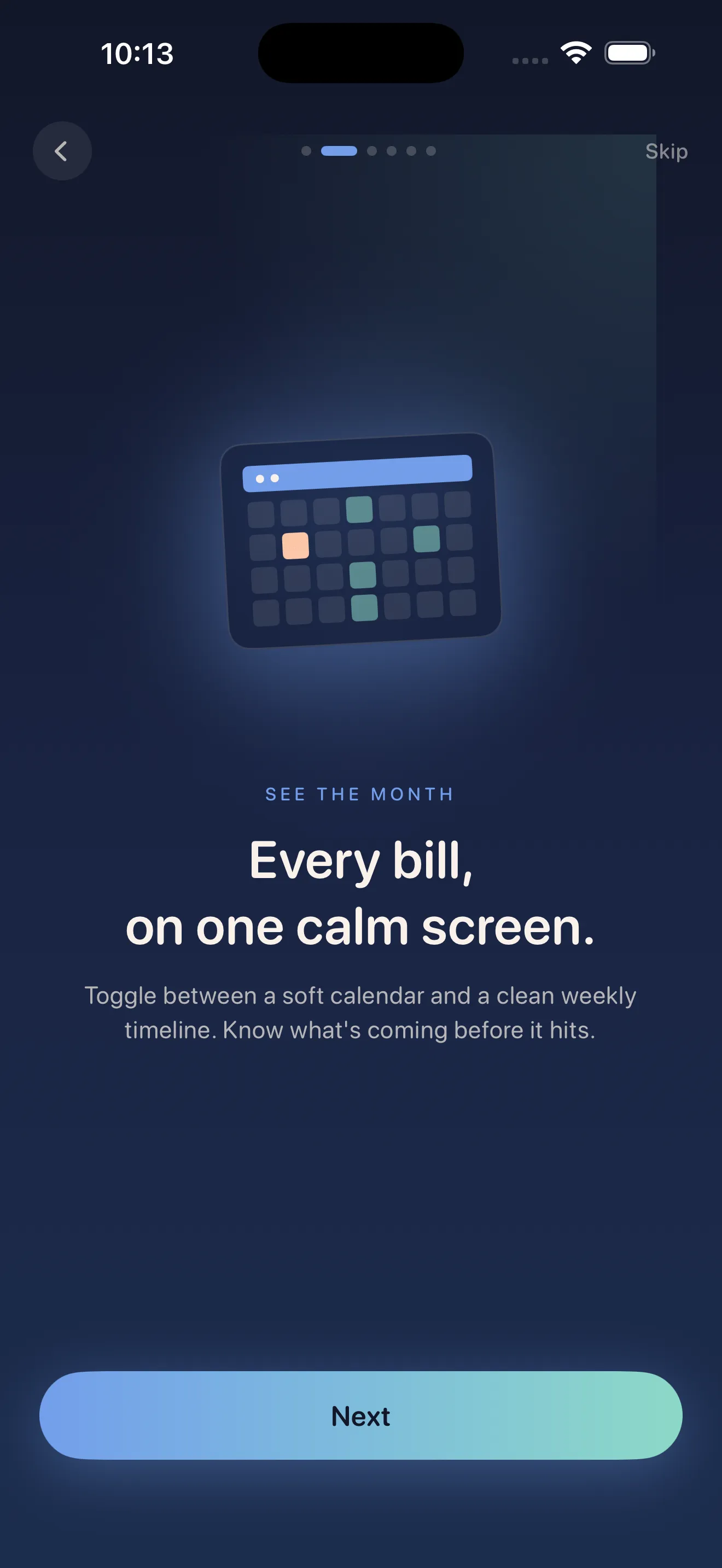
Toggle between a soft monthly calendar and a clean weekly timeline. Bills sit on the days they’re due — no red alerts, no panic-inducing colour coding. Just the shape of your month.
After your bills, how much do you have until payday? Crashout Calendar surfaces that one number at the top of the dashboard. It’s the only metric that actually matters when you’re feeling the dread.
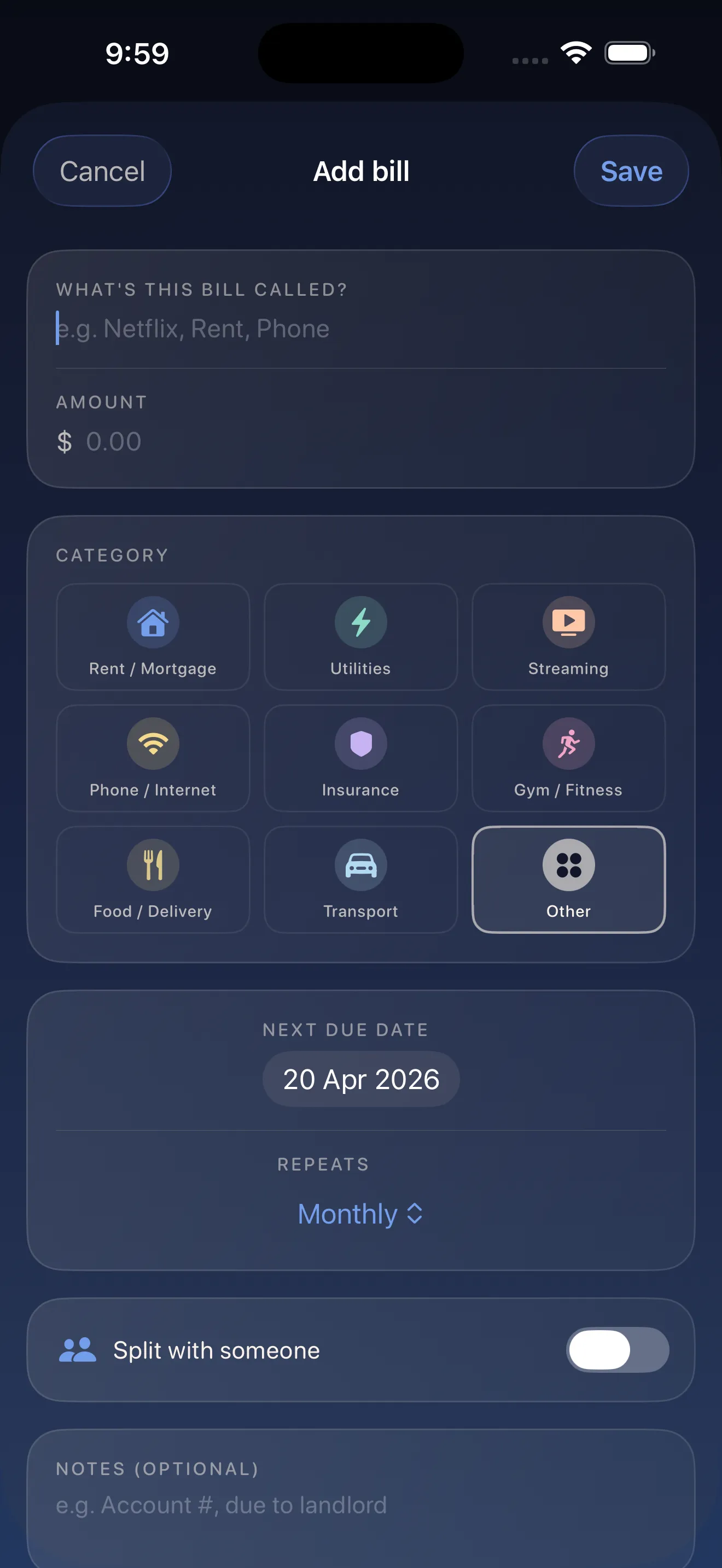
Type a name and the app suggests the category and recurrence (yearly, weekly, or monthly) based on the service. Mark it split with a roommate right from the form. No taxonomy lessons.
Tap a subscription, follow the built-in cancel guide for Netflix, Spotify, Hulu, HBO, Disney+, and 15 more. Two minutes per service, no concierge fee, no upsell.
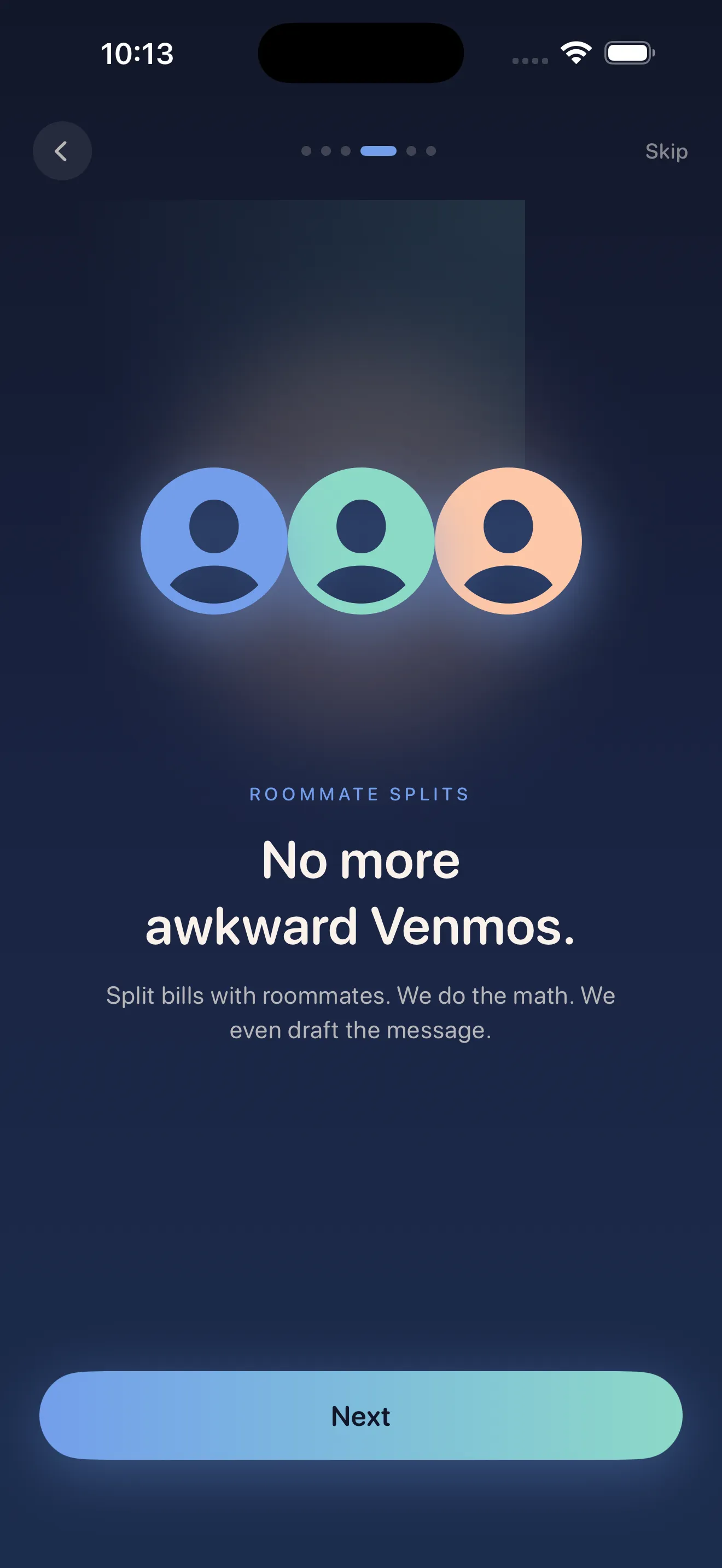
Add roommates as contacts. The app calculates each person’s share and drafts a tidy iMessage so the “you owe me $42” conversation doesn’t have to happen.
No bank login. No account. No cloud. Bills, splits, and breathing-room math all live in local storage on your device. Crashout Calendar is in the Lifestyle category for a reason.
Add eight recurring bills in three minutes. Smart categorisation and recurrence detection mean you barely type. The dread drops immediately.
Just got paid? Open the app and see one number: how much you have until the next payday after bills. That's the whole point.
Spot the five streaming services you forgot about, follow the built-in cancel guides, and reclaim $40+/month without speaking to a human.
Add the internet bill as split with Jess. App shows your share, drafts an iMessage when she owes you. The “you owe me” text is gone.
$0
forever$4.99
per week (3-day trial) or $39.99/yearNo. Crashout Calendar never asks for bank credentials, never uses Plaid, and never moves money. You add bills manually — the whole point is to stay independent of bank-linking apps.
It's the single number we surface at the top of the dashboard: how much money you have left after your upcoming bills until your next payday. It's the only number that actually answers “am I OK?” when you open the app.
Tap any subscription bill and pick "Cancel guide" to get step-by-step instructions for Netflix, Spotify, Hulu, HBO, Disney+, and 15 more popular services. We walk you through the official cancel flow — no concierge fee, no third party touching your account.
The free tier includes up to 3 bills with calendar view, breathing room, and cancel guides. Crashout Plus unlocks unlimited bills, splits, and notifications: $4.99/week with a 3-day free trial, or $39.99/year (about 84% less than weekly). Cancel anytime in iOS Settings.
We believe in transparency. Every app ships with a clear, public privacy policy so you know exactly how your data is handled.
Open privacy policy