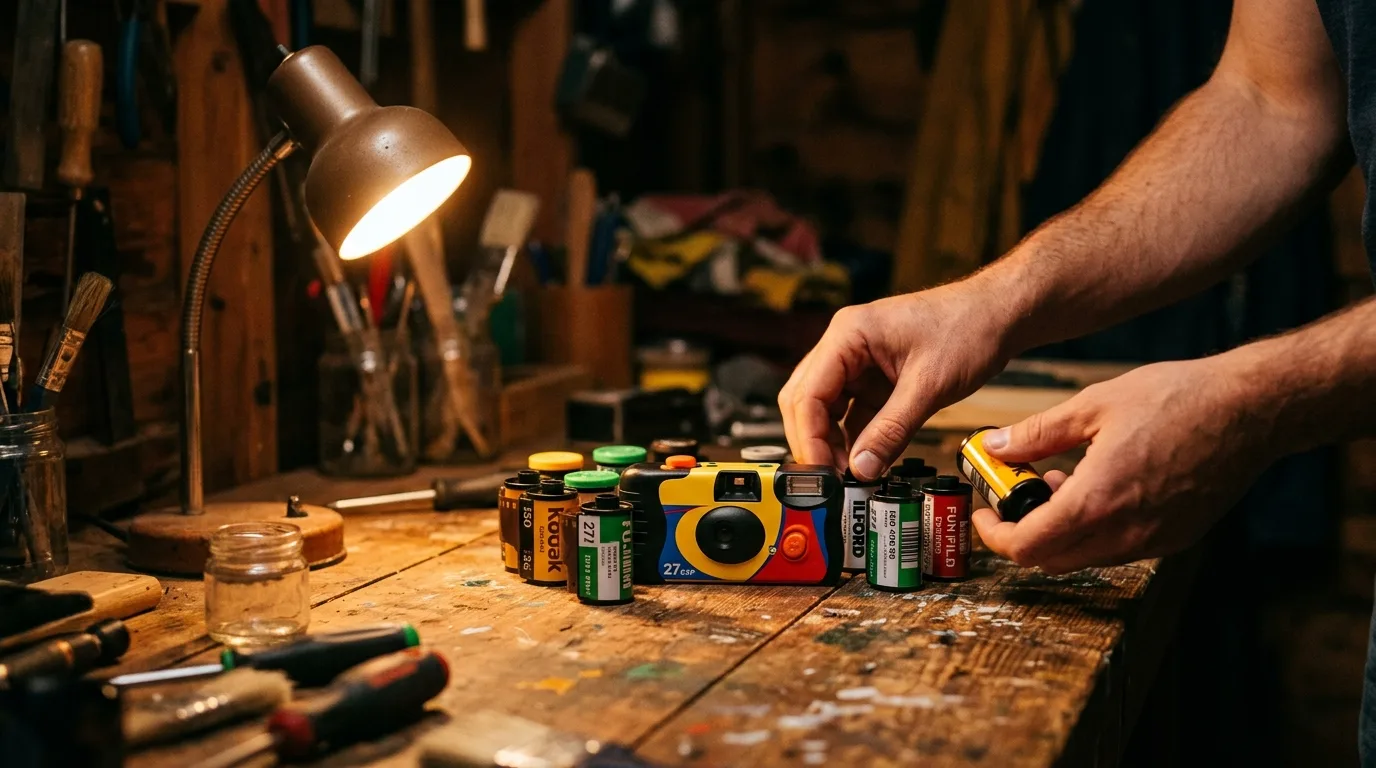
A shared roll only works if someone actually runs it. Hand four people a finite camera and a locked gallery and, left to chance, you'll get a scattered mess of half-remembered frames and an argument about who forgot to develop it. Run it well, and you get one of the only photo formats left that people actually look at twice. Rolla supplies the constraint — one roll, up to four shooters, nothing visible until someone develops it. This is the playbook for using that constraint on purpose.
What you'll have when you're done, and how long it takes
Following this playbook, you'll have a shared roll set up in under five minutes, four people shooting the same finite roll all night without checking a single preview, and one collective reveal at the end instead of four separate camera rolls nobody opens again. Setup is fast. The discipline — who hosts, when to shoot, when to hold back — is what makes the reveal worth having.
- An iPhone with Rolla installed for whoever is hosting
- A guest list of up to four shooters, agreed on before the event starts
- A shot count picked in advance (12, 24, 36, or 48) — see the shared roll checklist if you're unsure which fits your event
- One person designated as the host who will hold the reveal
- A QR code or invite link ready to share at the door, not mid-party
Pick a host before you pick a roll size
Step 1: Pick a host before you pick a roll size
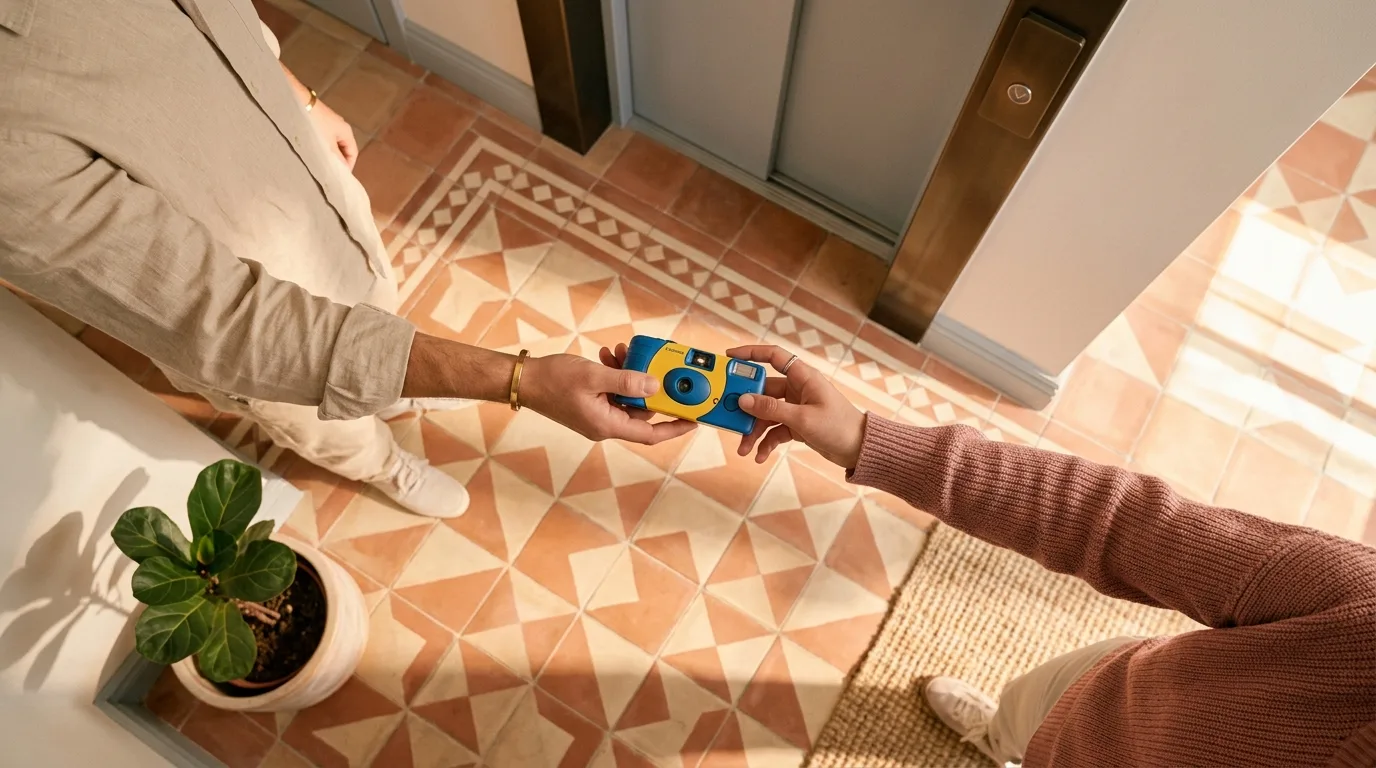
Before anyone opens the app, decide who's holding the roll. The host creates the event, chooses the film look and shot count, and — most importantly — is the only one who can develop the roll when it's time. Pick someone who will actually be there at the end of the night, not the person who leaves early. If this is your first shared roll, the beginner's guide walks through the setup screen step by step.
Match the film look to the night
Step 2: Match the film look to the night
Rolla applies its film look on capture, not after — Kodak Gold, Portra 400, or Tri-X black and white, all GPU-accelerated so there's no mid-shoot filter fiddling. Pick before anyone starts shooting, because everyone on the roll shares one look for the whole event. Gold suits daylight and warmth, Portra flatters skin tones at a wedding or dinner, and Tri-X turns a chaotic night out into something that reads like it happened decades ago.
Set the shot count to the event, not the guest list
Step 3: Set the shot count to the event, not the guest list
A 12-shot roll forces restraint fast — good for a two-hour dinner. A 48-shot roll gives four people room to spread out over a full wedding day. Do the arithmetic before the event: divide your shot count by the number of shooters and by the hours you'll actually be together, and you'll know roughly how often someone can afford to lift the camera. Gulf News notes that with a fixed 27 or 36 exposures, there's simply no room for taking 50 versions of the same selfie — that scarcity is the point, not a limitation to route around.
Invite with a QR code at the door
Step 4: Invite with a QR code at the door
Don't drop the invite link into a group chat an hour before the event and hope everyone remembers. Print or screenshot the QR code and hand it out physically as people arrive, or send the link in the last message before the event starts. Joining takes seconds, but only if it happens at the moment people are already gathered and thinking about the night ahead, not scrolling back through old messages later.
Shoot blind and mean it
Step 5: Shoot blind and mean it
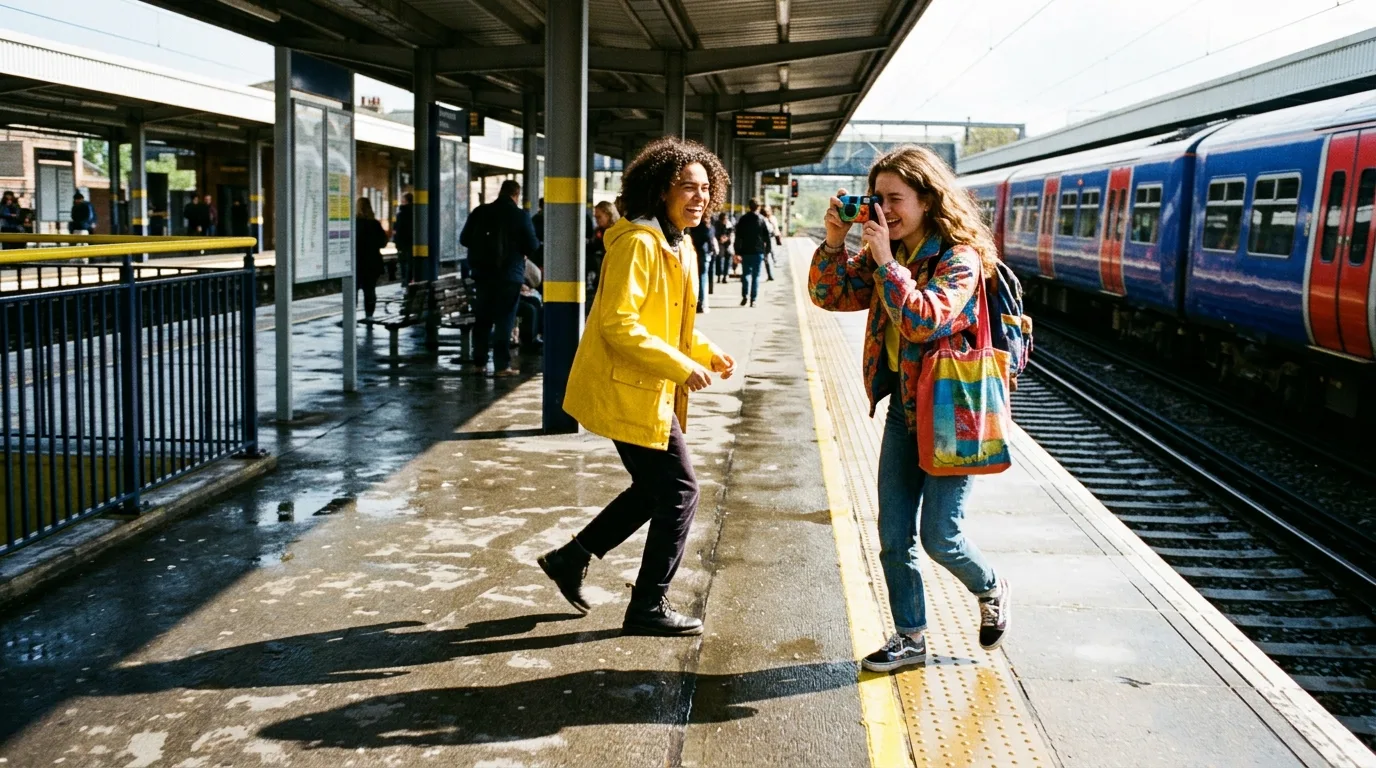
The temptation is to check what you just took. Resist it — the entire mechanic depends on nobody seeing a frame until the reveal. Older research on cameras and attention, a 2017 Psychological Science study, found that people who took photos remembered more of what they saw and less of what they heard, even when they believed the photos would be deleted. A camera doesn't record instead of you paying attention — it redirects where your attention goes. Shooting blind, with no preview to chase, keeps that redirection to a single deliberate glance through the viewfinder instead of a loop of checking and re-shooting.
A camera doesn't outsource your attention. It redirects it — and a locked roll decides where.
Hold back frames for the last hour
Step 6: Hold back frames for the last hour
Groups almost always burn through a roll in the first hour of excitement and have nothing left when the night gets interesting. Agree on a rough budget out loud: if you've got 36 shots and four hours, that's roughly nine an hour, and it's worth saving a third of the roll deliberately for the last stretch, when the best unplanned moments tend to happen. The host can call it out once, halfway through, as a gentle nudge rather than a rule.
Develop together, not alone

Step 7: Develop together, not alone
The reveal is the whole reason to lock the roll in the first place — it turns a folder of images into a shared moment instead of something one person scrolls through privately later. Get everyone in the same room, physical or a call, before the host taps develop. That single shared moment of seeing the roll for the first time together is what a locked, shared roll gives you that four separate camera rolls never could.
Check the age rating before you invite minors
Step 8: Check the age rating before you invite minors
As of September 2026, Apple requires every app to declare whether it has social media capabilities, which carries a minimum 13+ age rating and shows a new Social Media content descriptor on the App Store listing. If you're planning a family event or a roll that includes younger teens, check the app's current age rating on its store page before you send invites. It's worth noting that Pew Research's 2026 survey of parents found they're actually more positive than negative about the friendship side of shared digital experiences, even as they worry about broader social media use.
Common questions
Can I peek at photos before the reveal?
No — that's the entire mechanic. Photos stay locked to everyone, including the host, until the host chooses to develop the roll. There's no workaround, and that's deliberate.
What happens if we run out of shots halfway through the night?
The roll is finite by design. If you run out early, that's a signal your shot count didn't match your event — check the checklist category for guidance on picking 12, 24, 36, or 48 next time.
Can more than four people join one roll?
No, a roll supports up to four shooters. If you have a bigger group, run multiple rolls with different hosts rather than trying to squeeze everyone onto one.
Does everyone need the app before the event starts?
Ideally yes, but joining via QR code or link takes seconds, so a last-minute join at the door still works as long as the host has the invite ready.
Is a shared roll a good fit for a phone-free event?
Very much so. Eventbrite's 2026 data shows phone-free events growing sharply year over year, and a locked, no-preview roll gives people a way to capture the night without pulling a phone out to check or share in the moment.
Sources
This article was drafted with AI assistance and reviewed by a human editor before publishing.