What You'll Have When You're Done
In about five minutes, you'll go from a crumpled receipt to a split that's assigned, taxed, tipped, and ready to send — with every person's share confirmed and no one doing math on a napkin.
Before You Start
- An iPhone with SplitSnap installed (or ready to download)
- The physical receipt, or a clear photo of it saved in Photos
- A rough headcount for the table
- Two minutes of quiet to tap through the assignment screen before everyone scatters
This walkthrough covers the same flow whether you're closing out a work lunch or a big group dinner. If you'd rather see it explained a different way first, SplitSnap has its own overview page — otherwise, let's go step by step.
The Walkthrough
Step 1: Open SplitSnap and start a new split
Launch the app and tap the scan button on the home screen. If this is your first time, SplitSnap will ask for camera access — allow it, since that's how Claude Haiku Vision reads the receipt. You'll land on a live camera view framed for a standard receipt.
Step 2: Scan the receipt
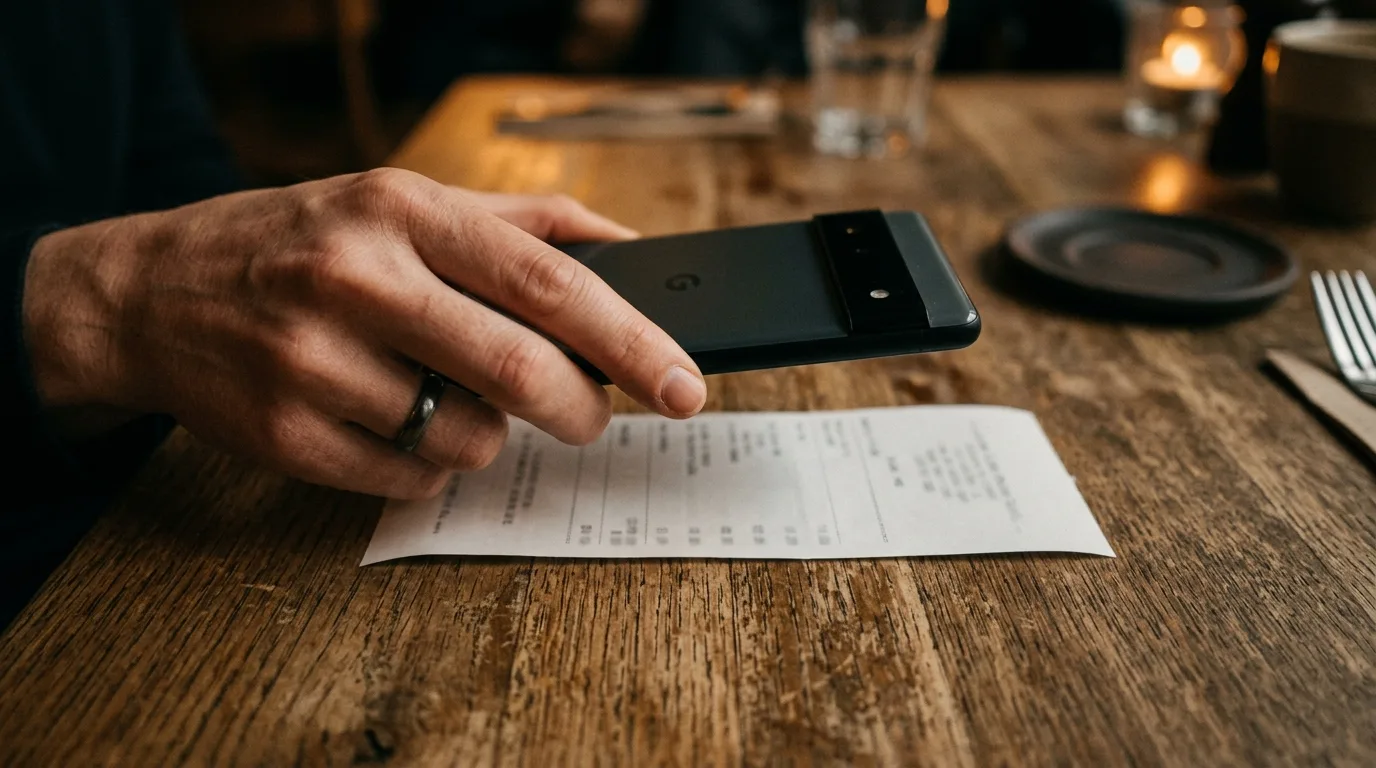
Lay the receipt flat under decent light and fill the frame, then tap the shutter. Claude Haiku Vision reads every item, price, tax, and tip line in one to three seconds — no cropping or straightening required on your part. A crumpled or slightly blurry receipt is usually fine; if the AI can't read a line, it flags it instead of guessing.
Step 3: Check what the AI found
SplitSnap shows you the parsed list: each item, its price, the subtotal, tax, and tip if the receipt included one. Scan down and confirm nothing looks off. This step is where you catch a smudged price or a missing item before it affects everyone's share.
Step 4: Assign items to each person
Add the people at the table, then tap each line item and assign it to whoever ordered it. Shared plates can be split across multiple people with one tap. This is the step that actually matters, since splitting a bill fairly when everyone ordered differently comes down to accurate assignment, not clever math.
Step 5: Let SplitSnap distribute tax and tip
Once items are assigned, SplitSnap automatically spreads tax and tip proportionally across each person's subtotal, so nobody pays a flat share for someone else's steak. You'll see each person's final total update live as you make changes.
Step 6: Generate and share the split card
Tap to generate the shareable split card — a clean summary of who owes what. Send it straight to the group chat instead of typing out totals by hand. If getting people to actually pay is the part that usually stalls, the card is a good first step toward actually getting paid back after splitting a restaurant bill.
Step 7: Save it to your split history
Every split you generate is saved automatically, so you can re-share the card later if someone claims they never saw it. If you eat with the same group often, history also makes it easy to spot patterns — who's usually the one fronting the bill.
Common Questions
Common questions
What if the AI misreads an item?
Tap the item to edit it manually. SplitSnap lets you correct a price or item name without rescanning the whole receipt, and manual entry is always available as a fallback if a receipt is too damaged to scan.
Does SplitSnap work for receipts that aren't in English?
Yes. It reads receipts in over 30 languages, which covers most restaurants you'd run into on a trip. Currency conversion for travel is a Pro feature if you're splitting a bill in a currency you don't use at home.
How many scans do I get for free?
The free tier includes up to 5 scanned receipts a month, with full item assignment, tax and tip distribution, and the shareable split card included — no feature gating on those five.
What if we split the same way every week with the same group?
Check your split history instead of starting from scratch. It's also worth reading the group dinner bill-splitting checklist if your group has a recurring routine, since it covers habits that save time beyond just the scan.
This article was drafted with AI assistance and reviewed by a human editor before publishing.