
Most of us don't actually focus better alone. We focus better when someone else is quietly working nearby, even if they're not talking to us or watching what we do. That's the whole idea behind Locked In, an iPhone app built around the feeling of studying with company instead of studying at a countdown. Here are the questions people ask most before they try it.
What is Locked In?
How does Locked In work without video calls?
Locked In swaps the video call for ambient presence: you tap start, choose a vibe, and a companion offers gentle check-ins while a timer runs in the background, so there's no camera to turn on and no one else's session to schedule around. It's built to feel like someone is in the room with you, not like you're performing for a webcam. For a step-by-step walkthrough of your first session, see how to start a focused study session with a companion.
Is Locked In free to use?
Yes — the core loop of Locked In, meaning the full timer, one vibe, streaks, a daily locked-in log, the Live Activity, and the home screen widget, is free forever and never sits behind a paywall. Nothing about staying accountable is held back for later; what you get on day one is what keeps working for as long as you use the app.
How is Locked In different from study with me YouTube videos?
Locked In gives you the same sense of company as a study-with-me video without the runtime, ads, comments, or fixed start time you get on YouTube. You choose your own session length and vibe on demand instead of matching someone else's stream, and the companion checks in with you specifically rather than sitting silently on a shared screen. If you're curious how the video format holds up on its own, this breakdown of what study-with-me videos actually help with is a good place to start, and the idea of working near someone else without direct interaction has a name: body doubling.
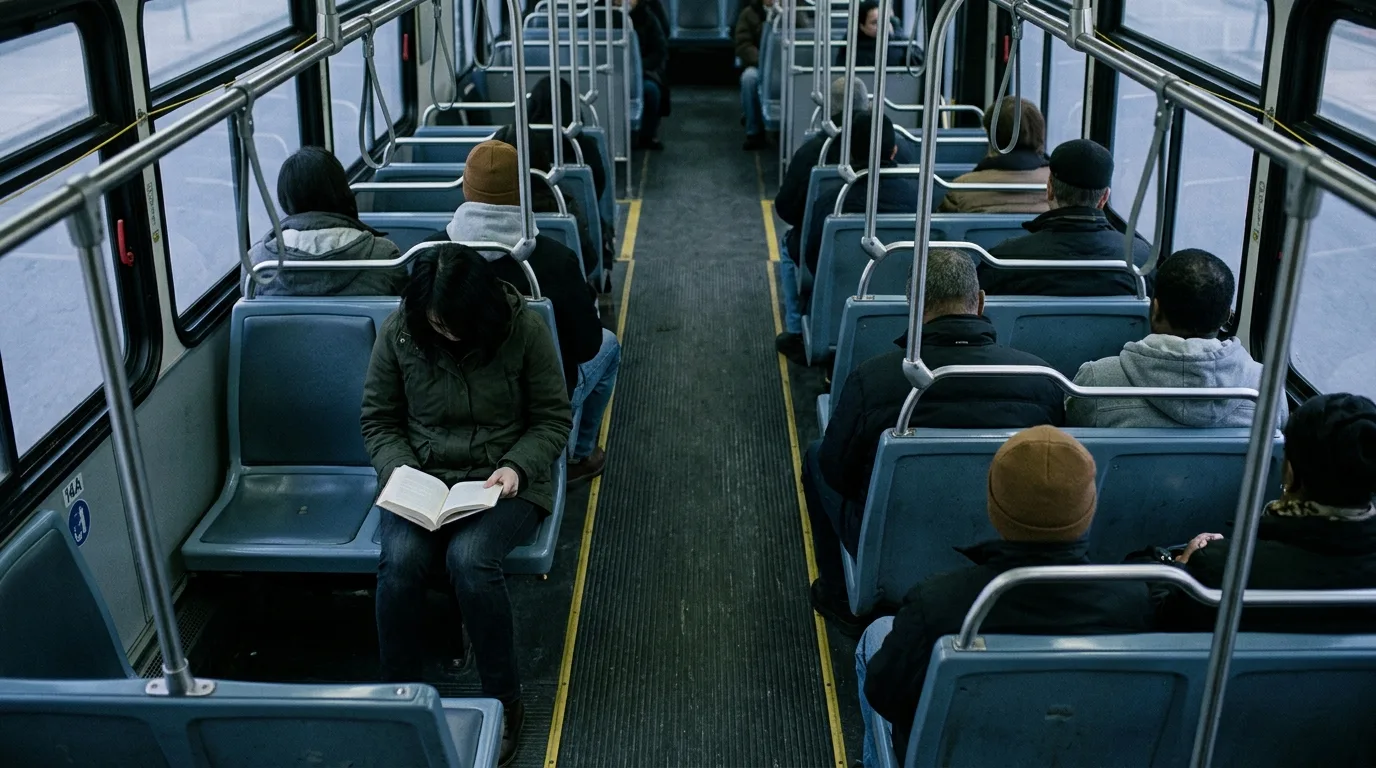
You focus better with company, not with a stranger's camera feed running in the background.
- Locked In (ambient companion)
- No camera, no scheduling, checks in as you work, core features free forever, data stays on your device.
- Study with me videos
- Fixed runtime or live schedule, ads and comments on screen, no personalized check-ins.
- Plain timer app
- Silent countdown with no presence, easy to ignore or dismiss, no built-in accountability.
Does Locked In track or share my study data?
No — sessions, notes, and streaks live on your device by default, with no feeds, no followers, and nothing sold to anyone. Signing in is optional and only used to sync your own history across your own devices, not to build a profile of your study habits for anyone else to see.
How long should a focus session with Locked In be?
There's no single right length — Locked In lets you set whatever time fits the task, since the companion adapts its check-ins to the session you choose rather than forcing a fixed block. If you're not sure where to start, this guide comparing 25, 50, and 90-minute sessions walks through the trade-offs so you can pick a starting point and adjust from there.

Common questions
Does Locked In need my camera or microphone?
Can I really use Locked In for free forever?
What is body doubling and why does it help me focus?
Does Locked In show up on my lock screen?
Can I sync my Locked In streaks across my iPhone and iPad?
Is Locked In only for studying, or can I use it for work too?
This article was drafted with AI assistance and reviewed by a human editor before publishing.