You know that feeling when you sit down to work and suddenly everything clicks into place—the kind of focus that comes from simply having company in the room? Locked In brings that experience to your phone. In under a minute, you can start a study session with an ambient companion who checks in on you, no camera required and no waiting for someone else to be available. This guide walks you through launching your first session.
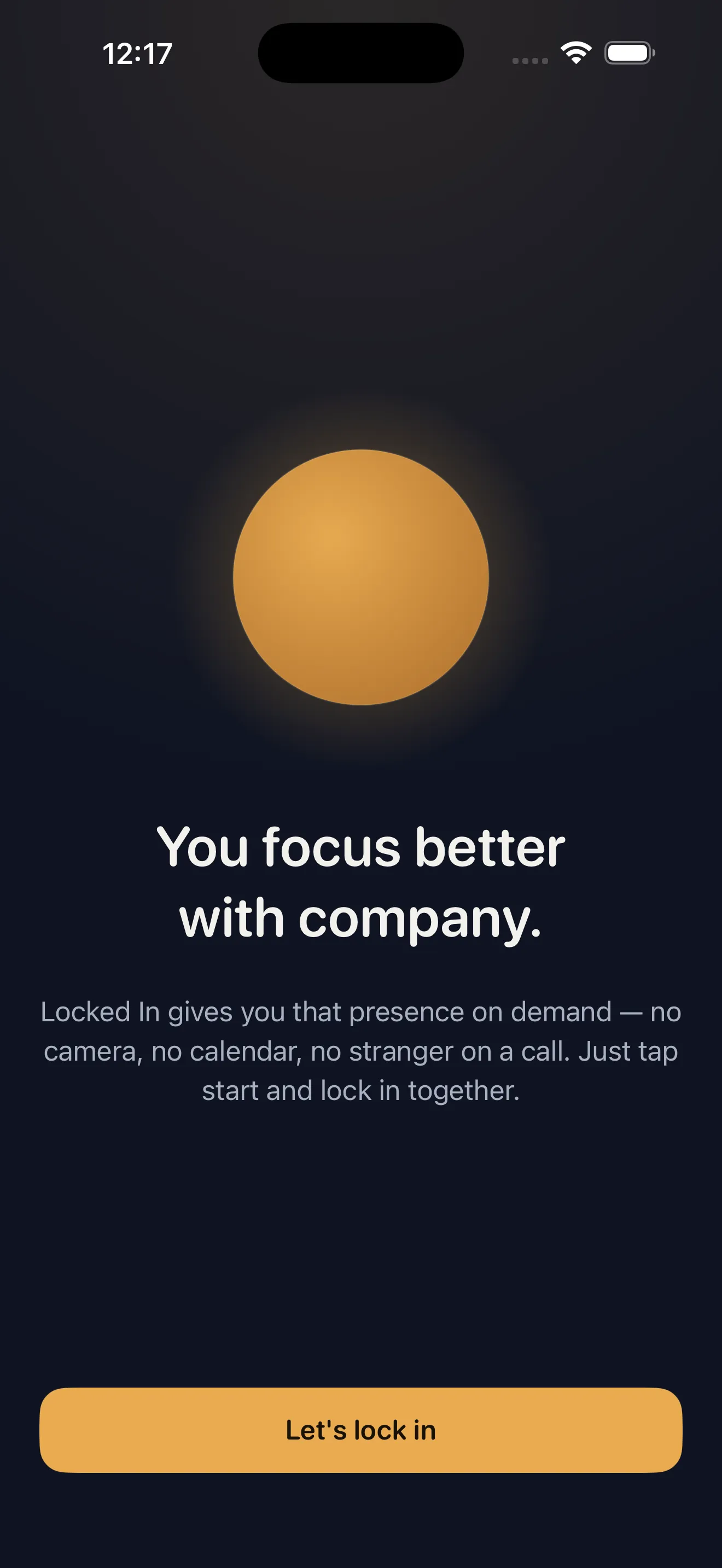
Open Locked In and tap Start
Launch Locked In from your home screen or lock screen. You'll see a single, clear button ready to go. Tap it. That's the first step—no sign-ups, no settings to toggle, no friction. The app is designed to get you into focus mode fast.
Pick Your Vibe
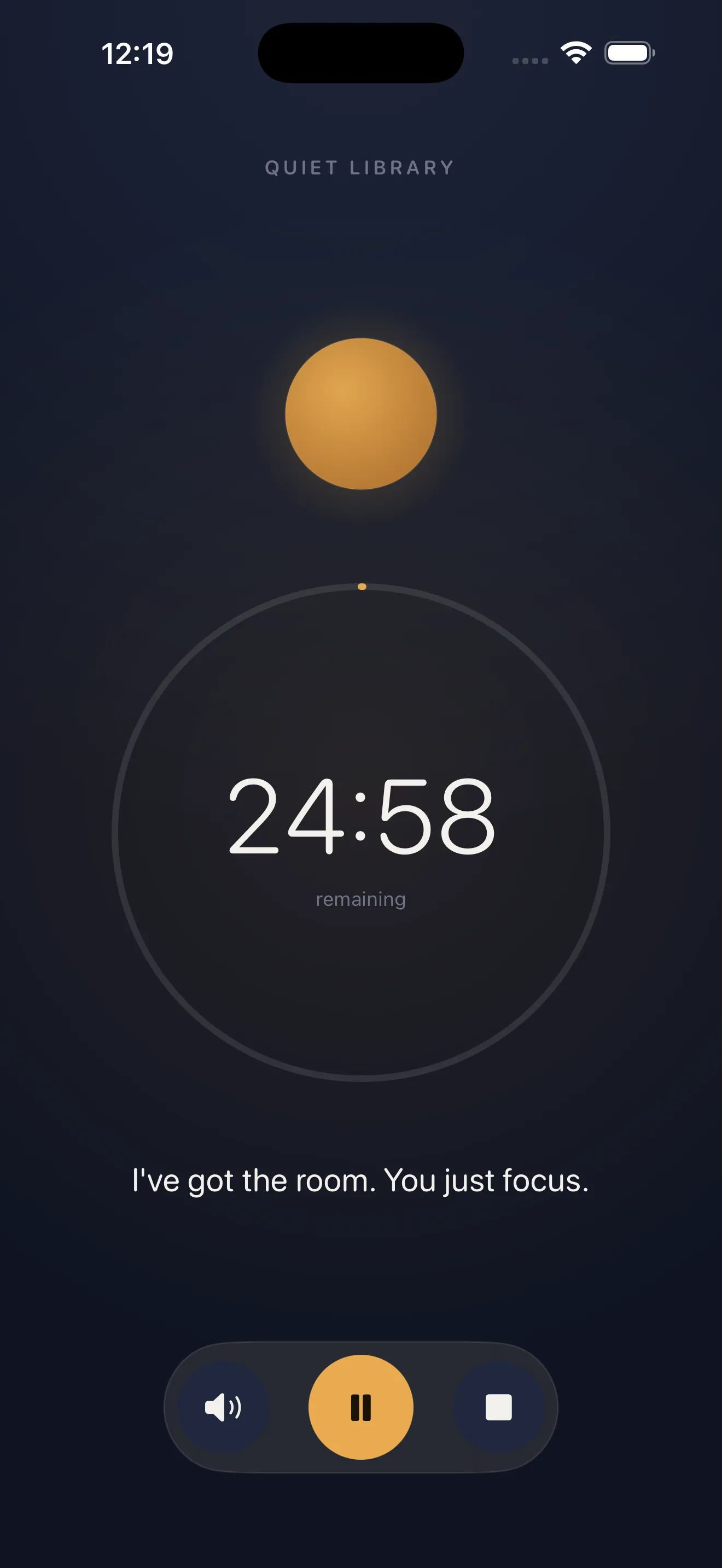
Locked In gives you a handful of ambient environments to choose from. Each one is designed to set a different mood for your work. Tap through them to find the one that feels right for your focus session today.
- Quiet Library — minimal sound, pure focus
- Rain Desk — soft, steady background presence
- Cafe — warm ambient chatter and life around you
- Late Night — calm and intimate, ideal for deep work
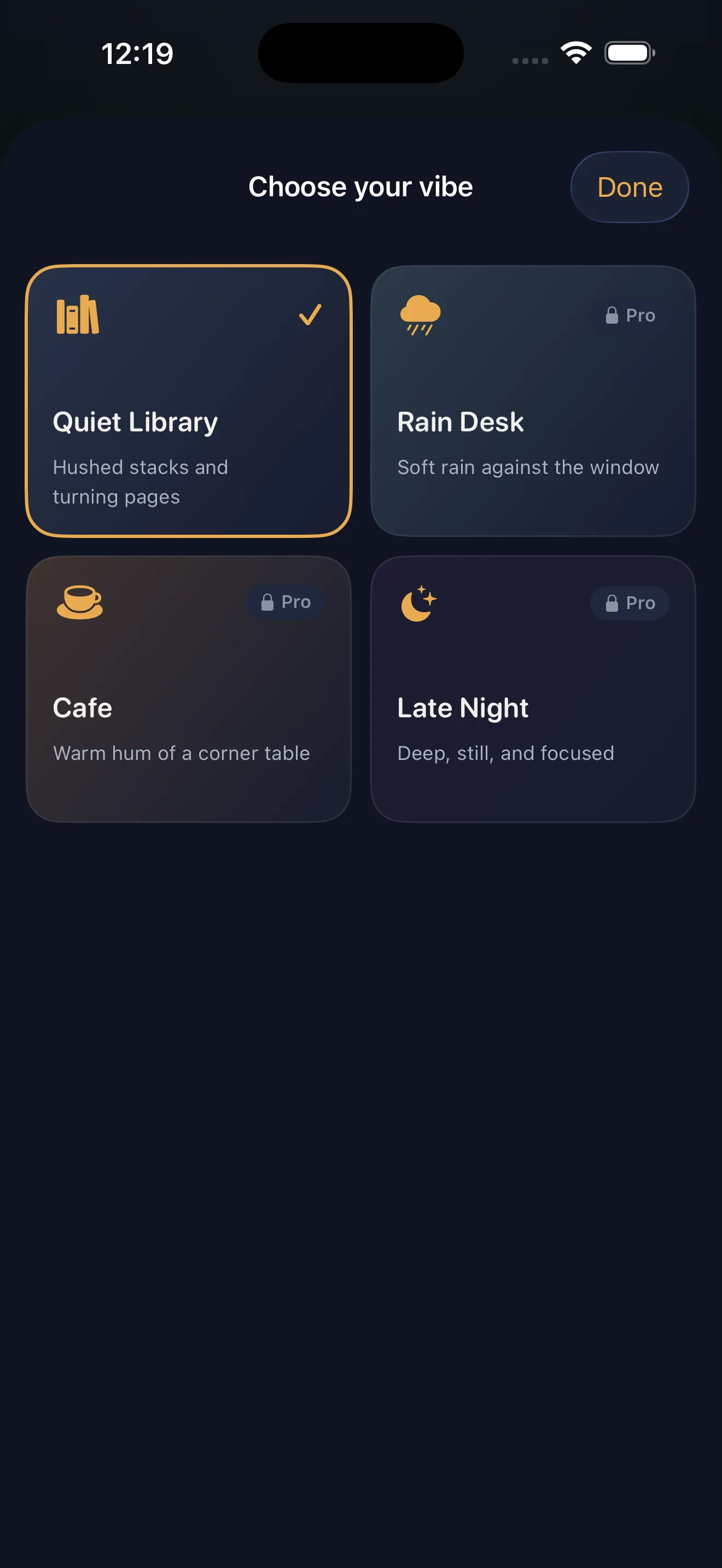
Your vibe choice is personal and changes from session to session. If you're not sure which one to pick, start with Quiet Library or Cafe—they're the most universally grounding.
Set Your Timer
Choose how long you want to focus. Locked In lets you set any duration that works for you—25 minutes for a quick sprint, 90 minutes for deep work, or anything in between. Pick a time you know you can commit to without interruption.
A companion checks in on you along the way, reminding you that someone's there without breaking your flow.
Lock In and Start Working
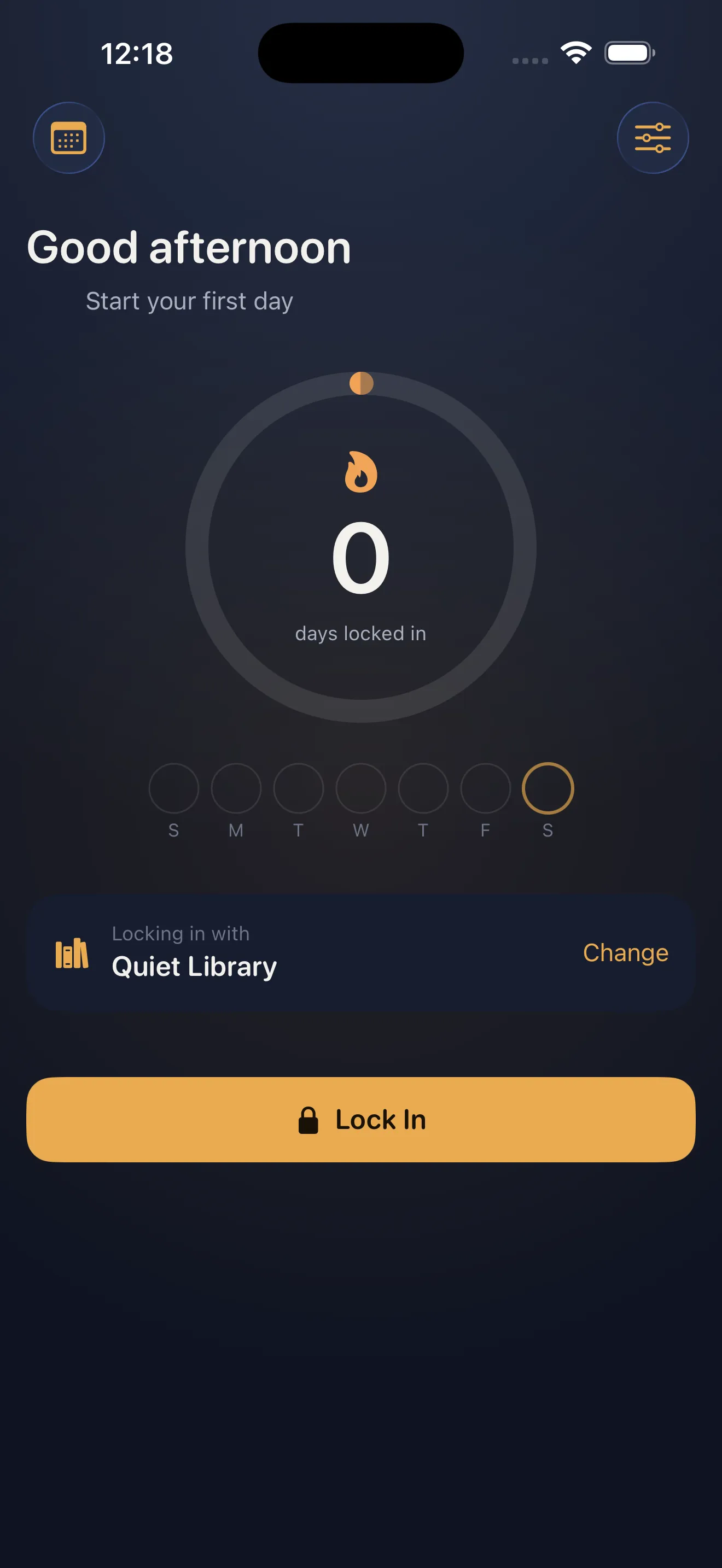
Hit the lock button to begin. Your companion presence activates—you'll hear a subtle audio cue acknowledging you're there together. The timer counts down, and your companion checks in periodically to see how you're doing. This isn't a strict taskmaster; it's more like someone quietly working alongside you who cares that you finish what you started.
Finish and Build Your Streak
When the timer runs out, Locked In logs your completed session and adds it to your daily locked-in log. If you come back tomorrow and lock in again, you'll start building a streak. Streaks are built into the app to help you stay consistent without turning focus into guilt—they're just there to celebrate your progress.
If you want to dive deeper into how Locked In helps you build focus habits, check out Locked In for Beginners: Study With Company. For more on how the app reimagines focus through presence, read Study With Company: How Locked In Reimagines Focus.
Use the Lock-Screen Widget for Instant Access
Once you've locked in a few times, add the Locked In widget to your lock screen. This lets you start a session without even unlocking your phone. Tap the widget, pick your vibe, set your time, and you're in. It's the fastest path from distraction to focus.
This article was drafted with AI assistance and reviewed by a human editor before publishing.