A to-do list is a capture tool. You dump tasks into it, check them off, feel good. But it rarely answers the question that matters most: when will you actually do this work? Timeboxing does. It places each task into a specific block of time on your calendar, forcing you to ask hard questions upfront—is this realistic? Do I have enough focus time? What happens if a meeting runs over? DayBox builds on that friction. It's not a pure to-do list, and it's not a calendar app pretending to be a task manager. It's a planning system that turns what you want to do into what you'll actually finish.
The to-do list problem
Traditional to-do apps excel at capture. You brain-dump tasks, organize them by project or priority, and tick them off throughout the day. They're lightweight and infinite—you can add 50 items without friction. But that's also their weakness. A long list doesn't tell you when you'll do the work, only that it exists. You end the day with a handful checked off and the rest rolling to tomorrow. The list grows. Energy deflates. You've been busy without feeling like you've moved forward.
A to-do list captures what you want to do. Timeboxing forces you to commit to when.
How timeboxing changes the game
Timeboxing inverts the priority. Instead of asking what to do, you ask: given my calendar and energy, what can I realistically finish today? You assign each task a time estimate, then drag it onto your timeline next to meetings and breaks. The blank space shrinks. Conflicts surface immediately. You say no to things before the day collapses. Research shows this friction—the act of placing work into actual time—increases both completion rates and the accuracy of your estimates. You learn how long things really take.
Where DayBox fits
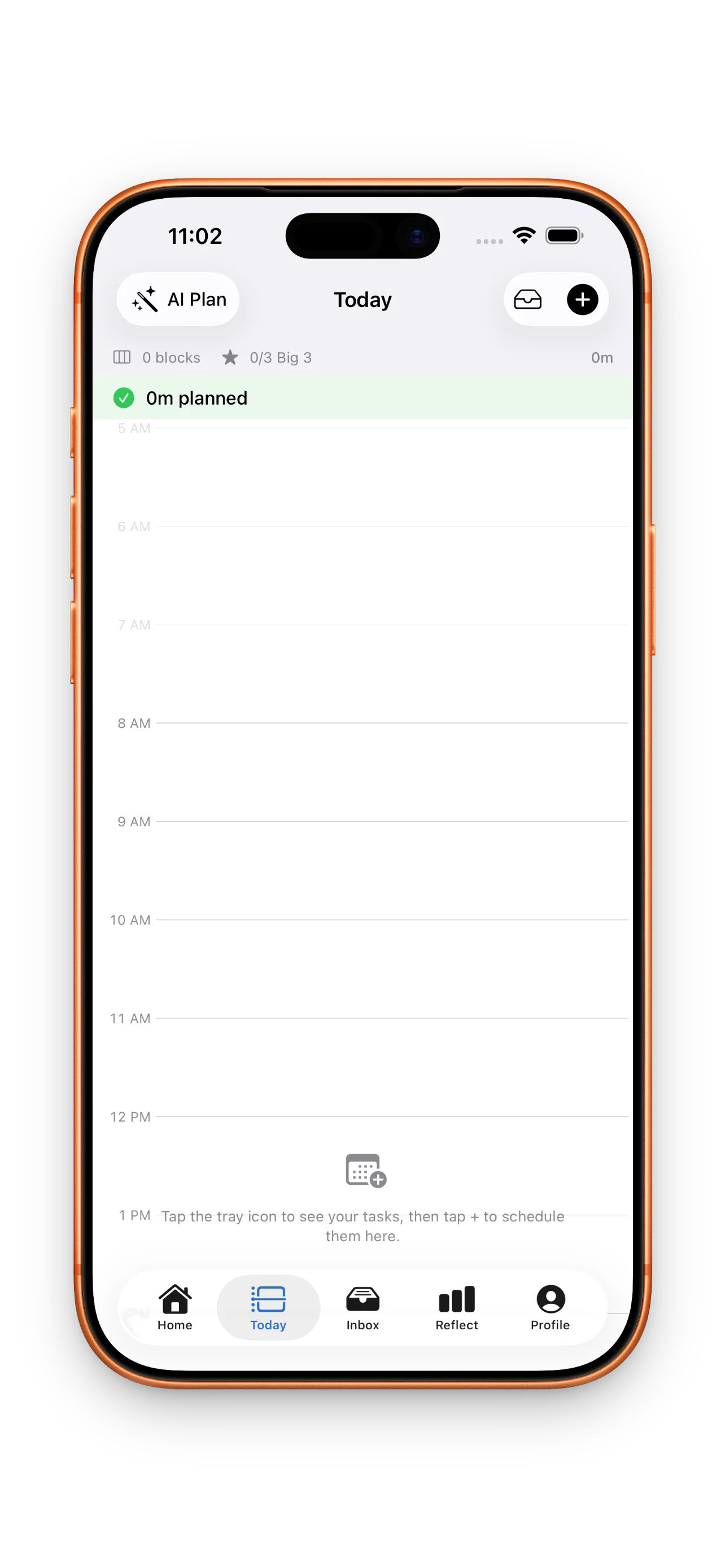
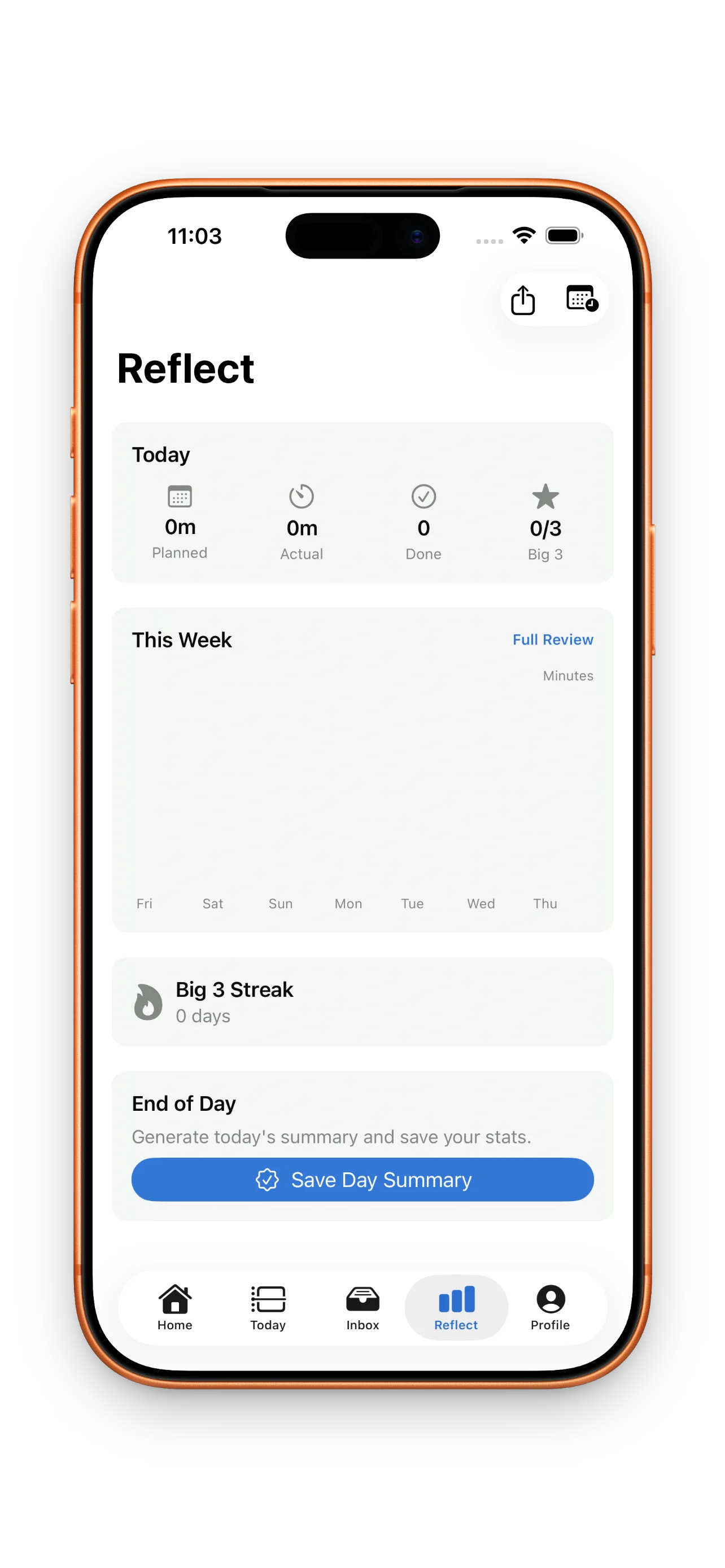
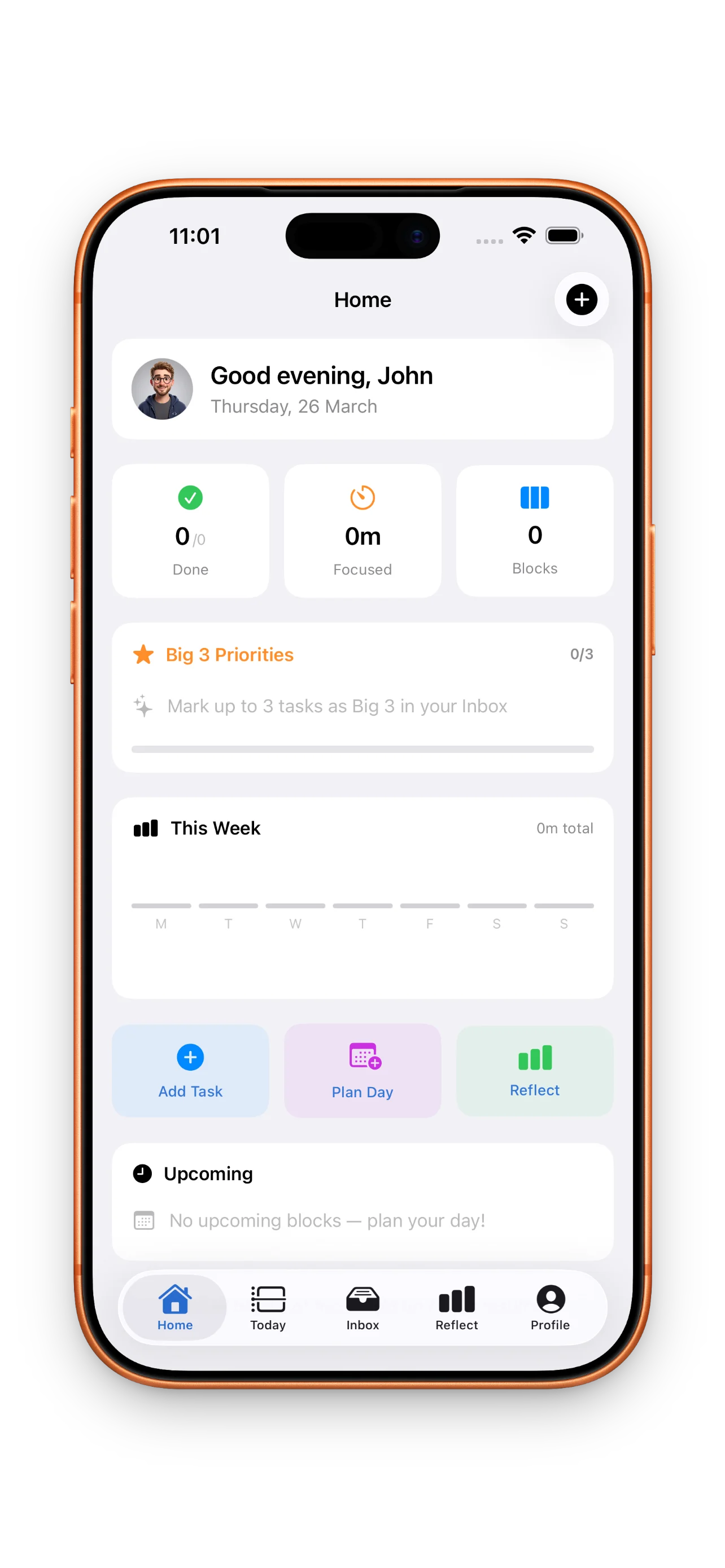
DayBox doesn't choose between capture and scheduling. It uses both. Your inbox stays open for quick capture—you still dump tasks without friction. But the moment you're ready to plan, you move items into your Big 3 (three meaningful priorities) and then drag them onto your timeline. Each task gets a time estimate. You run a focus timer for each block. At day's end, you reflect on what you planned versus what actually happened. Over time, this cycle—capture, prioritize, schedule, focus, reflect—trains you to plan tighter and estimate better. You're not replacing to-do lists; you're turning them into a complete planning ritual.
Building momentum with reflection
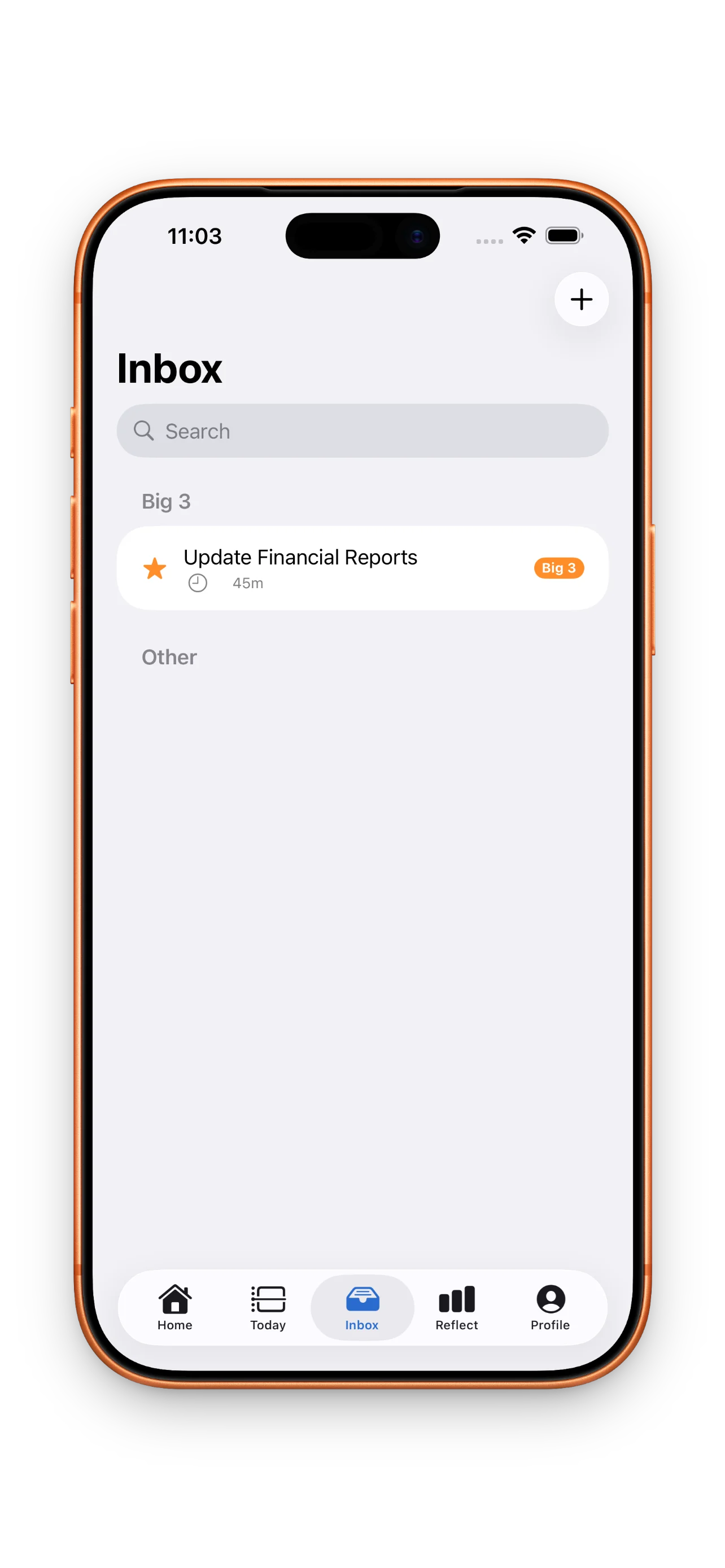
Most planning apps stop at scheduling. DayBox adds one more layer: reflection. After you've run focus timers and closed blocks, you compare your planned time against your actual time. Did you underestimate? Overestimate? Finish early or push into overflow? This feedback loop is where learning happens. You start to see patterns—which types of work take longer, which estimates were wild, which blocks you consistently blow past. Over weeks and months, you'll notice your planning gets tighter. You earn streaks and badges for showing up, completing blocks, and closing the loop. That gamification matters less than the data. You're teaching yourself how to plan realistically.
When to use DayBox instead of a to-do list
- You have a busy calendar and constant meetings that disrupt your flow
- You struggle to estimate how long tasks take and want to learn your own patterns
- You want to prioritize ruthlessly instead of treating all tasks equally
- You use focus timers or Pomodoro-style work blocks as your default rhythm
- You care about completing what you planned, not just being busy
If you're managing a small handful of tasks and your day is mostly open, a simple to-do list is still faster. But if you're juggling competing priorities, meetings, and focus work—if your calendar feels like chaos and your tasks never match your time—then timeboxing becomes a planning essential. For more on how to make the most of this approach, read our guide on mastering your day with DayBox timeboxing and planning, focusing, and reflecting daily.
This article was drafted with AI assistance and reviewed by a human editor before publishing.