DayBox isn't just another to-do app. It's a timeboxing planner built for people with realistic calendars—the kind where back-to-back meetings, deep work, and admin tasks all fight for space. The best part: you can see it all at once and drag things around when life inevitably changes. Here's how to get the most out of it.
Capture everything in your inbox first
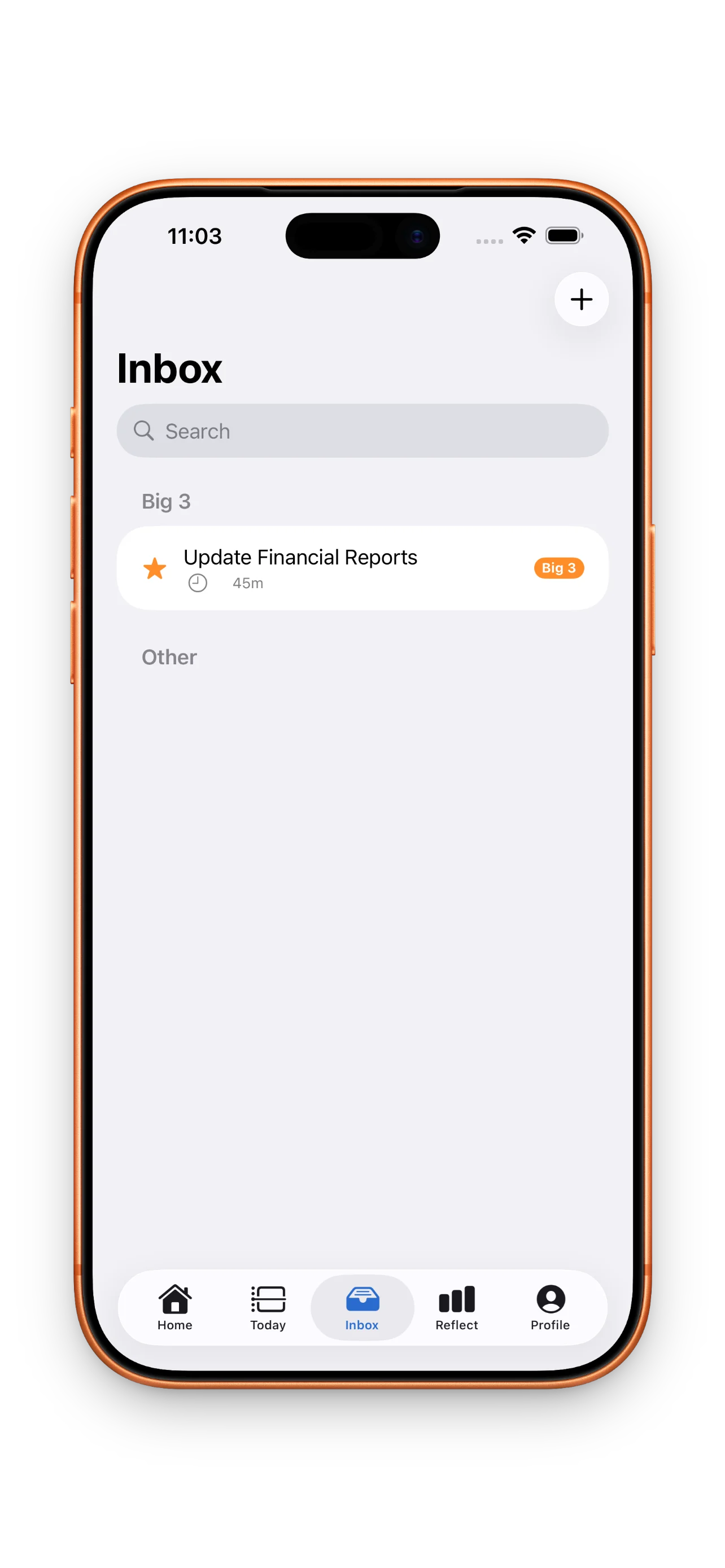
Before you even touch the timeline, dump all your tasks into the inbox. Don't worry about time estimates, priority, or when they'll happen. Just get them out of your head. This is your capture phase—fast and friction-free. You'll sort it all out next.
Choose your Big 3 and be ruthless about it
Not everything is equally important. Pick three things that, if nothing else gets done today, you'll feel good about. These become your north star. In DayBox, your Big 3 are front and center—literally at the top of your day—so they guide every other decision. The streak for completing your Big 3 compounds over time, which means the daily habit itself becomes the win.
Three done tasks beat ten half-finished ones.
Estimate time, then drag tasks onto the timeline
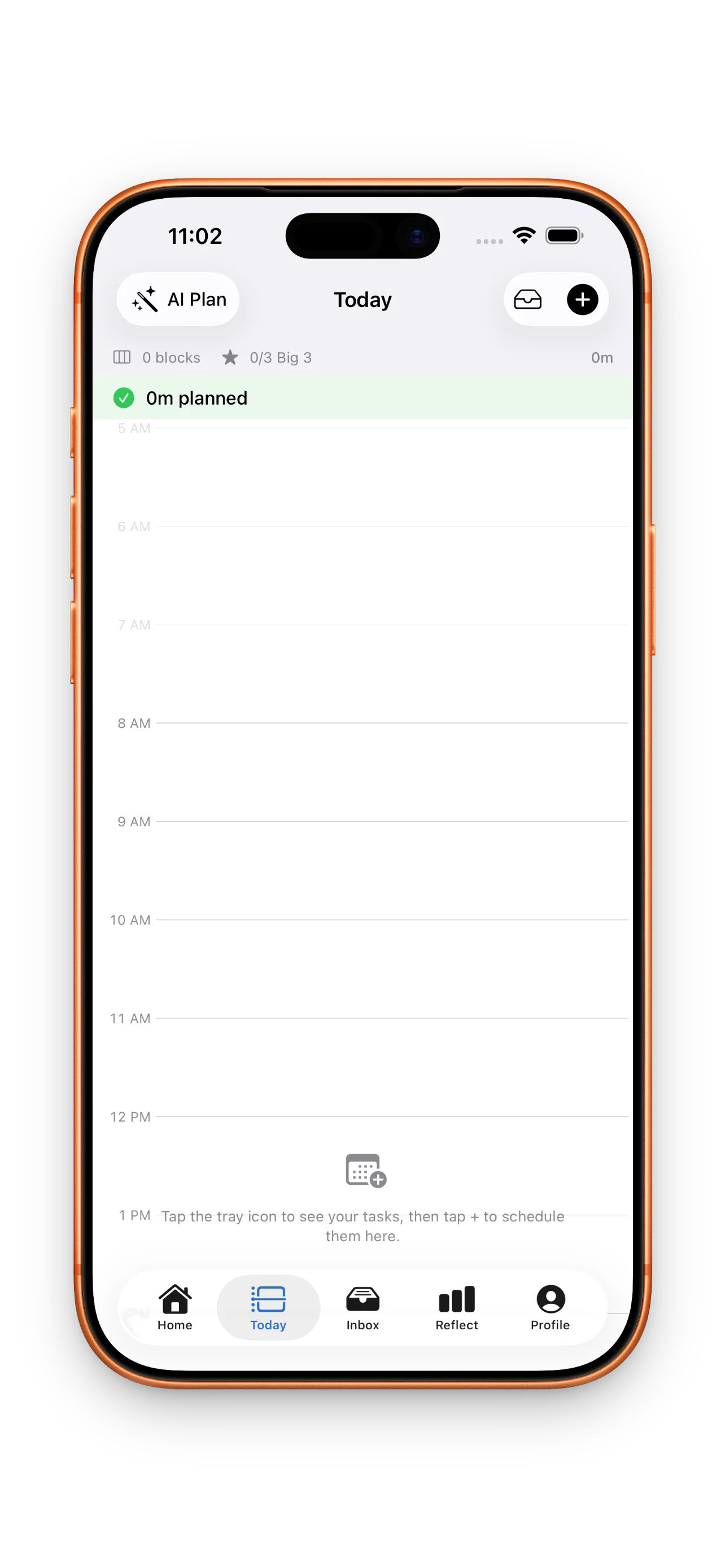
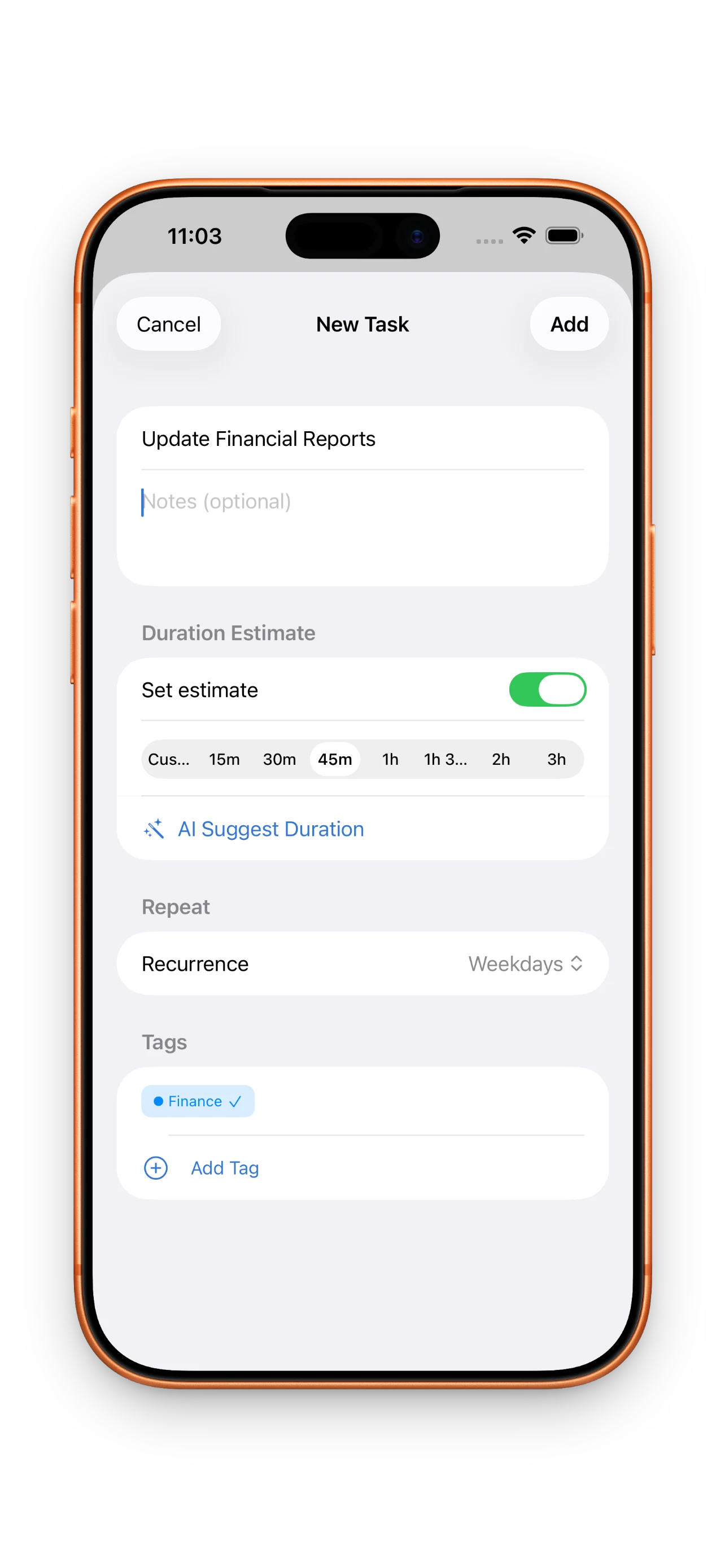
When you add a task, give it a realistic time estimate. This isn't about being perfect—it's about being honest. A 30-minute design review really does take 30 minutes. Once your tasks have estimates, drag them directly onto your timeline where they sit next to your calendar. This is where the magic happens: you can now see if your day is actually doable. If you've over-booked yourself, you'll know before you start. Shift things around, delete what doesn't fit, or move tasks to tomorrow.
Run the focus timer for each block
When it's time to work, tap into a block and start its focus timer. DayBox will count down exactly what you estimated. This does two things: it keeps you honest about how long tasks really take, and it creates a clear boundary between work blocks. No multitasking—just you and one focused chunk of time. If you finish early, great. If you run over, DayBox captures that too.
Reflect on planned vs. actual and close the loop
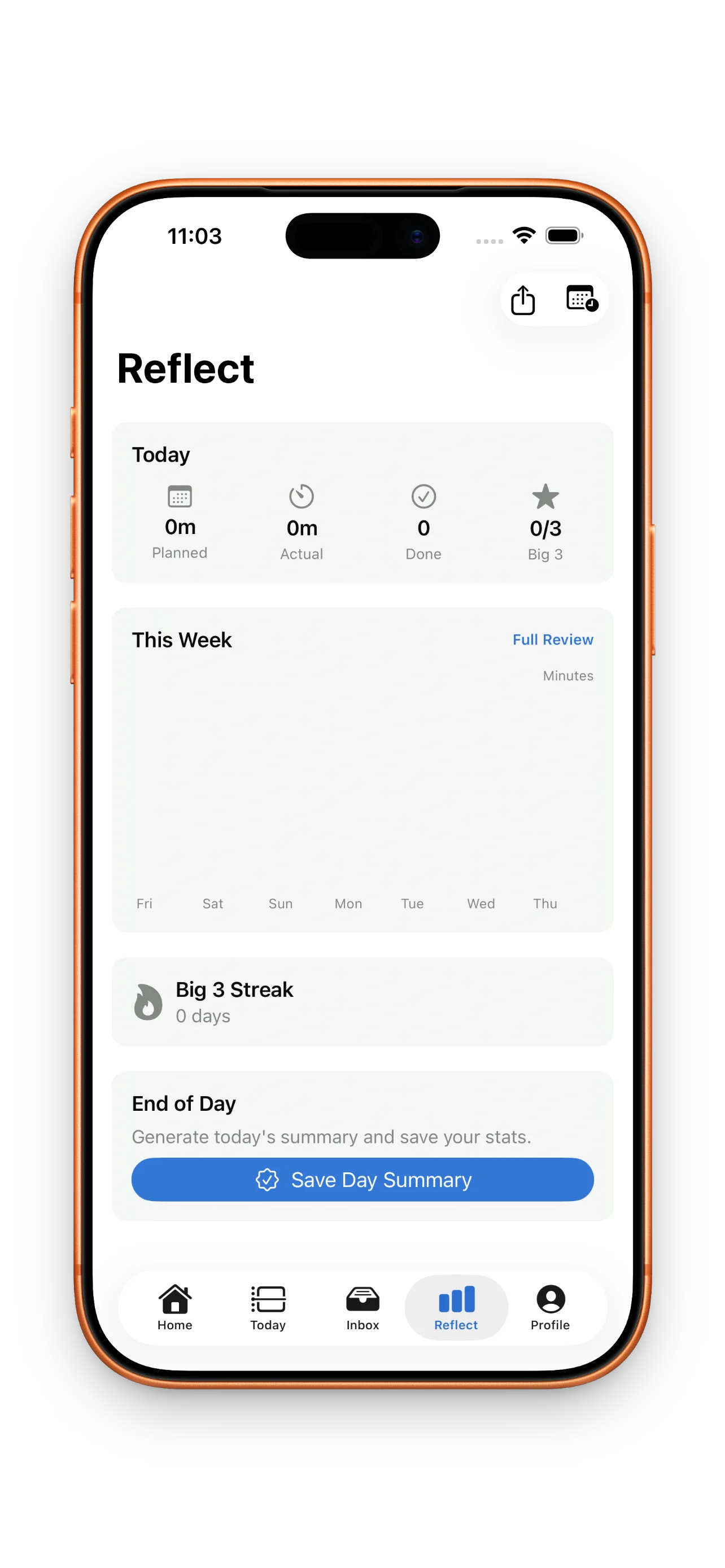
At the end of your day (or whenever feels right), take two minutes to reflect. DayBox shows you planned time versus actual time for every block. Maybe you estimated 45 minutes for a task and it took an hour. That's not failure—that's data. Over days and weeks, you'll notice patterns. Email always takes longer than you think. Deep work goes faster when uninterrupted. These insights make tomorrow's plan even better. Timeboxing works differently than traditional to-do lists because it closes the loop between intention and reality.
Watch your streaks compound and earn milestones
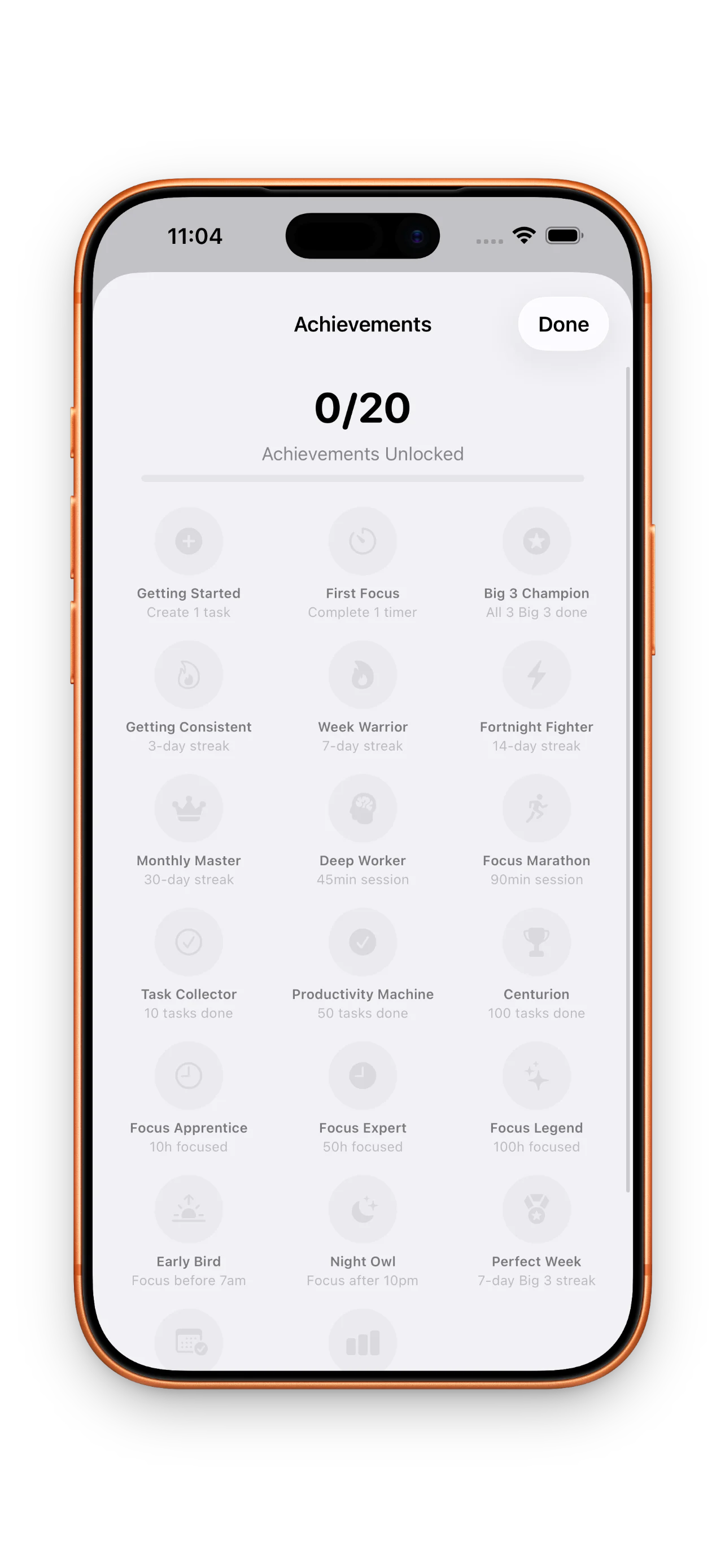
DayBox tracks three kinds of streaks: days you plan, days you complete your Big 3, and days you run focus sessions. Each one compounds separately. You don't need all three to stay strong—pick what matters most to you. Earn milestones as you build momentum. These aren't vanity badges. They're proof that your daily rhythm is sticking, and they show up on your home screen as reminders that the habit is working.
The best plan is one you actually use tomorrow.
Personalize your DayBox to make it yours
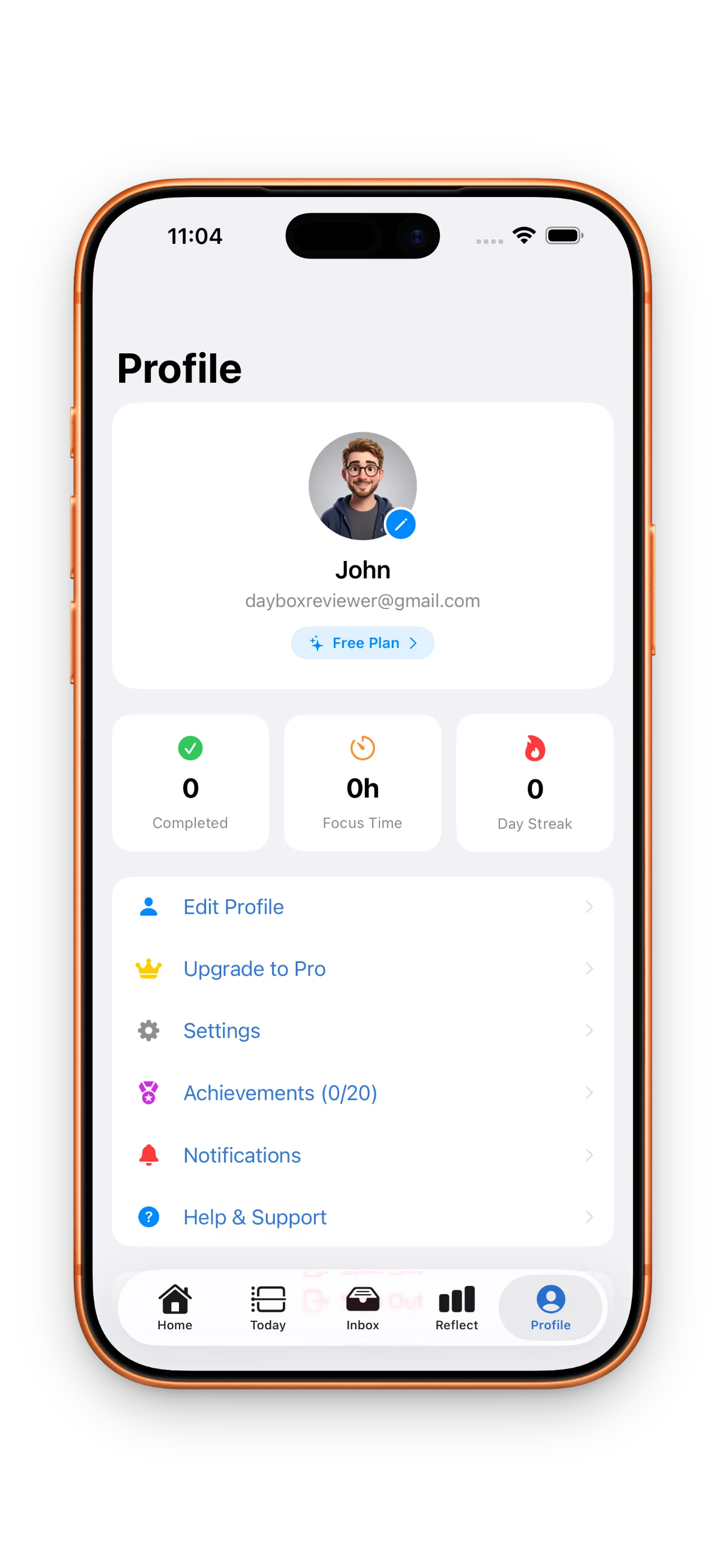
A planner you like using gets used more. DayBox lets you choose themes and accents that feel right to you. Spend a minute setting up your profile and adjusting colors. It sounds small, but it matters. When your planner feels intentional and personal, you're more likely to open it every morning.
This article was drafted with AI assistance and reviewed by a human editor before publishing.