DayBox turns the familiar to-do list into something more honest: a realistic daily plan. Instead of dumping every task into a list and hoping you'll finish, you drag work onto a timeline, see exactly when your focus blocks fit around meetings, and run timers that keep you honest about how long things actually take. The result isn't more tasks done—it's clearer priorities, fewer surprises, and a daily rhythm that compounds. Here's how to get the most from it.
Start with the Inbox, Not the Timeline
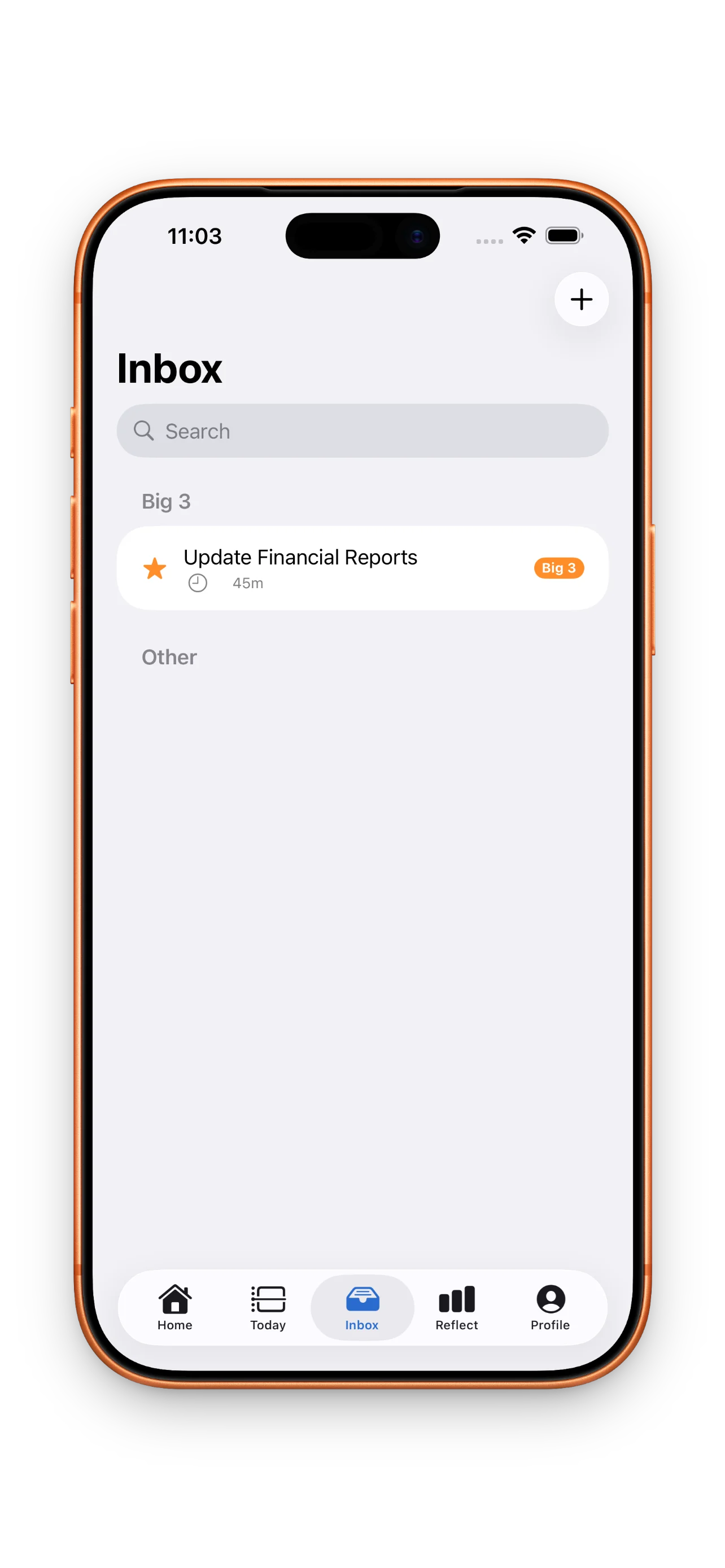
Every task starts in one place: the Inbox. Don't skip this step. Capture everything that lands on you during the day—emails, Slack messages, ideas, requests—without deciding where it goes. The Inbox is your breathing room. It's where you triage before you commit. Once a day (usually morning), you review the Inbox, pick what actually matters today, and promote those items to your plan. Everything else can wait, batch later, or get deleted. Timeboxing vs. to-do lists explains why this separation matters: the Inbox keeps capture separate from commitment.
Define Your Big 3 Before You Touch the Timeline
Before dragging tasks onto your timeline, pick three things that matter most today. These are your Big 3—the wins that would make the day feel successful. Everything else is bonus. This filters noise and keeps you from overloading your calendar. When you hit 2 p.m. and realize you'll only finish three things, you already know they're the right three. Your streak for Big 3 completion is one of DayBox's built-in motivators; it compounds faster than you'd expect.
Estimate Time, Then Build Blocks Around Reality
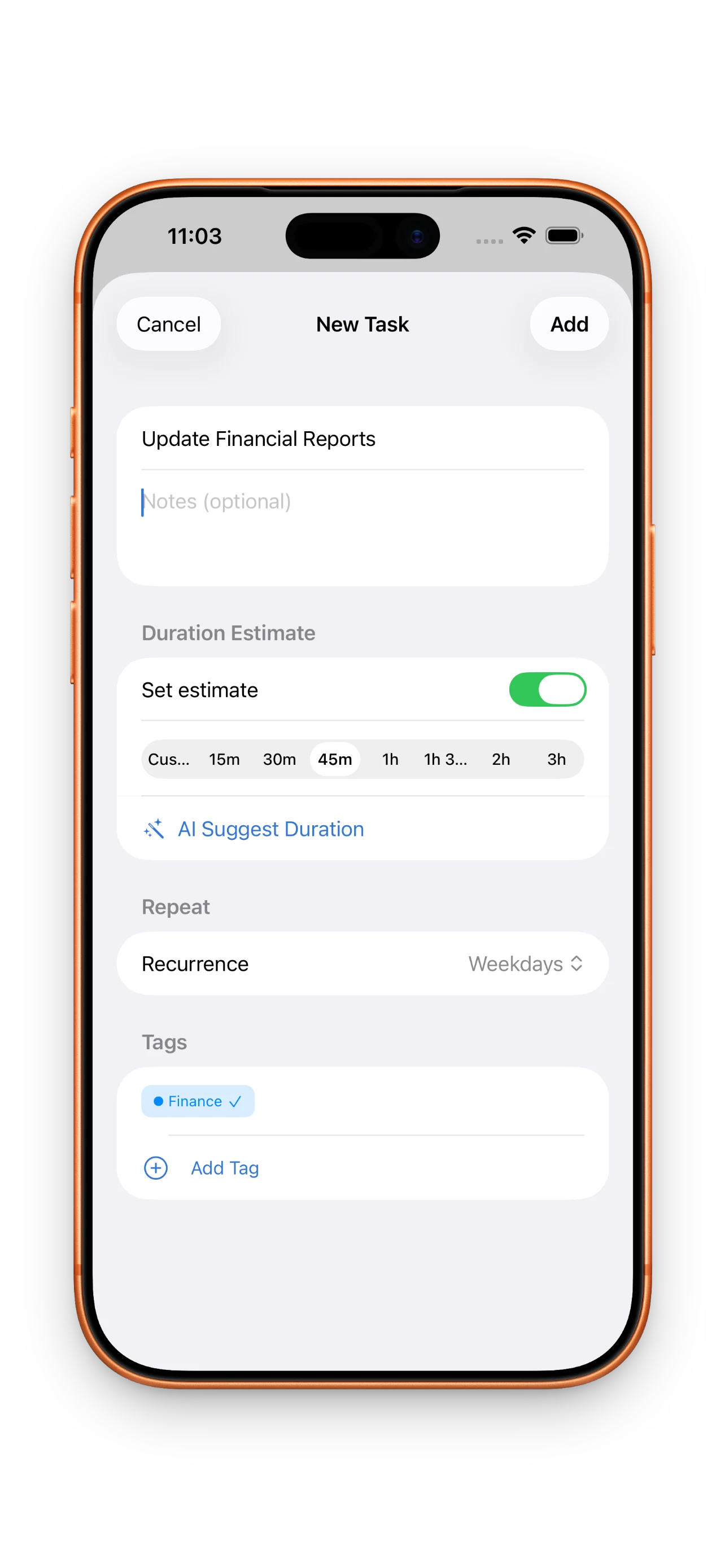
Each task in DayBox takes an estimated duration. Use it. Before you drag anything onto your timeline, think about how long it'll actually take—not the optimistic version, the real one. A design review isn't 15 minutes; it's 45. Writing a proposal isn't an hour; it's three. Once you estimate, the timeline shows you immediately whether your day is packed or realistic. If you've estimated 8 hours of focus work and you have a 2-hour meeting at 10 a.m., you'll see that your plan doesn't fit. Now you can either cut something or be honest that tomorrow will need the overflow.
Build blocks around reality, not wishful thinking. A packed timeline isn't a plan—it's a guarantee you'll feel behind.
Drag to Reschedule, But Don't Thrash
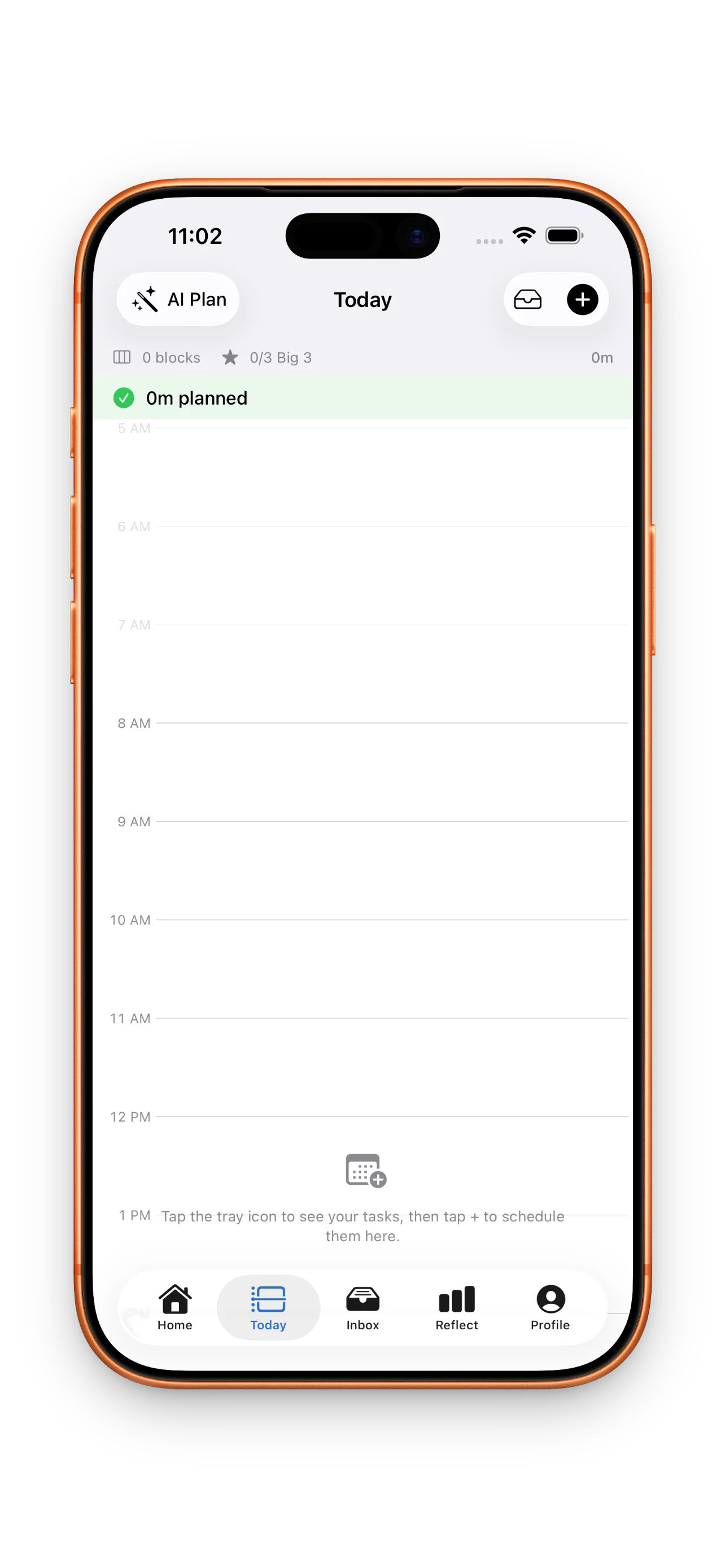
One of DayBox's best features is the drag interface. Your calendar and timeline live side by side, so when a meeting pops up or a block shifts, you can move tasks instantly. But there's a trap: rearranging all day long. If you're constantly moving blocks, your plan never stabilizes. Use drag-to-reschedule when something real changes—a meeting moves, a priority shifts—not when you get nervous. The goal is a plan that's flexible but also intentional. Thrashing is a sign you either overloaded your day or didn't estimate well enough.
Run the Focus Timer, Track Actual Time
When you start a block, use DayBox's built-in focus timer. It's not just a countdown; it's the moment you're honest about how your time actually goes. Start the timer, work, and when you're done (or when time's up), mark the block complete and log the actual duration. Over days and weeks, the gap between what you estimated and what actually happened becomes clear. Maybe deep work always takes 30 percent longer. Maybe meetings leave you too scattered for focused time the next hour. These aren't failures—they're data. Reflect on the pattern and adjust your future estimates.
Close the Loop: Reflect, Don't Just Tick Boxes
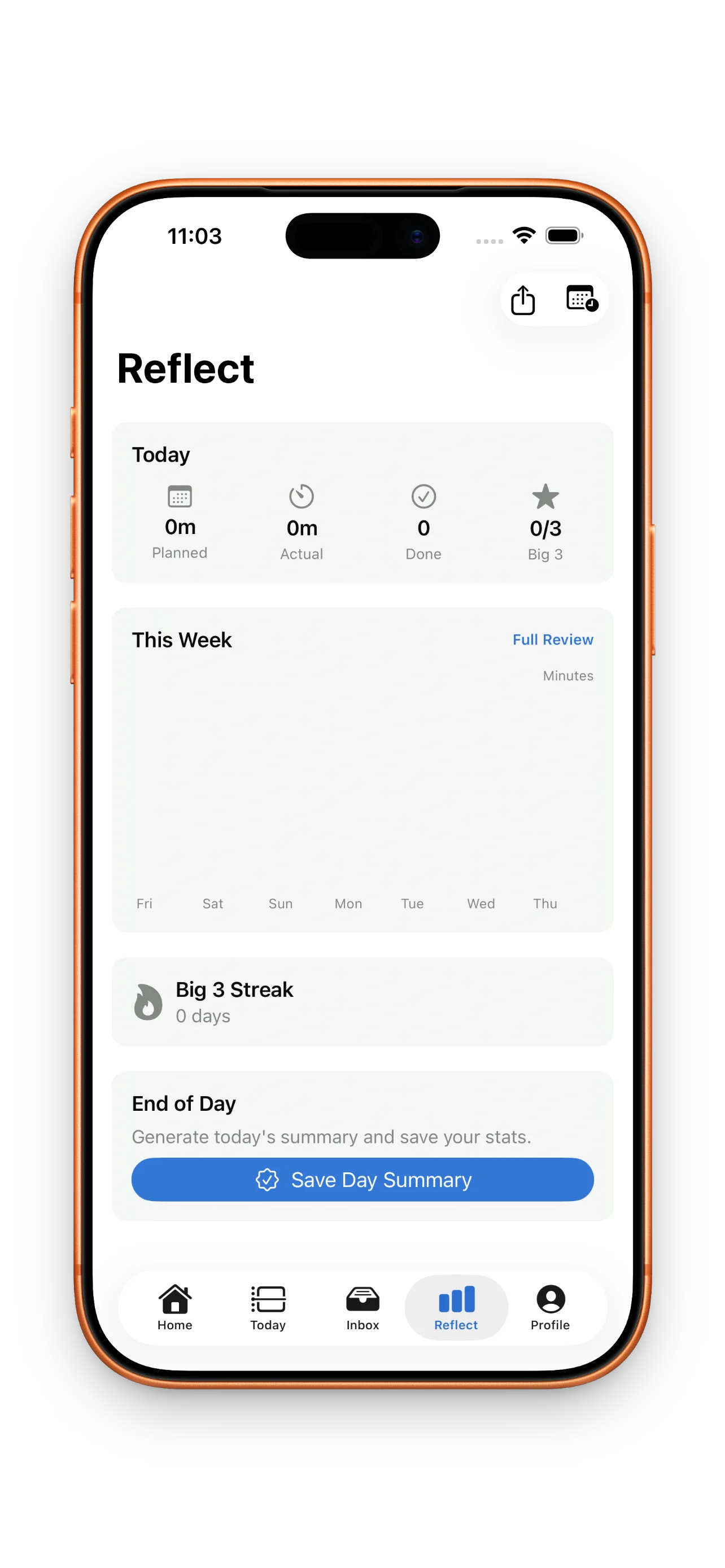
At the end of your day, take 3 minutes to reflect. How many of your Big 3 did you finish? How much focus time did you actually get? Where did reality diverge from your plan, and why? DayBox shows you planned vs. actual for every block. This isn't about judgment—it's about pattern recognition. Did you get interrupted constantly? Did you underestimate a specific type of work? Did meetings steal more time than expected? When you know why your plan broke, you can build a better one tomorrow. Master your day with DayBox timeboxing dives deeper into the reflection habit and why it compounds faster than you'd think.
Earn Milestones by Showing Up
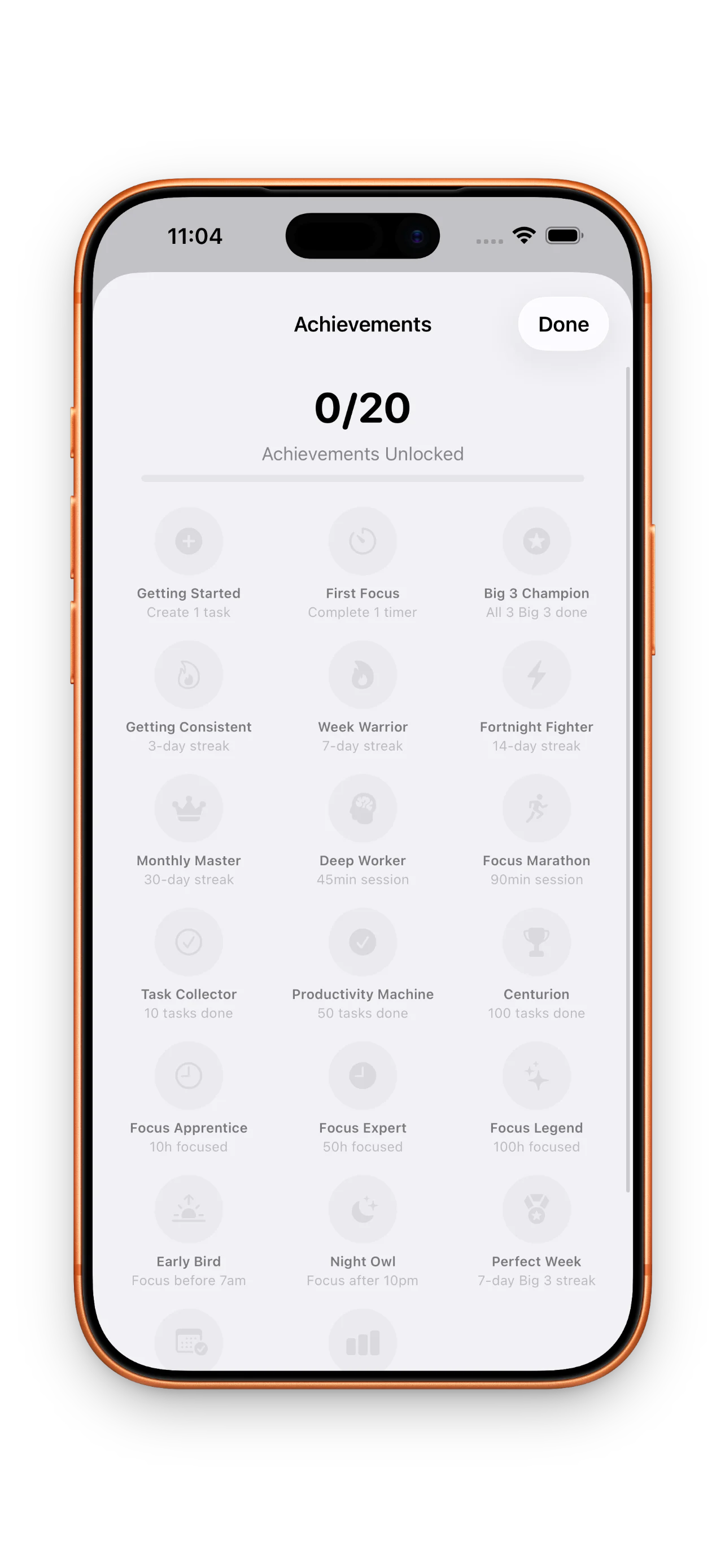
DayBox gives you achievement milestones for building habits: showing up to plan your day, finishing your Big 3, completing focus blocks, and closing the loop with reflection. These aren't games or busywork—they're markers of a rhythm taking hold. Badges unlock as your streaks grow. The real win isn't the badge; it's the moment you realize you haven't missed a day of planning in two weeks, and your time feels clearer as a result.
This article was drafted with AI assistance and reviewed by a human editor before publishing.