
It's 6:40 on a Sunday and Dana Reyes is standing in front of an open fridge that makes no sense. Half a rotisserie chicken. Three bell peppers going soft. A block of cheese, some leftover rice, and a jar of something that used to be salsa. Her son can't have tree nuts. Her daughter won't eat anything green unless it's hidden. And in nine hours, the whole five-day sprint starts again — work, school drop-off, practice, dinner, repeat. She doesn't need inspiration. She needs a plan, and she needs it in the next twenty minutes.
The Sunday scramble everyone knows
This is the part of meal planning nobody puts on a magazine cover: not the finished dinner, but the fifteen minutes of staring into a fridge trying to reverse-engineer a week's worth of food out of whatever's left, while also keeping track of one allergy and one picky eater. Dana had tried recipe blogs, saved Instagram posts, and a stack of index cards from her mother. None of it accounted for what was actually in her kitchen right now, or what her son couldn't eat.
Setting the guardrails once
The first time Dana opened MiseMate, the setup asked a few questions she wasn't used to being asked by a recipe app: household size, cooking skill level, and — the one that mattered most — allergies. She flagged tree nuts once, during onboarding, and never had to think about it again. Every suggestion the app made afterward simply excluded them.

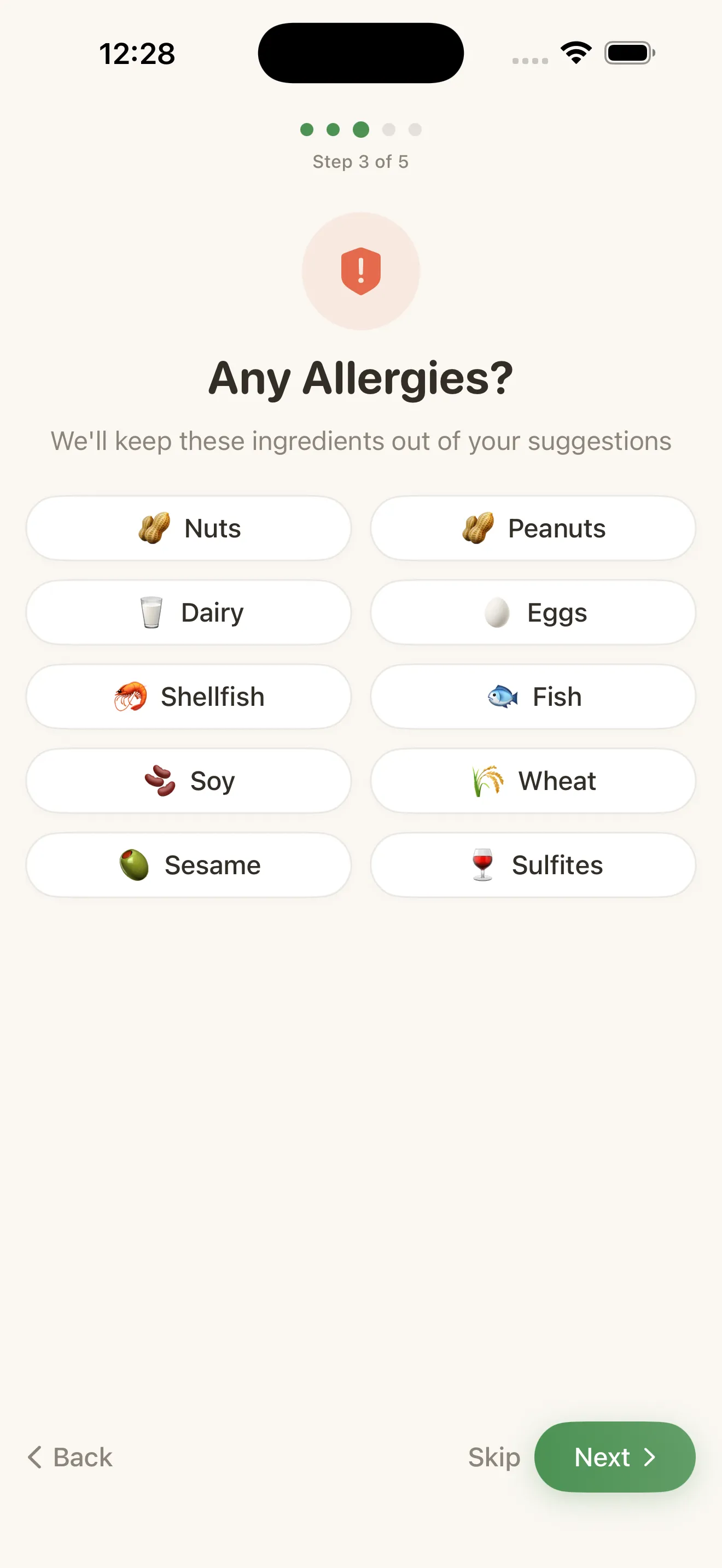
That's the part that changed the math for her. Instead of re-checking every new recipe against her son's allergy by hand, the constraint lived in the app permanently. It's a small thing, but it's the difference between planning meals and auditing them.
Asking the kitchen what's actually for dinner
With the fridge staring at her, Dana opened the AI kitchen assistant and typed roughly what she saw: chicken, bell peppers, rice, cheese, a half-used jar of salsa. Within seconds it came back with three real dinner options built around those exact ingredients, all automatically screened against the nut allergy already on file. One was a quick chicken and pepper skillet with rice. Another swapped the salsa into a baked casserole. She picked the skillet, mostly because it used the peppers before they went bad.
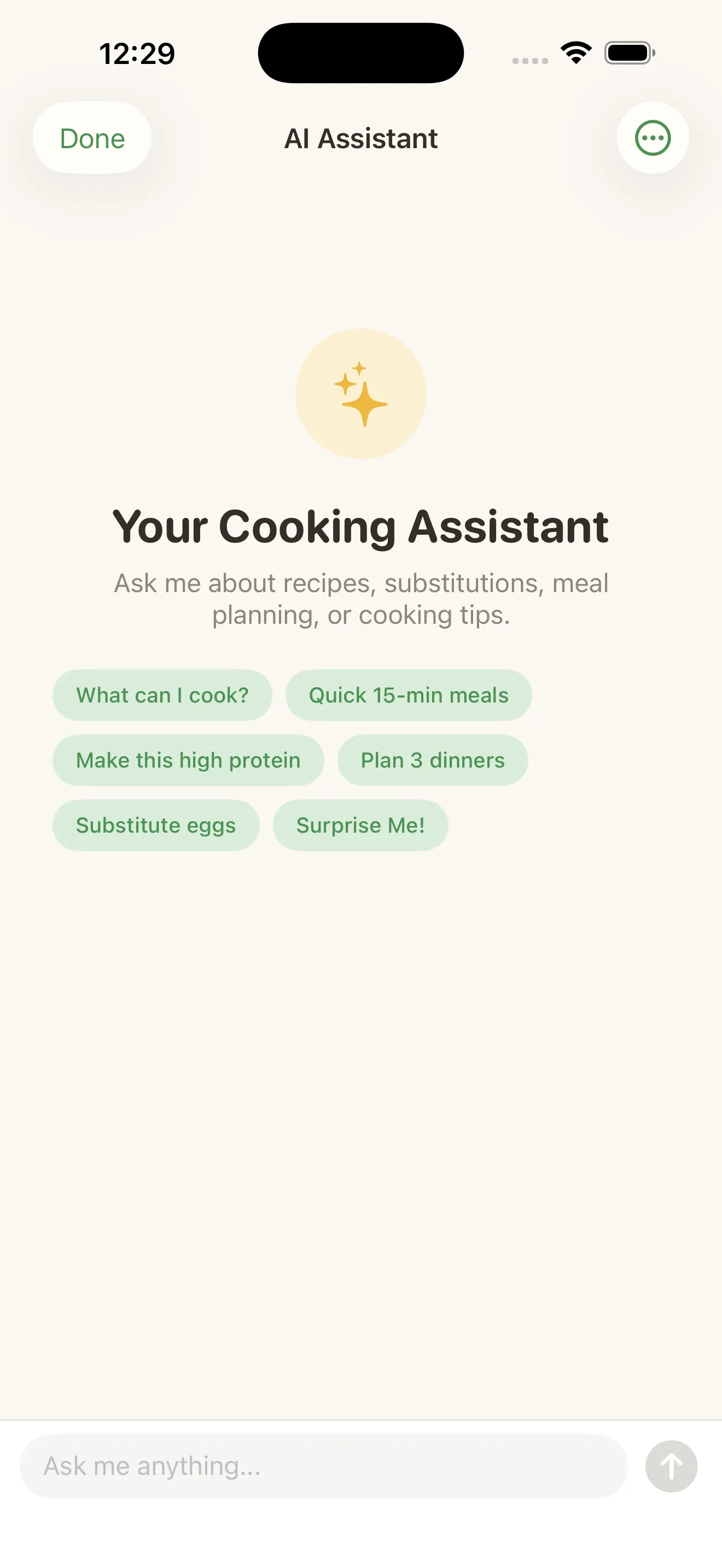
She didn't need a new recipe. She needed someone to look at what she already had and tell her it was enough.
From suggestion to shopping list, without redoing the math
The recipe the assistant pulled up was written for two servings. Dana's household is four, plus a hungry teenager who eats like two more. She tapped the serving count up, and every ingredient line recalculated on the spot — the chicken, the rice, the seasoning, all scaled together instead of her doing mental fractions with a measuring cup in one hand.
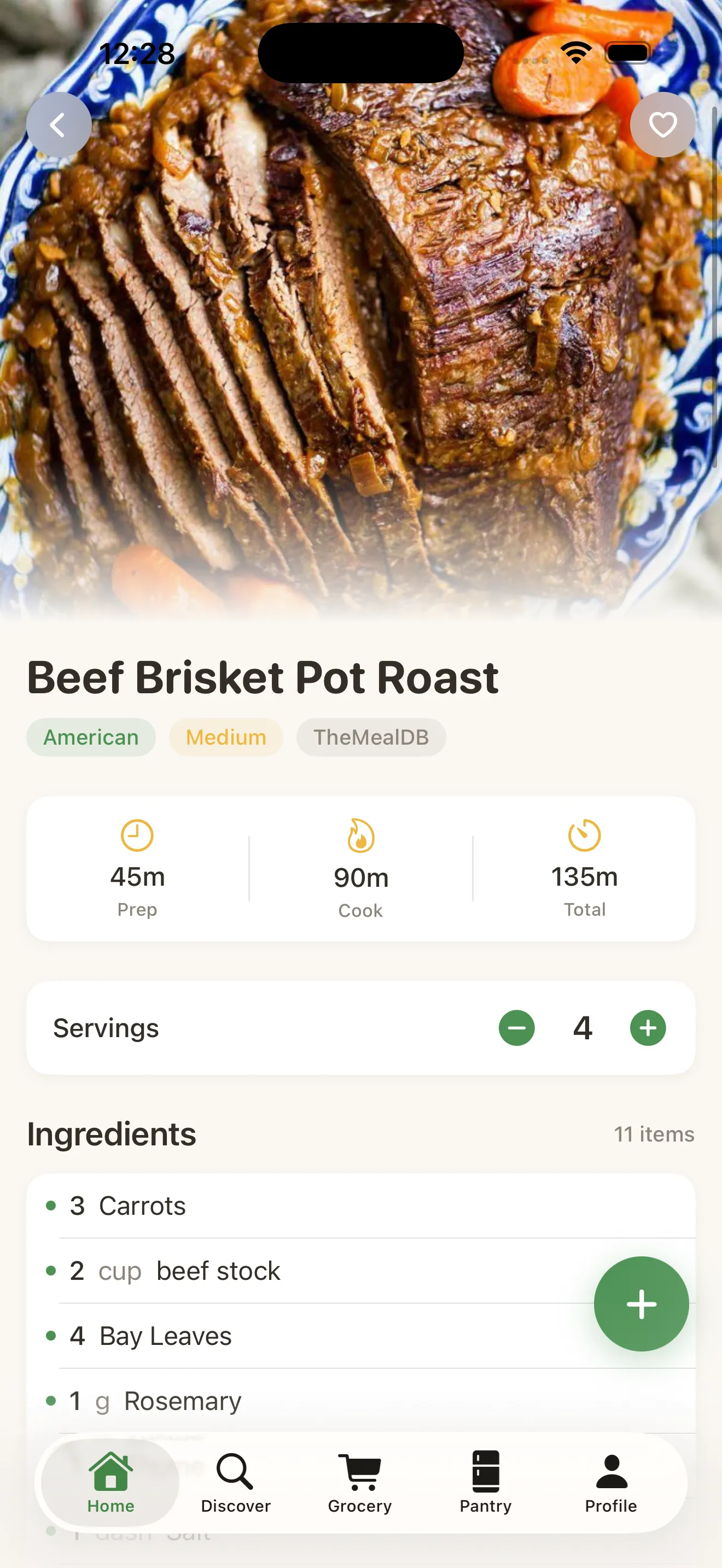
From there, one tap sent whatever she was missing — a fresh bag of rice, a bit more cheese — straight into a grocery list, organized by aisle instead of by recipe. She didn't write anything down. She didn't cross-reference three tabs. If you're comparing how different apps handle this same moment, the guide to what actually matters in a recipe and meal prep app is a good gut check for what to look for beyond flashy recipe photos.
Cooking without the guesswork
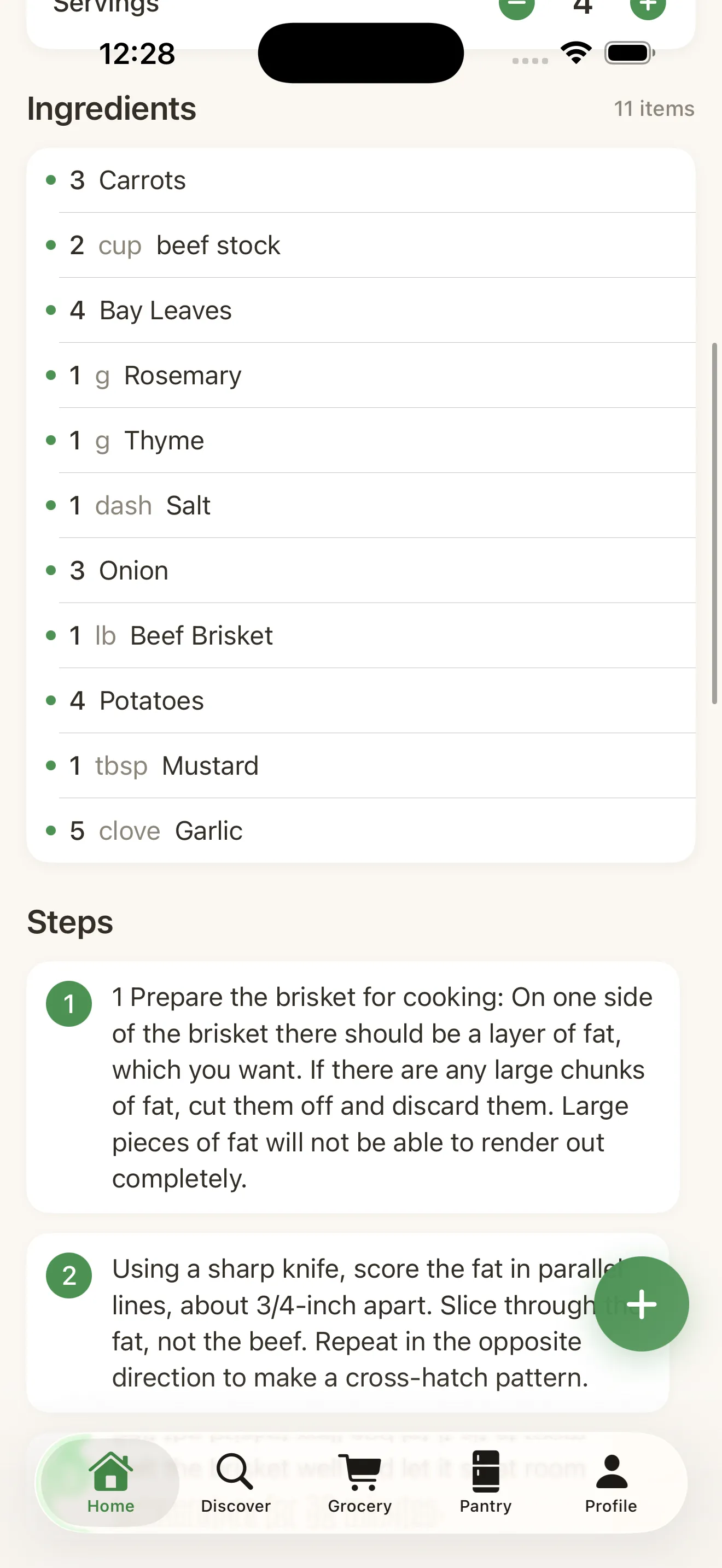
By the time Tuesday's dinner rolled around, Dana wasn't re-reading the recipe on her phone with flour on the screen. She put it into Cook Mode, which walks through each step in order with a built-in timer for the parts that actually need timing — the rice simmering, the chicken resting. She could glance at her phone from across the kitchen instead of hovering over it.
A week later
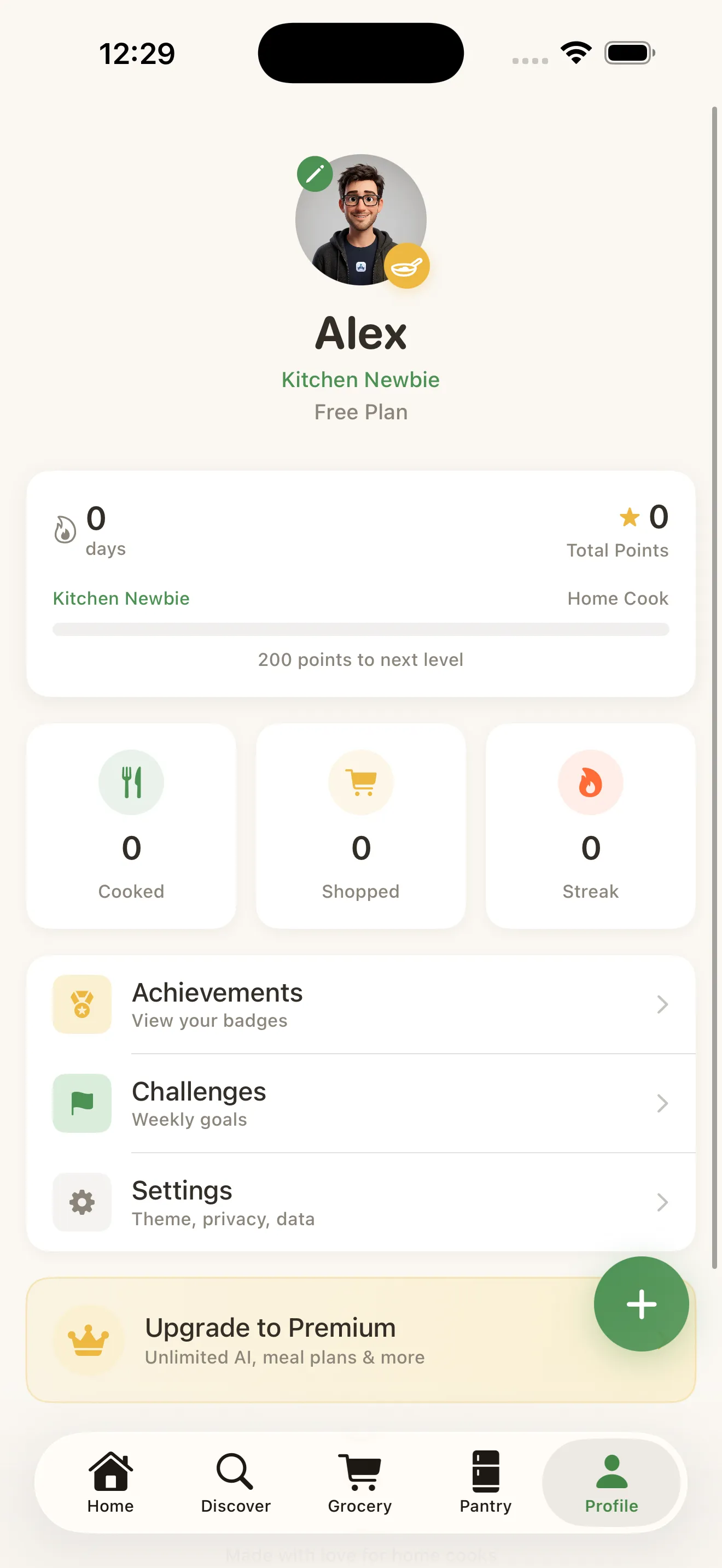
By Sunday again, Dana had cooked four nights out of five without a single takeout order, used up nearly everything that had been sitting in the fridge, and hadn't once had to double-check whether something was safe for her son. Her profile showed a four-day cooking streak, which felt almost beside the point — the real win was that dinner had stopped being a daily emergency. If you're just starting out and want the same start-to-finish flow, this walkthrough of a first meal in MiseMate covers the same path from setup to plate.
For anyone comparing options before committing to a single app, it's worth reading how MiseMate stacks up against the general chaos of bookmarking recipes across five different places — the piece on moving from recipe chaos to confidence lays out that shift plainly.
Common questions
Can MiseMate suggest recipes from what's already in my fridge?
Does scaling a recipe change the nutrition information too?
Do I have to set my allergy preferences every time I search for a recipe?
This article was drafted with AI assistance and reviewed by a human editor before publishing.