How to Make a Pregnancy Bump Time-Lapse on iPhone (That Actually Lines Up)
A practical guide to weekly bump photos: why most time-lapse attempts fall apart, how to keep every photo consistent, and how Little Lapse aligns your whole pregnancy into one keepsake video — privately, on-device.
Why most bump time-lapses fall apart
The idea is simple — one photo a week, then play them back as your bump grows. The execution usually isn't: photos are taken at different distances, angles, and heights, so the finished video jumps around instead of flowing. By the time you notice, you can't reshoot week 14.
Consistency is the whole game. The photos don't need to be professional; they need to match each other.
How to keep every photo consistent
A few habits make an enormous difference: stand the same distance from the camera each time (a floor marker helps), prop your phone at the same height instead of holding it, shoot near a window in daytime for similar lighting, and wear fitted clothing so the bump reads clearly.
Little Lapse builds these habits into the camera: a faint ghost overlay of last week's photo, a grid, and a self-timer make matching your pose effortless — and on-device Smart Align gently places each shot so your bump stays in the same spot, week after week. Missed a few weeks? Backfill photos from your library into the right week and the timeline stays complete.
From weekly photos to a keepsake
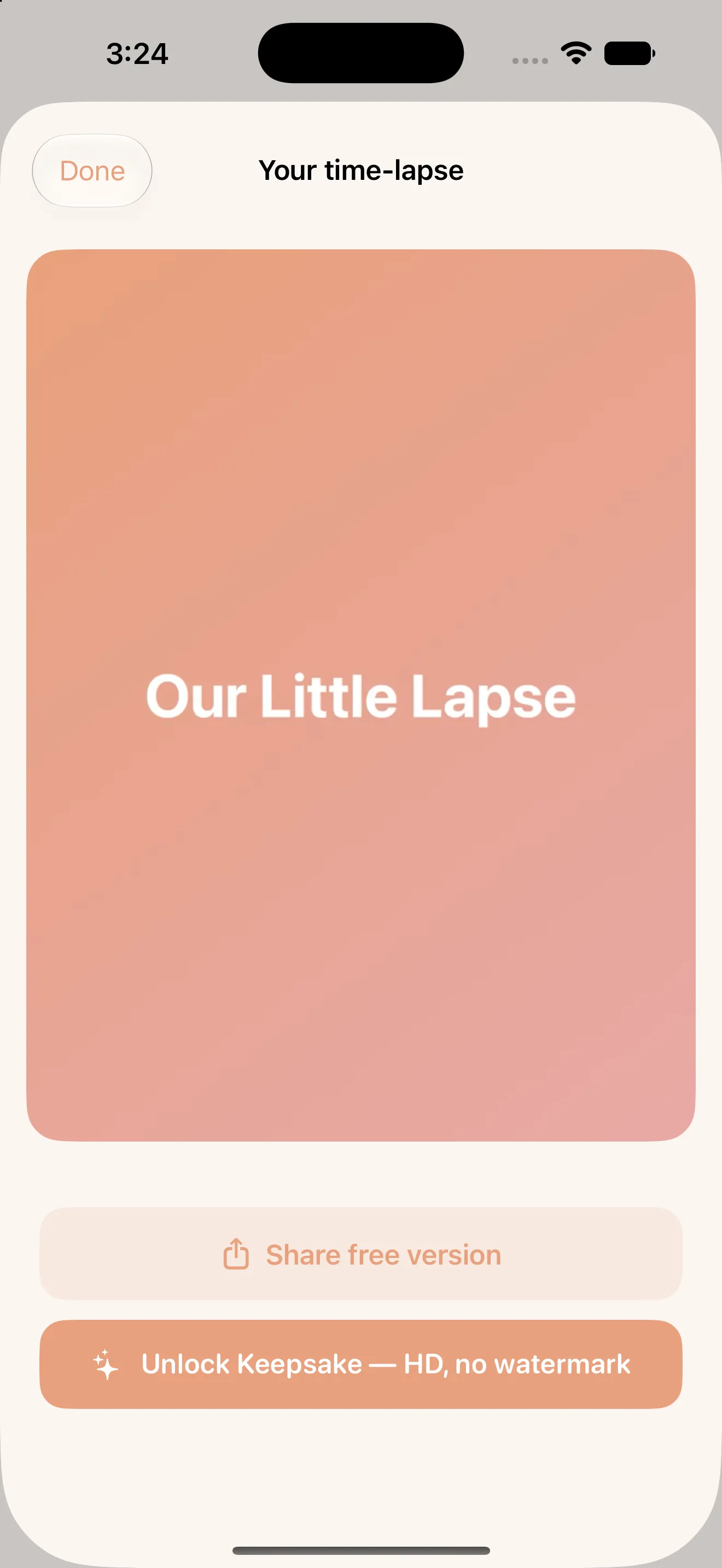
When you're ready, turn your weeks into a time-lapse with a title card, preview it, and share it — free with a small watermark, or in full HD with no watermark via a single one-time Keepsake Unlock. No subscription, because a finished memory shouldn't expire.
And because pregnancy photos are deeply personal, everything stays on your phone: no account, no ads, no tracking, and optional backup that uses your own iCloud. See the Little Lapse product page for screenshots, pricing, and the full privacy policy.