How to Split a Delivery App Order With Friends on iPhone
Split Talabat, Deliveroo, and Uber Eats screenshots fairly—import from Photos, assign items, and share totals without retyping every line with SplitSnap.
Why delivery splits are awkward
One person places the order; everyone else sends vague "I had the burger" messages. Service fees, delivery charges, and promos make mental math even worse.
A screenshot import beats typing twelve menu lines from a tiny phone screen.
Import from Photos in SplitSnap
Save or screenshot the order confirmation, import it into SplitSnap, and let AI extract items the same way it would from a paper receipt.
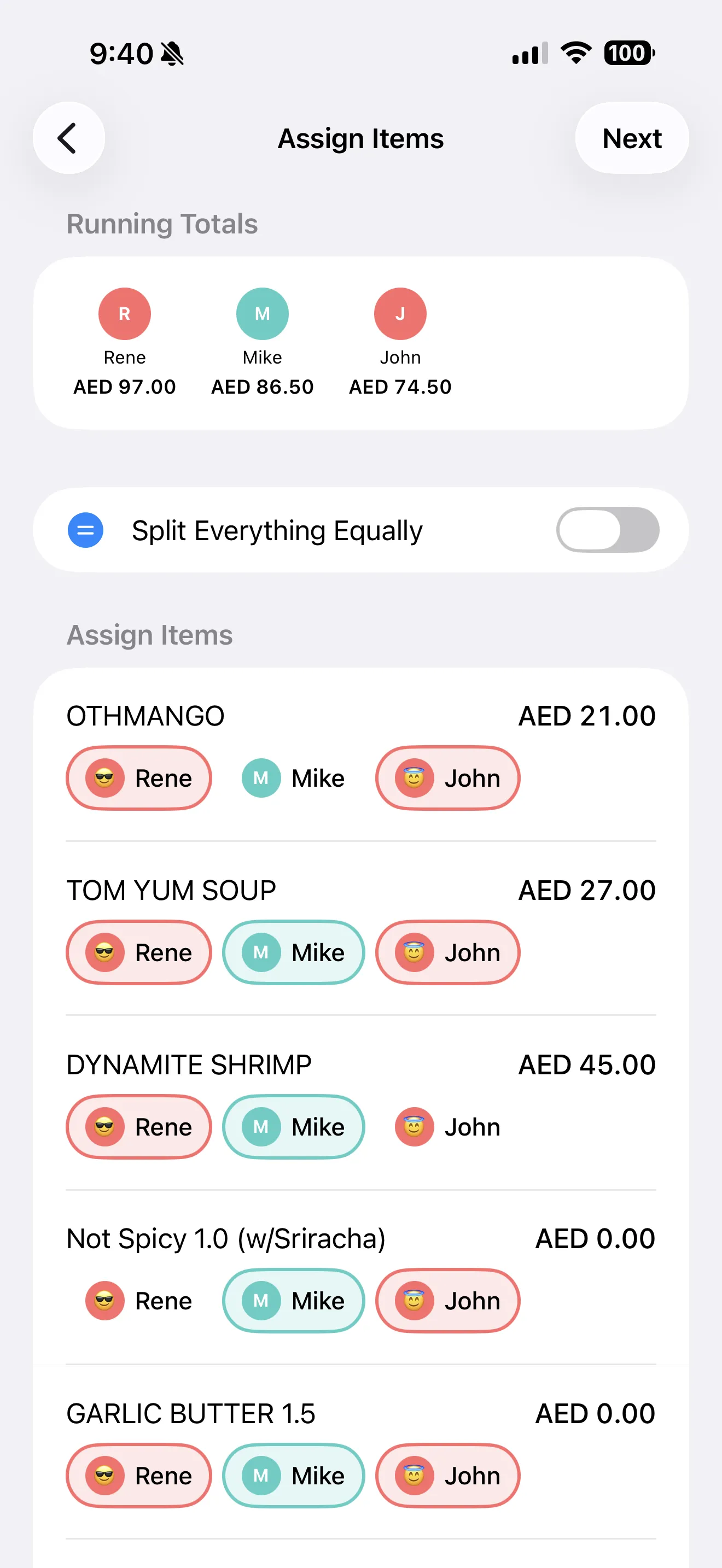
Assign dishes, split shared delivery fees equally or proportionally, and share the card to the group chat where you already coordinate dinner.
Manual entry when AI is overkill
For tip-only splits or simple two-person checks, skip the camera and enter totals directly—SplitSnap supports quick math without a full scan.
History saves every split locally so "how much did I owe again?" takes two taps to answer.